AudioVision (Package Name: stesch.visualplayer) is developed by Štefan Schindler and the latest version of AudioVision Music Player 3.0.1 was updated on November 5, 2026. AudioVision Music Player is in the category of Music & Audio with the feature Identifying Songs. You can check all apps from the developer of AudioVision Music Player and find 200 alternative apps to AudioVision Music Player on Android. Currently this app is for free. This app can be downloaded on Android 5.0+ on APKFab or Google Play. All APK/XAPK files on APKFab.com are original and 100% safe with fast download.
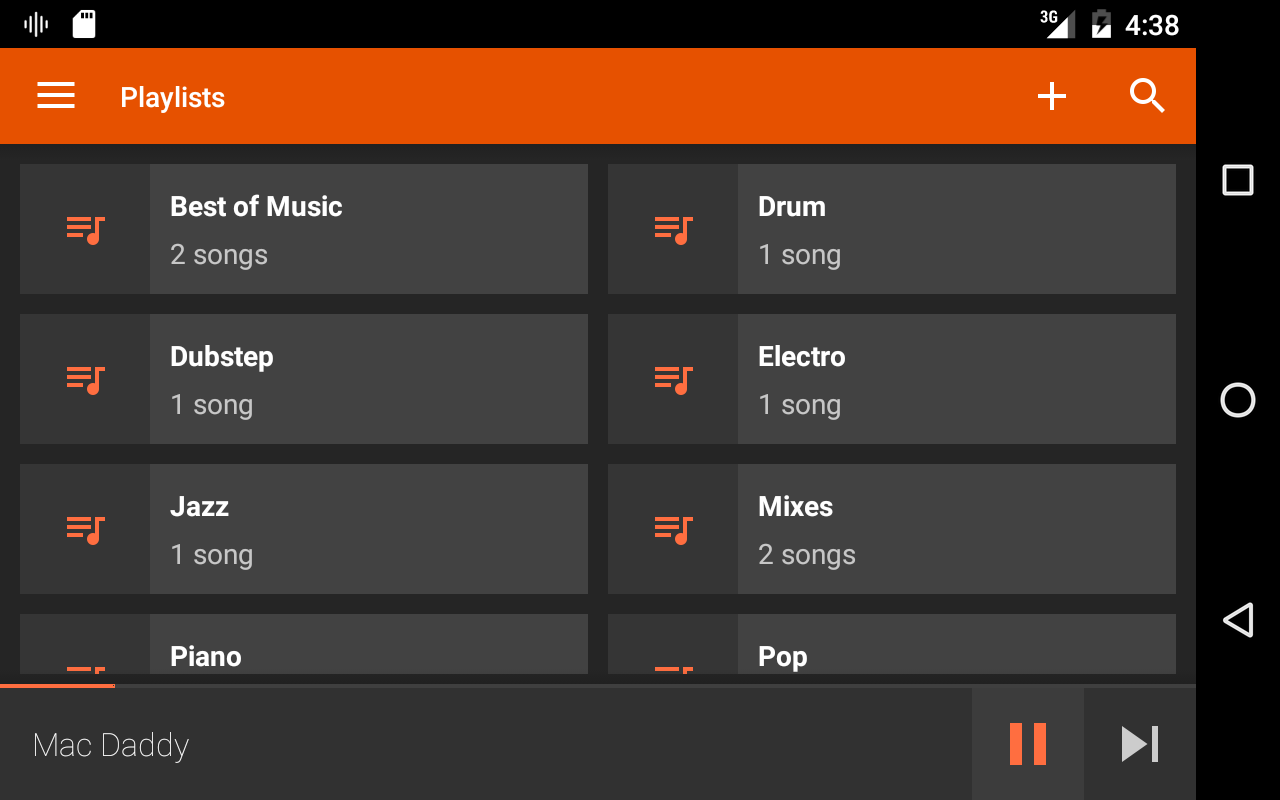
AudioVision is a modernly designed music visualizer that can also be used as a fully featured music player. It allows you to organize your music by albums, artists, and genres, manage playlists, and more. The visualizer includes a dozen carefully prepared design patterns with endless customization possibilities. Playback can also be controlled using widgets, notifications, or the lock screen. The user interface follows Material Design principles for a seamless user experience. Features: - Organize music by artists, genres, playlists, albums, and more - Built-in, highly customizable music visualizer with user-defined backgrounds, logos and colors - Enhance playback using an equalizer to adjust sound levels - Fresh, modern Material Design user interface - Small app size - Multi-size widgets and lock screen controls - Seamless song playback via queue - Mark your best songs as favorites - Create, delete, rename, and modify playlists Note: If you have any problems or questions, please read the FAQ: http://www.stefanschindler.info/software/audiovision/
AudioVision 3.0.1 Update
• Live Wallpaper (Pro): your visualizer on the home screen, moving to the music you play. • Video export: new aspect ratios (4:3, 21:9, 5:4, 1:1) and an Instagram post format (4:5) • Text layers: set a width; long lines can wrap, scroll or end in "…"; outline with its own color • Screen mirroring works again (car screens, TVs, casting) • Fixes and polish
UI overhaul New visualisers Each visualizer now can have multiple presets - vertical swipe Add image and text layers Android Auto support Sleep timer Folder view Pro (one-time purchase): Save as Video (MP4) and all Pro visualisers without watermark
APKFab.com and the download link of this app are 100% safe. All download links of apps listed on APKFab.com are from Google Play Store or submitted by users. For the app from Google Play Store, APKFab.com won't modify it in any way. For the app submitted by users, APKFab.com will verify its APK signature safety before release it on our website.