AtomicClock (Package Name: partl.atomicclock) is developed by Timo Partl and the latest version of AtomicClock: Exact NTP Time 2.1.22 was updated on August 6, 2026. AtomicClock: Exact NTP Time is in the category of Tools. You can check all apps from the developer of AtomicClock: Exact NTP Time and find 200 alternative apps to AtomicClock: Exact NTP Time on Android. Currently this app is for free. This app can be downloaded on Android 10.0+ on APKFab or Google Play. All APK/XAPK files on APKFab.com are original and 100% safe with fast download.
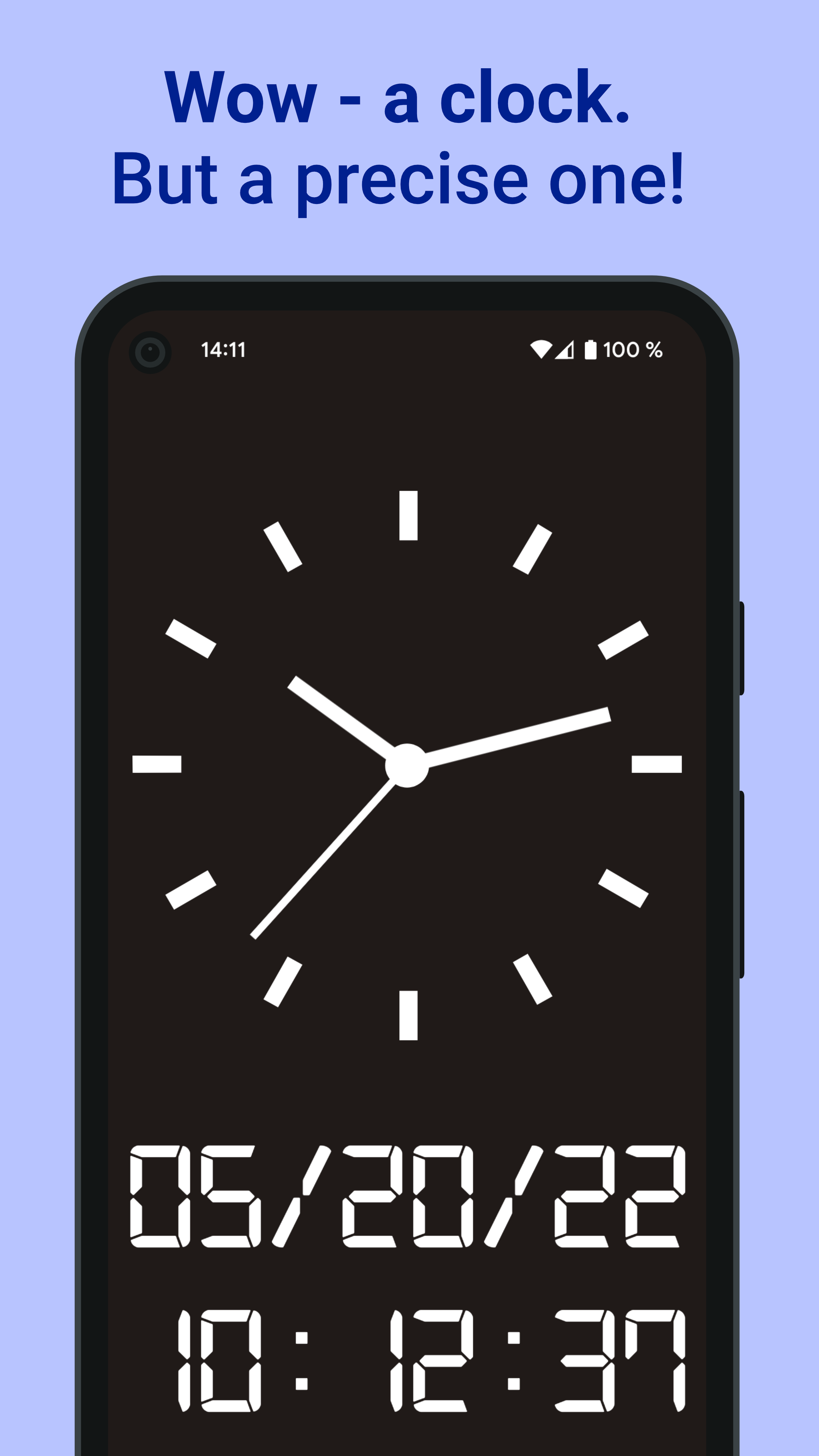
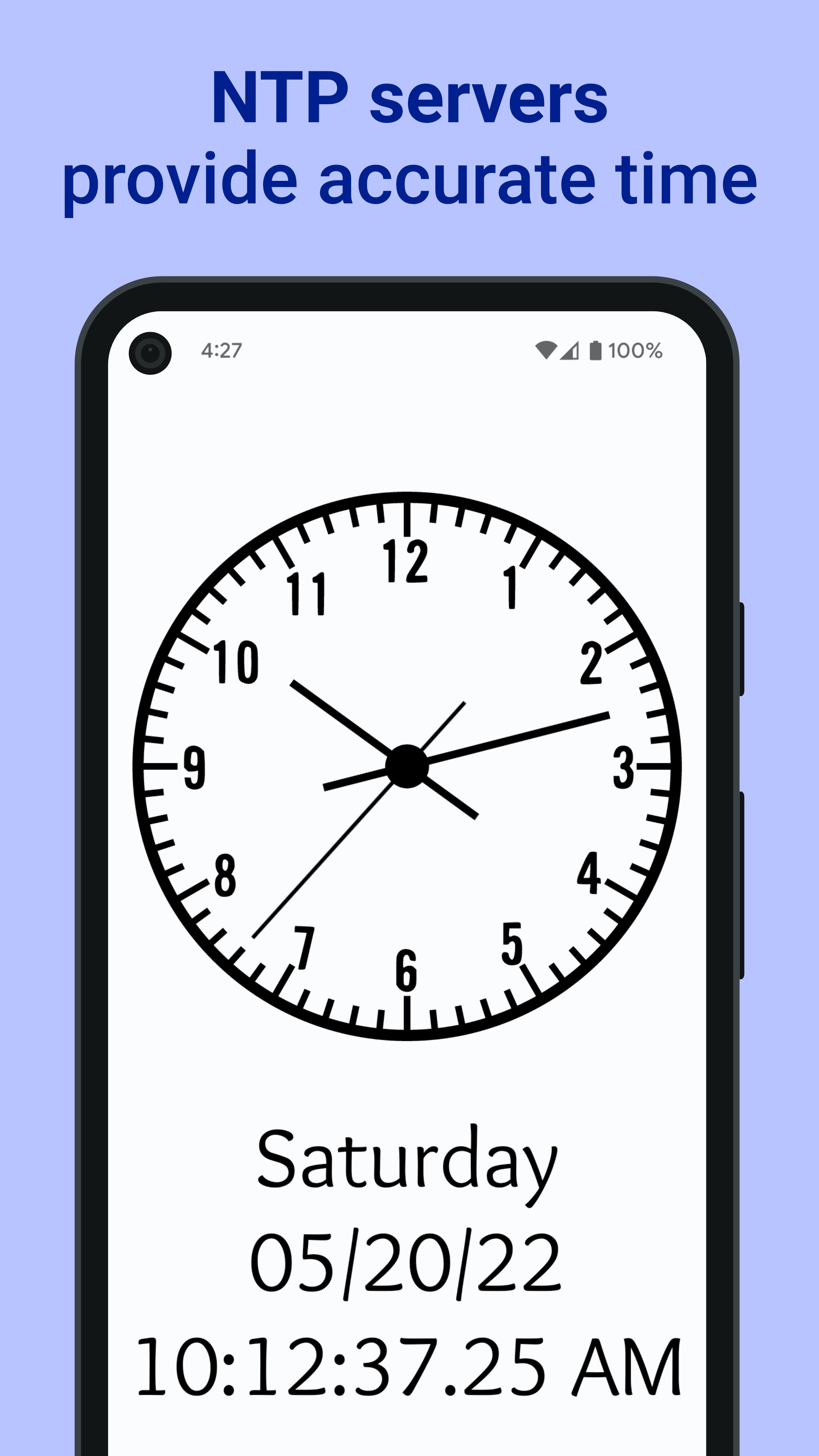
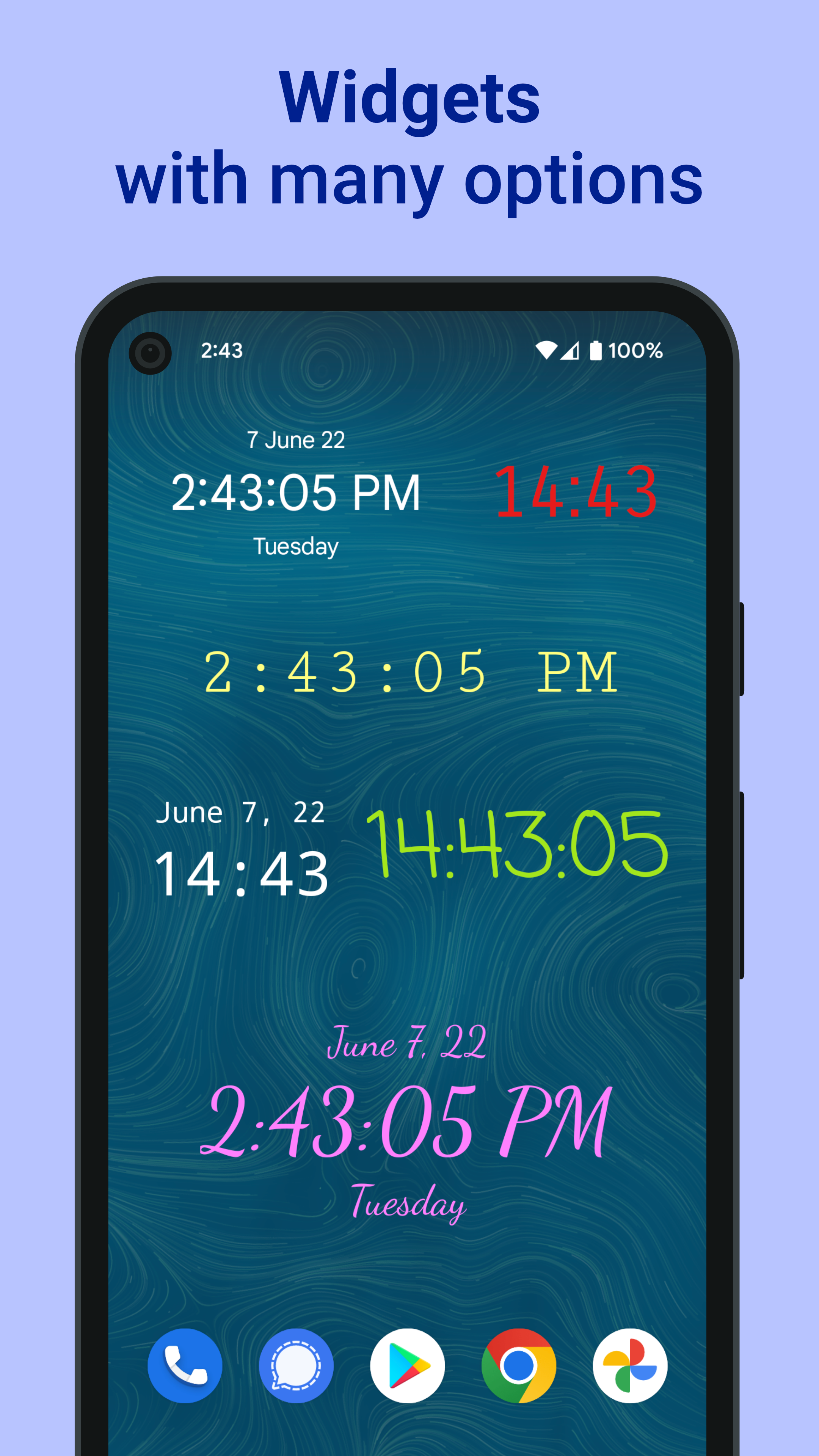
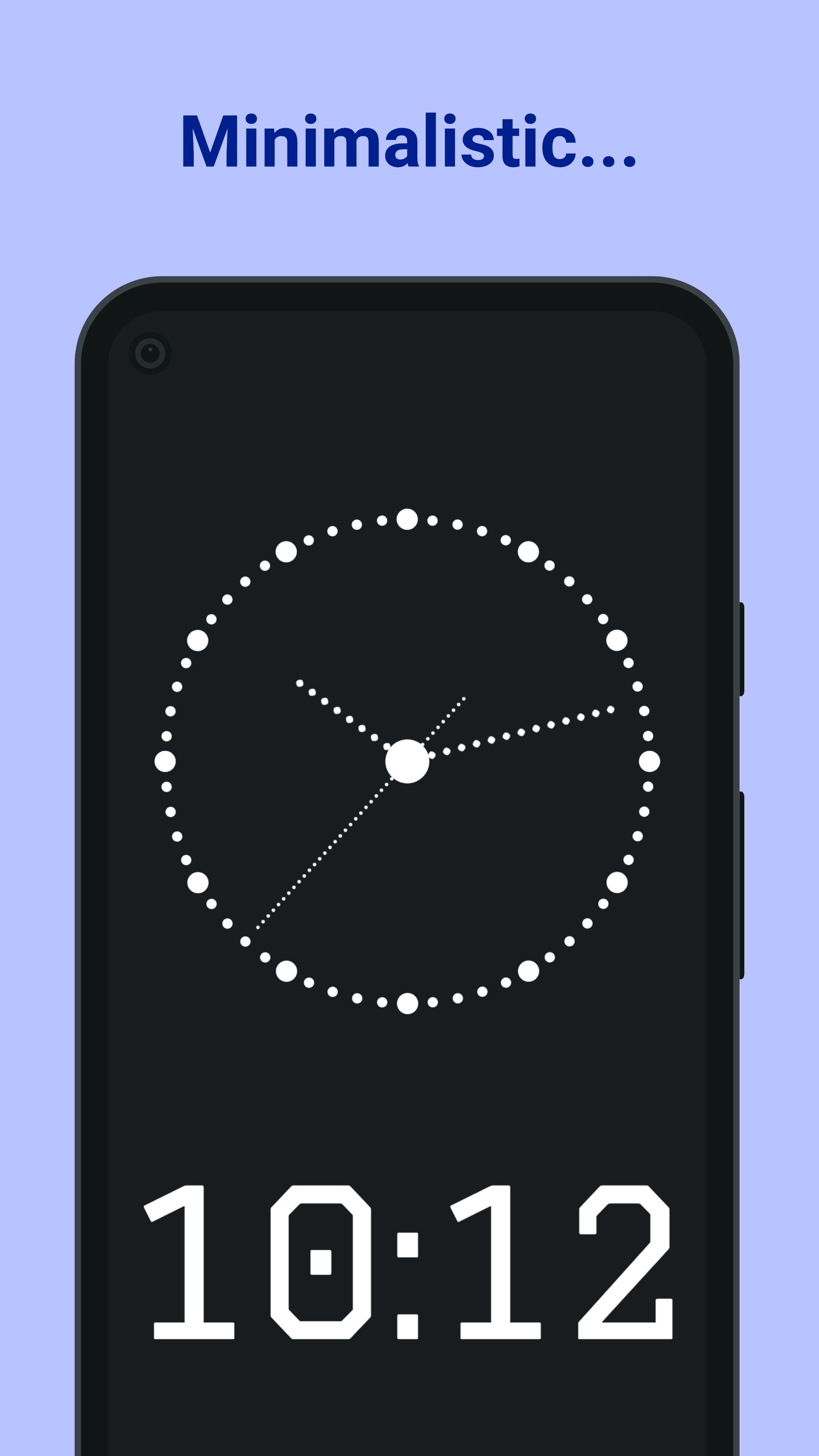
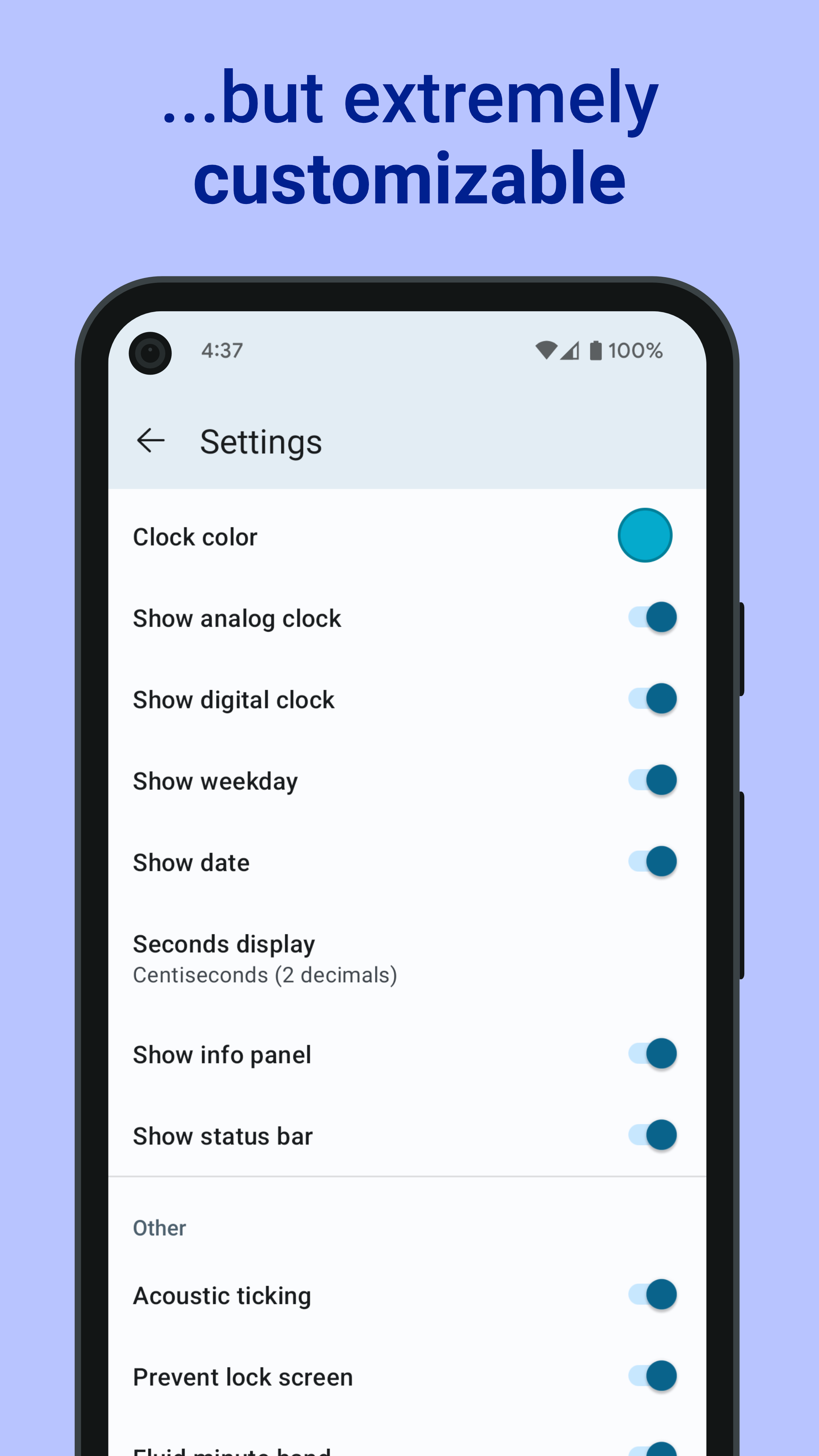
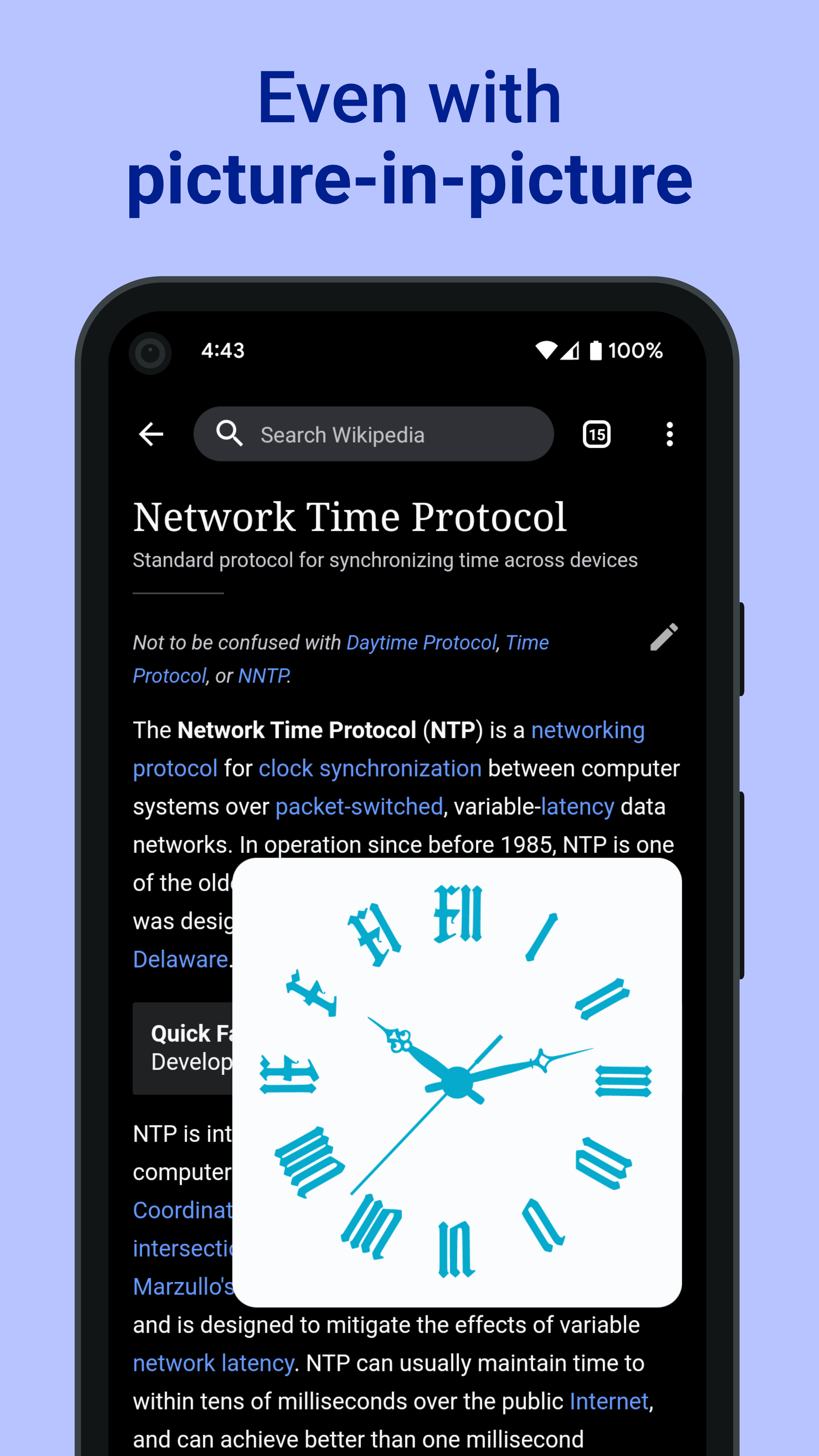
Need the exact time to set a watch, align a wall clock, compare UTC, or catch a moment where seconds matter? AtomicClock shows precise reference time from NTP time servers in a clear analog or digital clock. NTP servers provide network time referenced to atomic clocks. Choose a predefined or custom time server, then view local time or a UTC clock in 12-hour or 24-hour format. Use AtomicClock as an NTP clock, precision clock, reference clock, or seconds clock for manual time checks. Practical ways to use AtomicClock • Set a watch, wall clock, camera, or other device manually • Compare local time with UTC • Check precise time before an event or scheduled task • Keep a clear clock visible while you work using picture-in-picture with Pro Clock display and signal options • Analog clock and digital clock views • Custom time formats, clock faces, hands, and fonts • Smooth, fluid second-hand movement • Optional acoustic ticking sounds • Greenwich Time Signal • Home screen clock widget with time and date • Tap actions to hide information, freeze the display, or mute ticking For technical NTP checks, view details such as the selected time server, round-trip time, and stratum. Accuracy depends on the server, network conditions, and device behavior. AtomicClock is designed for reference time and manual clock sync. It does not automatically change device system time. The home screen widget uses system time for technical and battery reasons. AtomicClock is free to use. AtomicClock Pro adds preferred clock styles and fonts, many widget customization options, all tap actions, picture-in-picture, and ad removal. Pro is a one-time purchase through your Google Play account with no subscription.
AtomicClock 2.1.22 Update
• Redesigned the color picker for app and widget colors, with presets, a color wheel, and brightness control
• Pro: widget backgrounds can now be customized with color and opacity, and default widget colors follow your Android theme better
• Settings now use clearer icons to make customization options easier to scan
• Custom NTP servers now support host:port entries and better validation before saving
• Redesigned the color picker for app and widget colors, with presets, a color wheel, and brightness control
• Pro: widget backgrounds can now be customized with color and opacity, and default widget colors follow your Android theme better
• Settings now use clearer icons to make customization options easier to scan
• Custom NTP servers now support host:port entries and better validation before saving
• Redesigned the color picker for app and widget colors, with presets, a color wheel, and brightness control
• Pro: widget backgrounds can now be customized with color and opacity, and default widget colors follow your Android theme better
• Settings now use clearer icons to make customization options easier to scan
• Custom NTP servers now support host:port entries and better validation before saving
APKFab.com and the download link of this app are 100% safe. All download links of apps listed on APKFab.com are from Google Play Store or submitted by users. For the app from Google Play Store, APKFab.com won't modify it in any way. For the app submitted by users, APKFab.com will verify its APK signature safety before release it on our website.