Application Lock (Package Name: com.dev.applicationlock) is developed by Divyesh Devlani and the latest version of App Lock - Photo & Video Vault 1.6.5 was updated on June 23, 2026. App Lock - Photo & Video Vault is in the category of Tools. You can check all apps from the developer of App Lock - Photo & Video Vault and find 104 alternative apps to App Lock - Photo & Video Vault on Android. Currently this app is for free. This app can be downloaded on Android 6.0+ on APKFab or Google Play. All APK/XAPK files on APKFab.com are original and 100% safe with fast download.
Protect your privacy with a powerful and easy-to-use app lock and secure vault. Lock apps, hide private photos and videos, and keep important files safe from unauthorized access.
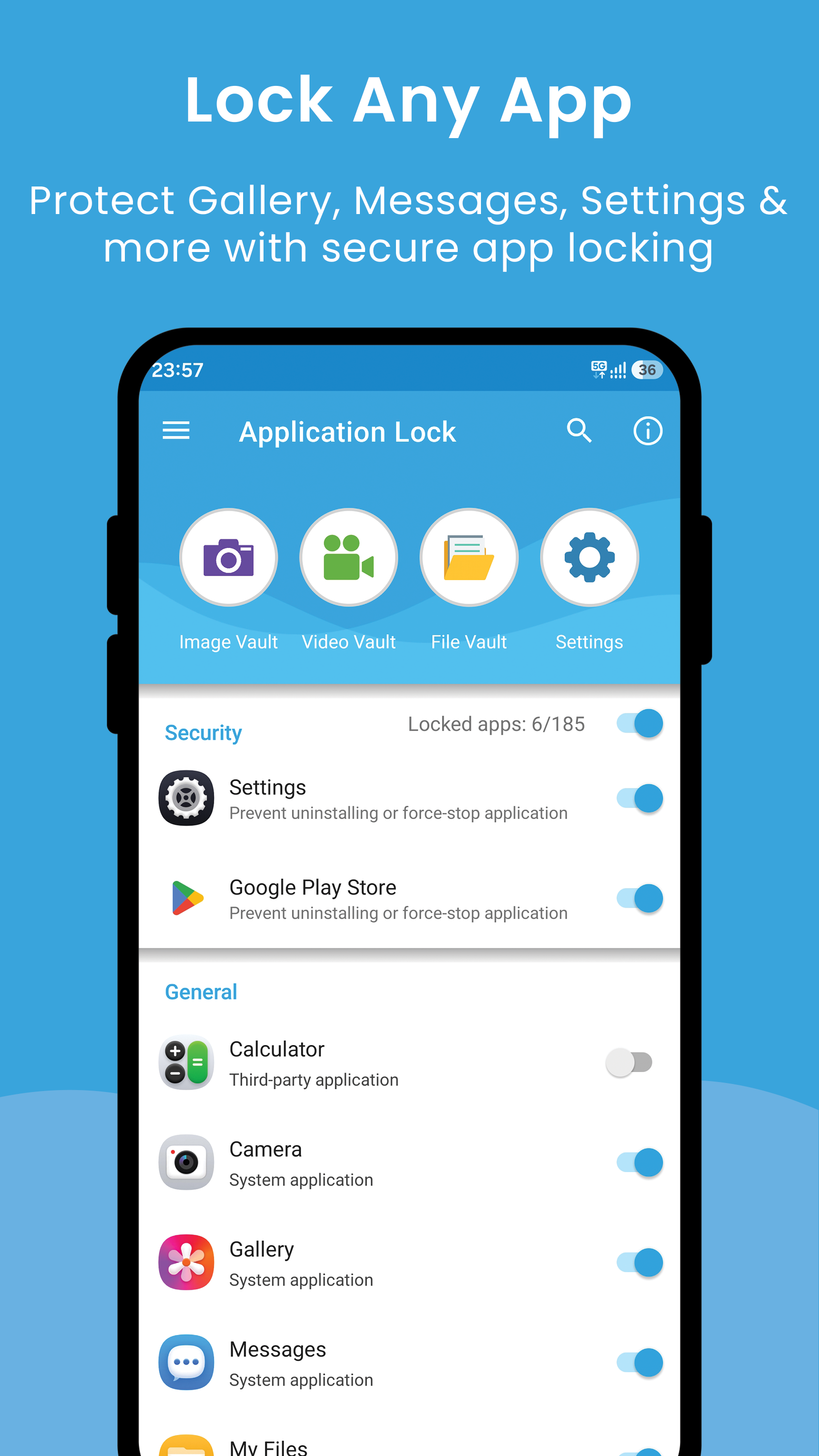
Lock Any AppLock Gallery, Messenger, SMS, Contacts, Email, Settings, or any installed app. Prevent unauthorized access and protect your personal information.
Perfect for protecting your privacy, keeping your data safe, and preventing accidental changes when kids use your device.
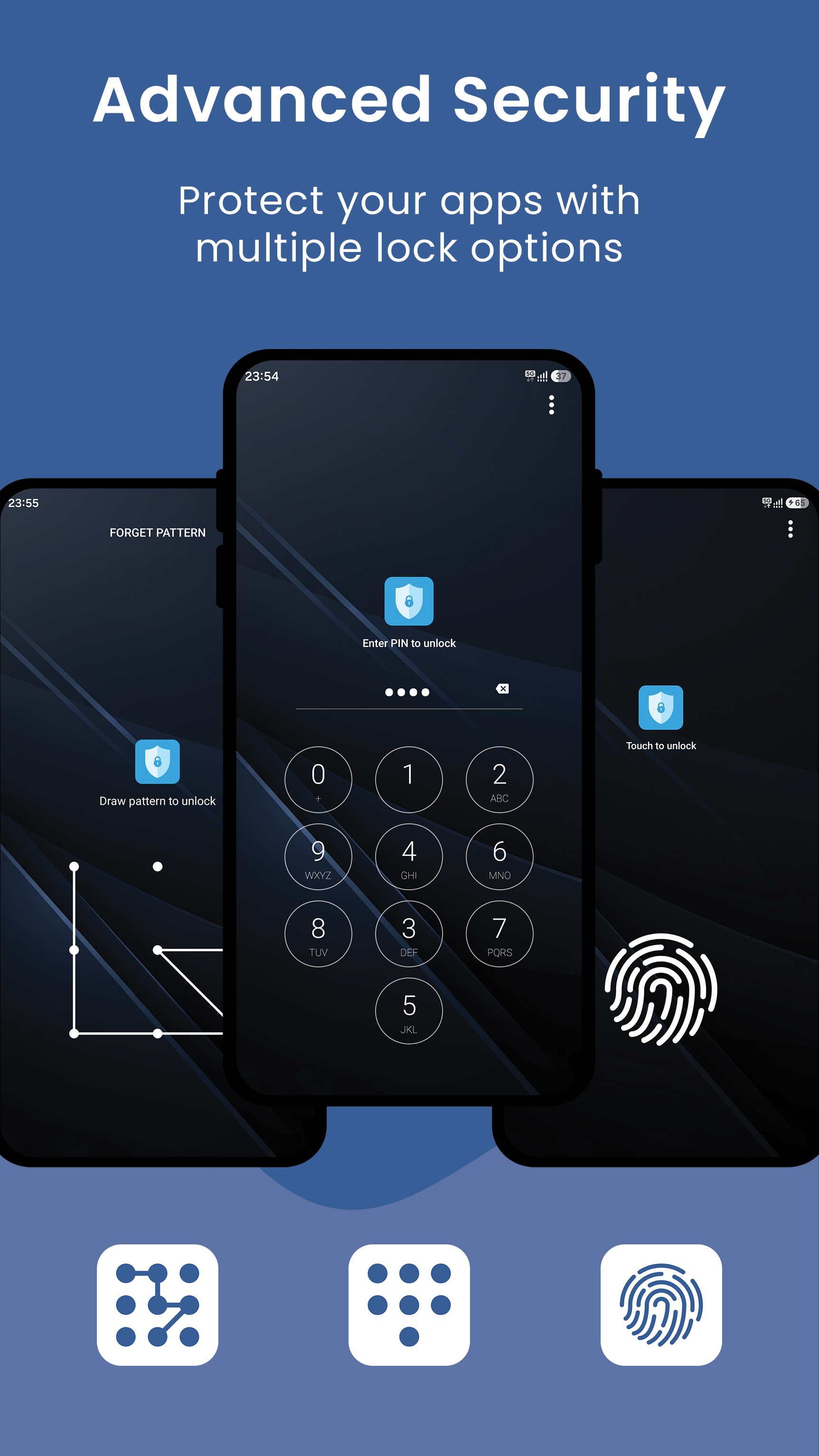
Secure App LockChoose the protection method that suits you:
• PIN Lock with random keypad security
• Pattern Lock with optional invisible pattern
• Fingerprint Unlock on supported devices
Your protected apps remain secure at all times.
Hide Photos SecurelyHide private photos from your gallery and store them safely inside a secure Photo Vault. Your personal memories stay private and protected.
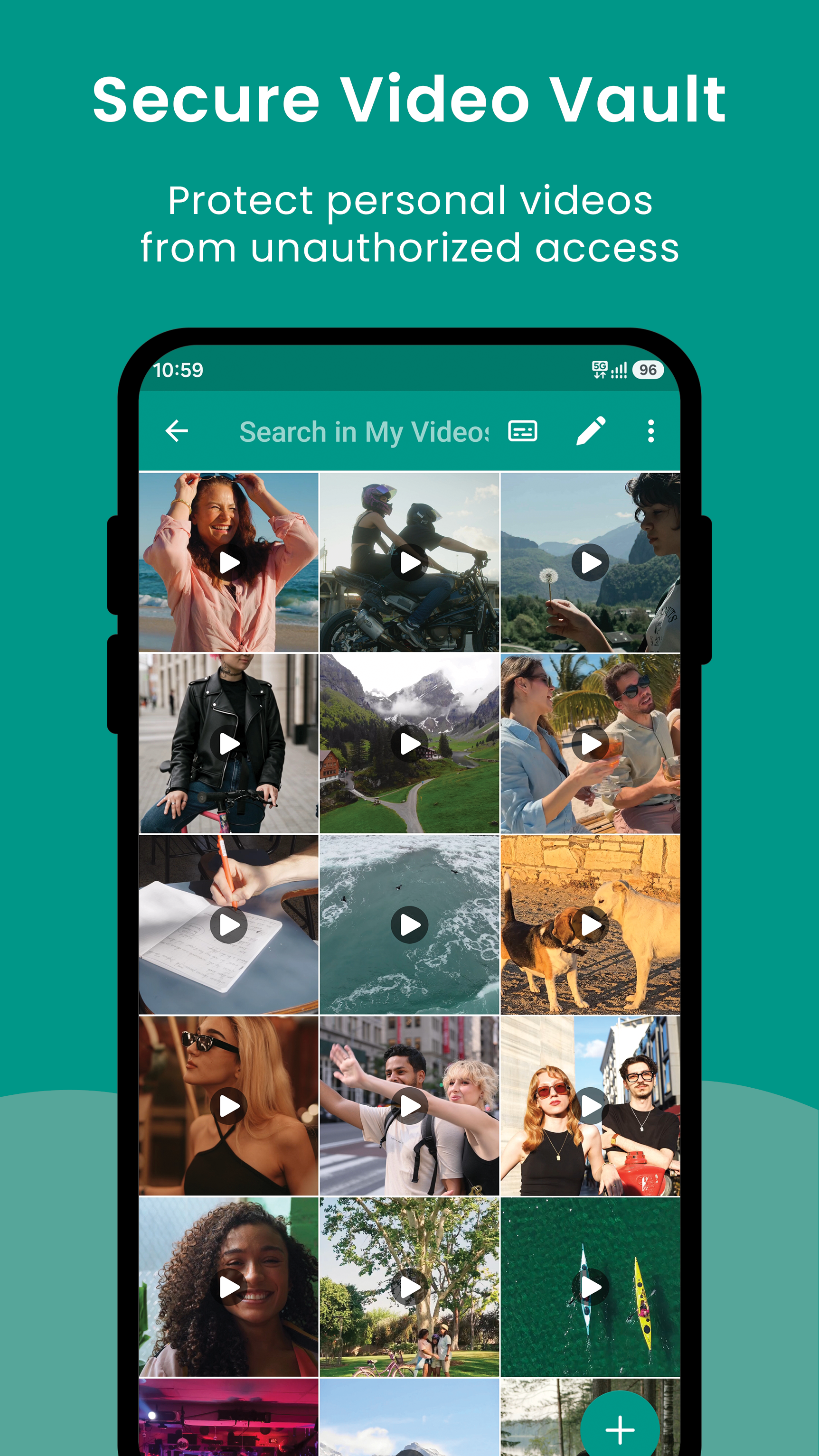
Hide Videos SecurelyMove personal videos into a protected Video Vault and prevent unauthorized access to sensitive media.
Protect Important FilesStore documents and personal files inside a secure File Vault and keep confidential information protected.
External SD Card SupportHide photos and videos directly on your external SD card. Your media stays protected without consuming valuable internal storage space.
Disguise App IconIncrease privacy by changing the app icon to look like common apps:
• Clock
• Calculator
• Weather
• Calendar
• Notes
• Browser
• Radio
Choose an icon that best suits your preferences.
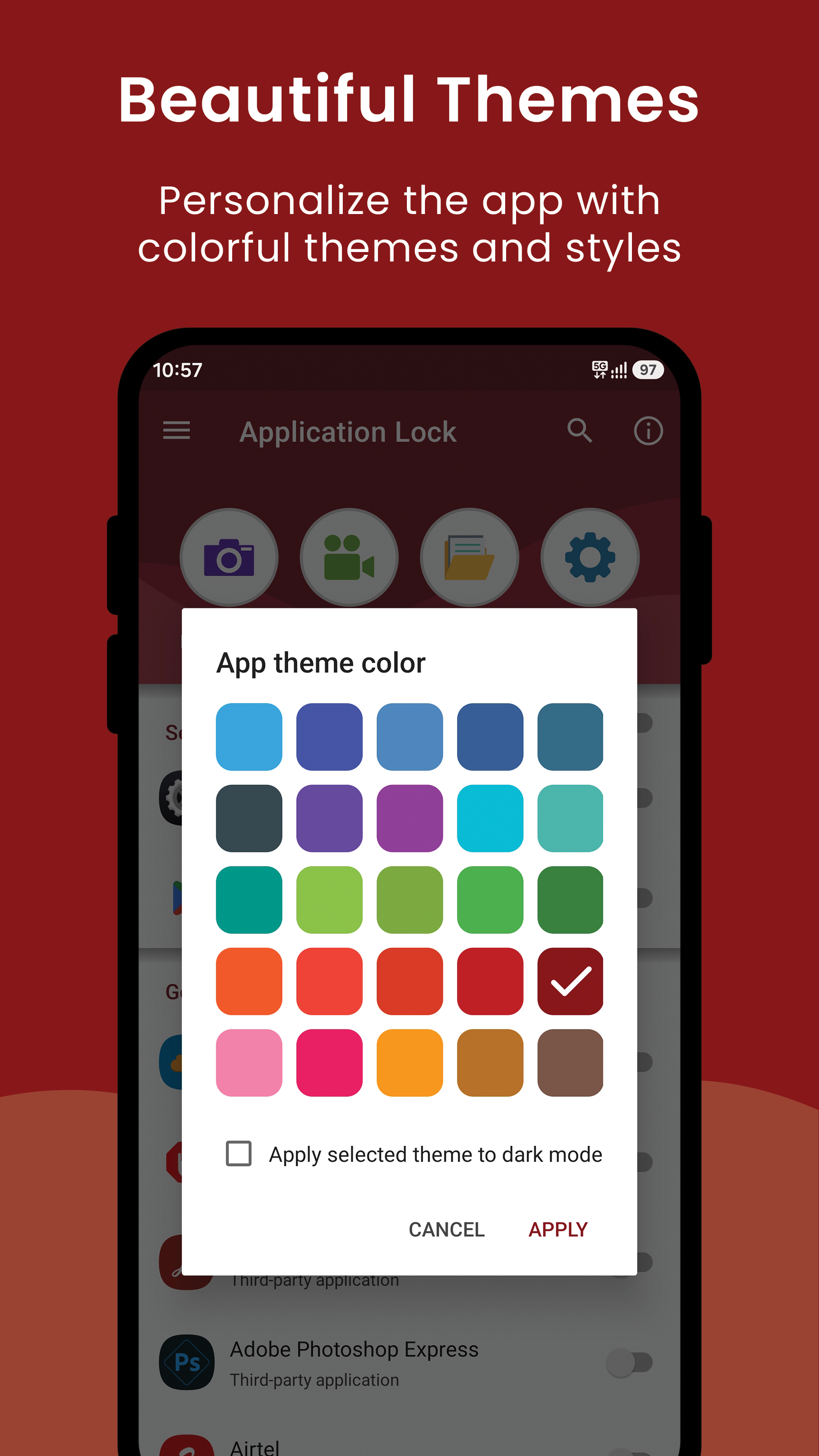
Customize Your ExperiencePersonalize the app with 25 beautiful theme colors and choose the appearance you like most.
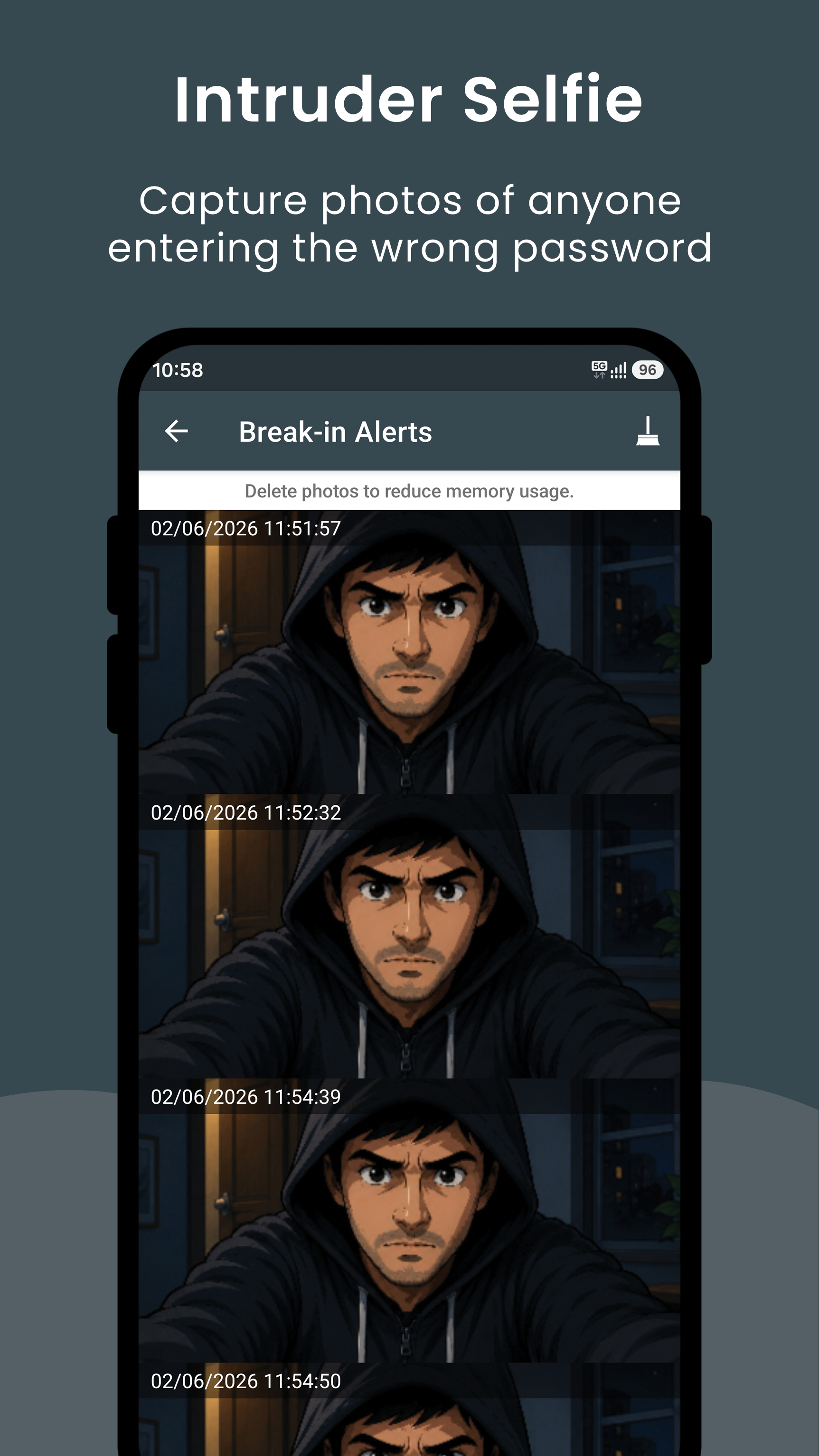
Intruder SelfieAutomatically captures a photo when someone enters an incorrect password. Easily see who attempted to access your protected apps.
Key Features• App Lock for any installed app
• Hide photos securely
• Hide videos securely
• Secure file vault protection
• PIN, Pattern & Fingerprint security
• Random keypad protection
• Invisible pattern lock
• Lock system settings
• Prevent unauthorized app access
• External SD card vault support
• Disguised app icon options
• 25 customizable themes
• Fast, lightweight and easy to use
Permissions Information• Camera – Used only for Intruder Selfie to capture a photo after failed unlock attempts.
• All Files Access – Required to securely hide, move, and protect photos, videos, and files inside the vault, including media stored on external SD cards.
• Usage Access Permission – Required to detect when protected applications are launched so the lock screen can be displayed.
• Display Over Other Apps – Required to display the lock screen over protected applications when they are opened.
SupportIf you have any questions, feedback, or need assistance, please contact us at
[email protected].