Blocker (Package Name: com.my.blocker) is developed by MediPic_Studio and the latest version of App Locker App lock With fingerprint for All Apps 3.0.1 was updated on September 26, 2021. App Locker App lock With fingerprint for All Apps is in the category of Personalization. You can check all apps from the developer of App Locker App lock With fingerprint for All Apps. Currently this app is for free. This app can be downloaded on Android 6.0+ on APKFab or Google Play. All APK/XAPK files on APKFab.com are original and 100% safe with fast download.
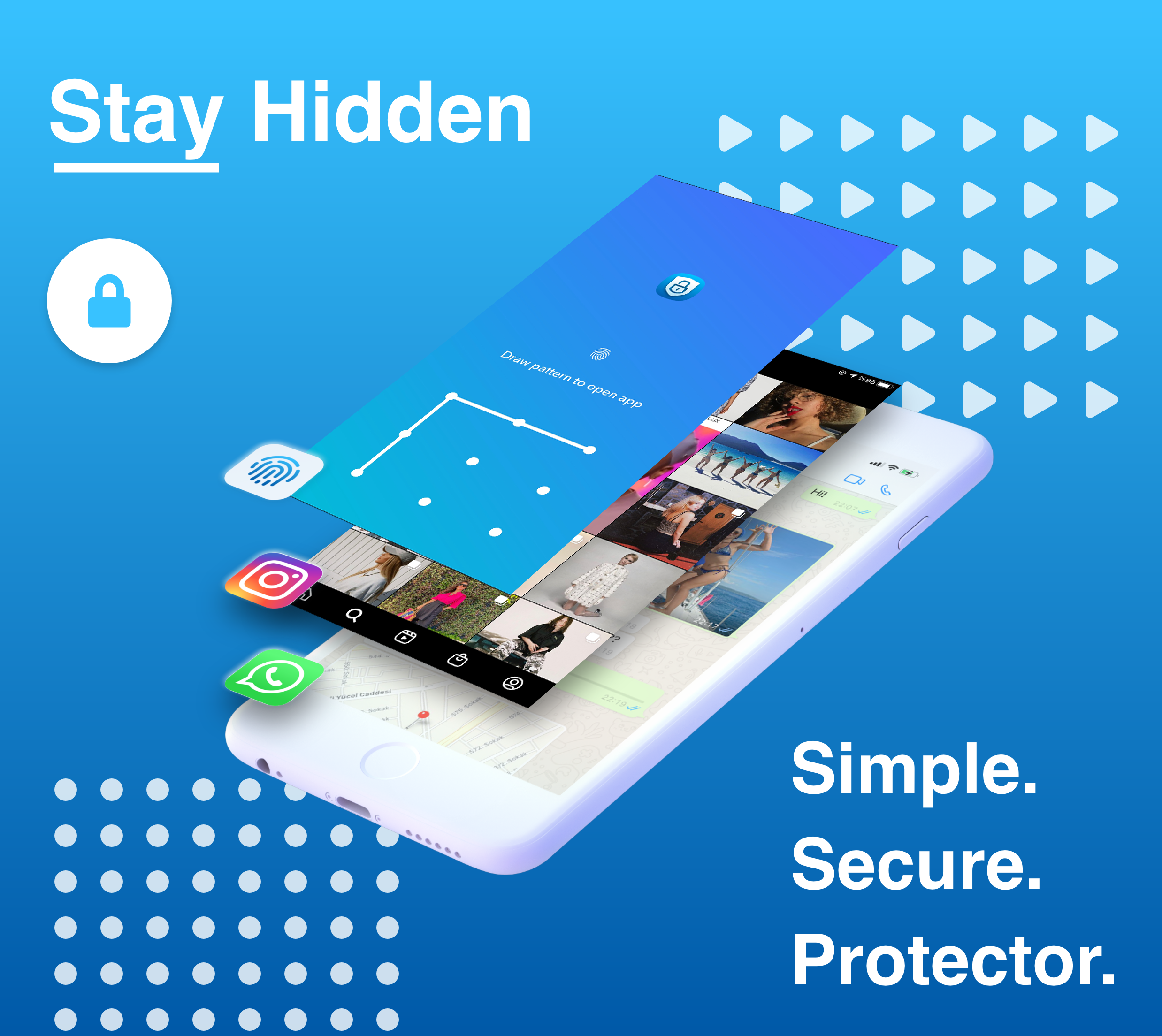
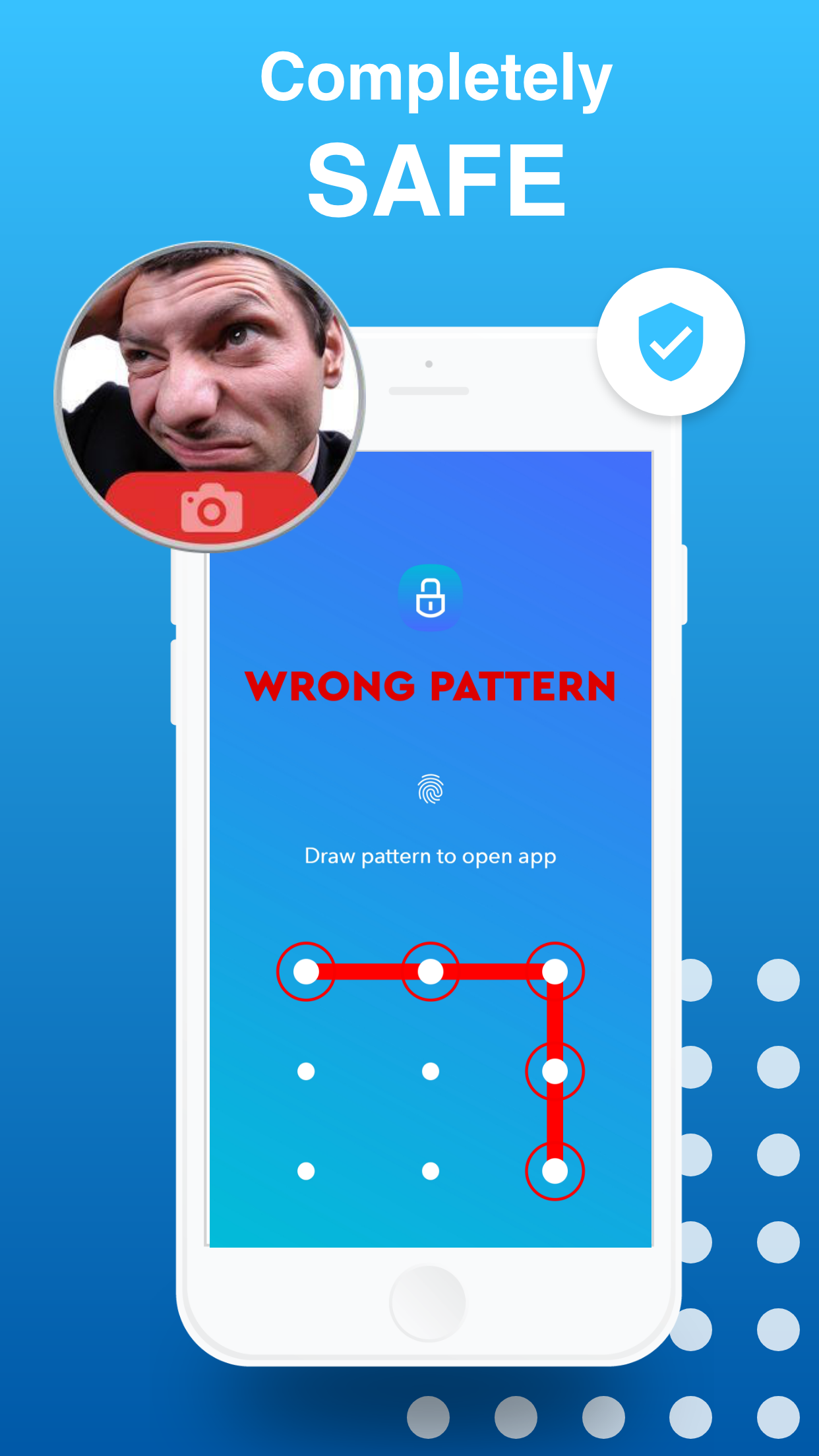
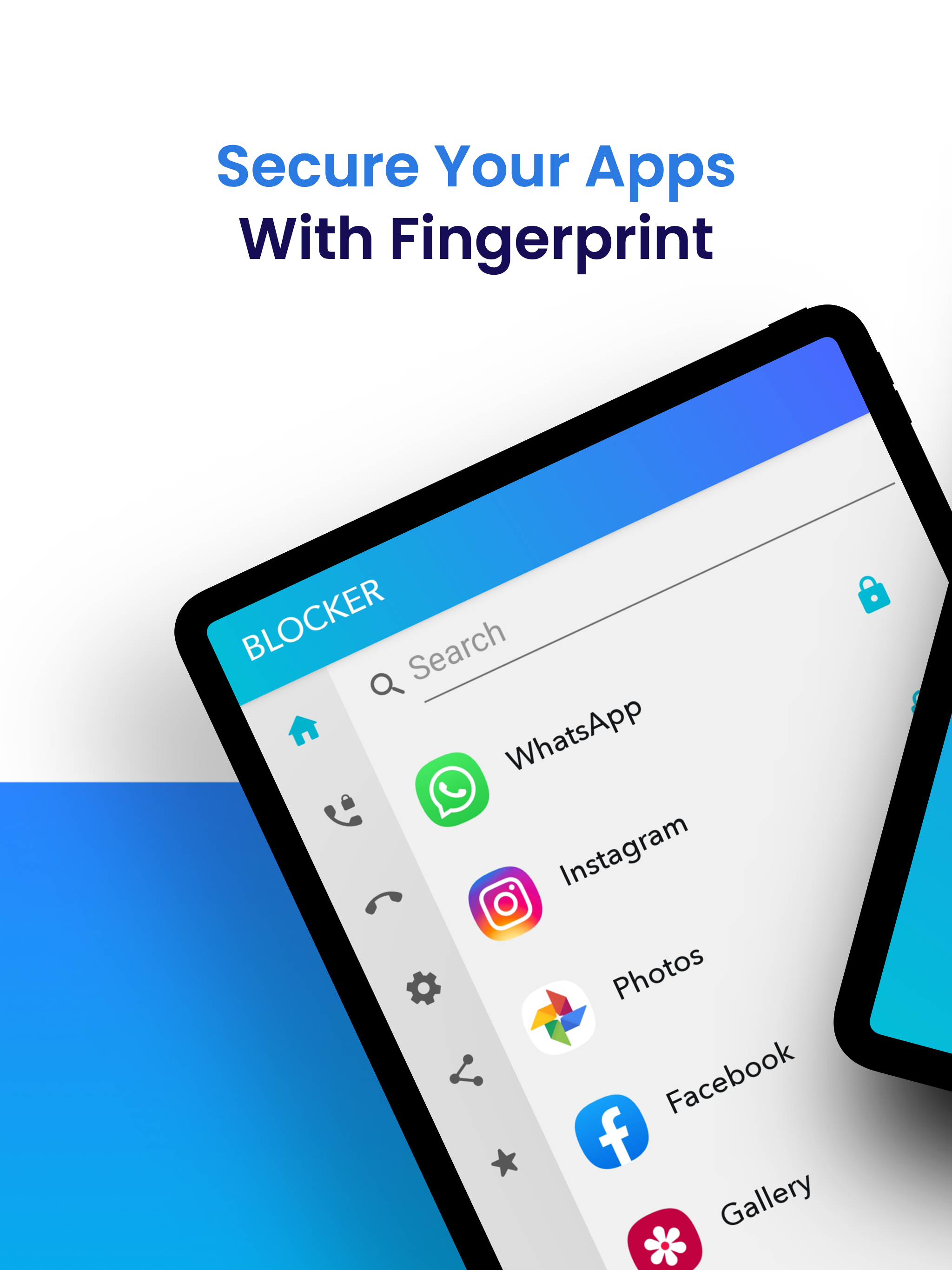
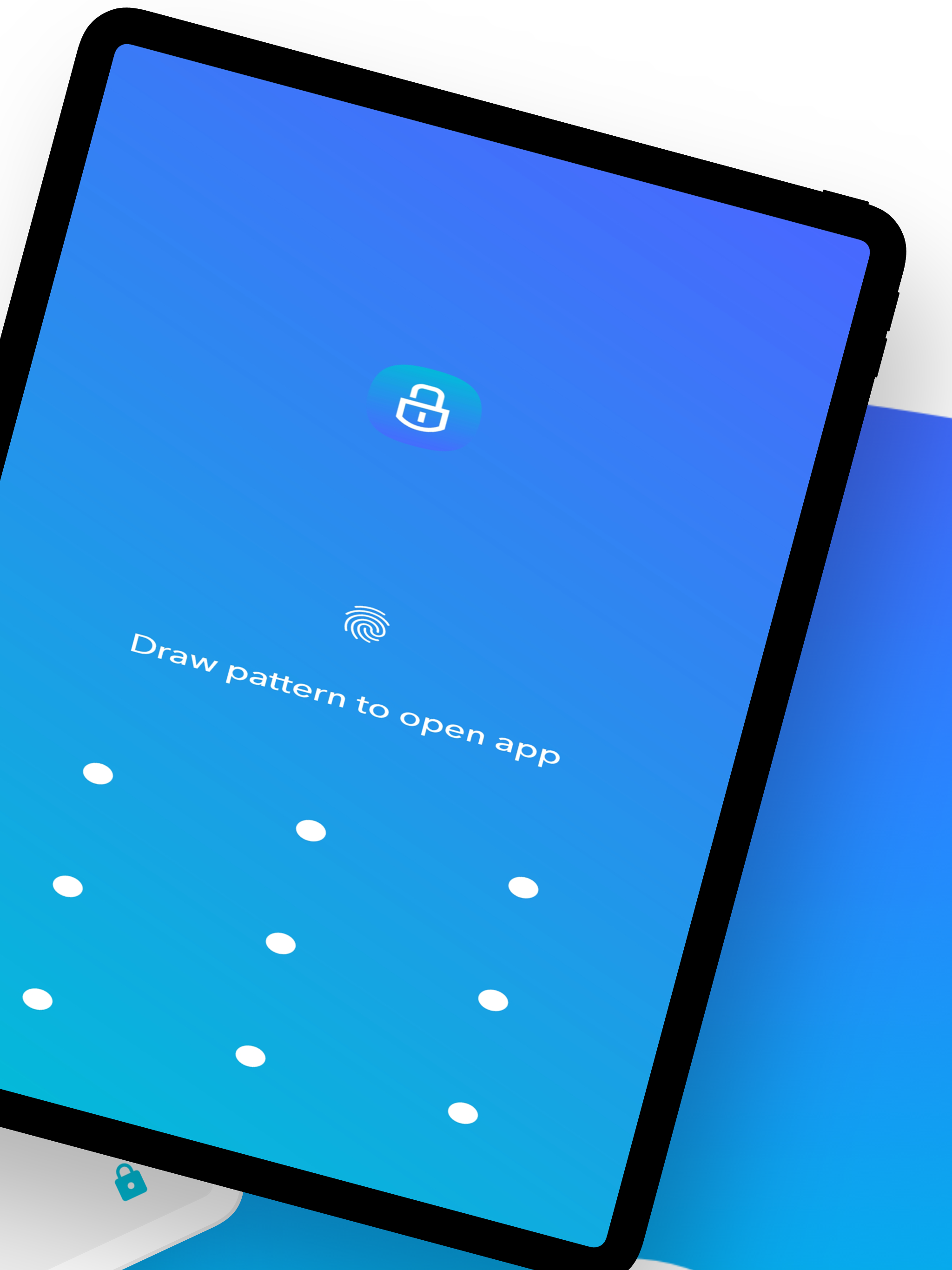
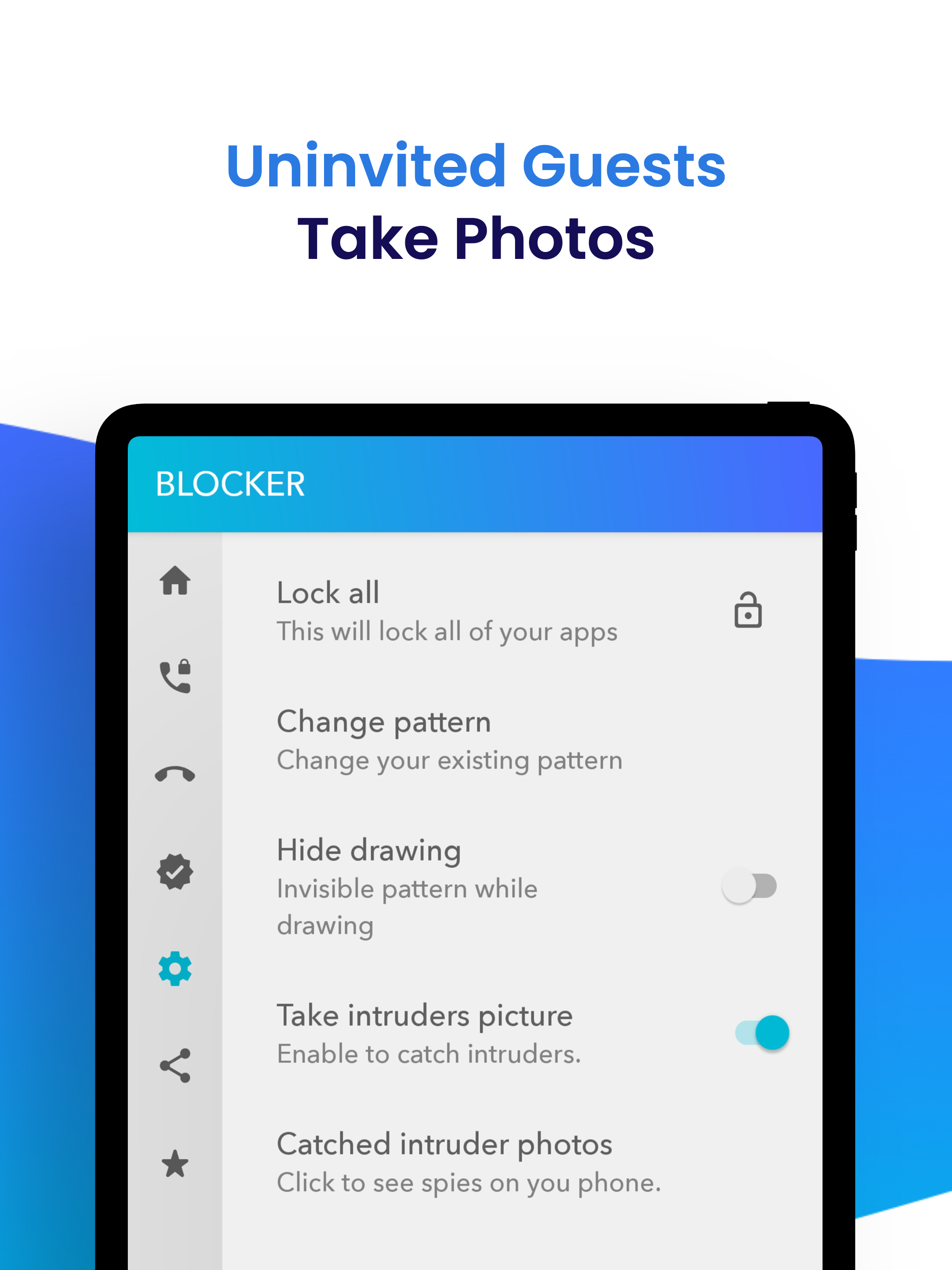
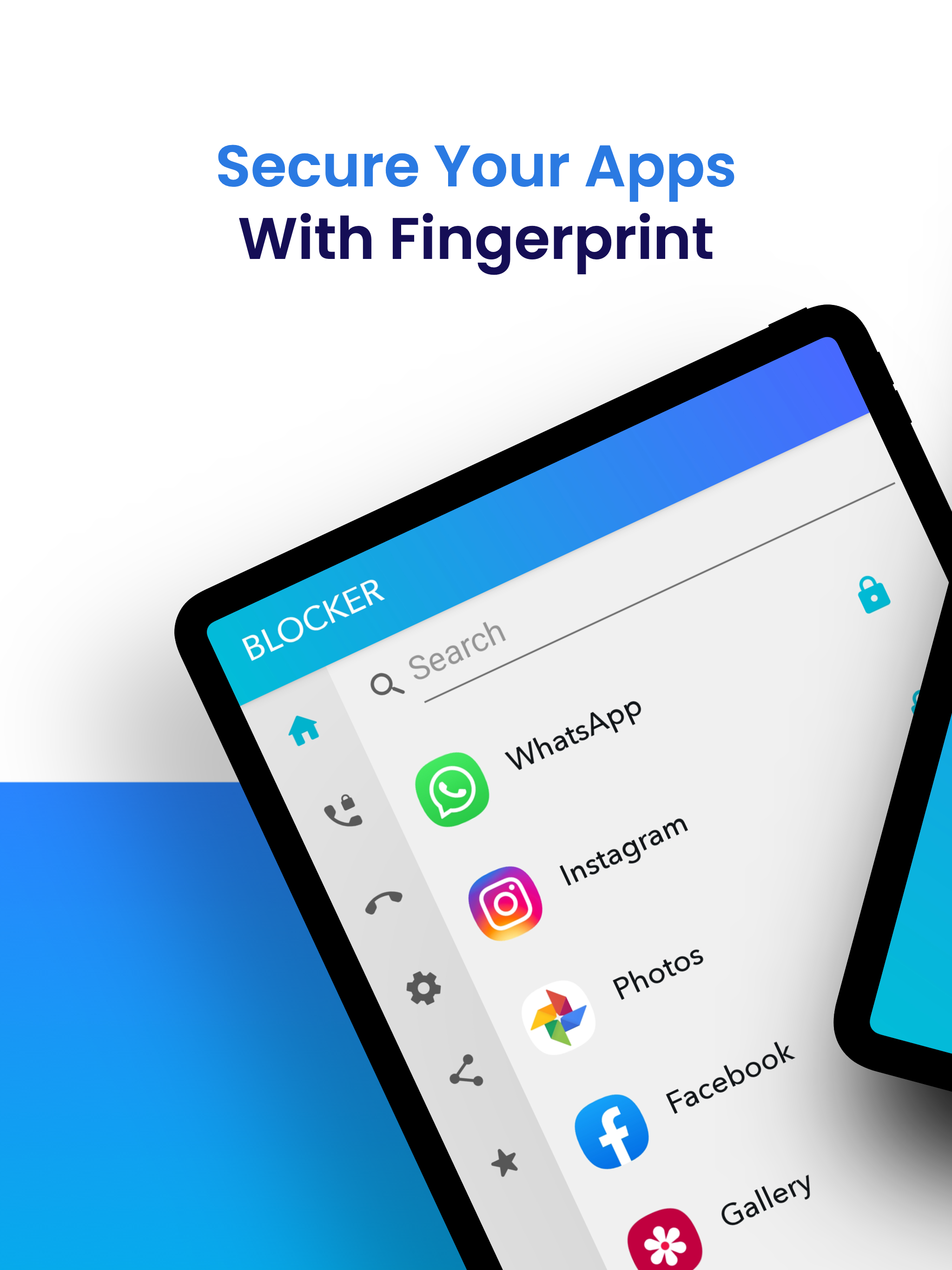
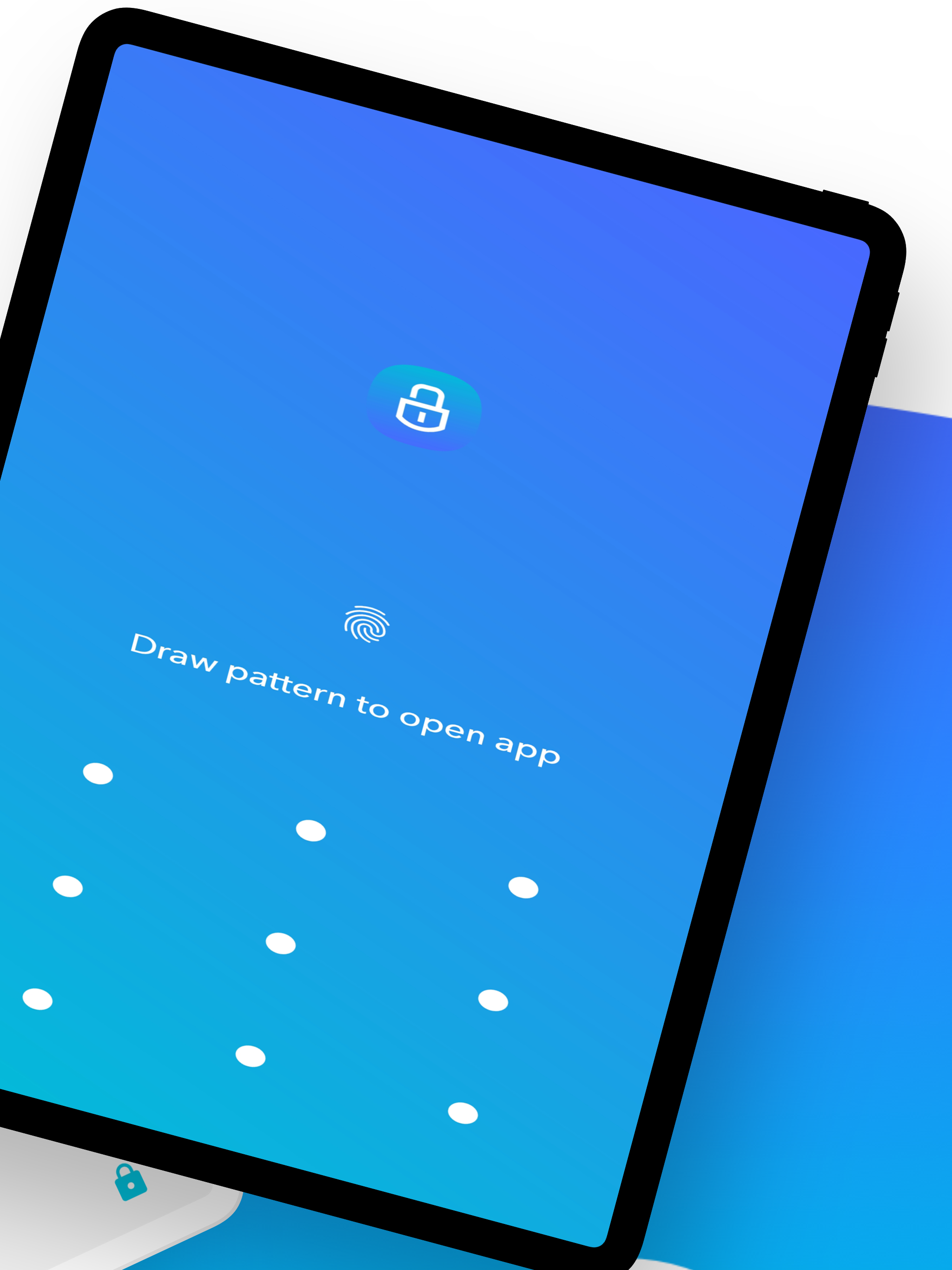
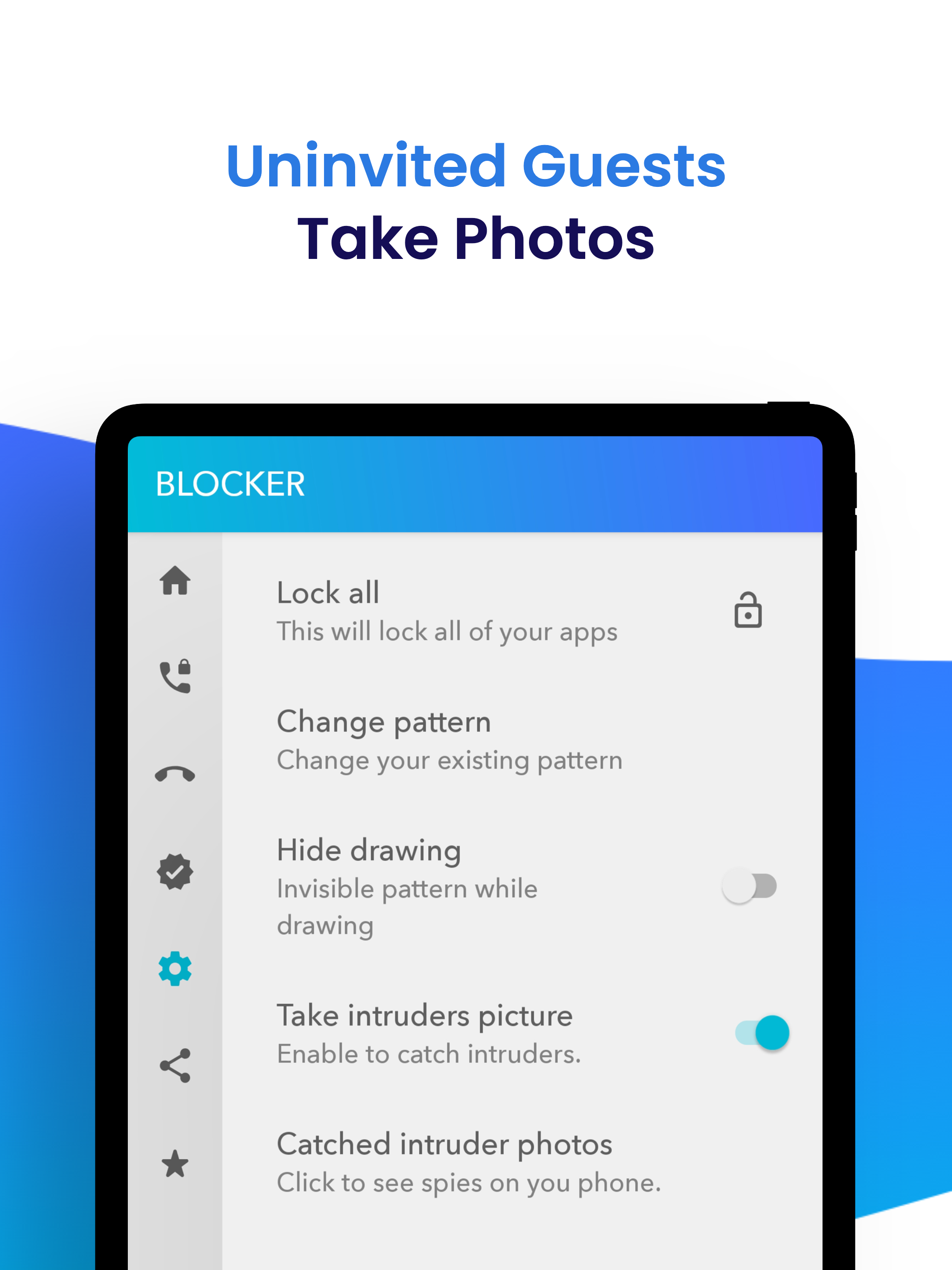
App Locker - Blocker App Lock is your all apps. Choose a lock pattern, lock apps you want. Blocker (App Locker) is the best way to prevent intruders who want to open your locked apps without your permission. Your privacy is important to us. Keep your apps safe with this lockdown app! ► App Lock - World's first and most reliable AppLock Blocker for Android Locks your photos, gallery and messages against cunning people and inquisitive friends Prevent your kids from downloading unwanted apps and games with App Lock feature You want: ? Secure application locking ? App lock with app lock pattern ? App lock pin ? App lock fingerprint ? Photo locker, privacy lock for videos and gallery ? Protect private messages on your phone Apps lock and protect privacy - Support app locker fingerprint, PIN and pattern - Picture locker, gallery lock Identify intruders - App photo lock software takes photos of people who open your phone deliberately and save them to your gallery. - Keep your phone safe Instagram, Snapchat, WhatsApp, Hangouts, WeChat, Facebook, Twitter, Gmail, Camera, Gallery, Photos, Videos etc. Protect your security by locking all your other apps! An Android application that must be on your device for the security of your personal data. ★ Lock your apps with a pattern or fingerprint that is safe and easy to open. ★ Does not consume battery life and system resources like other apps. ★ Keep your social life private by locking your messaging and social media apps. ★ Protect your photos by locking gallery and photo apps. ★ Hide your data from prying eyes. ★ Cool Themes, Cool Colors! ★ Works flawlessly even on the latest Android versions. Spy Camera ★ Why are permissions required? (AppLock) Blocker includes advanced features. All necessary permissions are required to apply Advanced features. For example, "Photos / Media / File Permissions", a background image. ★ How does the spy camera feature work? In the locked app and (Applock) Blocker app, whenever people who want to enter the (Applock) Blocker app without permission, each time they enter the password incorrectly, a photo is taken from the front camera and saved to the gallery. This way you can easily know who wants to infiltrate your phone! IMPORTANT NOTE FOR HUAWEI and XIAOMI USERS! Some software on Huawei and Xiaomi devices prevent the Locker service from working. In order for App locker (Blocker) to work, you need to allow Locker from the security options on these devices. Huawei: Phone Manager app> Protected Apps> Add Locker to the list. Xiaomi: Services> Security> Permissions> Auto-start, find Locker and add it to the list. About Subscription Details of our subscription offer: Subscription length weekly, monthly and yearly Blocker (App lock) has the following subscriptions: Blocker (App lock) pro weekly - 11.99 TL Blocker (App lock) pro monthly - 34,99 TL Blocker (App lock) pro yearly- 354.99 TL The fee may vary depending on the packages you prefer. • Payment will be credited to your Google Play account at confirmation of purchase. • Subscription automatically renews unless auto-renew is turned off at least 24 hours before the end of the current period. • A renewal fee is collected within 24 hours from the end of the current period and a renewal fee is given. • Subscription can be managed by the user. Auto-renewal can be turned off by going to the user's Google Play account settings after purchase. • You can cancel your subscription by entering the address below. https://support.google.com/googleplay/thread/19403754?hl=tr Terms of use : http://beyazdislerim.com/term_of_use%20.html Privacy Policy : http://beyazdislerim.com/EULA_PP.html
APKFab.com and the download link of this app are 100% safe. All download links of apps listed on APKFab.com are from Google Play Store or submitted by users. For the app from Google Play Store, APKFab.com won't modify it in any way. For the app submitted by users, APKFab.com will verify its APK signature safety before release it on our website.