Anytime Mobile Print

1.0 9

v1.1.260813 by KYOCERA Document Solutions Inc.

Anytime Mobile Print XAPK download Anytime Mobile Print XAPK download

About Anytime Mobile

Anytime Mobile (Package Name: com.kyocera.anytimemobileprint) is developed by KYOCERA Document Solutions Inc. and the latest version of Anytime Mobile Print 1.1.260813 was updated on June 16, 2025. Anytime Mobile Print is in the category of Productivity. You can check all apps from the developer of Anytime Mobile Print. Currently this app is for free. This app can be downloaded on Android 6.0+ on APKFab or Google Play. All APK/XAPK files on APKFab.com are original and 100% safe with fast download.
● Print at a convenience store, easily and securely!
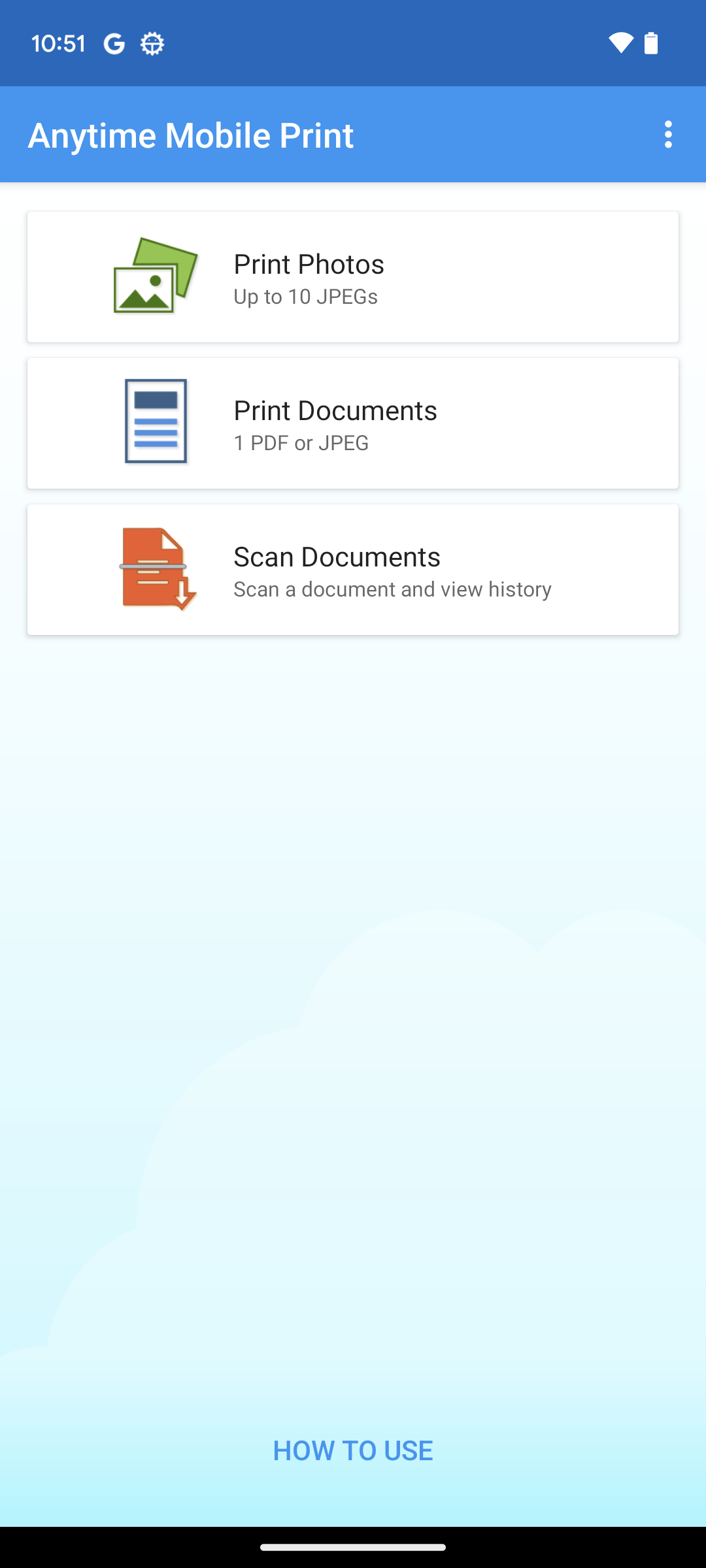
You can print photos and documents easily and securely using Kiosks at Daily Yamazaki, Seicomart, and other locations.
● How to use the Print
1. Select [Photo Print] or [Document Print] at Kiosk, then select [Smartphone (Wi-Fi)] as a printing source.
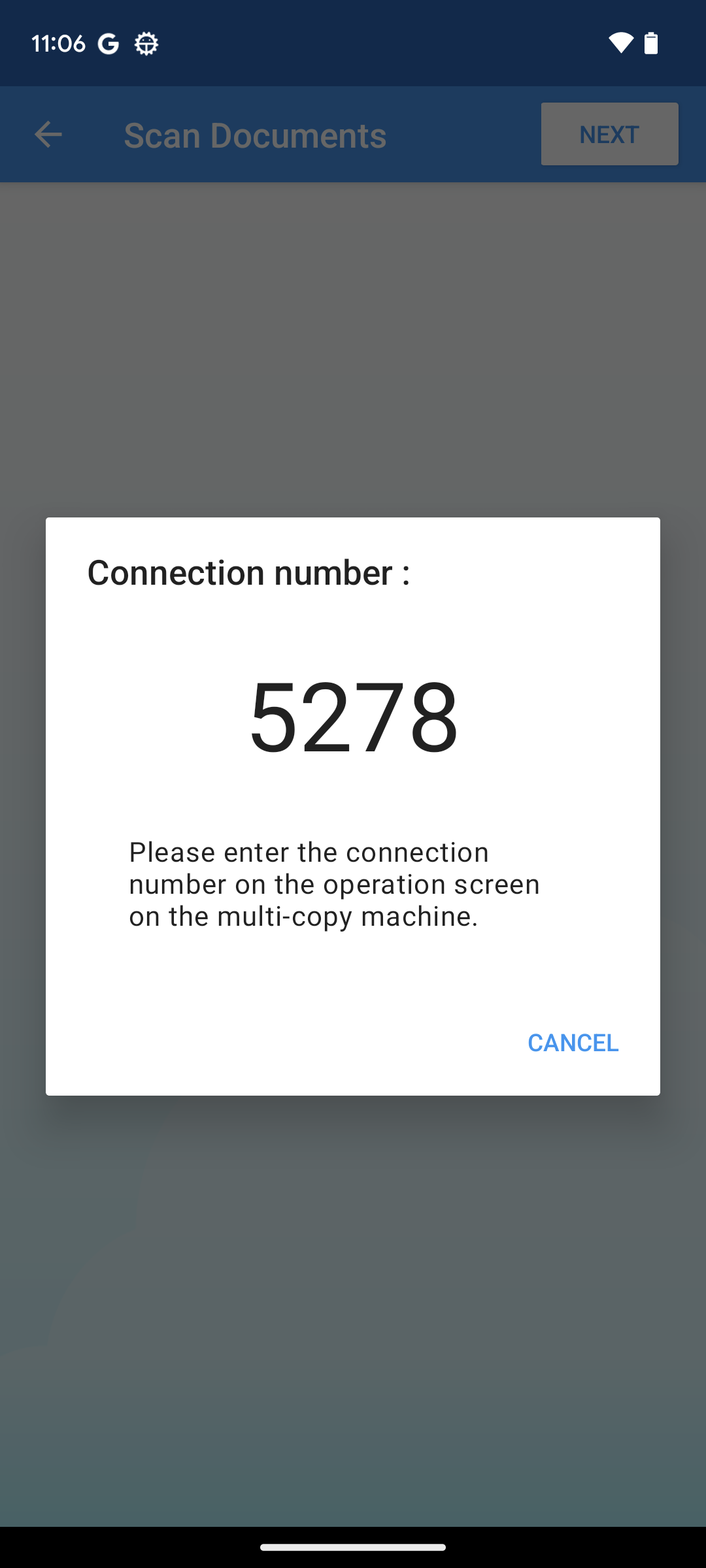
2. Follow the instructions on the Kiosk screen and connect your smartphone to the Kiosk via Wi-Fi.
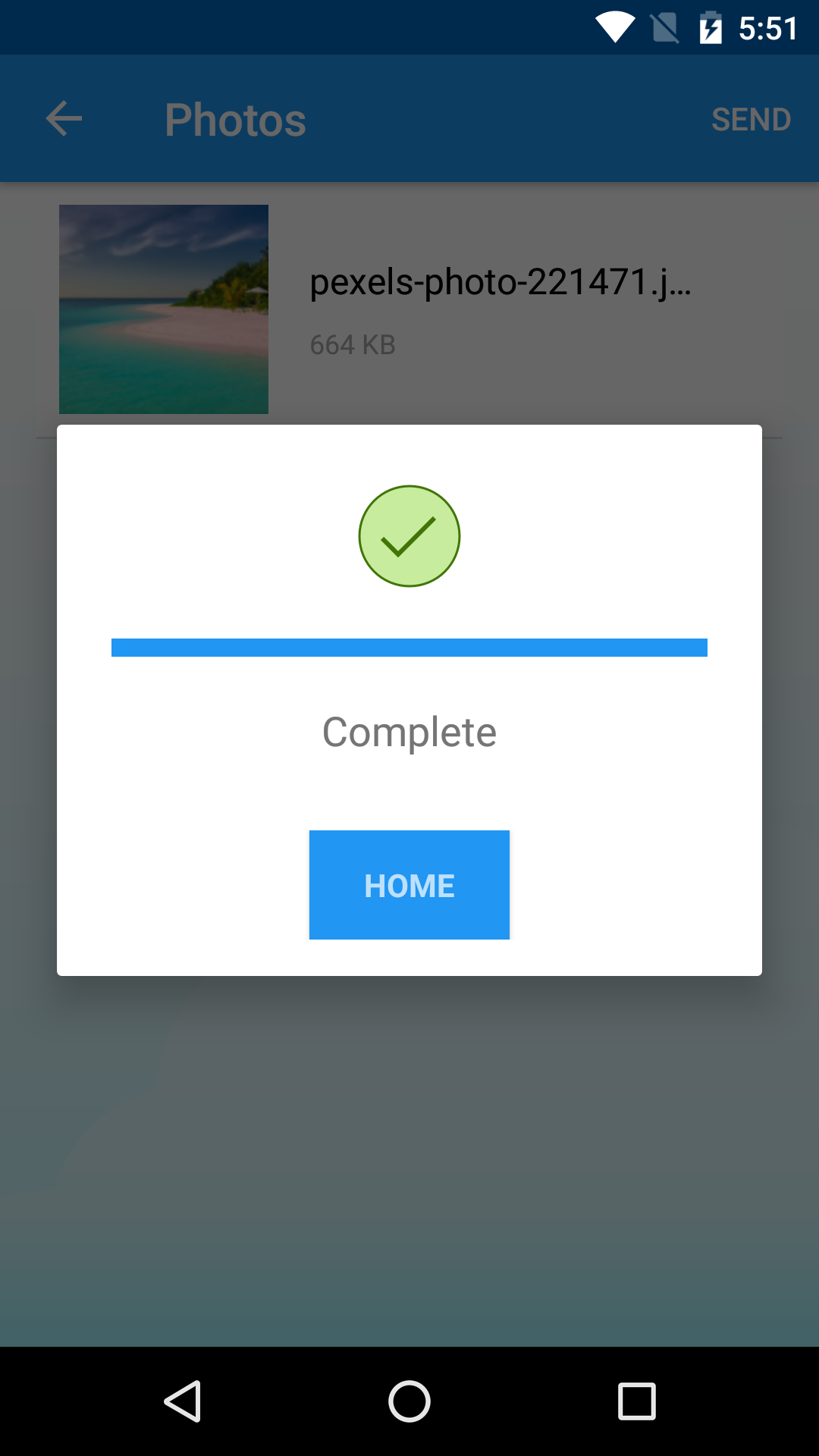
3. Send photos or documents on your smartphone to the Kiosk.
4. Insert coins into the Kiosk to print.
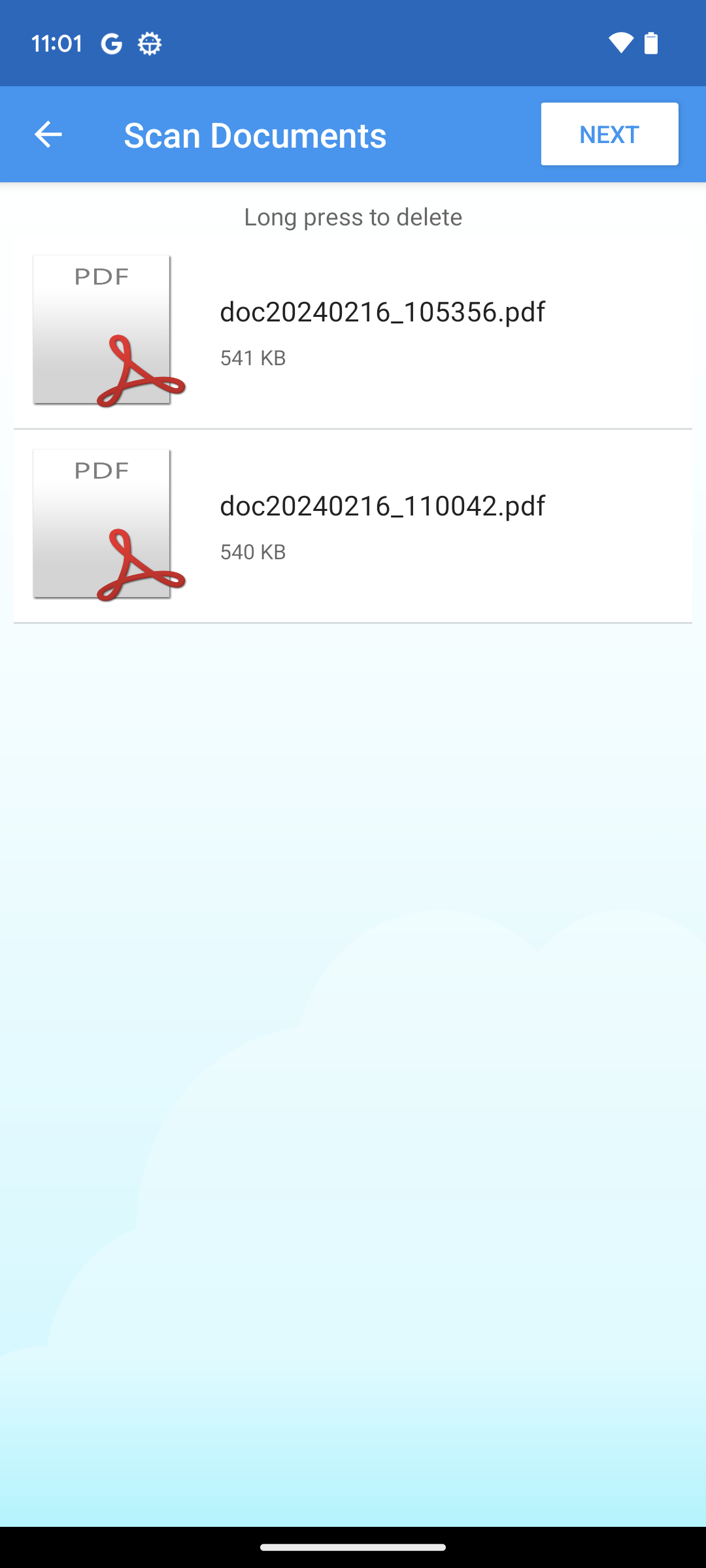
● How to use the Scan
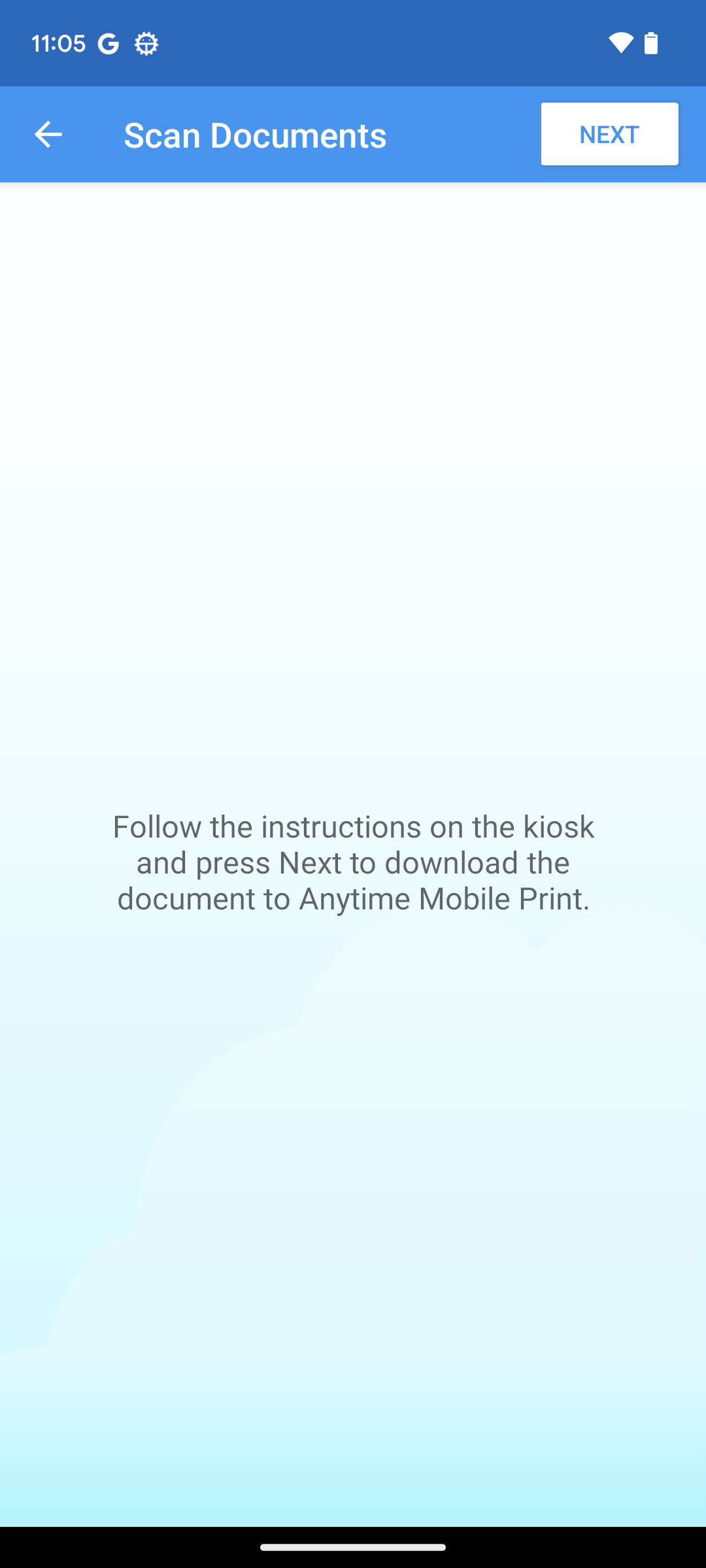
1. Select [Scan] at Kiosk, then select [Smartphone (Wi-Fi)] as the destination.
2. Follow the instructions on the Kiosk screen and scan the photo or text you want to save.
3. Follow the instructions on the Kiosk screen and connect your smartphone to the Kiosk via Wi-Fi.
4. Insert coins into the Kiosk to store data on a smartphone.
● Available locations
The app can be used at the following convenience stores and drugstores where Kiosks are located:
- Daily Yamazaki / New Yamazaki Daily Store / Yamazaki Daily Store
- Sun Drug
- Seicomart / Hasegawa Store / Taie
● Specifications
Photo Print
- File format: JPEG
- Maximum number of files: up to 10 files
- File size limit: 10MB per file, 60MB in total
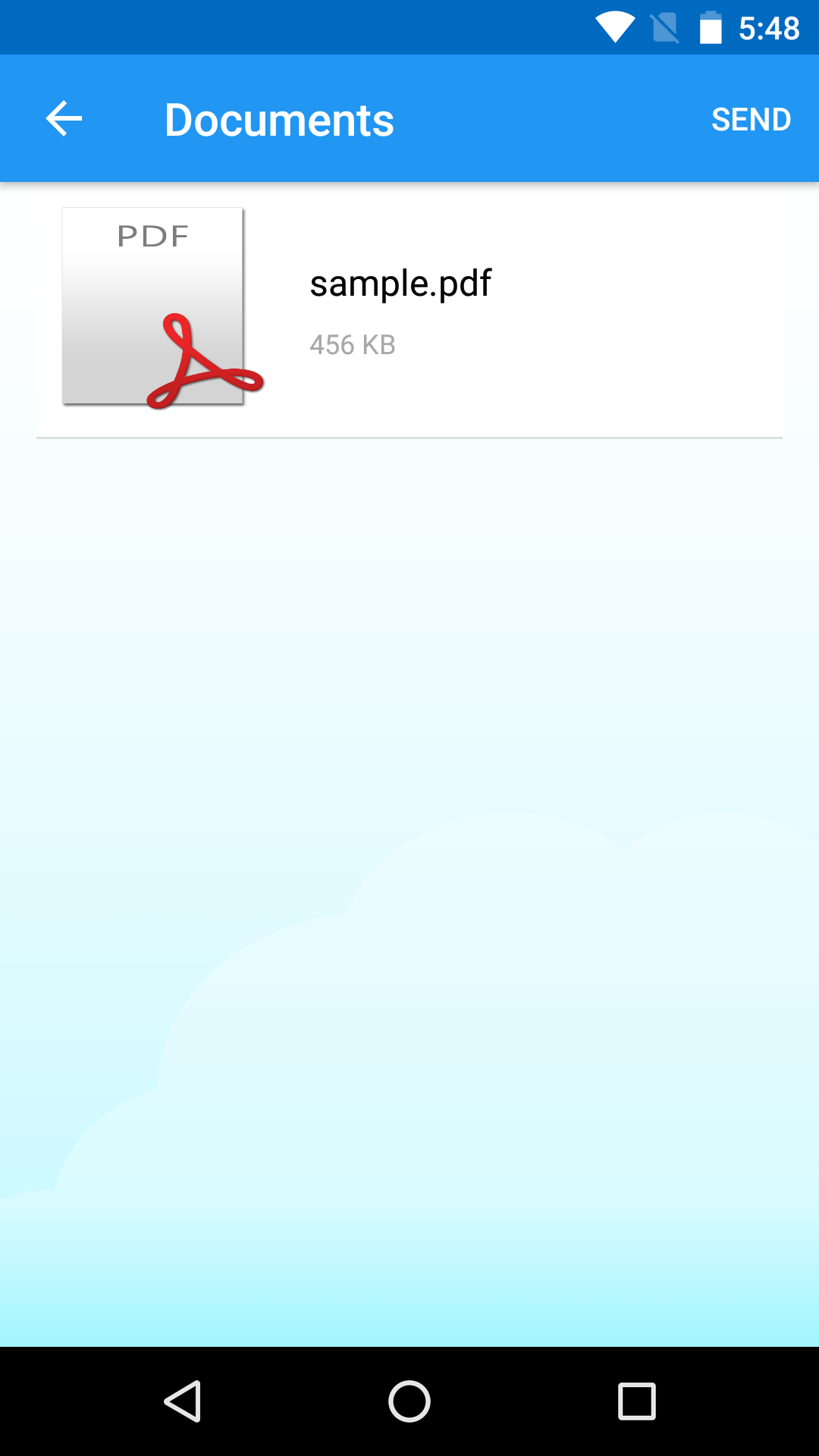
Document Print
- File format: PDF or JPEG
- Maximum number of files: 1 file
- File size limit: 10MB per file
- PDF page number limit: up to 50 pages
● Supported OS
Android version 4.4 and later
● Notes
This mobile app can only be used with Kiosks at the locations mentioned above. The service may not be available with some unsupported printers in smaller or unmanned stores.
● When Wi-Fi connection is not working
- If there is "kyocera_multicopy01" in the saved network, delete it and reconnect.
- Make sure to turn on the Location information of your device and for this app.
- Press the [Restart Wi-Fi] button displayed on the Kiosk.
- Turn off the function that automatically disconnects or switches networks with unstable connections.

Anytime Mobile 1.1.260813 Update

Updated the app to comply with the latest Google Play policies
Read More
Anytime Mobile Features
Previous Versions More
Anytime Mobile Print
Anytime Mobile Print 1.1.260813 XAPK APKs
August 31, 2026 24.75 MB

Requires Android: Android 6.0+

Screen DPI: nodpi

SHA1: e1470a43209d0846174466205baf4c6ad819f203

Size: 24.75 MB

What's New:

Updated the app to comply with the latest Google Play policies
Anytime Mobile Print
Anytime Mobile Print 1.1.241217 XAPK APKs
June 17, 2025 32.01 MB

Requires Android: Android 6.0+

Architecture: arm64-v8a

Screen DPI: nodpi

SHA1: 784d0b70077e700f629f6db1d7e40a7a2539422c

Size: 32.01 MB

What's New:

Bug fixes and stability improvements.
Anytime Mobile Print
Anytime Mobile Print 1.1.240228 APK
March 12, 2024 57.8 MB

Requires Android: Android 6.0+

Architecture: arm64-v8a, armeabi, armeabi-v7a, mips, x86, x86_64

Screen DPI: nodpi

SHA1: c7a7f45efd38f389d542bf0a8ab5b1c3262267f7

Size: 57.8 MB

Anytime Mobile Print
Anytime Mobile Print 1.0.230426 XAPK APKs
May 2, 2023 12.06 MB

Requires Android: Android 6.0+

Architecture: arm64-v8a

Screen DPI: nodpi

SHA1: e8d6188ff979951682dc0156d813becc868de0d2

Size: 12.06 MB

What's New:

Bug fixes and stability improvements.
More Information

Update Date:

Latest Version:

1.1.260813

Need Update:

Submit latest version

Available on:

Google Play

Requirements:

Android 6.0+