Albumbook (Package Name: org.smartdisk.albumbook) is developed by Certchip and the latest version of Albumbook - Photo Album Book 4.1.0 was updated on November 18, 2026. Albumbook - Photo Album Book is in the category of Photography. You can check all apps from the developer of Albumbook - Photo Album Book and find 200 alternative apps to Albumbook - Photo Album Book on Android. Currently this app is for free. This app can be downloaded on Android 7.0+ on APKFab or Google Play. All APK/XAPK files on APKFab.com are original and 100% safe with fast download.
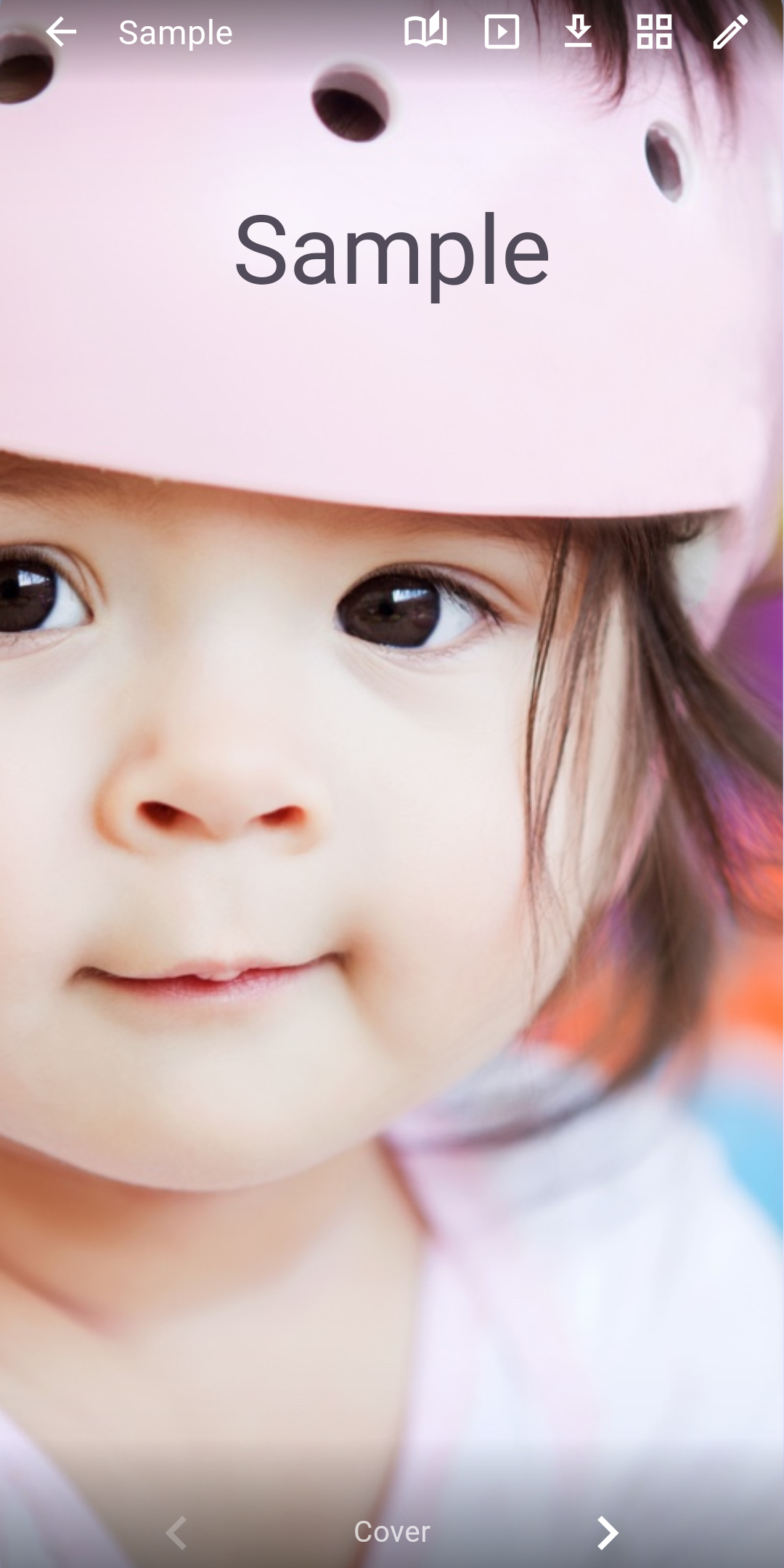
Albumbook turns the photos on your phone into albums that look and feel like real books. Arrange photos on pages, add captions, and flip through them with a realistic page turn. Make albums • Create an album, give it a name and a cover, and add pages • 18 page layouts, from one large photo to several photos with a memo line • Place photos by tapping or dragging; pinch to zoom and move a photo in its frame • Rotate and flip photos; add text in the size, color and font you like • Photos you add wait in the tray until you place them • Put photos shared from other apps straight into a new or existing album • Select several tray photos and place only those • One-photo pages: Full, Fit or Auto (Auto keeps faces in view) • The photo picker shows photos already in the album Retouch and decorate • Auto adjust, 9 filters such as mono, sepia and warm, plus brightness, contrast and saturation • The original is kept, so you can always revert • Decorate pages with 300+ emoji, icons and clip art; resize and rotate with handles • Rotate videos left or right Enjoy them • Page turn, horizontal slide or vertical scroll • See all pages at once, or every photo full screen • Videos play right on the page • Tap the page number to jump to any page Keep and share • Organize albums on multiple shelves • Lock private albums with a password or fingerprint • Share a whole album, a PDF, or pages as images • Save pages to your gallery, or extract the original photos and videos • Reduce photo size to save space Your albums stay on your device. No ads, no sign-up. Albums made with earlier versions of Albumbook open as they are.
Albumbook 4.1.0 Update
• Put photos shared from other apps straight into a new or existing album • Select several tray photos and place only those • One-photo pages: Full, Fit or Auto (Auto keeps faces in view) • The photo picker shows photos already in the album • Tap the page number to jump to any page • Fixed sharing and PDF export of large albums, and opening received files • Updated for full-screen display on the latest Android
• Videos: play once automatically when the page opens; turn this on or off with the button on the photo • Key frame: choose the frame shown while a video is still, using a time bar • Use as cover photo: long-press a photo to make it the cover • Decorate: mirror and flip emoji, icons and clip art • Editor: double-tap to edit right away; auto-arrange photos
• Photo adjust: auto, 9 filters, brightness, contrast, saturation • Decorate: add emoji, icons and clip art; resize and rotate them • Editor: drag in photos, rotate, flip, text, rotate videos • Page turn, slide and scroll views; export as PDF or images • Now in 15 languages
APKFab.com and the download link of this app are 100% safe. All download links of apps listed on APKFab.com are from Google Play Store or submitted by users. For the app from Google Play Store, APKFab.com won't modify it in any way. For the app submitted by users, APKFab.com will verify its APK signature safety before release it on our website.