Aezee (Package Name: com.aezee.activities) is developed by Azvantage and the latest version of Aezee: To Do Lists, Daily Tasks, Notes & Expenses 4.0.1.2 was updated on November 19, 2018. Aezee: To Do Lists, Daily Tasks, Notes & Expenses is in the category of Productivity. You can check all apps from the developer of Aezee: To Do Lists, Daily Tasks, Notes & Expenses. Currently this app is for free. This app can be downloaded on Android 4.1+ on APKFab or Google Play. All APK/XAPK files on APKFab.com are original and 100% safe with fast download.
To Do List for Task Management, Quick Notes, Time & Expense Manager by Aezee is simply a MUST HAVE PRODUCTIVITY APP on every Android DeviceIncrease Your Leadership SkillsWhether you are an entrepreneur, struggling to become one, an employee, management team, or a devoted homemaker, we have built an application called
Aezee Leadership Planner to increase your productivity with the intent that everything you will need is available in one place.
Forget the hassle of keeping tabs on multiple applications for one reason -- Leadership Excellence in one app. Aezee is carefully designed to take you to the next level of productivity.
Main Features:★
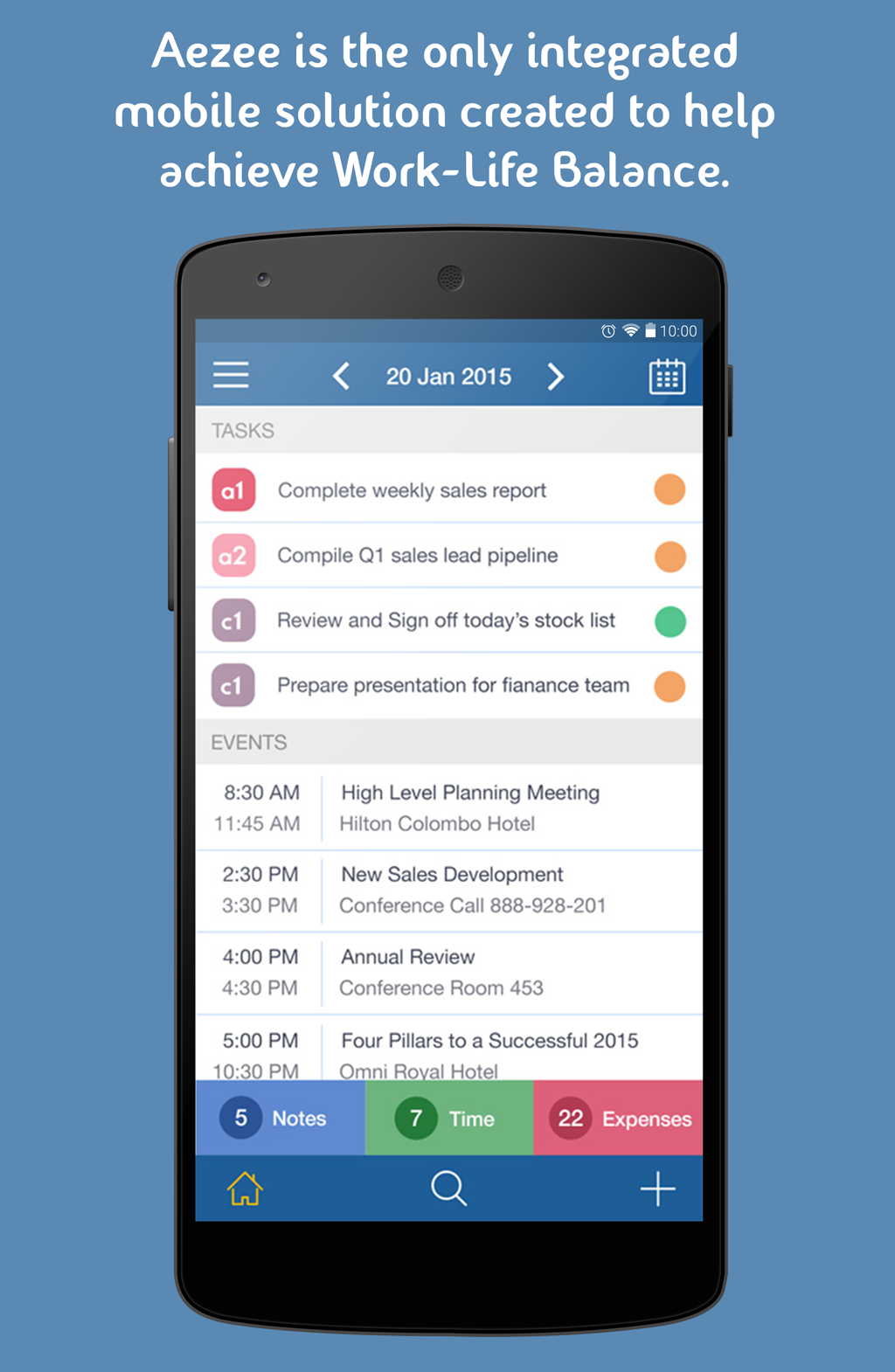
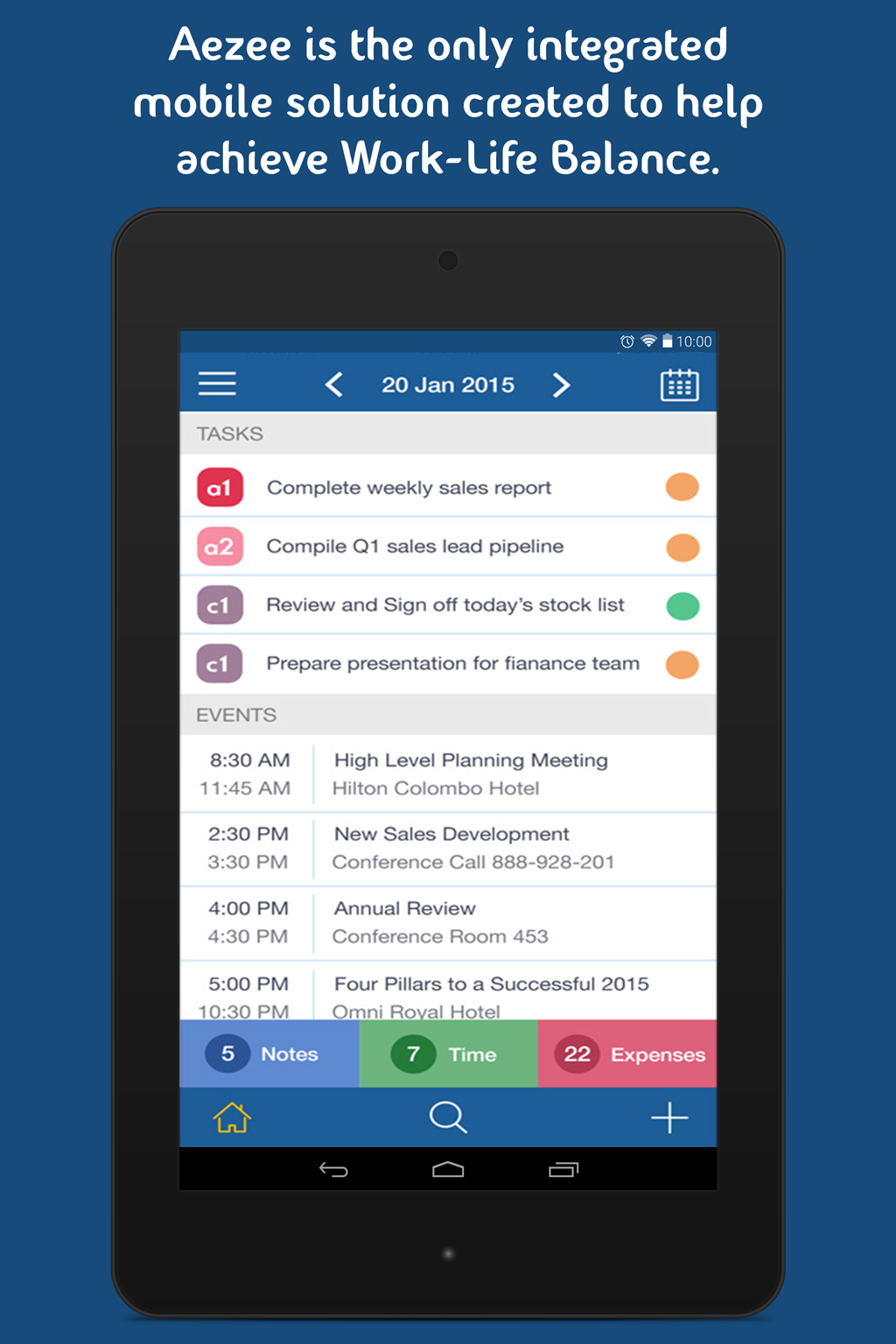
To Do Tasks Create your daily tasks with the ability to prioritize and status each task
★
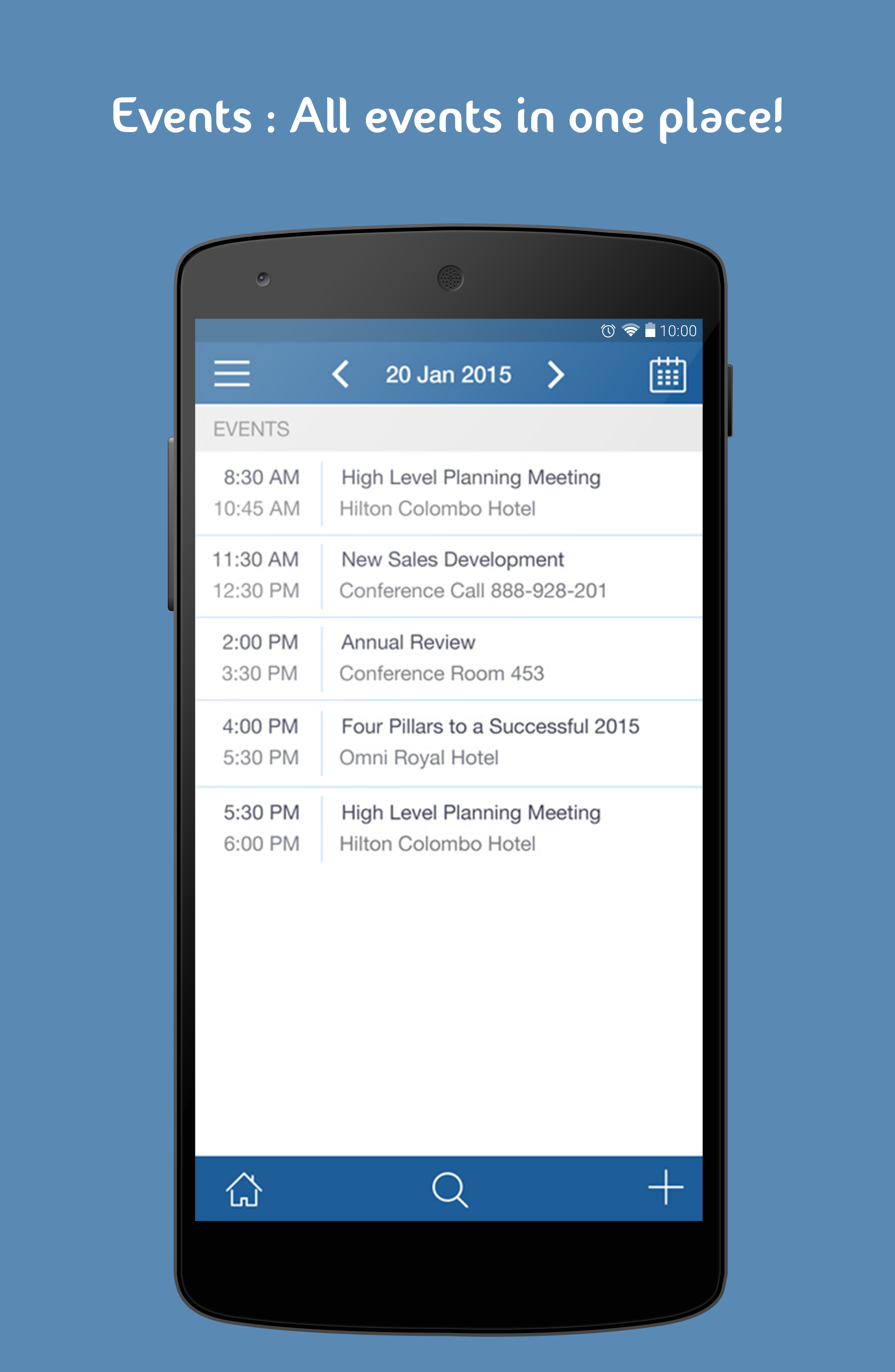
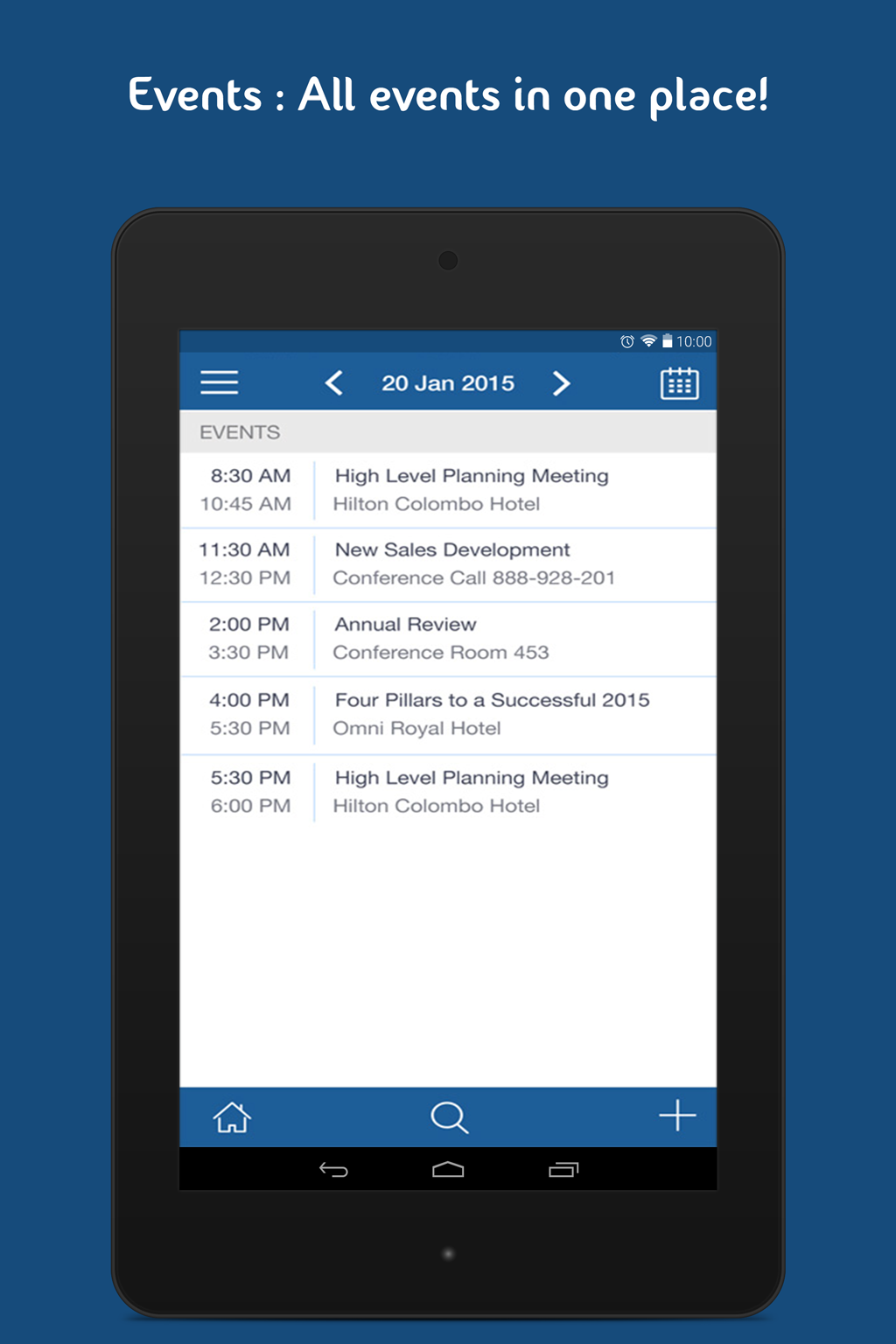
Calendar All your events synchronized with Google calendar in same application
★
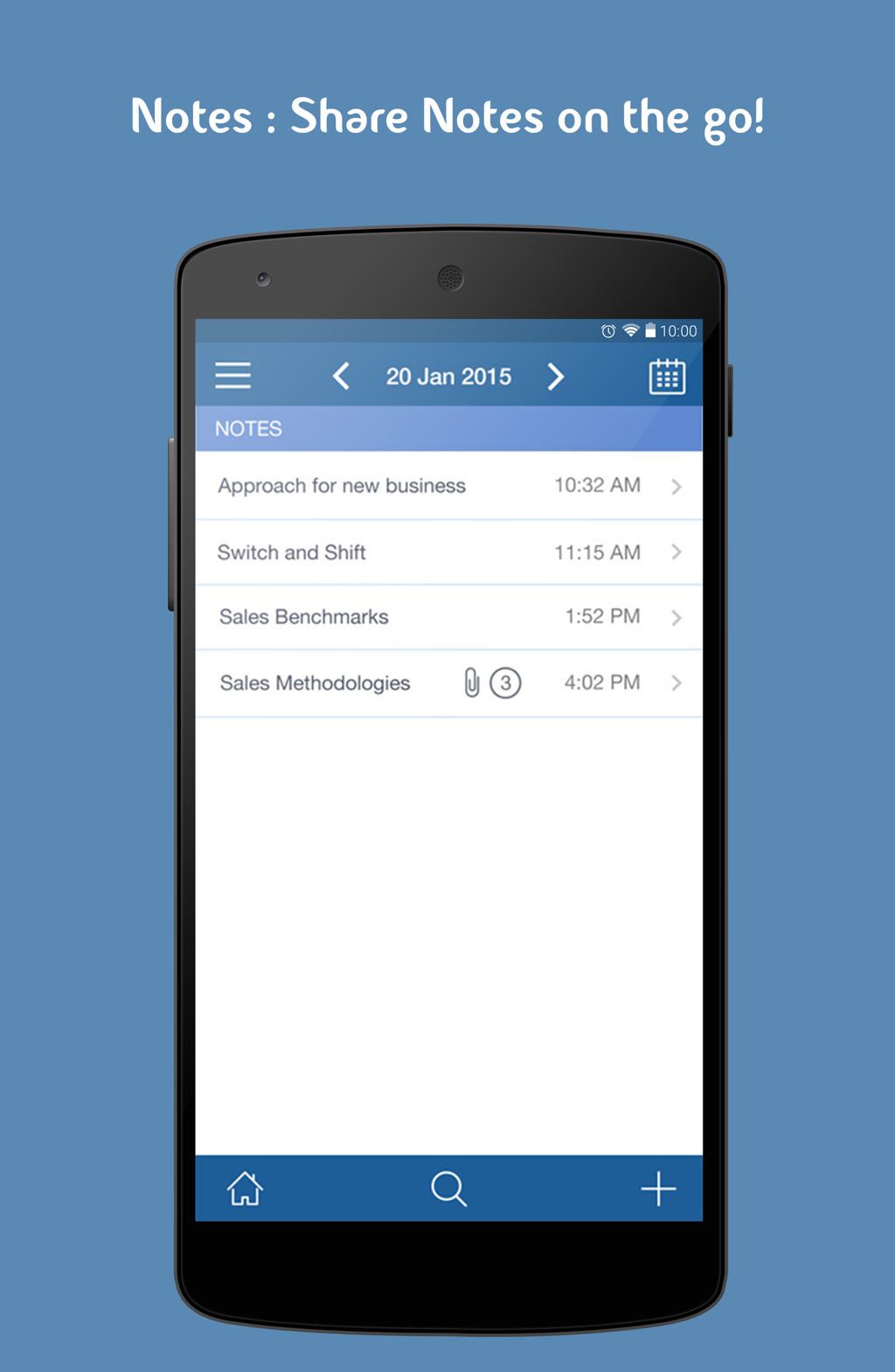
Notes Create daily quick notes, add whiteboard pictures & distribute to participants
★
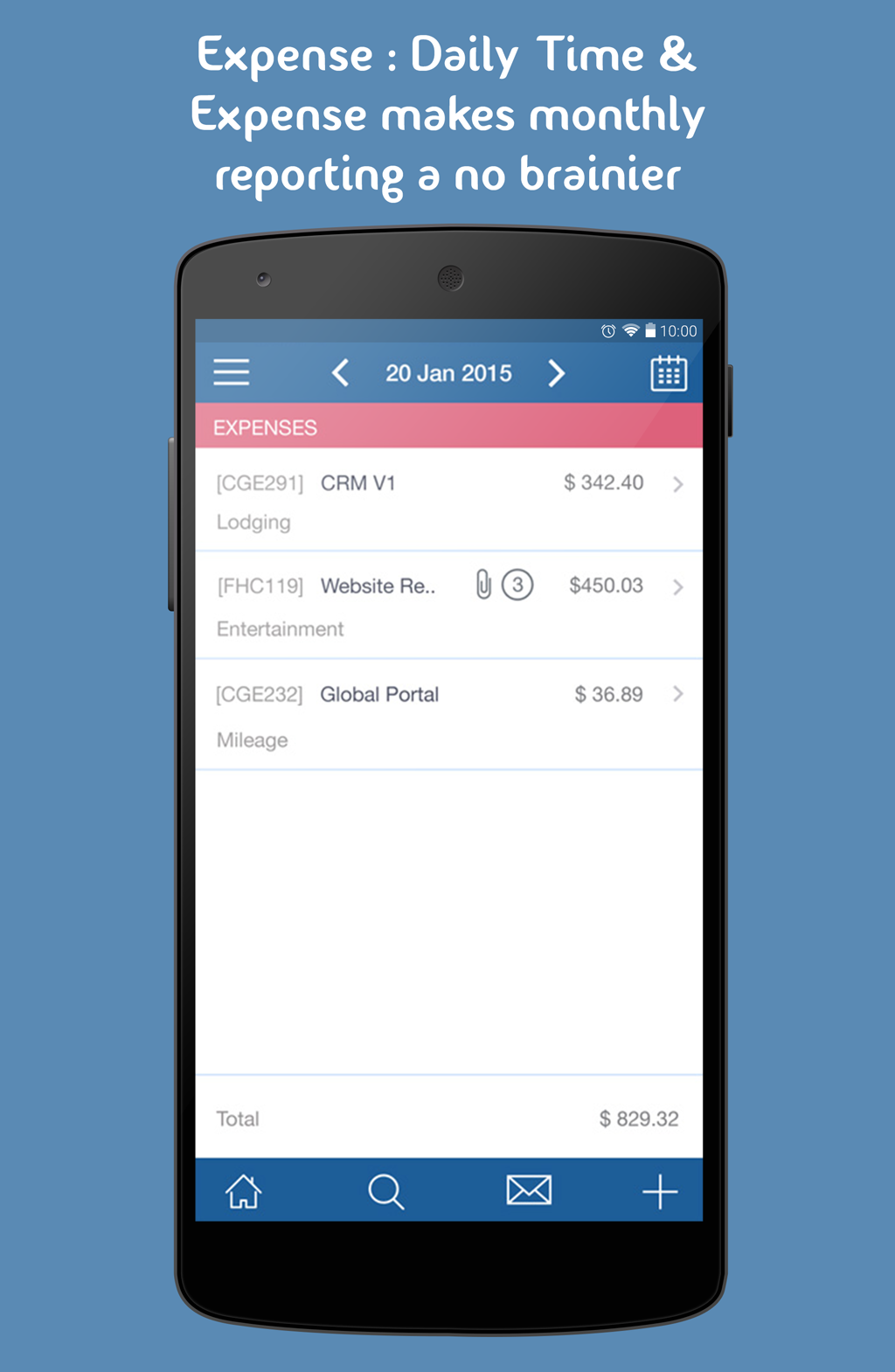
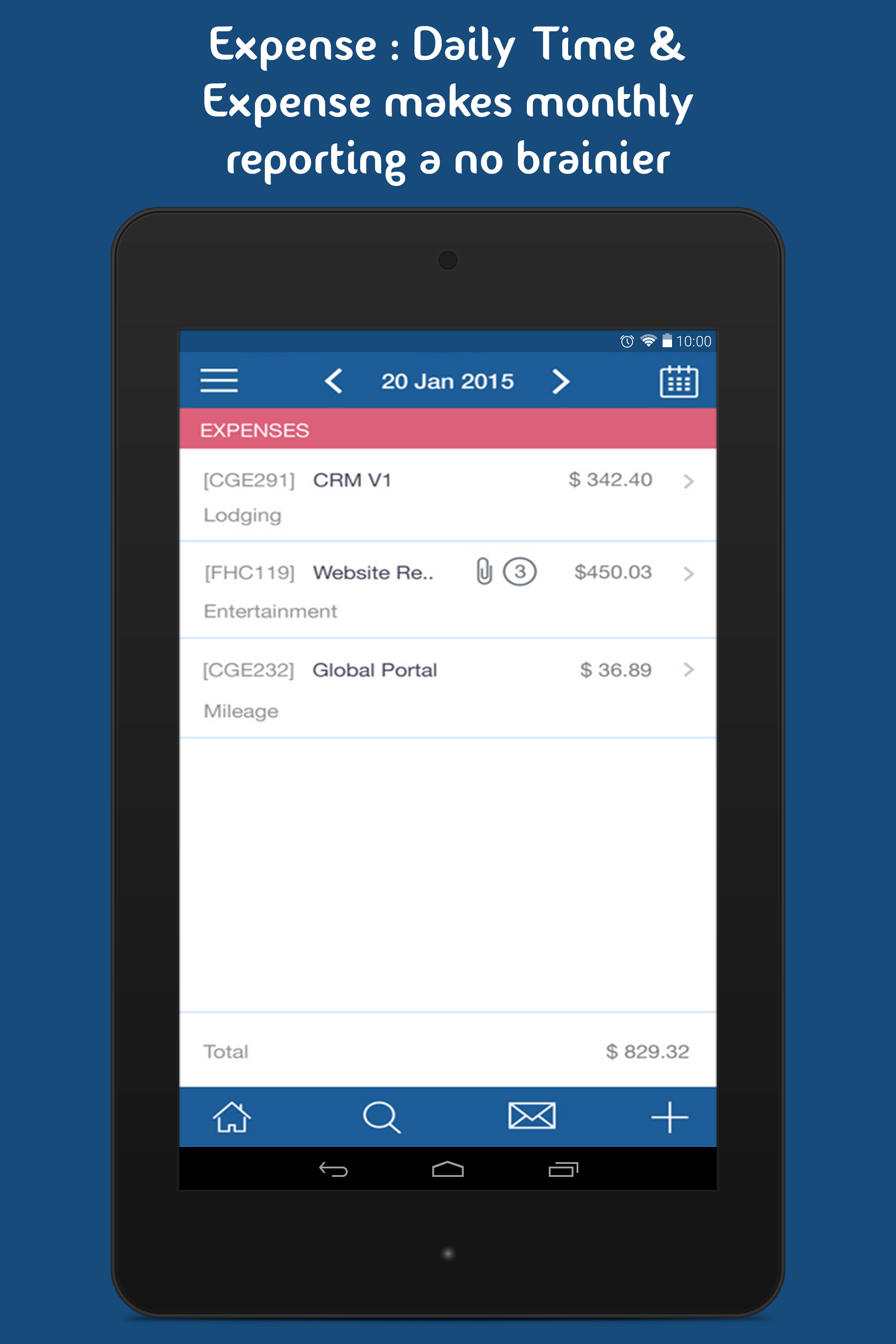
Time & Expense Enter T&E daily with receipt pictures for on demand reporting
★
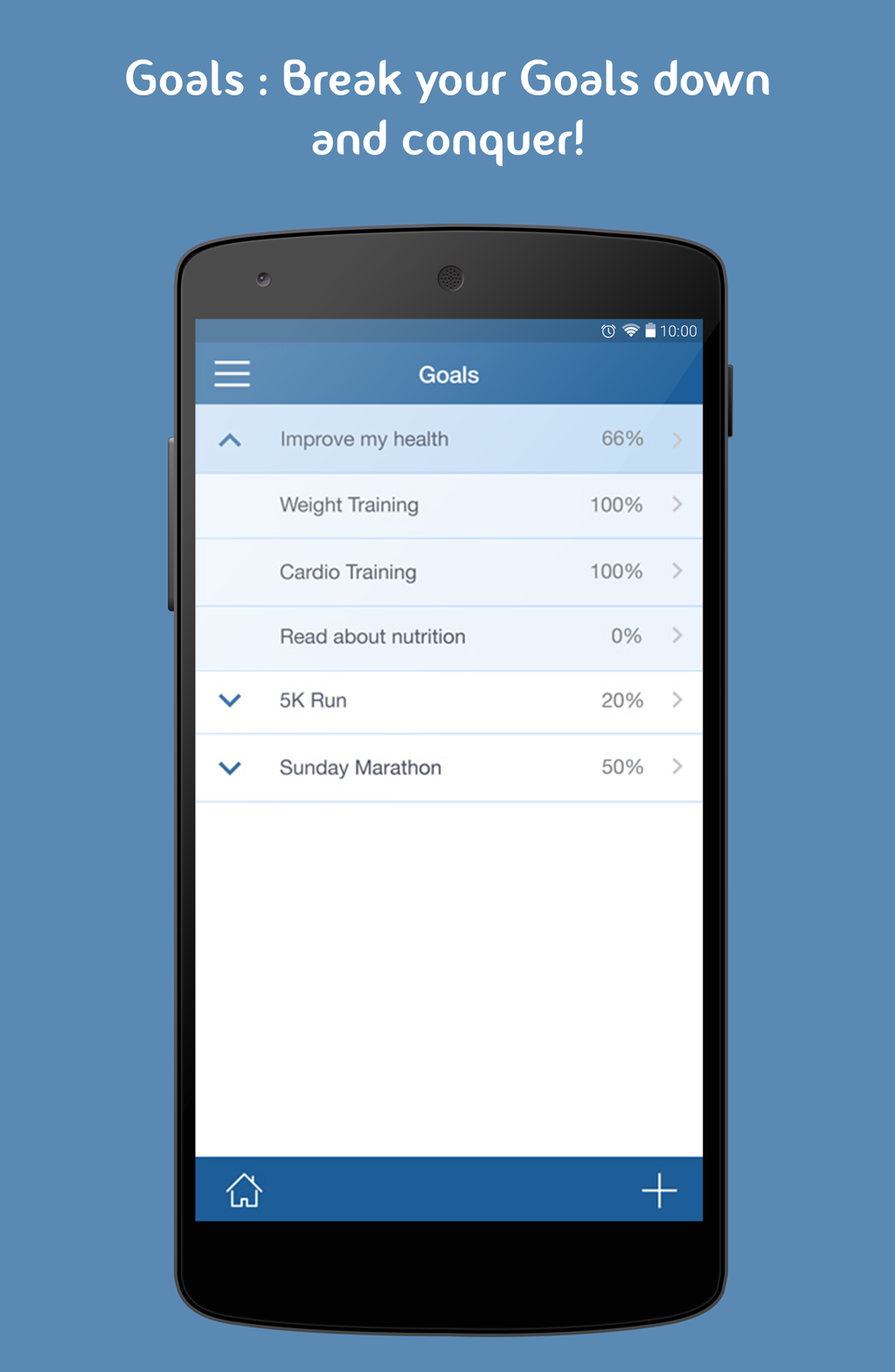
Goals Define goals and break them into scheduled daily tasks to achieve success by tracking goals.
★
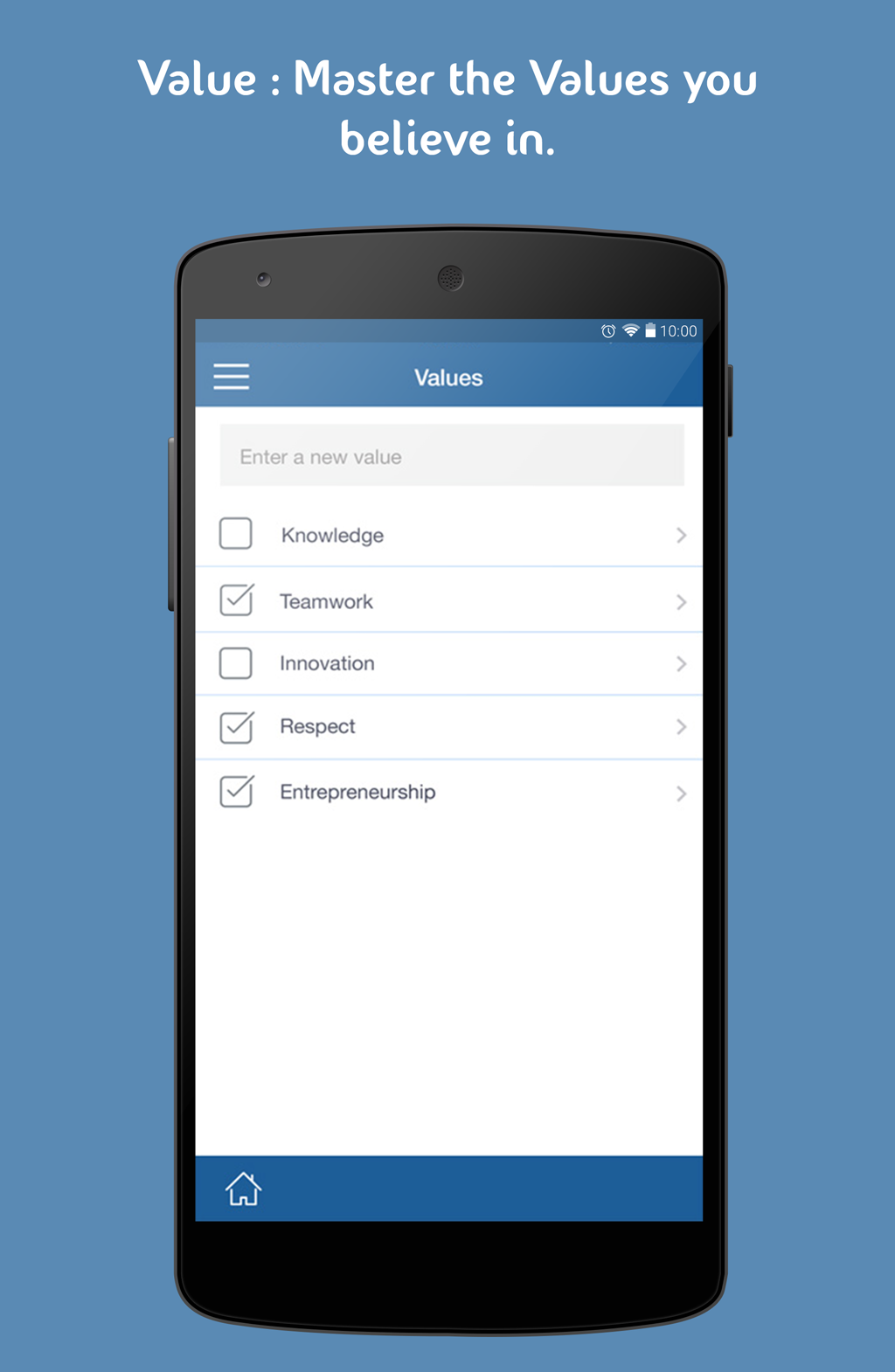
Values Understand & master your leadership or corporate values
★
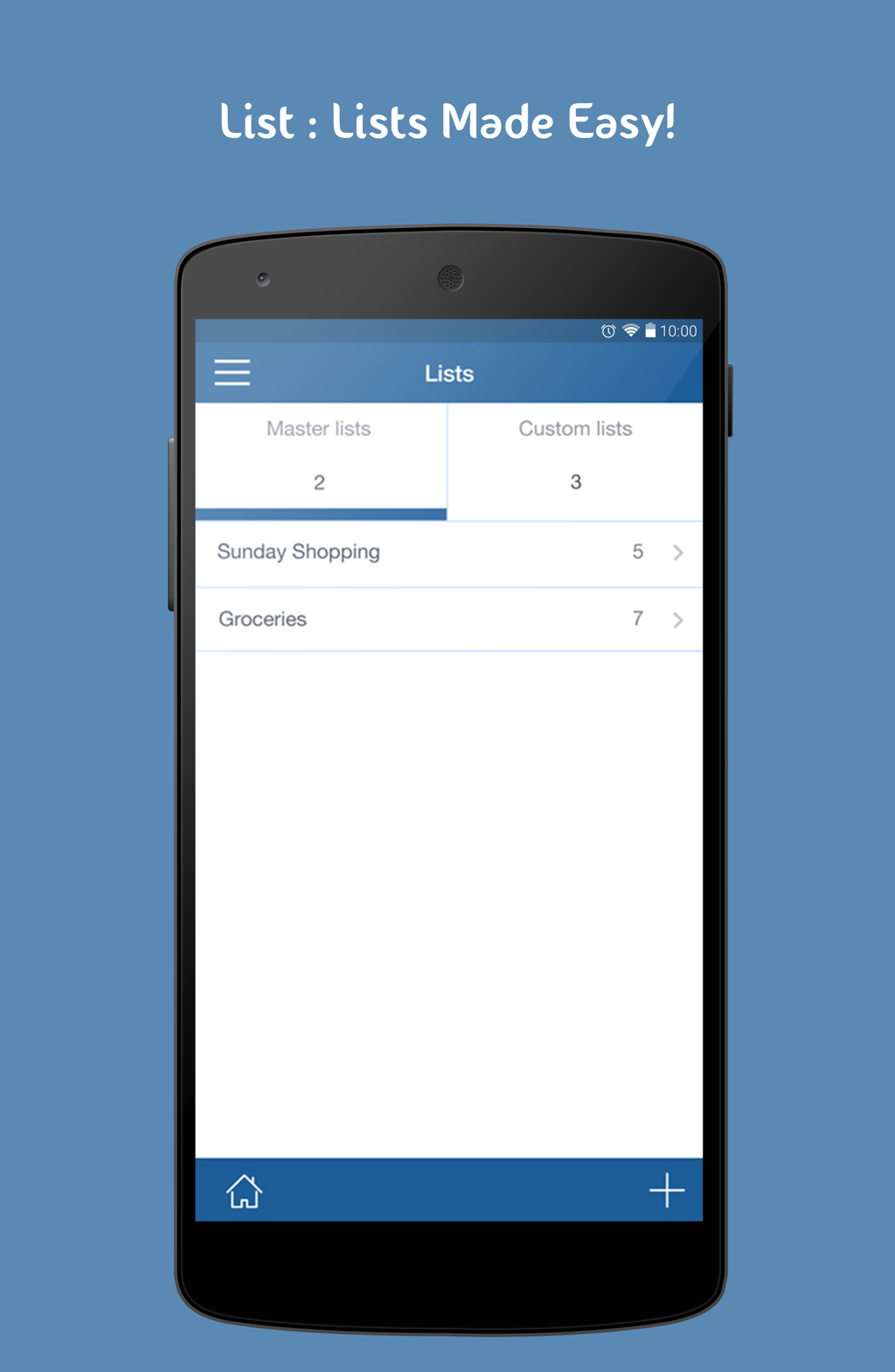
Lists Create master lists for repetitive tasks to make modifiable copies each time to organize your day
★
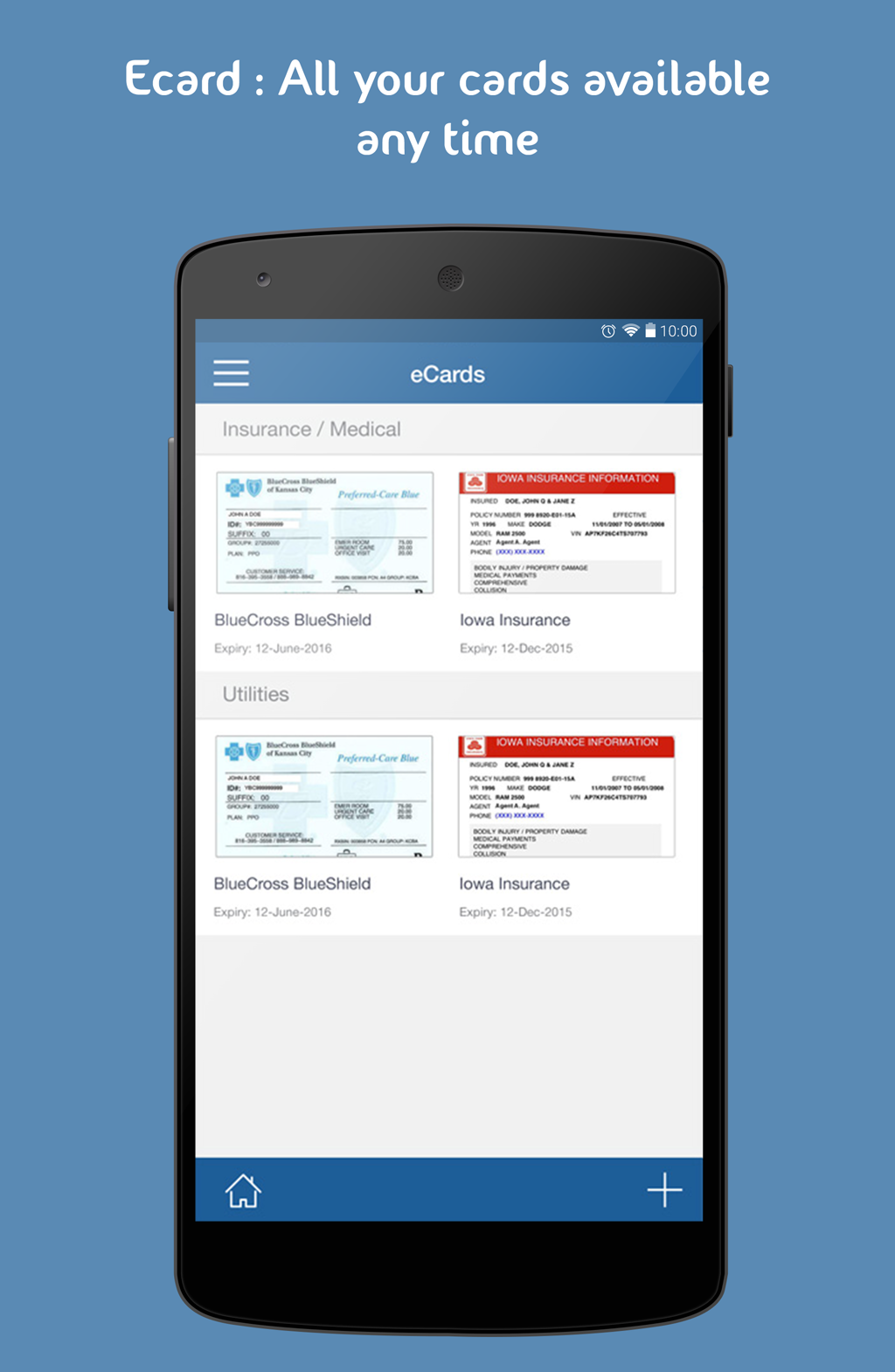
eCards Keep all your loyalty cards with pictures in one place
To Do List• Organize your workload by planning tomorrow’s work today in the TASKS panel.
• When you sit down to complete a task, make sure you have everything on hand in your Productivity Planner App.
• Enlist a task and subtasks, give it a status from the inbuilt list which includes completed, started, not started, forwarded, delegated & removed.
• Organize and execute around priorities. Essence of time management lies in this single phrase.
• Look at calendar, task, lists so you can prioritize (with a detailed system of priority chart), and execute like a professional.
• If the task is not completed that day, it automatically rolls down to the next day instead of setting up manually a whole new ToDo List again.
Expense Manager & CalculatorBelieve there are holes in your pocket when doing an end of month
Expense Tracking? Not a single day from now:
• Make daily Time and Expense (T&E) entries, attach photos of receipts to expenses as they happen so you never miss a single one.
• Track T&E for multiple customers separately, and run a monthly report to get all Expense reports emailed with receipts.
• Enjoy less work with built-in expense categories, or add description of bill with inbuilt forms according to your needs.
Time ManagementThe easiest & most complete
Project Planner &
Time Management Tool.
• Keep track time of what you do for your clients on an hourly, daily, weekly basis.
• Attach details to the project in form of pictures & attachments.
Quick NotesJotting down the notes was never so fun before.
• Do not hesitate to take a picture of white board, add as attachment & share notes on the go!
• Quickly search for relevant notes in the app
eCard Manager• With an array of available categories, save photos of your important cards, and have them handy virtually anywhere with you.
• Store important dates (expiry/renewing dates) of your passport, driving license, medical card, insurance & loyalty cards.
Goals & Values• Maintain the positive attitude by keeping fresh the idea of clarifying values.
• Monitor them with Aezee Leadership Planner to instill good habits as our character is composite of our habits.
Daily Checklist• Either at office or at home, makes your life easy by creating master lists of work, shopping, packing or any set of things burdening your shoulders.
• To create a new list, copy master list & edit.
ABOUT US
For more details visit http://aezee.com
To provide your feedback please email us at
[email protected]