AddText (Package Name: air.AddTextEN1) is developed by 浜田 明志 Akashi Hamada and the latest version of Add text on photo -3D text on 4.3 was updated on August 31, 2018. Add text on photo -3D text on is in the category of Photography. You can check all apps from the developer of Add text on photo -3D text on. Currently this app is for free. This app can be downloaded on Android 4.0+ on APKFab or Google Play. All APK/XAPK files on APKFab.com are original and 100% safe with fast download.
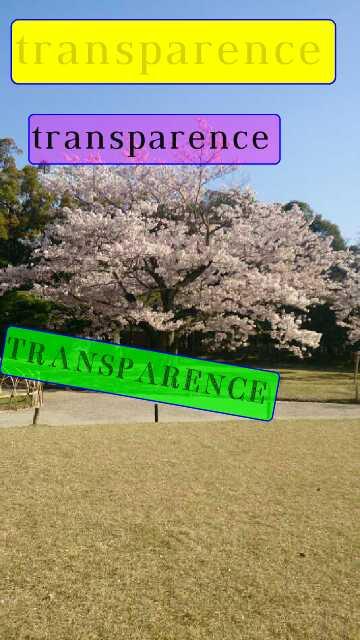
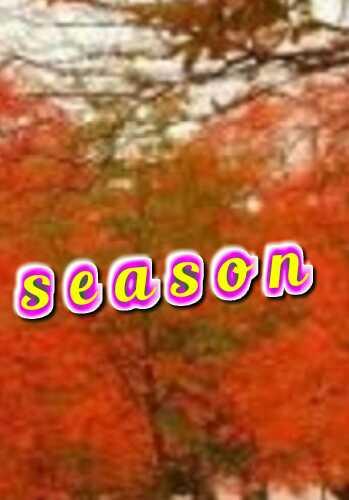
Features of Add text Add text to your photos using different fonts. And you can overlay the effects such as gradation, light, shadow, bag, uplift (bevel), trimming, blur. And you can add as many dialogue balloons as you want Recommended for people like this ● insert letters of 3D text ● write on photo, paste them and make them stand out By inserting letters (bordering, with background), you can emphasize characters and stand out, beautiful image processing can be done ● easy operation (Each tool can be called with one tap) (Application launch is early) A person who wants to write handwritten characters. (You can freely drag and drag with your fingers) ● add effects to letters ● Recommended for busy people (Since it is easy operation, you can use it immediately, in addition, the tool can be switched with one tap) ● edit pictures by applying mosaics as they are concerned about privacy issues ● process photos taken with the camera Application Features ● Change and adjust letters font Letter color Transparency Character spacing, line spacing Scaling rotation 3D rotation ● Effect light Shadow Bordering Blur Bag character (outer bag, inner bag) Raised (bevel) Gradation ● Handwriting pen eraser A balloon trimming resize mosaic There are 3 modes ○ Move · Selection mode ○ Rotation mode ○ Scaling mode For example, it can not move in rotation mode. It is necessary to switch from rotation mode to selection / movement mode. Selected text has a red frame The selected text is the target. In that red frame text Rotate, enlarge. Reduce, edit or add effects Why did you switch to mode? ○ Benefits: To prevent user pressing mistakes when dealing with multiple texts. × Disadvantage: It is troublesome to switch. I forget the mode. Edited December 31, 2017 Edit Add text is fun. And Letters are deep inside besides. Thank you for installing this application. Also, Thank you for reading this explanation.
AddText 4.3 Update
I create new invert (tool). I create new skew (tool).
APKFab.com and the download link of this app are 100% safe. All download links of apps listed on APKFab.com are from Google Play Store or submitted by users. For the app from Google Play Store, APKFab.com won't modify it in any way. For the app submitted by users, APKFab.com will verify its APK signature safety before release it on our website.