Acapella Maker (Package Name: com.hecorat.acapella) is developed by AZ Screen Recorder and the latest version of Acapella Maker - Video Collage 2.0 was updated on October 19, 2026. Acapella Maker - Video Collage is in the category of Video Players & Editors. You can check all apps from the developer of Acapella Maker - Video Collage and find 200 alternative apps to Acapella Maker - Video Collage on Android. Currently this app is for free. This app can be downloaded on Android 7.0+ on APKFab or Google Play. All APK/XAPK files on APKFab.com are original and 100% safe with fast download.
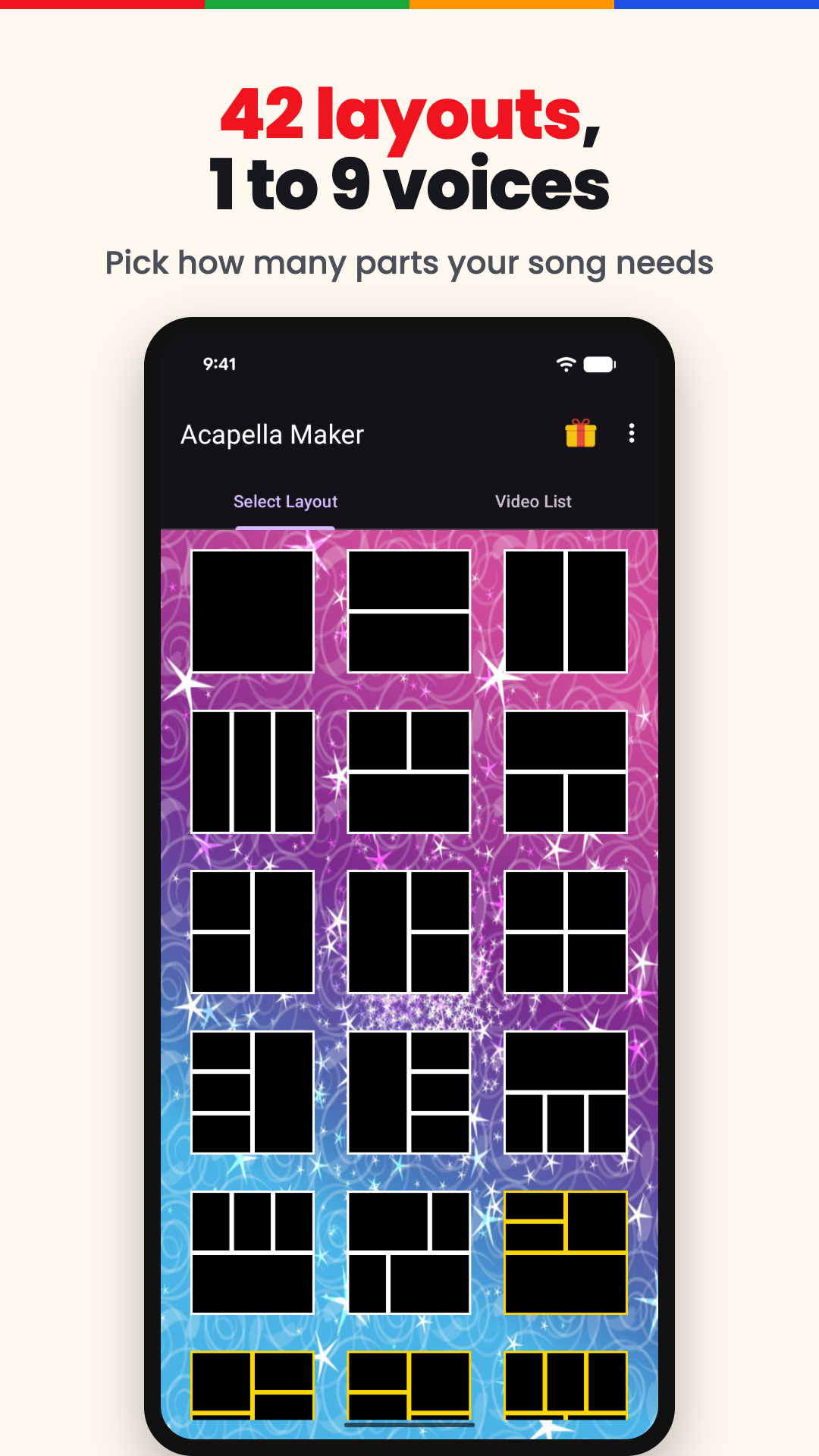
Sing every part yourself and turn it into one acapella video. Acapella Maker is an acapella video maker app that records each voice with your phone's camera and plays the parts side by side in a split screen video: soprano, alto, tenor and bass, a beatbox line under the melody, a duet with yourself, or a whole church choir sung by one person. Up to 9 voices in one video, all of them you.
Whether you sing in an acapella group, practise your choir part or beatbox with friends, this free acapella maker is the acapella singing app for anyone who loves harmony. Post an acapella cover to TikTok, Instagram Reels, YouTube Shorts or WhatsApp Status, or surprise your family with a virtual choir video you sang on your own.
HOW IT WORKS
1. Choose square or vertical 9:16, then a layout for 1 to 9 voices
2. Add a guide if you like: a song from your phone, a video's sound, a melody you record, or the metronome
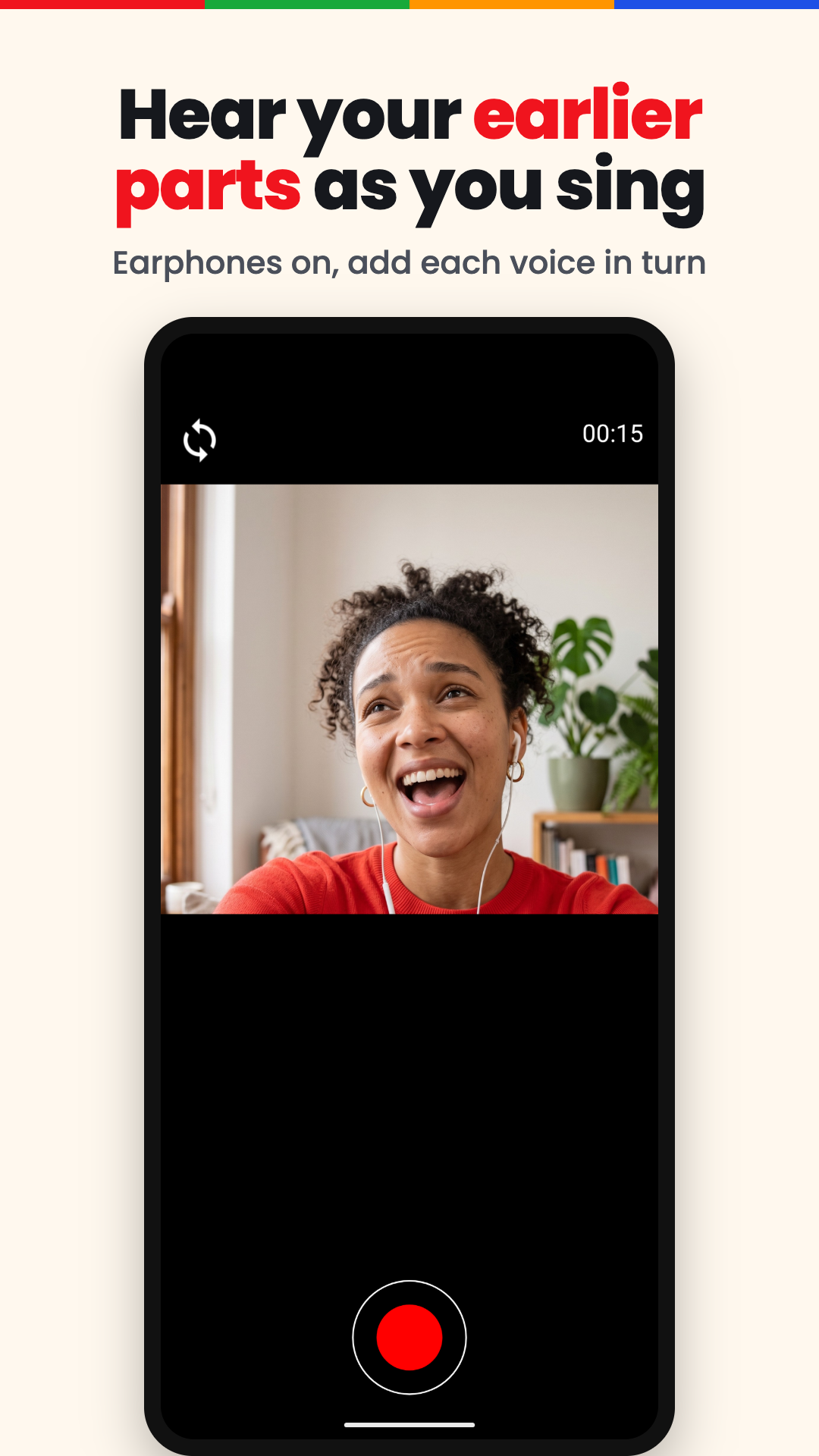
3. Record the first part, then each new one while the earlier parts play in your headphones
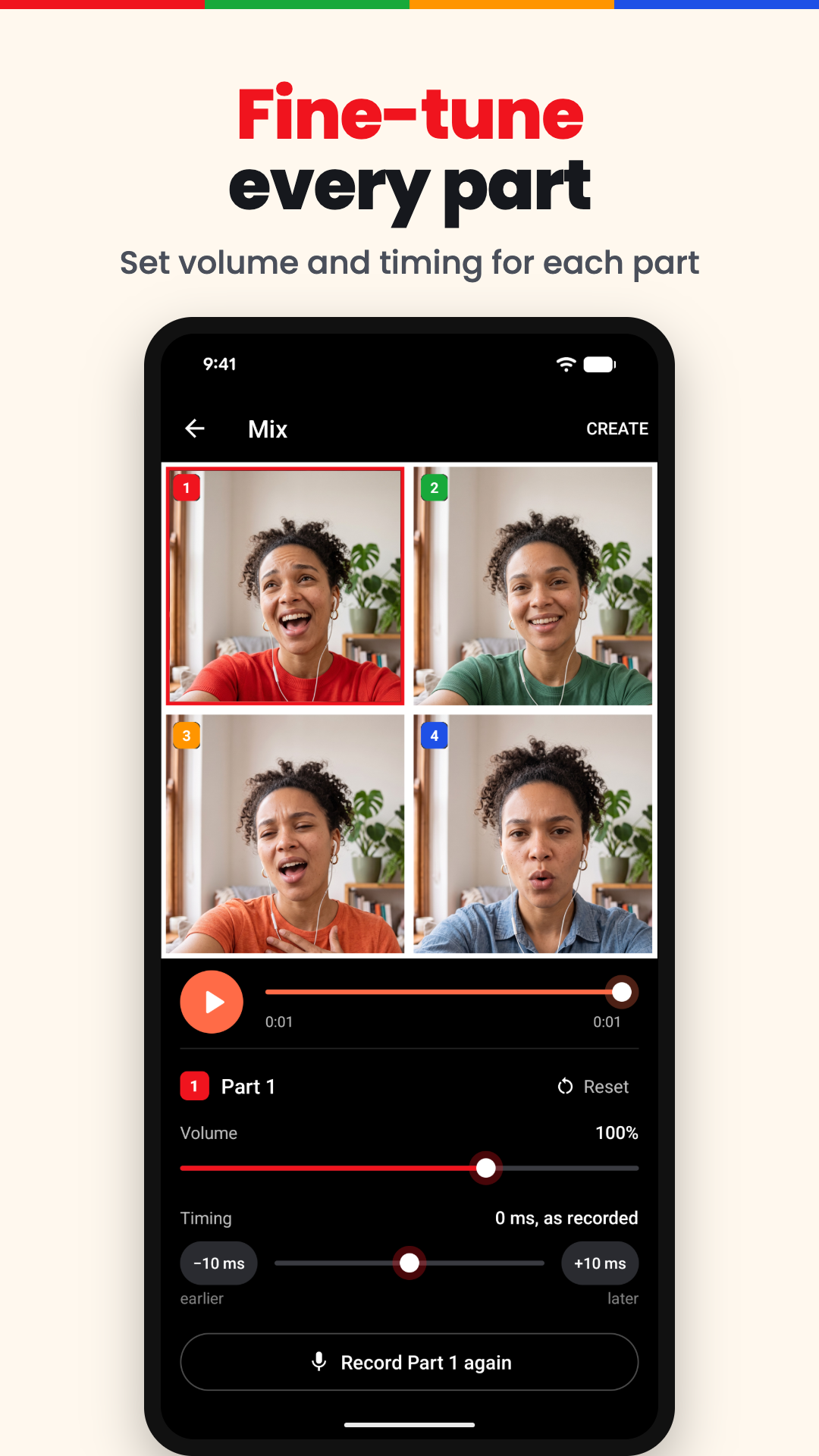
4. Balance and line up the voices in the Mix screen
5. Save your video and share it
RECORD EVERY VOICE
• Front or back camera for any part: a split screen video recorder for voices
• Record a part again until it sounds right, or replace it later
• Import a video from your gallery, like a part a friend sent you: the acapella app lines it up with the other voices by itself
• A metronome with tap tempo and a count-in keeps every part on the beat
• Put a name on each part, right in the video
YOUR ACAPELLA STUDIO
Balance every voice before you share, with a multitrack video recorder, a cappella maker and acapella voice mixer in one:
• Every part gets its own automatic timing, and a one-time audio calibration helps the voices line up
• Set each part's volume and timing, then play them all together
• Trim the end of a part, and drag parts to swap their places
• Loudness stays even, whether you sing 2 parts or 9
SQUARE OR VERTICAL, READY TO POST
Put multiple videos in one frame and post them anywhere: the acapella video maker works like a video collage maker app, split screen video maker and side by side video maker built for singers. Make a square acapella video collage for WhatsApp and Facebook, or a vertical video collage for Instagram Reels, TikTok and Shorts. Your finished acapella video collage goes to your gallery, ready to share.
YOUR SONGS SAVE THEMSELVES
The Acapella Maker app keeps every song in My projects: come back tomorrow to add the tenor, or duplicate a project to try another arrangement. It works offline too: recording, mixing and creating your video all happen on your phone, so you can use the acapella video maker offline at rehearsal or on the bus. Need a singing app offline? Open Acapella Maker offline and keep singing.
FREE AND PRO
Try Acapella Maker free: this acapella app for Android has the tools to record, mix and share. Go Pro for every layout up to 9 voices, longer songs, parts recorded in HD, export in HD or Full HD, and no logo or ads. Pro comes as a monthly or yearly plan, or once for life.
FOR EVERY KIND OF SINGER
An acapella singing app for:
• Church choir and gospel choir singers: learn every voice of a hymn
• A cappella groups and barbershop quartets: try the whole arrangement before rehearsal
• Cover singers: a cover song maker to record singing with music in your headphones, then stack harmonies with a vocal harmony maker
• Songwriters: sketch every voice of a new song with an acapella music maker in your pocket
• Friends and family: pass the phone around, or import the parts they send
However you spell it, acapella, a cappella, acappella or accappella, it means voices only, and this acapella app is the choir maker that turns your one voice into a whole choir.
TikTok, Instagram, YouTube, WhatsApp and Facebook are trademarks of their owners. Acapella Maker is an independent app and is not affiliated with or endorsed by them.
Questions or ideas? Write to
[email protected].