WhatScanner for WhatsWeb(包名:com.kachory.whatscan.whatsweb)開發者是Kachory.com,WhatScanner for WhatsWeb的最新版本1.0更新時間為2017年08月02日。WhatScanner for WhatsWeb的分類是通訊。您可以查看WhatScanner for WhatsWeb的開發者下的所有應用。目前這個應用免費。該應用可以從APKFab或Google Play下載到Android 5.0+。APKFab.com的所有APK/XAPK文檔都是原始文檔並且100%安全下載的資源。
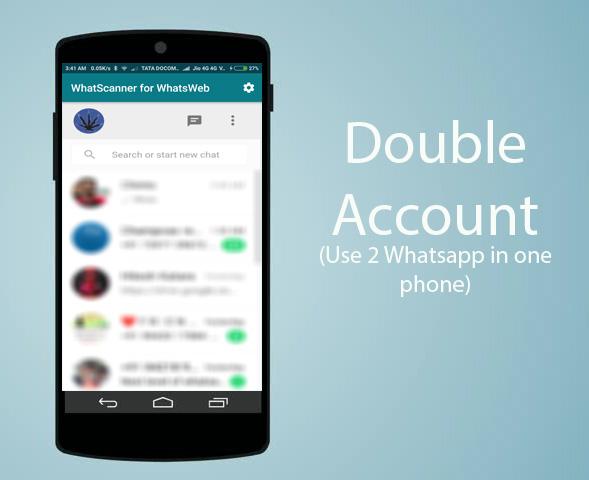
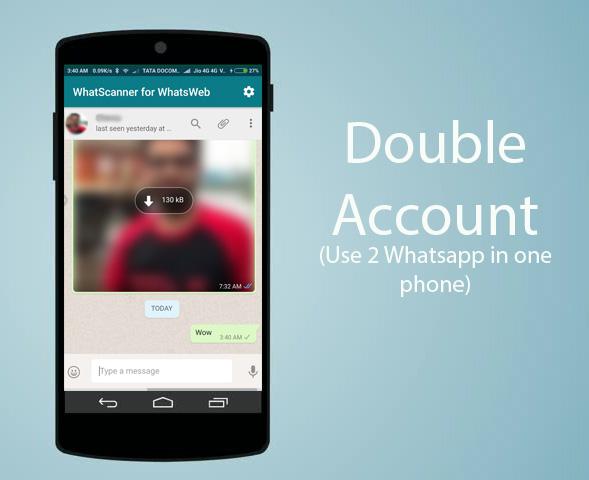
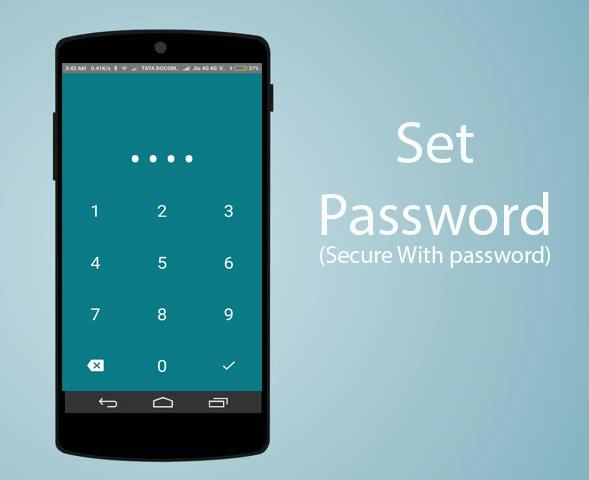
Whatscanner For WhatsWeb - a Web for WhatsApp dual WhatsApp account on multiple devices. Multiple whatAapp account in one phone. It is entirely up to you! - Just scan the QR code displayed on whatsweb app from the device you want to open/sync and now you can access the same whatsapp account on both devices! WhatScanner for WhatsWeb– the easiest and fastest app that will let you open the same whatsapp account on 2 smartphones or tablets for Free! * You can use same WhatsApp account on mobiles and tablets. * You can have 2 WhatsApp account in same mobile. * Whatscan for whatsapp secured with your Password. * Easy to control children whatsapp with clone whatsapp account with whatsweb for whatsapp. Hint: Whatscan for whatsapp web is created by us, and it not an official WhatsApp application and not associated with WhatsApp Inc. DOUBLE WHATSAPP - possibility to add multiple accounts on one smartphone - possibility to add the same account to two smartphones - ability to add password to protect your messages and the whole account - simple and intuitive - light in size - free ------------------------------------------------------------ The app guarantees great options in your everyday Whatsapp communication. Get the app for FREE! ---------- HOW TO USE ---------- 1. Install and Open WhatScanner on device (Phone/Tablet) you want to sync/clone your whatsapp to 2. Open whatsapp on your main phone (the account you want to clone) - On Android: Scroll to the Chats screen -> Menu -> whatsapp Web. - On iPhone: Click Settings -> whatsapp Web. - On Nokia S60 and Windows Phone: Go to Menu -> whatsapp Web. - On Nokia S40: Swipe up from bottom of screen -> whatsapp Web. - On BlackBerry: Go to Chats -> Menu -> whatsapp Web. - On BlackBerry 10: Swipe down from top of the screen -> whatsapp Web. 3. After clicking "whatsapp web", you should see a camera QR scanning screen. 4. Now scan the QR code displayed on WhatScanner for WhatsWeb 5. Done! Sync complete! Now you can access the same whatsapp account on both devices! 6. Enjoy 2 whatsapp in 1 device! IMPORTANT: Account Manager for Whatsapp is an app created by us. It is not an official WhatsApp application and in any ways it is not associated with WhatsApp Inc. Keywords :whatsweb, whatscan, whatsapp web, whatscan for whatsapp iphone, whatsapp, whatscan use, whatscan video, whatscan app, whatscan apk, whatscan pro apk, whatscan download, whatscan for pc, whatscan for windows phone, whtascanner for whatsapp,dual whatsapp latest
APKFab.com和該應用的下載連結是100%安全的。APKFab.com上列出的所有應用下載連結均來自Google Play Store或由用戶提交。對於來自Google Play商店的應用,APKFab.com不會對其進行任何形式的修改。對於用戶提交的應用,APKFab.com會在網站上發佈之前驗證其APK簽名的安全性。