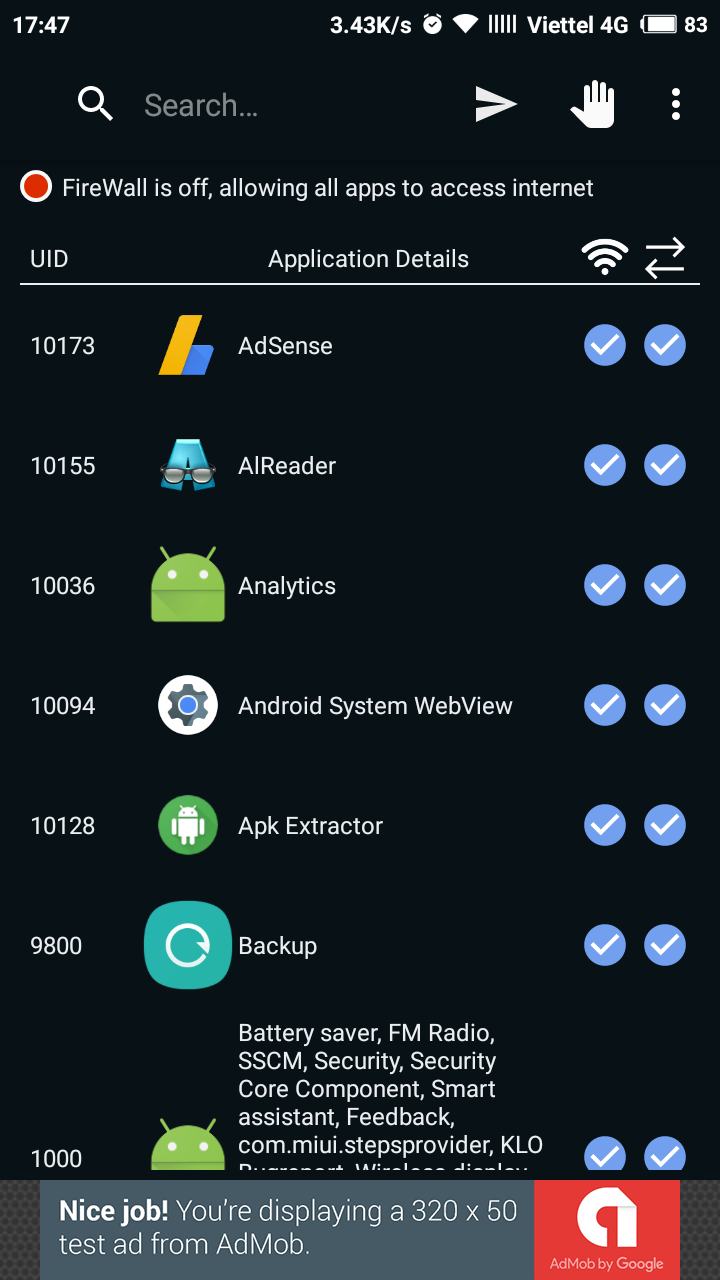
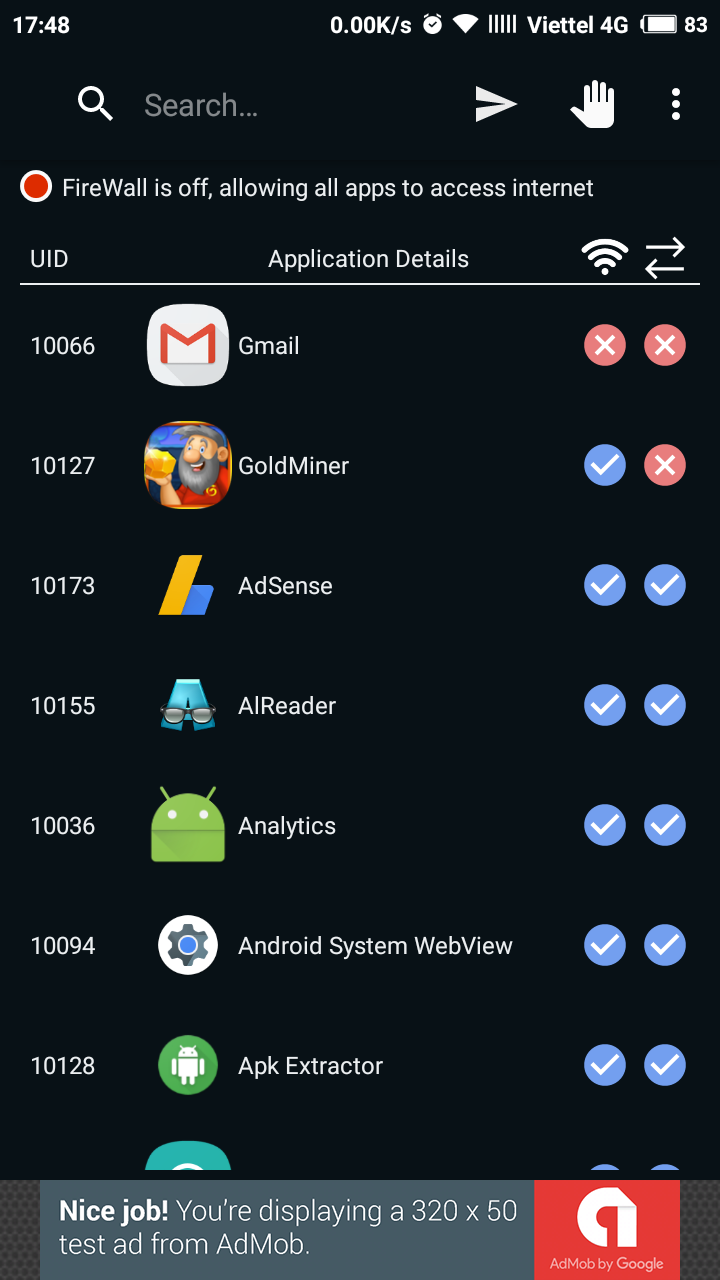
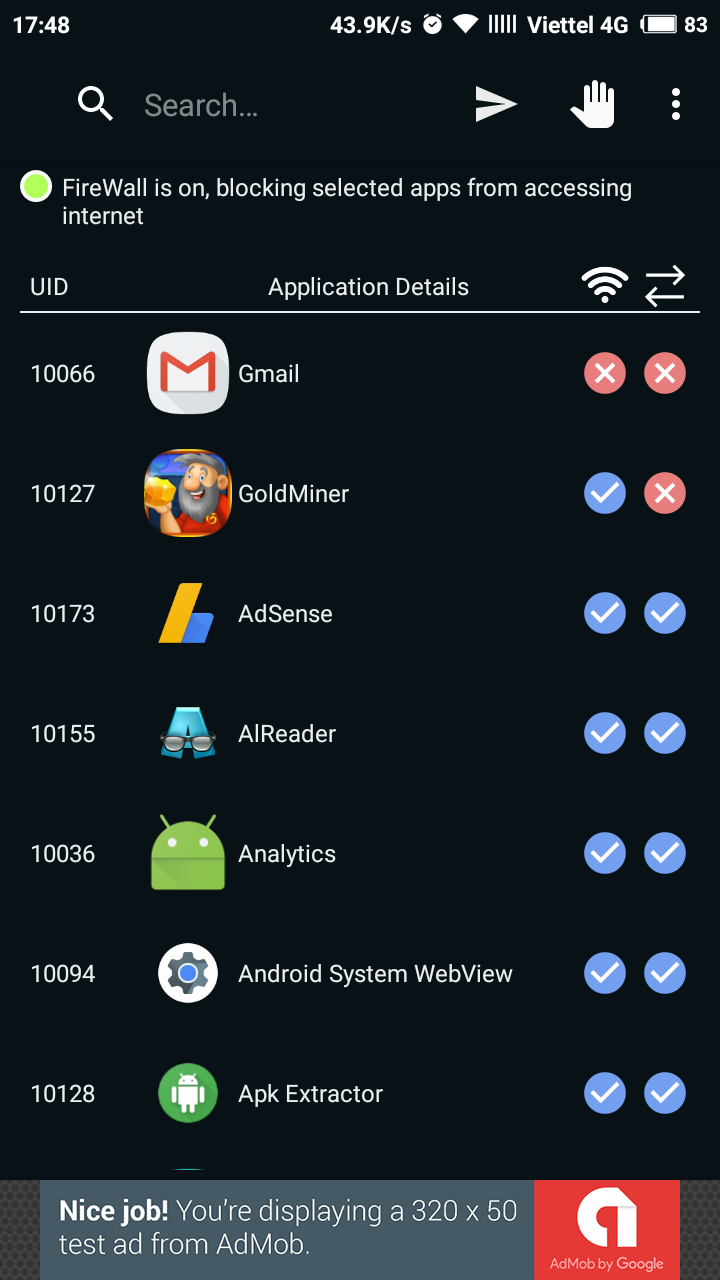
With Ultra Firewall. you can block any app you want from connecting to internet through wifi and/or mobile data. Or you simple don't want ads is showed on your offline game, just block that app. * Current issue: it seems not to be working with 4G LTE network *Features: + Block apps from connecting to internet through wifi/data + Auto start firewall on boot completed if firewall is enabled #Note + This app required root access to work properly. So your device must be rooted + For xiaomi devices, to auto start firewall on boot completed. You need allow this app auto start by some steps below: - Open Security app on your phone. - Tap on Permissions, it'll show you two options: Autostart and Permissions - Tap on Autostart, it'll show you list of apps with on or off toggle buttons. - Turn on toggle of this app you're done!
Ultra Firewall (Root) 1.1 更新
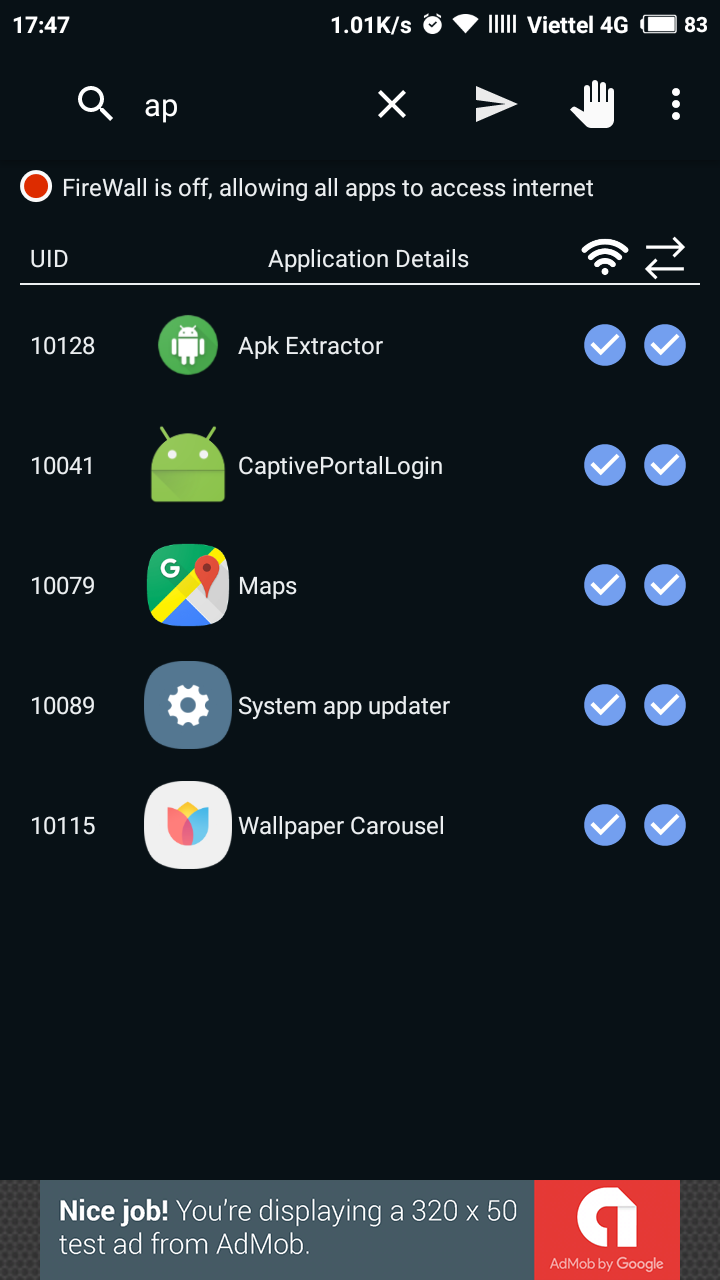
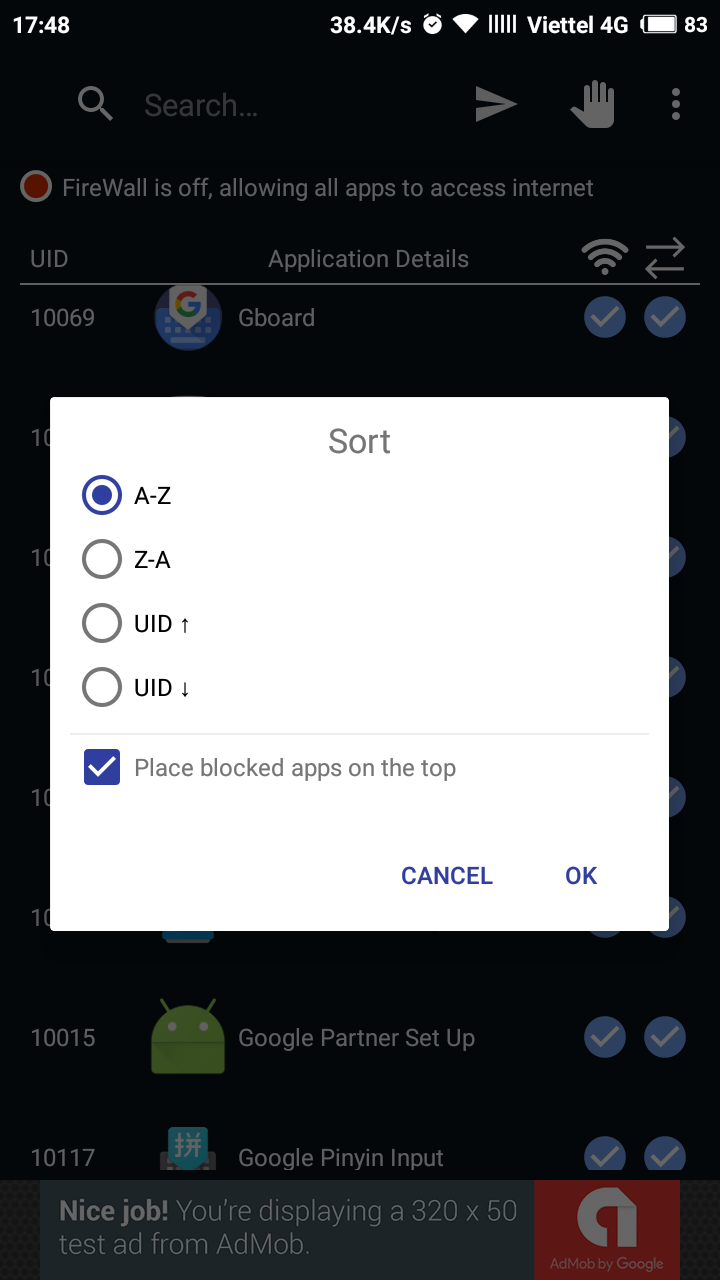
* Search Apps by UID, Name * Press on Wifi / Data Icon to select All / deselect All Apps * Sort apps by Name or UID ( user can place blocked apps on top or not)
APKFab.com和該應用的下載連結是100%安全的。APKFab.com上列出的所有應用下載連結均來自Google Play Store或由用戶提交。對於來自Google Play商店的應用,APKFab.com不會對其進行任何形式的修改。對於用戶提交的應用,APKFab.com會在網站上發佈之前驗證其APK簽名的安全性。