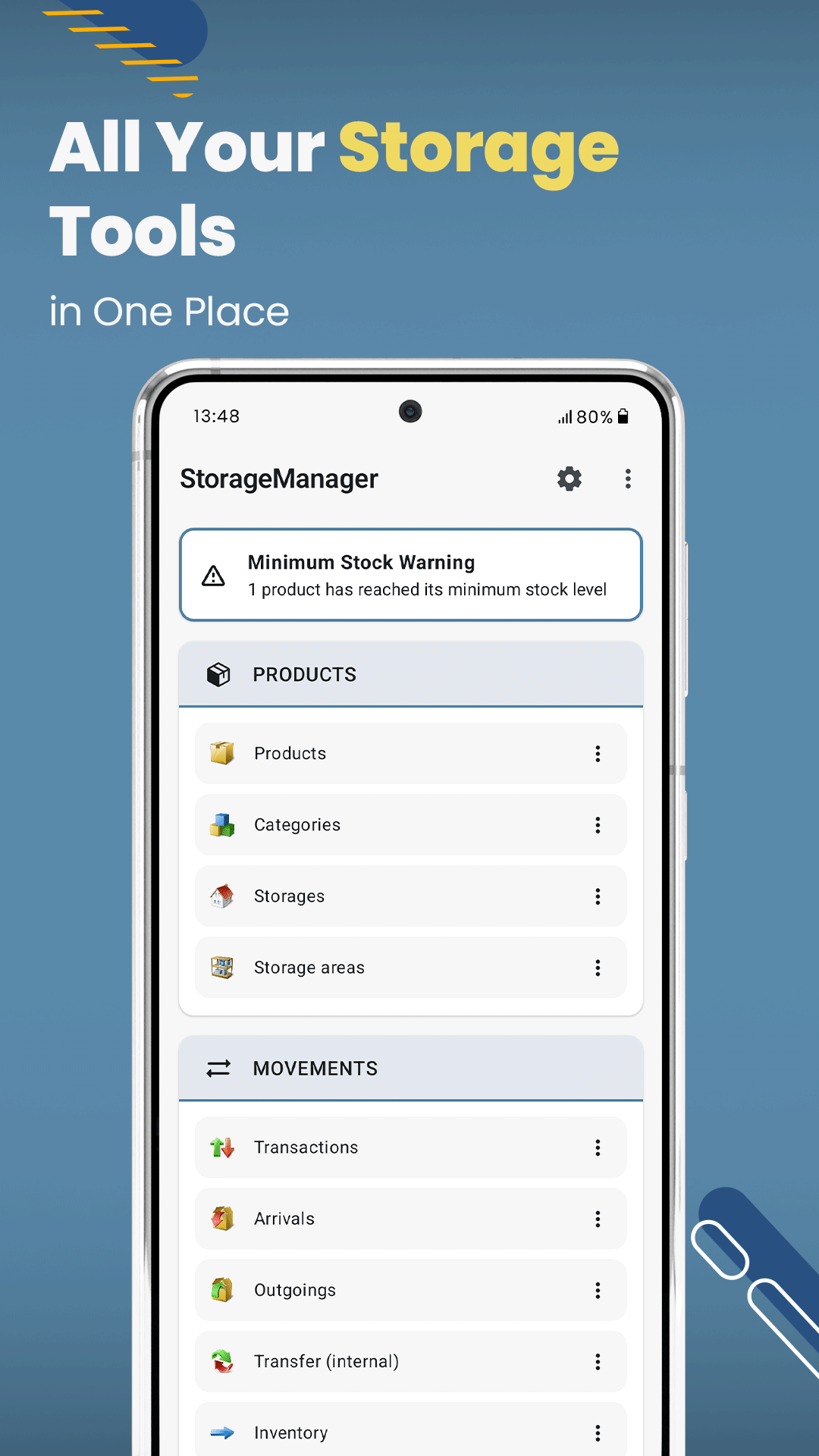
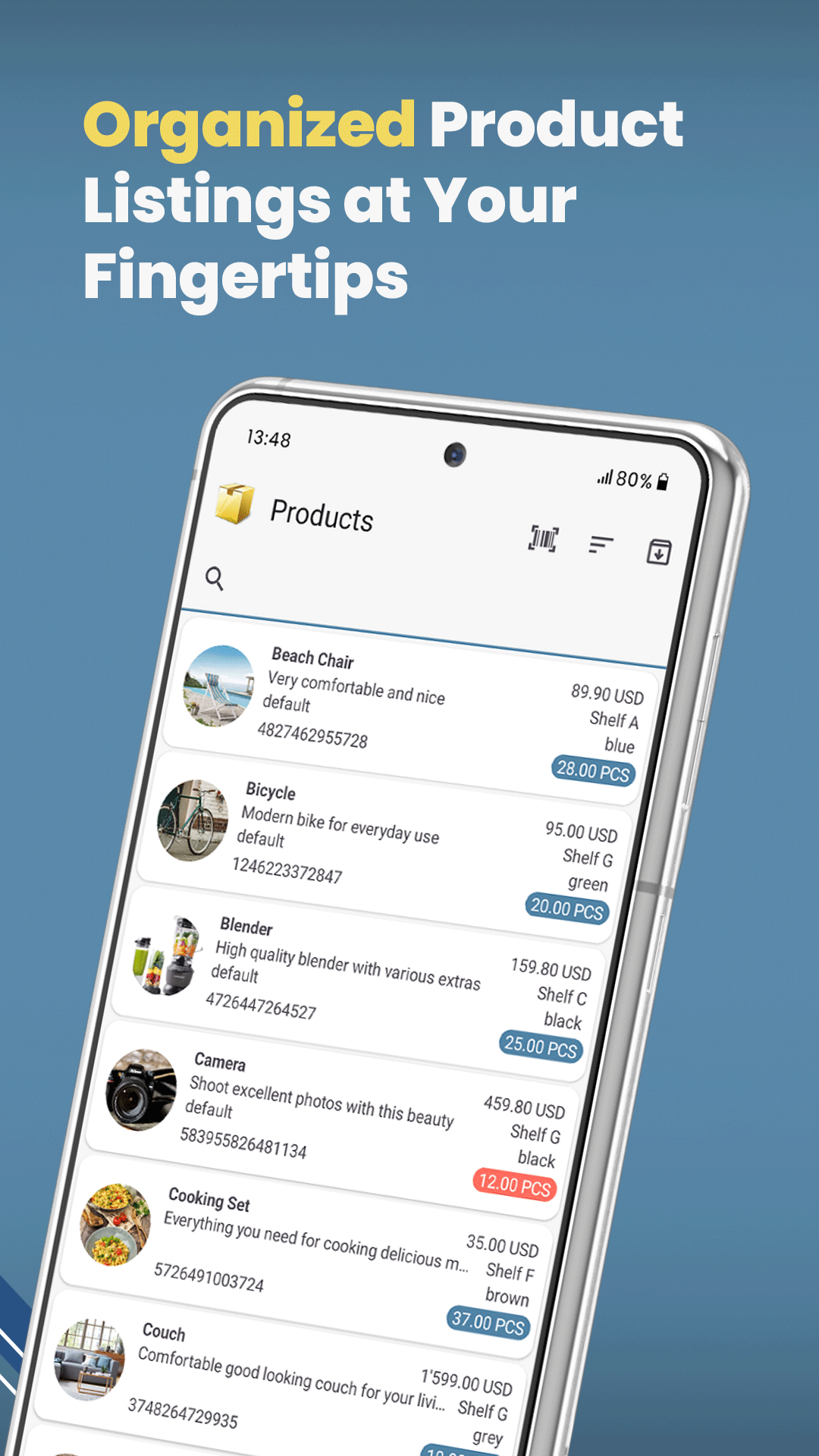
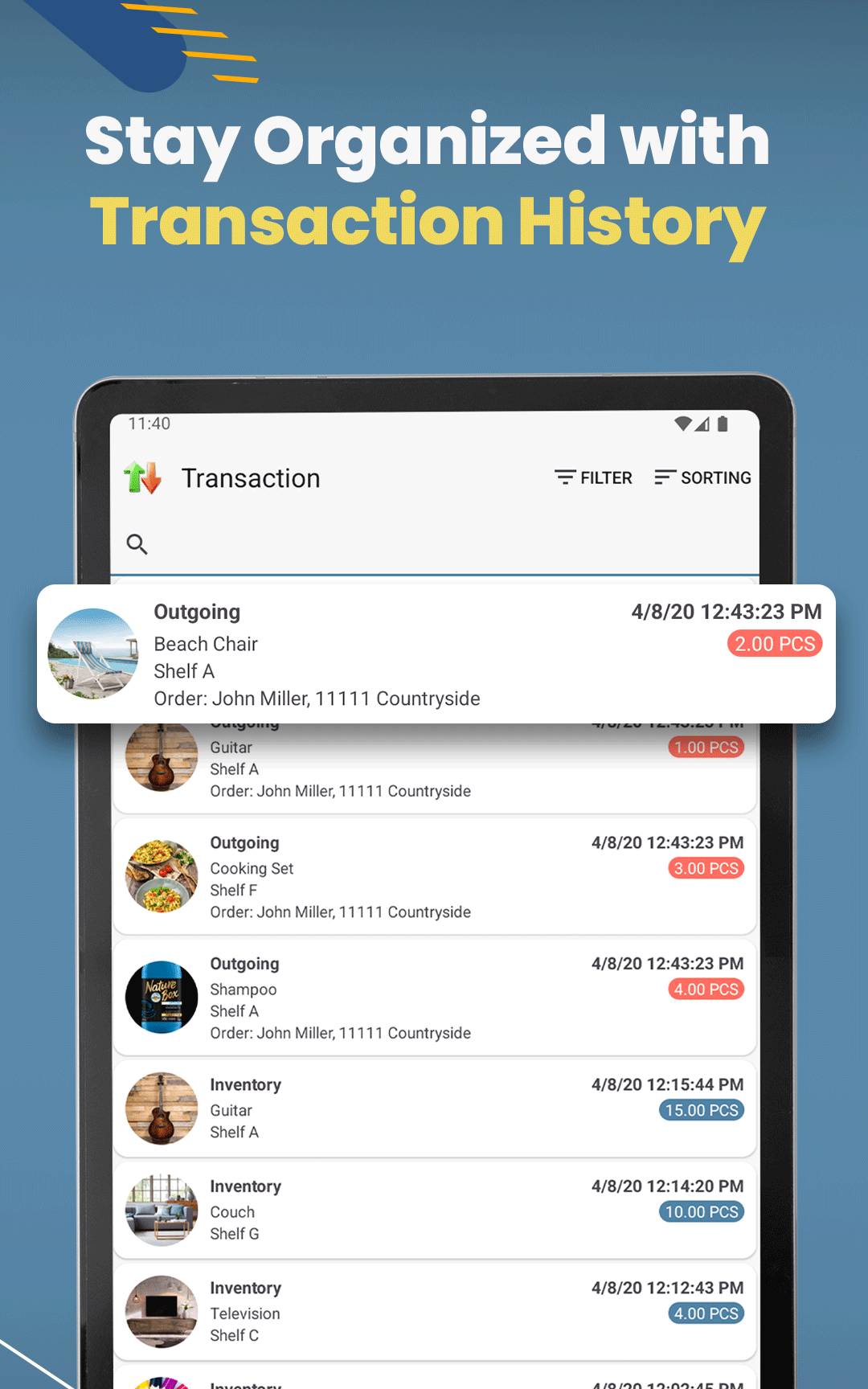
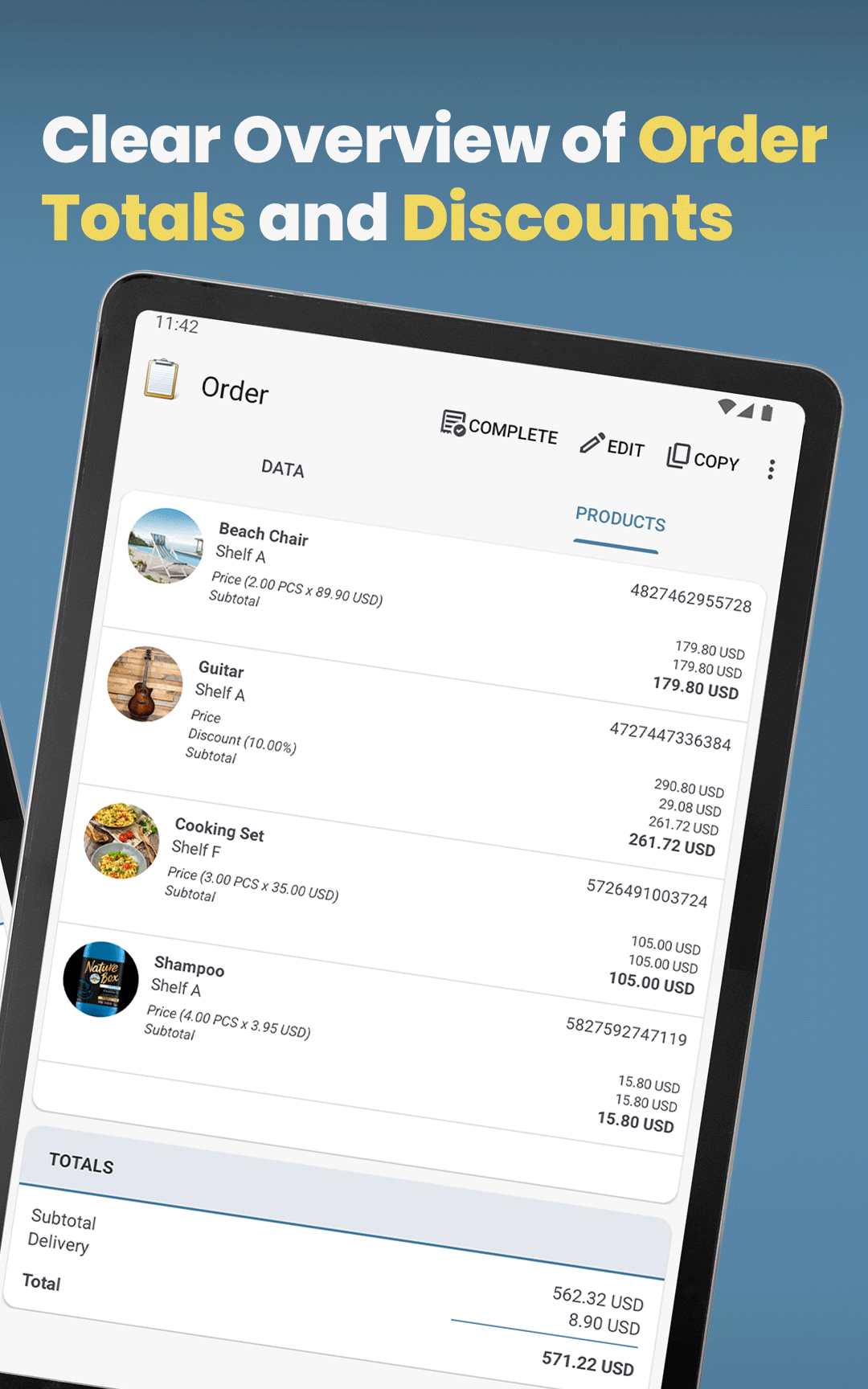
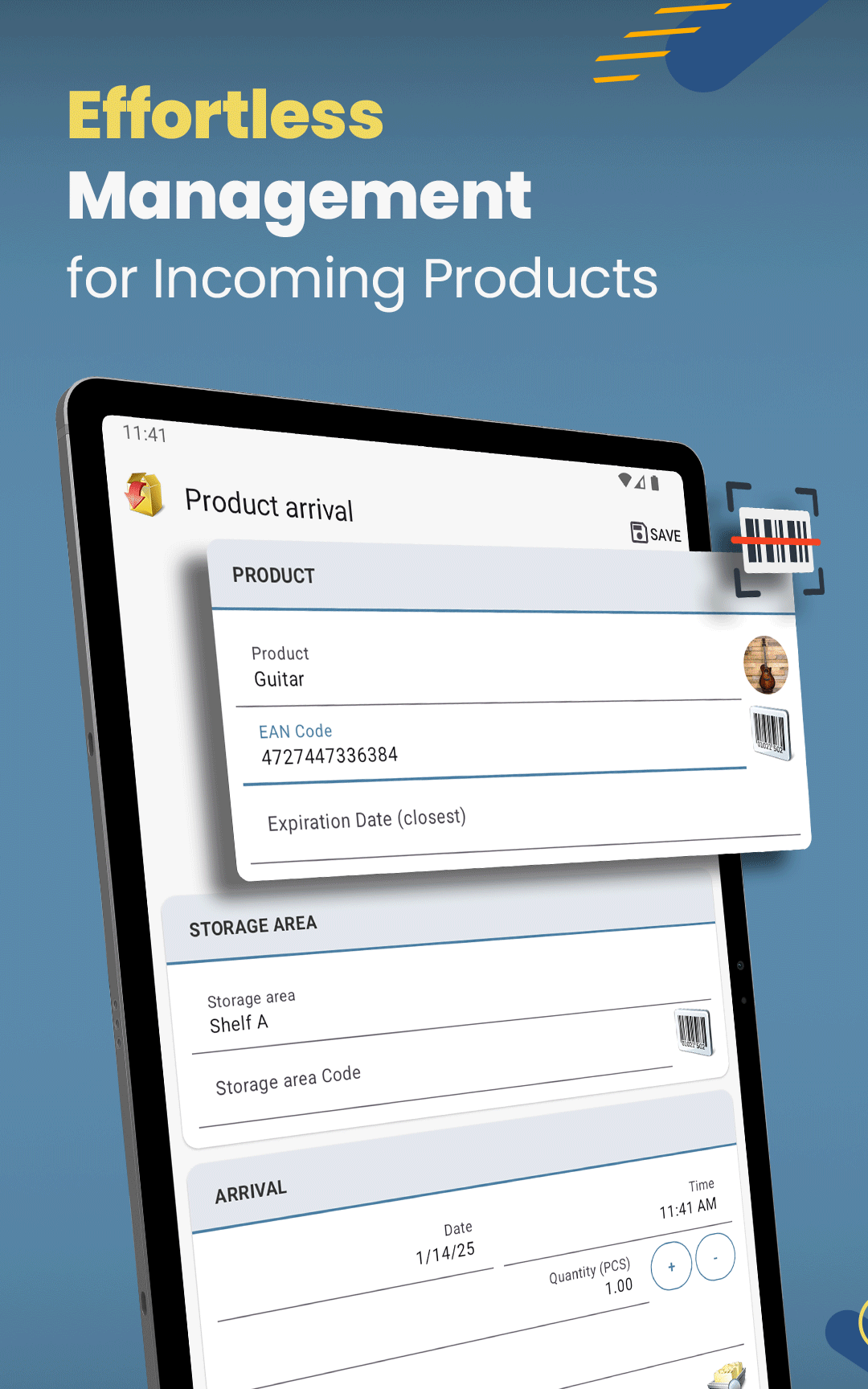
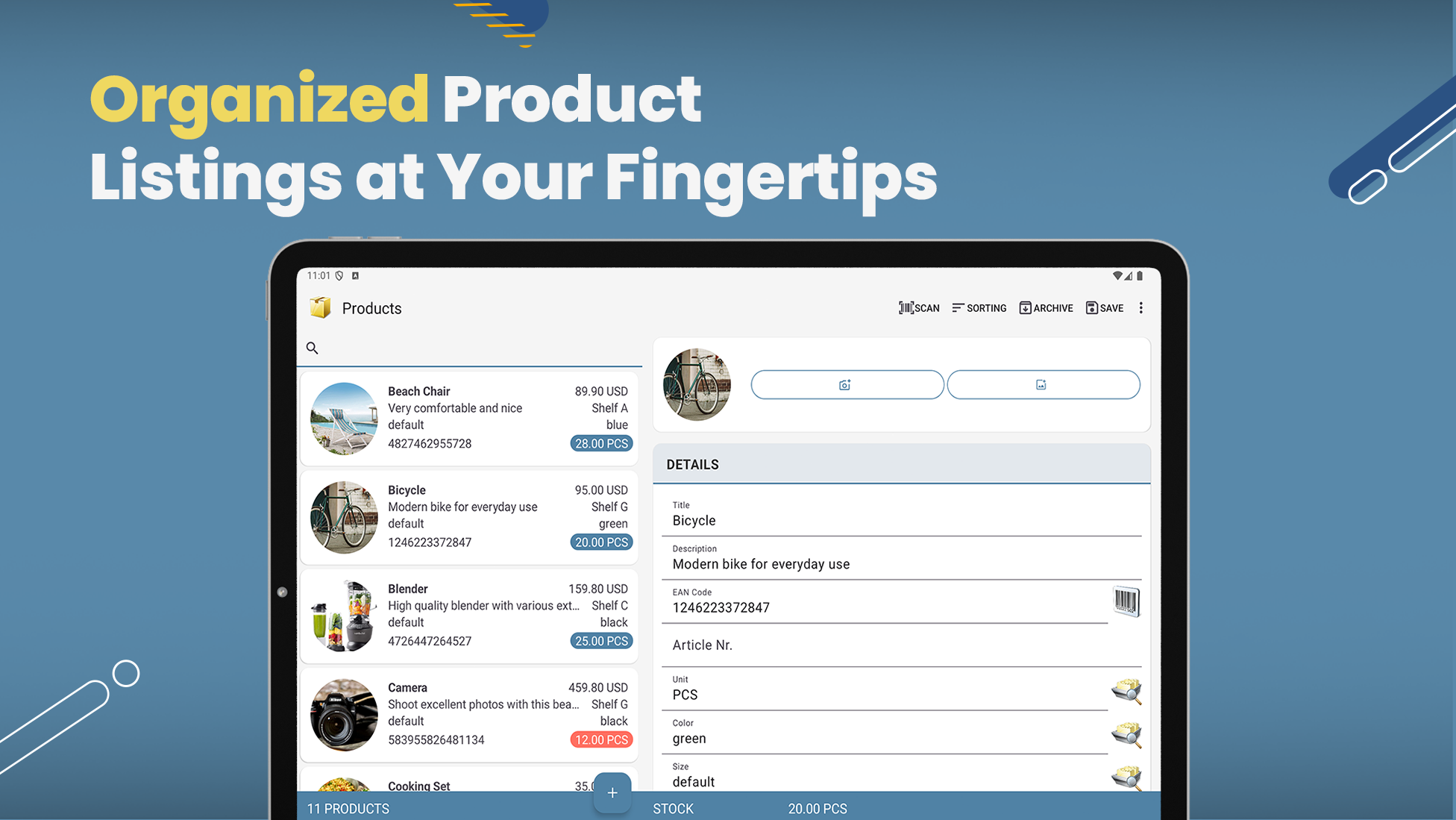
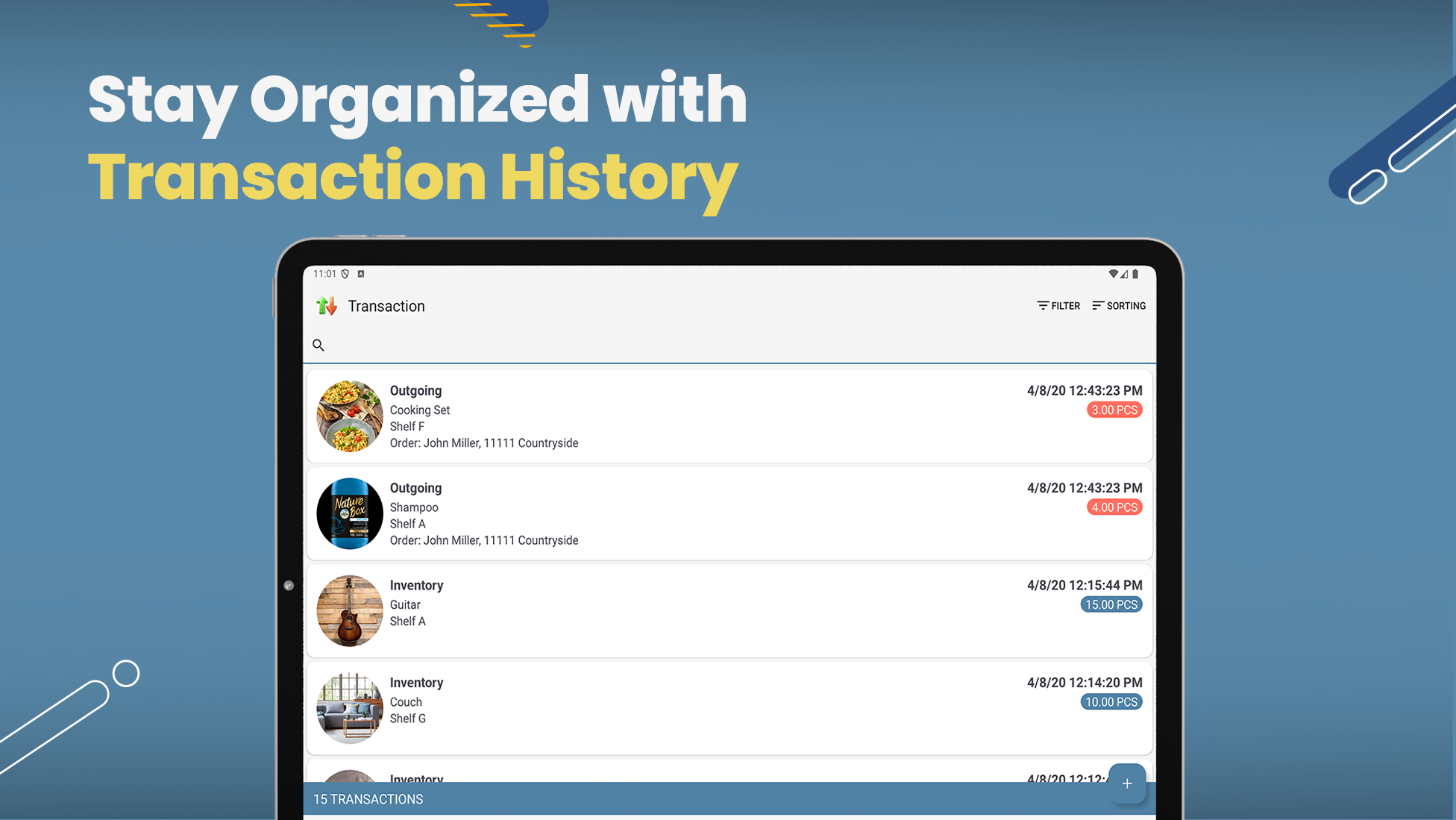
• Create package sizes, such as 6-packs, with their own barcodes and purchase and selling prices. • Use packages in offers, orders, purchase orders, arrivals and outgoings. Stock remains in the product’s base unit. • Transaction details show the booked pack count, and product editor sections can be collapsed. • Product CSV/Excel files omit package sizes; full backups include them.
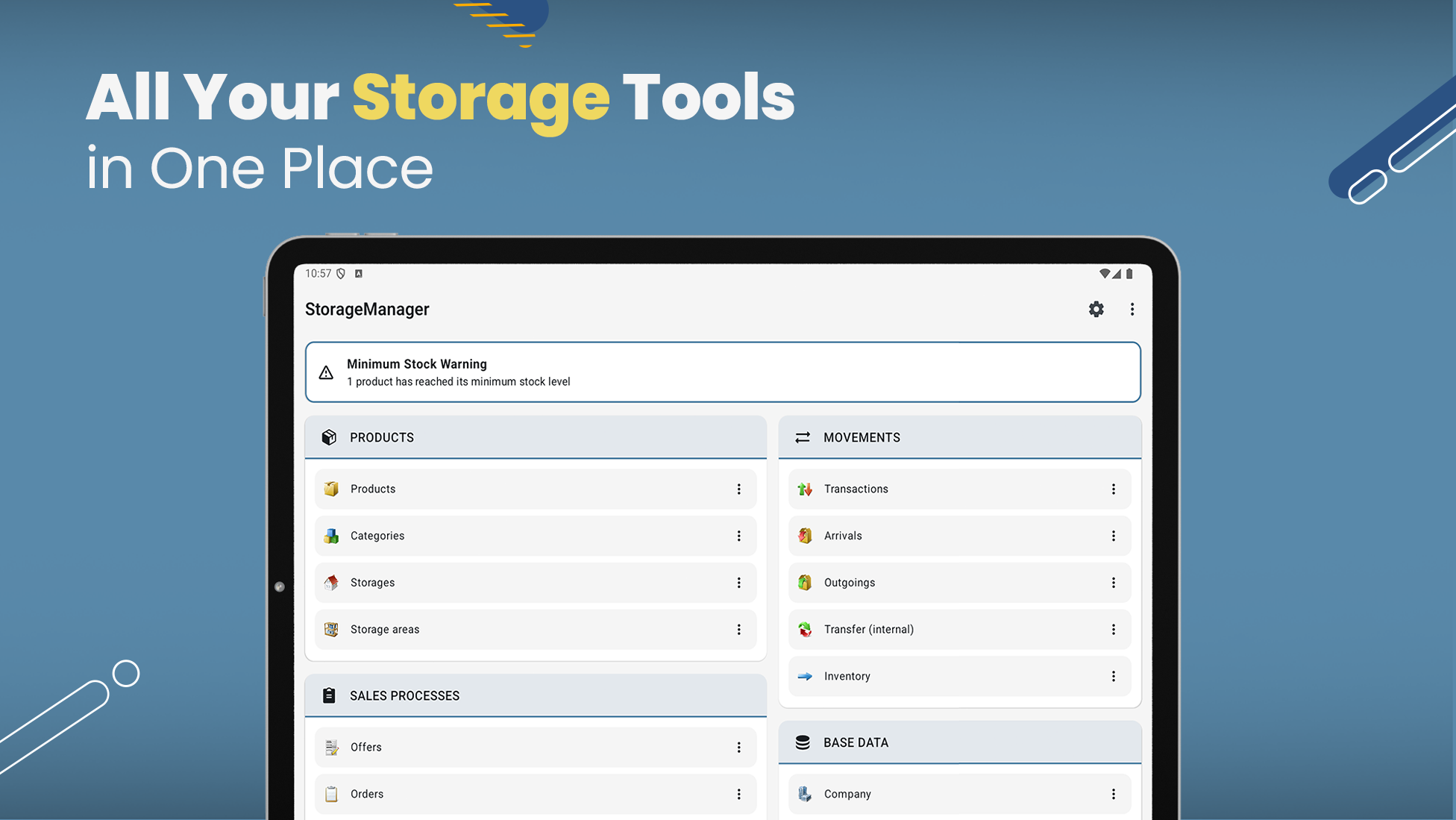
• Find free storage locations with new filters for no product assignments or zero stock. • The add button in the locations list now hides when scrolling down and returns when scrolling up.
• Copy products directly from the product list. • Add a reusable payment QR code, a custom label, and payment instructions in company settings. • Show the QR code and payment details on sales invoices when payment details are enabled.
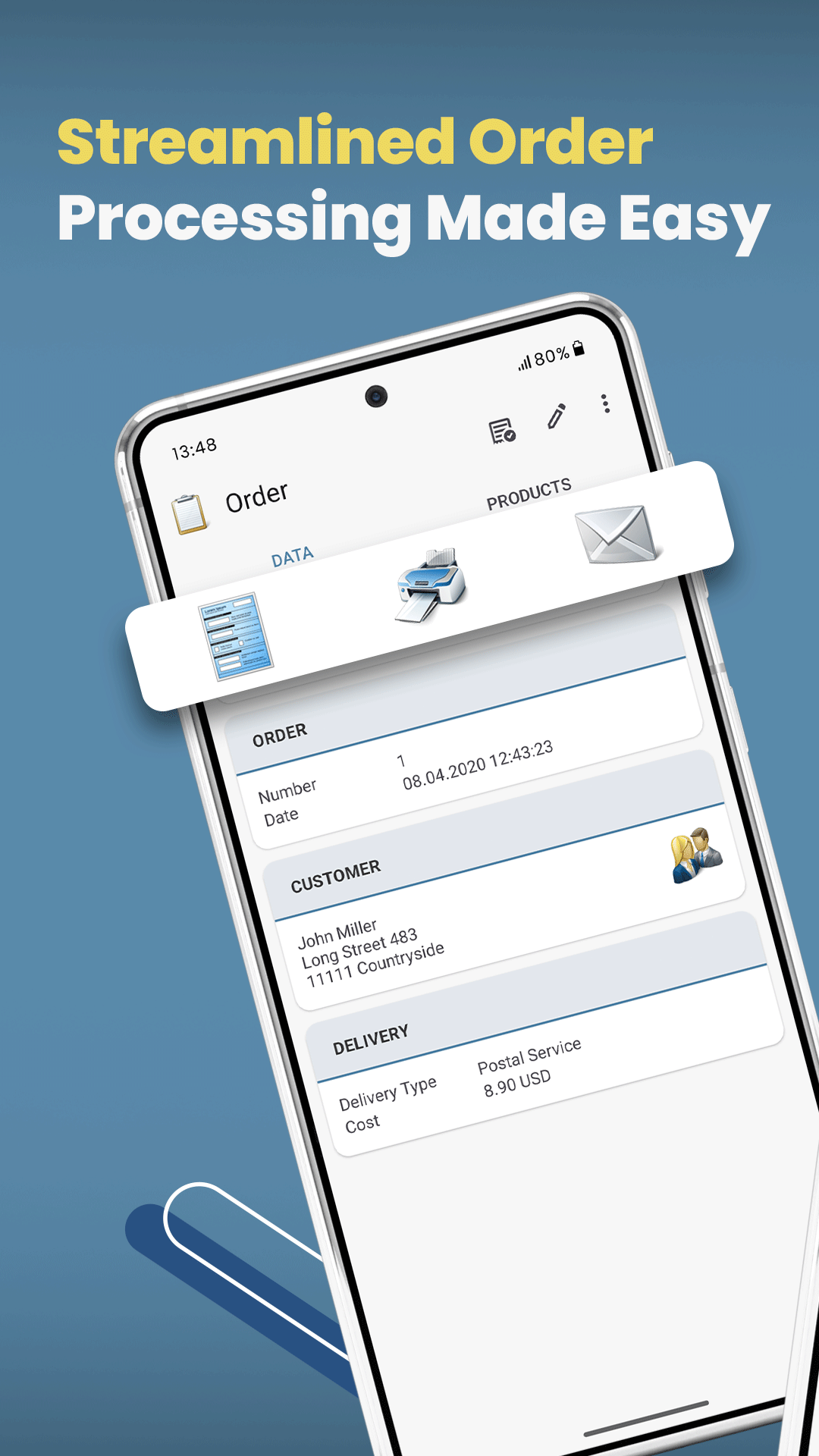
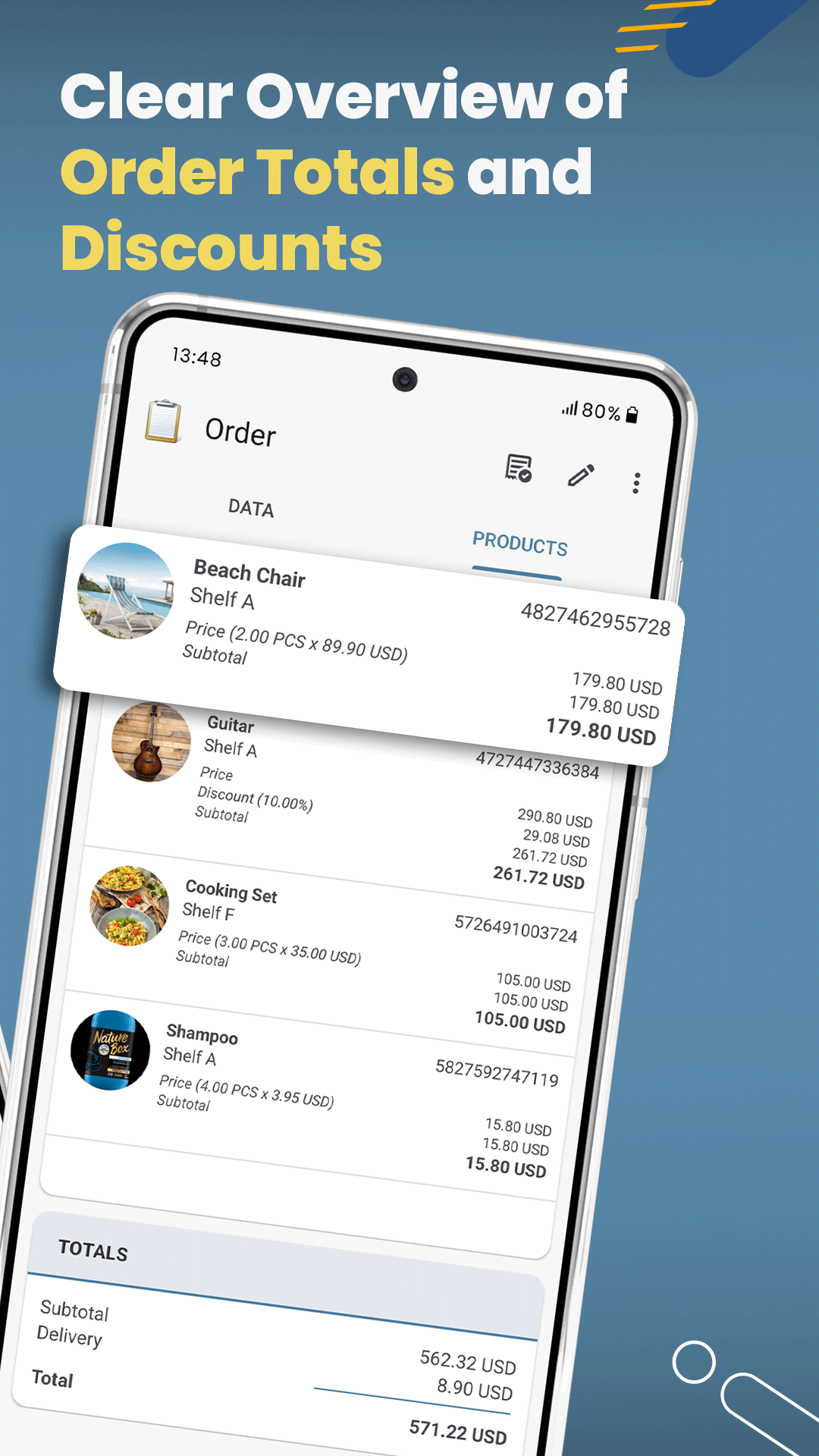
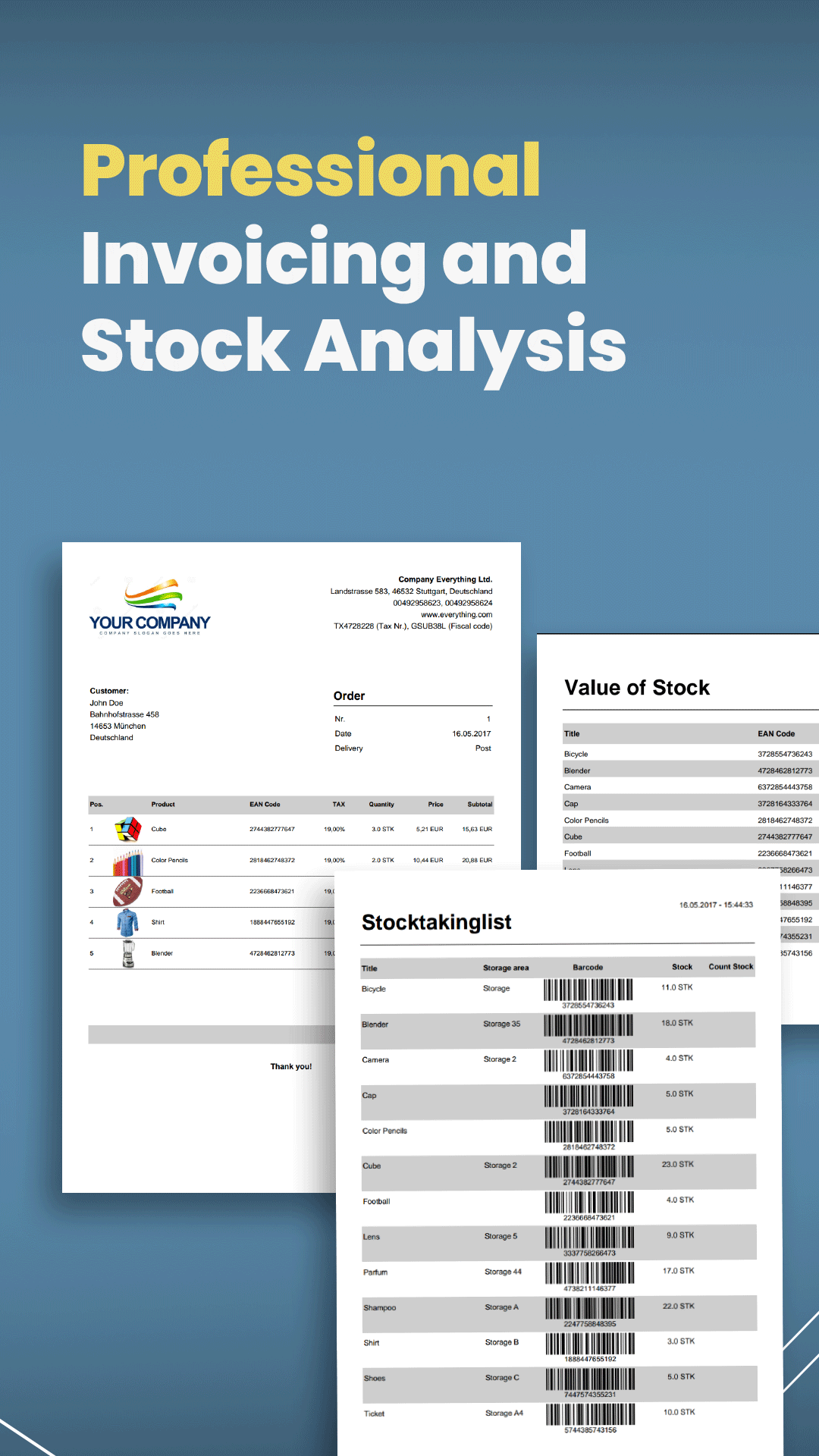
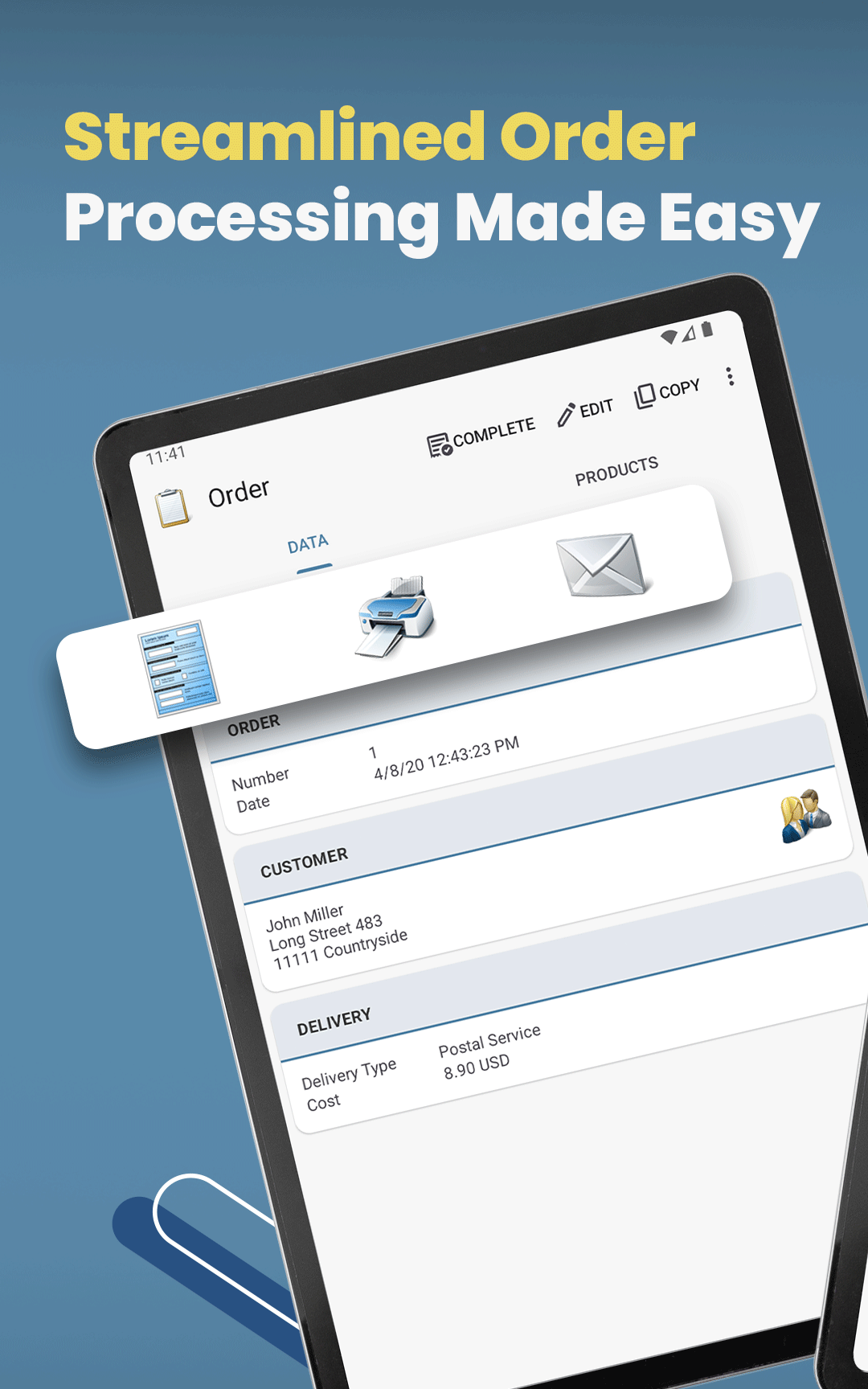
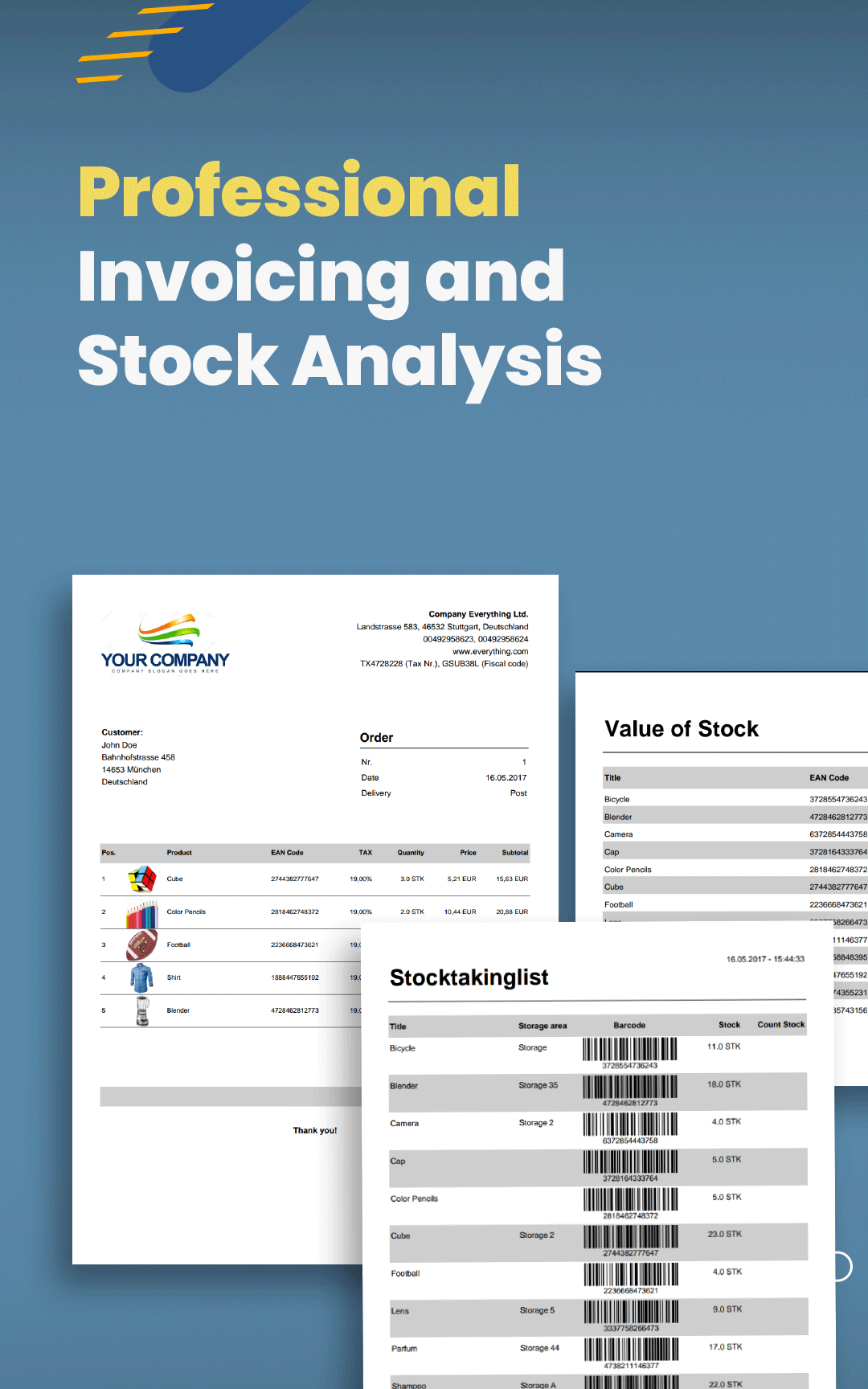
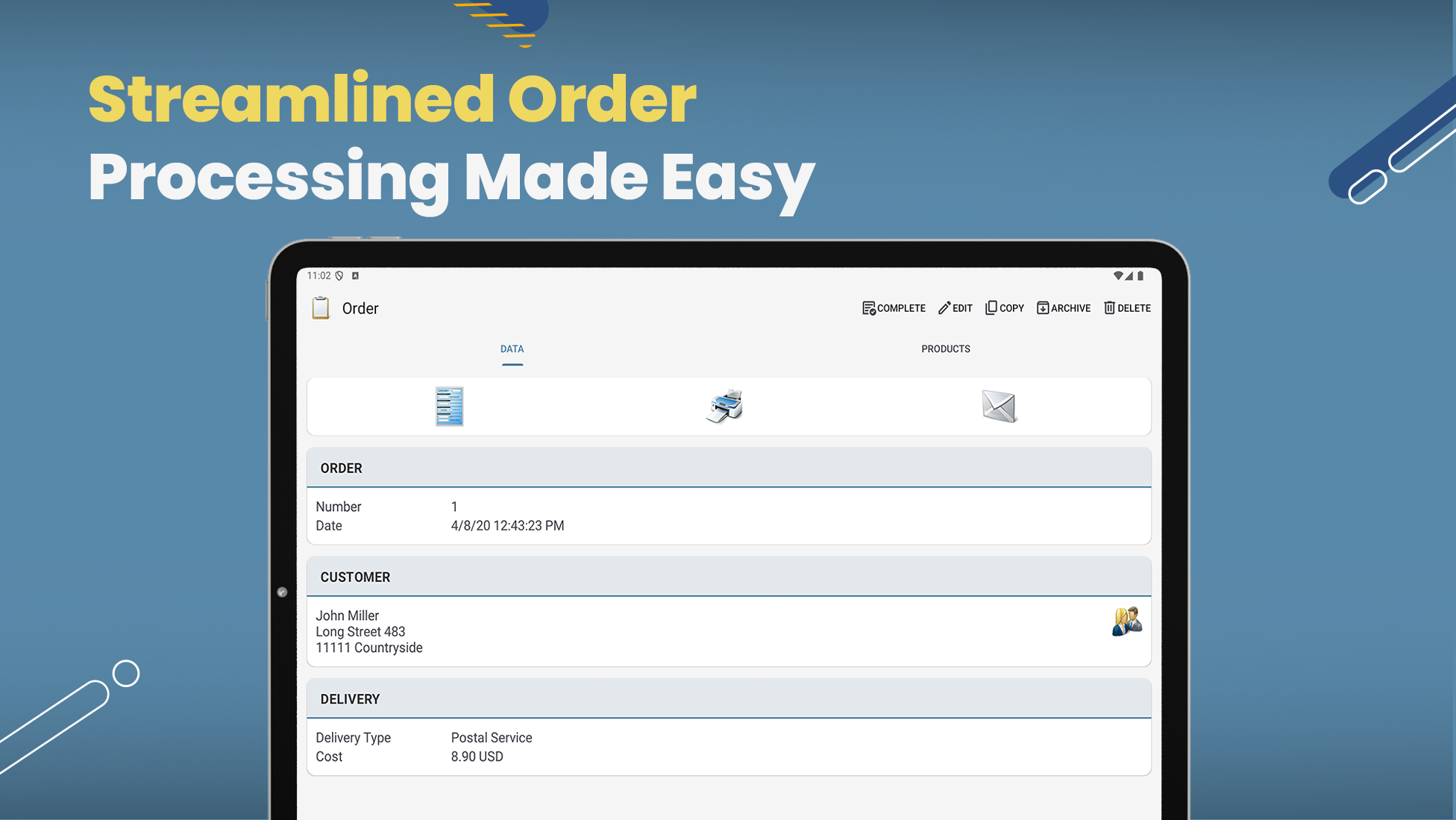
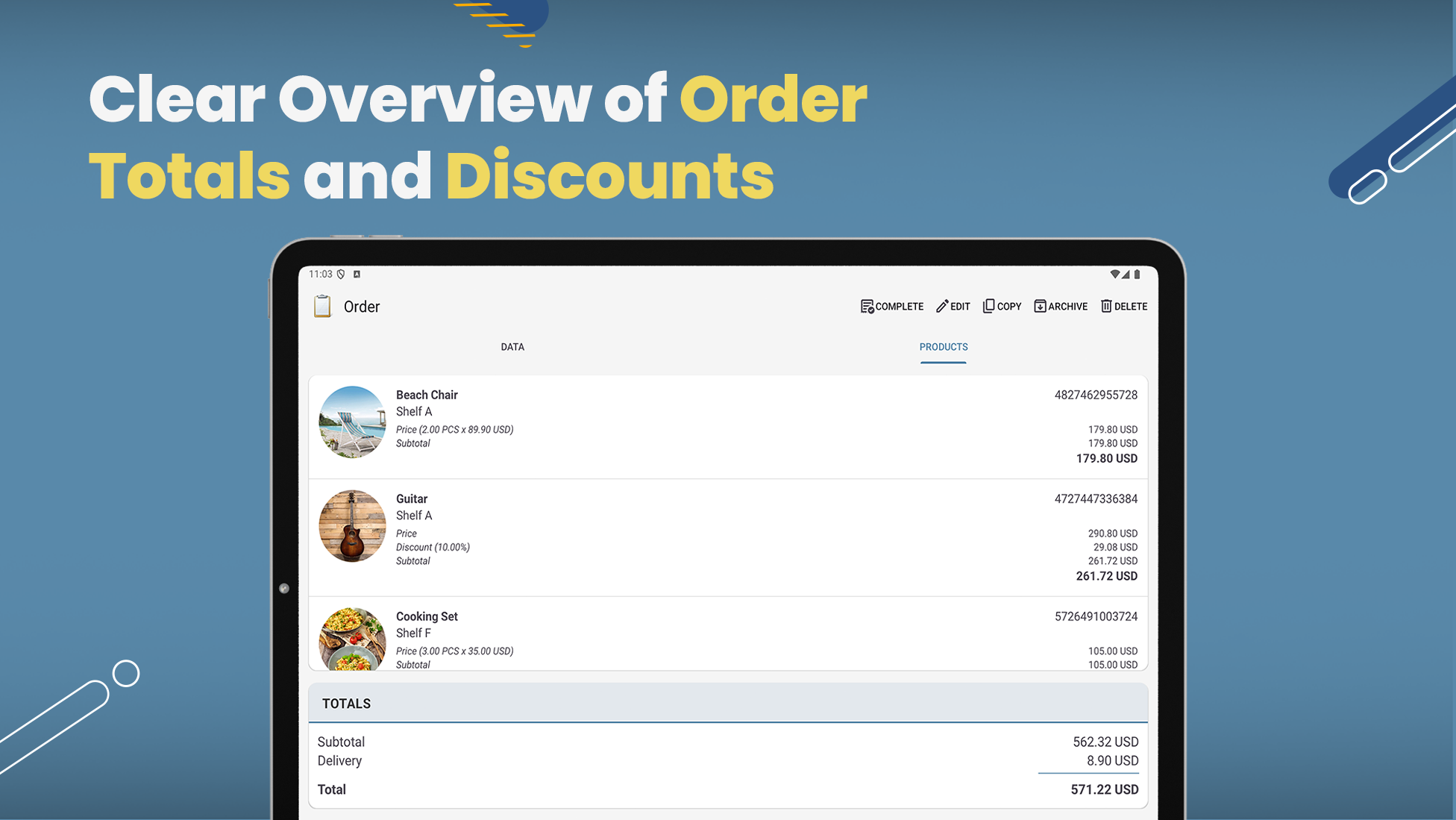
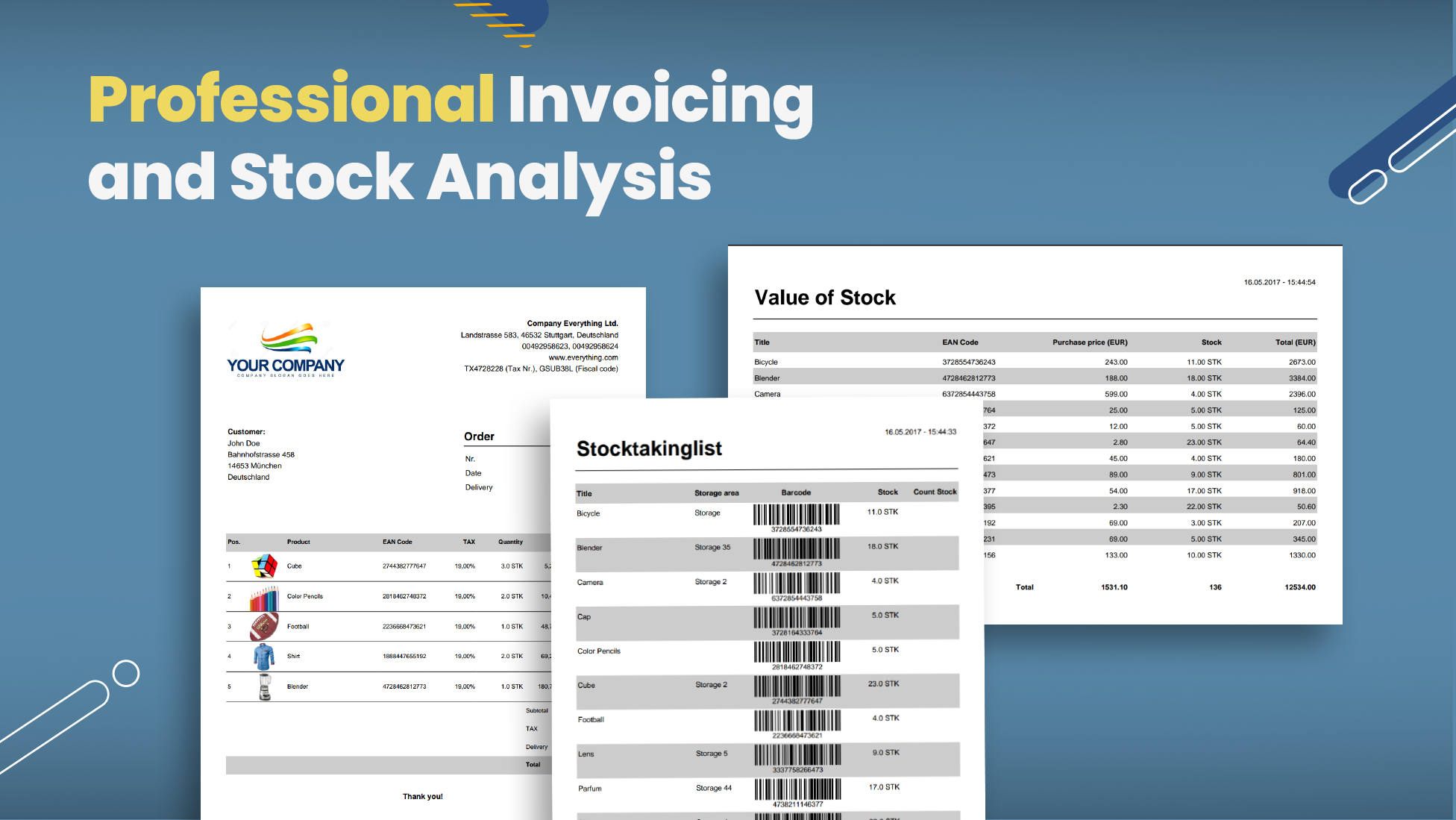
• Create invoices, delivery notes, and picking lists for orders. • Print several order documents together or email them as separate PDFs. • Create receiving checklists for purchase orders with outstanding and received quantities. • Customize the layout and contents of each order document separately.
APKFab.com和該應用的下載連結是100%安全的。APKFab.com上列出的所有應用下載連結均來自Google Play Store或由用戶提交。對於來自Google Play商店的應用,APKFab.com不會對其進行任何形式的修改。對於用戶提交的應用,APKFab.com會在網站上發佈之前驗證其APK簽名的安全性。