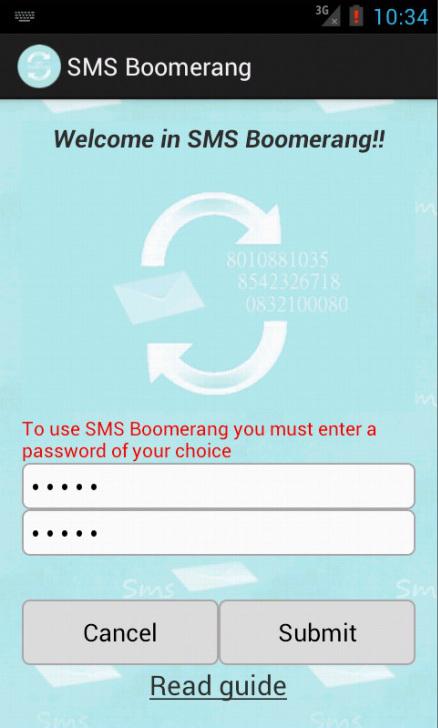
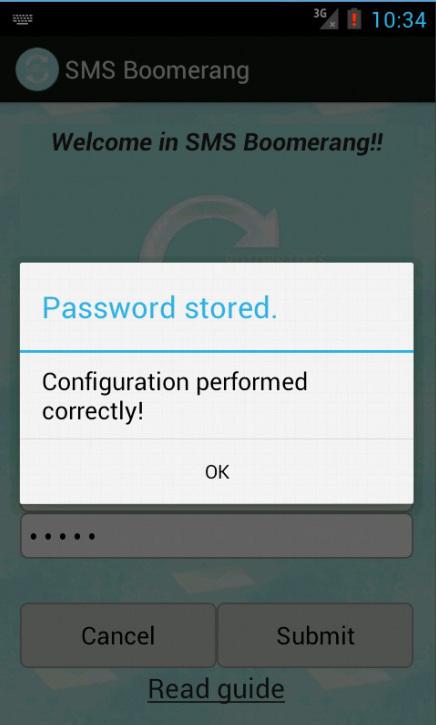
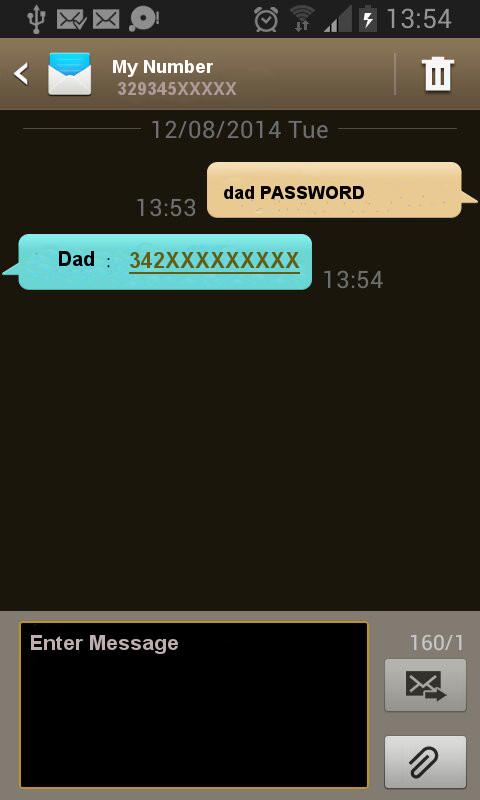
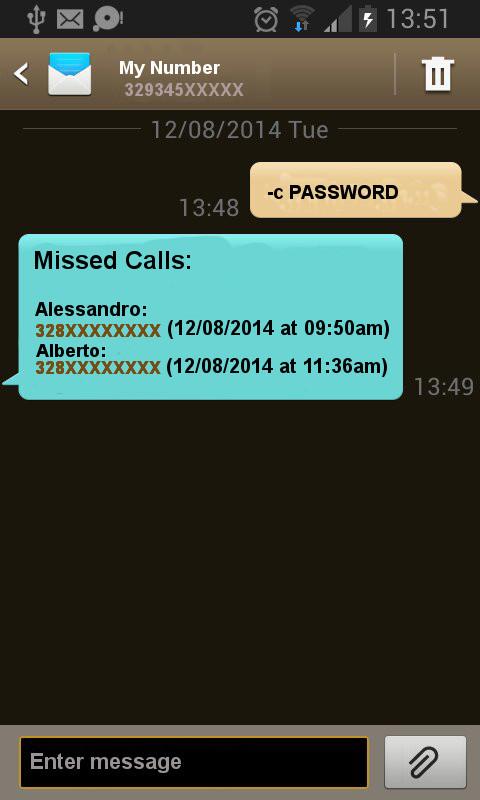
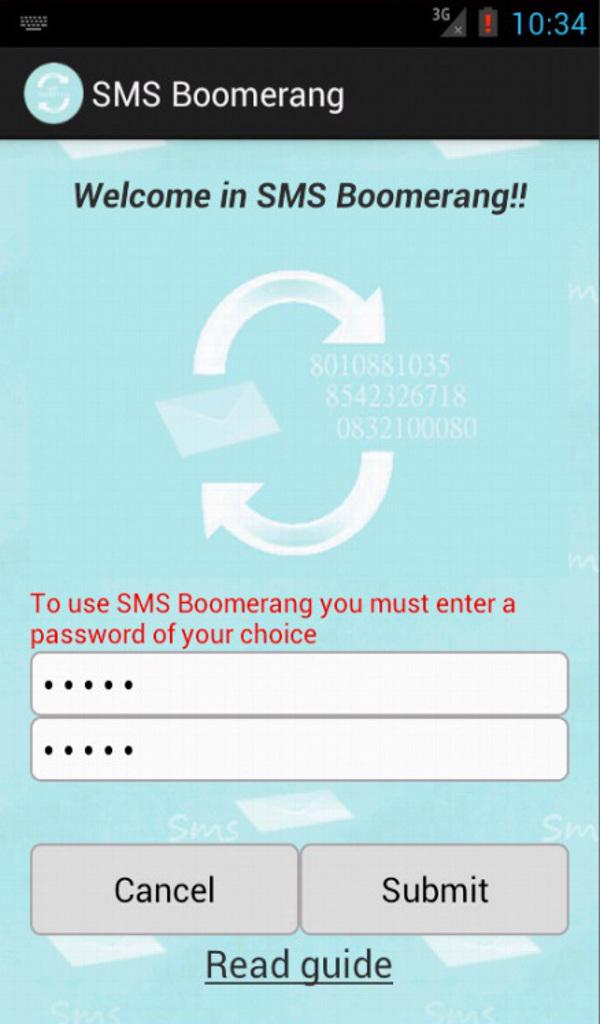
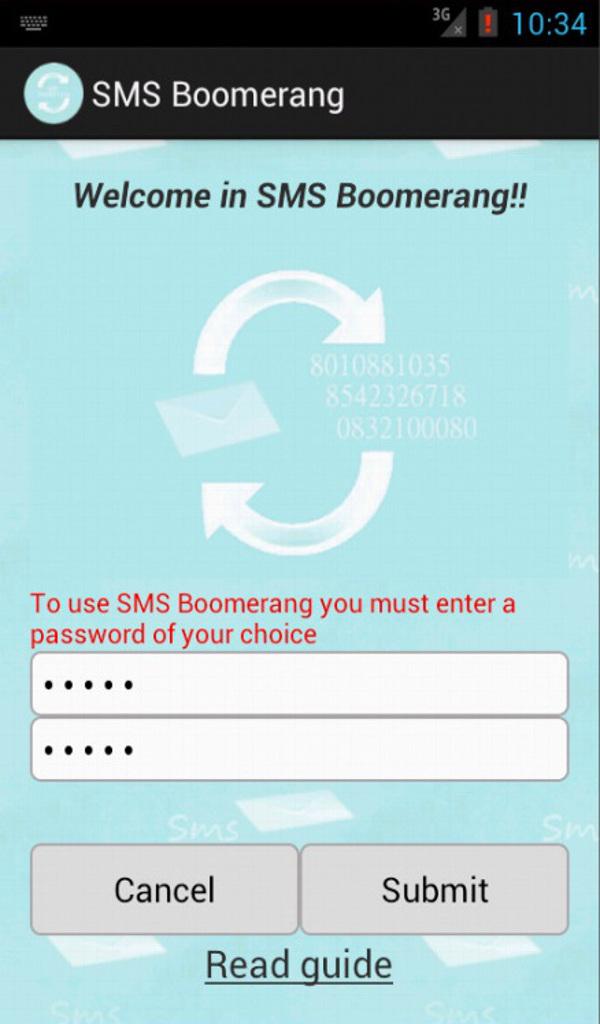
SMS Boomerang is a fabulous app that gives you the ability to control your phone from any other phone by sending an SMS. You left your phone at home? You've lost your phone? You do not have to worry about! How do I configure? Install Boomerang SMS on your phone and set a password at least 5 characters. Got it !! Note:Don't need to install it on the other phone List of commands (given by another phone): 1) name_to_find password Sends you the number of a contact in the address book (The research will also work with a part of the name) 2) -c password We'll send the list of missed calls 3) -m password Send you of unread SMS 4) -v password Turn off the vibration and turn up the volume to maximum (Useful when you do not find the phone) 5) -b password Informs you of the status of the battery 6) -w password Turn on the WIFI 7) -h password Turn off the WIFI 8) -g password Finds Your Phone (with GPS and Network) 9) -d password Enable Data Connection 10) -e password Disable Data Connection 11) help password (Function GUIDE) will be a list of commands NB: you always put a space before the password There is still no clear ?? We do a few examples: Ex.1: I have to look up the number of Andrea and the password is saved misticus SMS to send: Andrea misticus Ex.2: I have to look up the number of Marco Rossi and the password is saved misticus SMS to be sent: Marco Rossi misticus Ex.3: I need to find the last missed call on your phone and your password is saved misticus: SMS to be sent: c misticus Ex.4: I have to find him on the phone last unread messages and the password is saved misticus SMS to send: -m misticus Ex.5: I can not find the phone in the house because the ringtone is low SMS to send: -v misticus Ex.6:I've lost my phone. SMS to send: -g misticus
APKFab.com和該應用的下載連結是100%安全的。APKFab.com上列出的所有應用下載連結均來自Google Play Store或由用戶提交。對於來自Google Play商店的應用,APKFab.com不會對其進行任何形式的修改。對於用戶提交的應用,APKFab.com會在網站上發佈之前驗證其APK簽名的安全性。