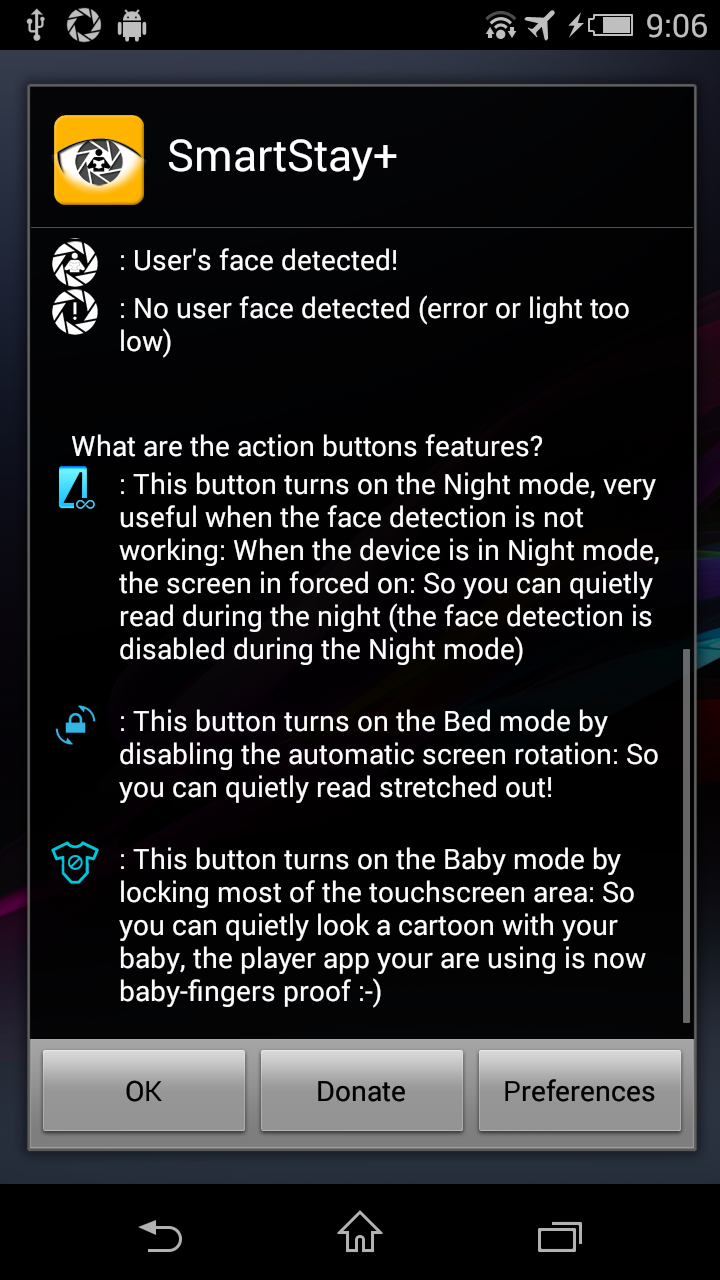
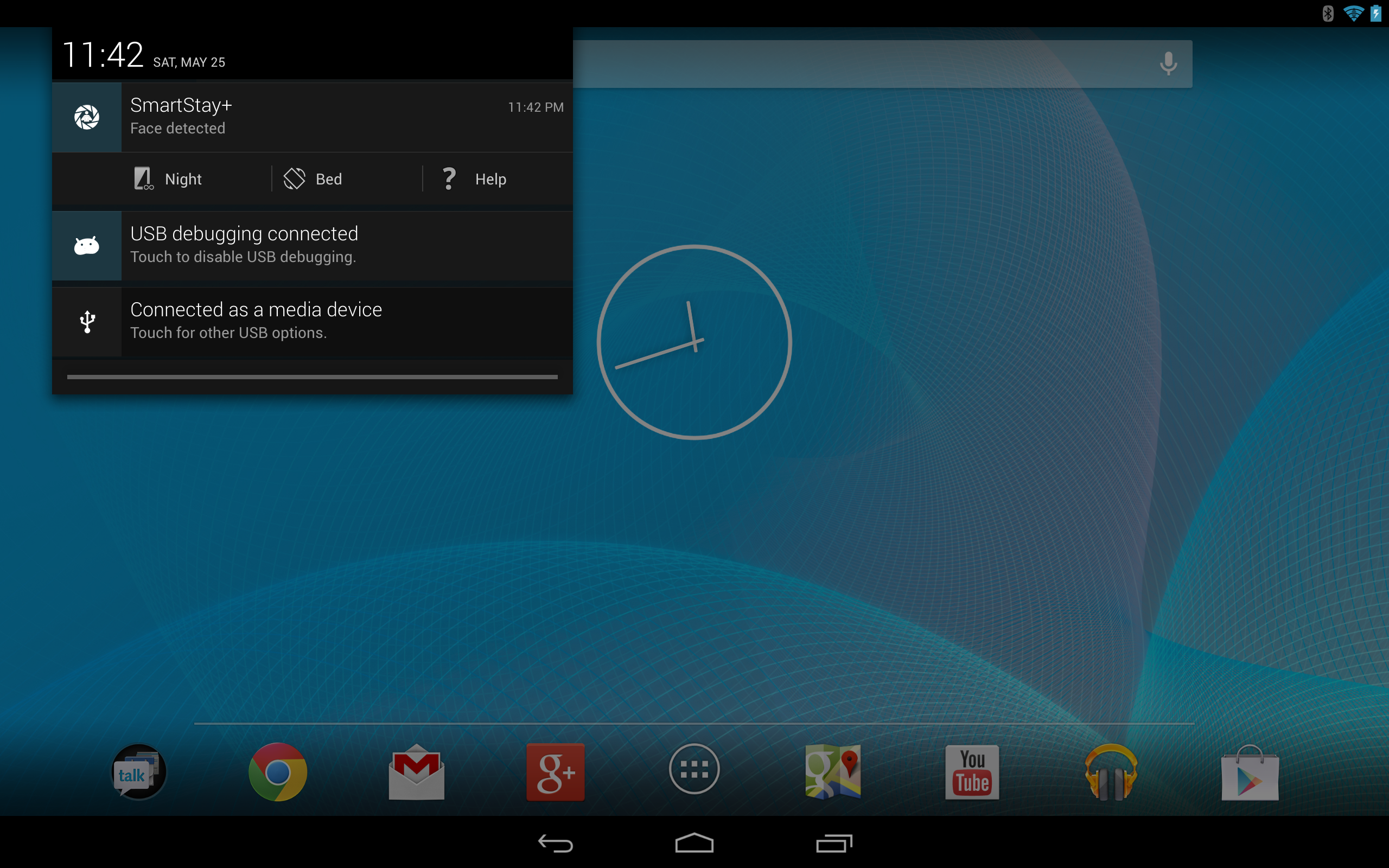
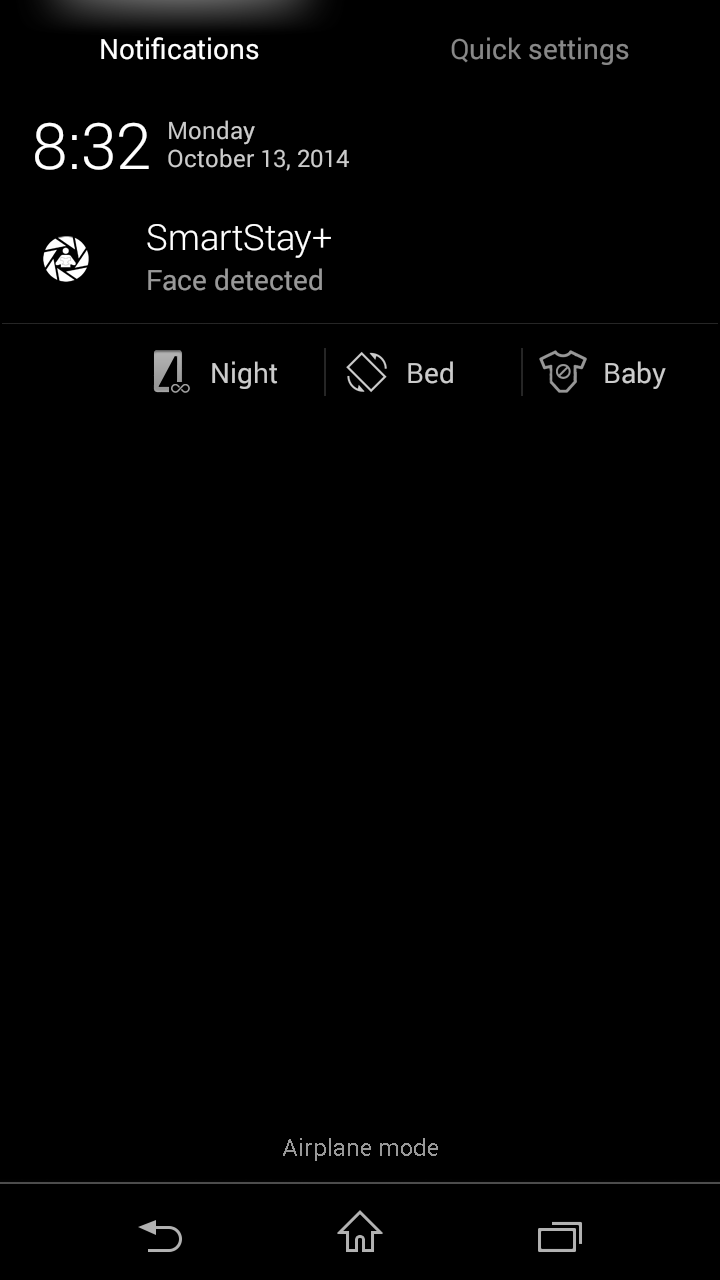
This application is designed for people exasperated with the device automatic screen off feature when reading or using android devices. This service app uses the front facing camera to detect when you are looking at the phone and then makes sure the phone screen stays on! The coolest feature of Samsung Galaxy devices has been improved and is now available on other android devices! "+" embedded features for improved reading/watching experience (android 4.1 minimum): - Night mode: Force screen on (useful when face detection not working - in the dark) - Rotation off: Lock screen rotation (useful when you use your phone stretched out in the bed) - Baby mode (donors only): Disable most of the touchscreen (when you give your phone to your baby) # IMPORTANT: This app is not a malware. Used permissions are explained below # IMPORTANT FOR SAMSUNG GALAXY USERS: Smart Stay + adds some features to native official Smart Stay, if you want to try it on your device, please first disable official Smart Stay into your display settings in order to use Smart Stay + :) # IMPORTANT FOR CUSTOM ROMs USERS: ROMs below are not compatible : - NOT COMPATIBLE WITH NEW CYANOGEN 11 - RomAur (for Sony xperia z devices) - MIUI based on Android 4.1.1 (for Galasy S3) # DEVELOPERS & ADVANCED USERS: SmartStay+ is now compliant with standard automation API : Whatever the service is running or not, you will be able to use the SmartStay+ face detection feature from your app (developers) or from automation apps (Locale, Tasker, EasyProfiles...) API features available : - Launch "Scan user face" for a specified duration (Setting/Action) # Available in Tasker : Add Task / Plugin / Scan user face - Detect result of user face scanning (Condition) : # Available in Tasker : Add Profile / State / Plugin / User face scan result Permissions explained: ACCESSIBILITY Service (Warning message displayed: This app can collect all of the text you type, except passwords...): Used to detect user presence in order to use the camera (user touch the screen) only when it is necessary android.permission.CAMERA: Of course :) android.permission.WAKE_LOCK: android.permission.DISABLE_KEYGUARD: Used to keep the screen on when user face is detected android.permission.INTERNET: android.permission.ACCESS_NETWORK_STATE: Used to send errors logs (anonymous data) android.permission.WRITE_SETTINGS Used for "Bed mode" (screen rotation enabled/disabled) android.permission.GET_TASKS: Used to detect when Youtube app is running android.permission.SYSTEM_ALERT_WINDOW Used for baby mode (touchscreen lock) Smart Stay images sources: www.samsung.com If this app is not working on your device, please try also similar Face Detection apps on Google Play(like "ISeeYou" and "Smart Stay Ex" for example)
APKFab.com和該應用的下載連結是100%安全的。APKFab.com上列出的所有應用下載連結均來自Google Play Store或由用戶提交。對於來自Google Play商店的應用,APKFab.com不會對其進行任何形式的修改。對於用戶提交的應用,APKFab.com會在網站上發佈之前驗證其APK簽名的安全性。