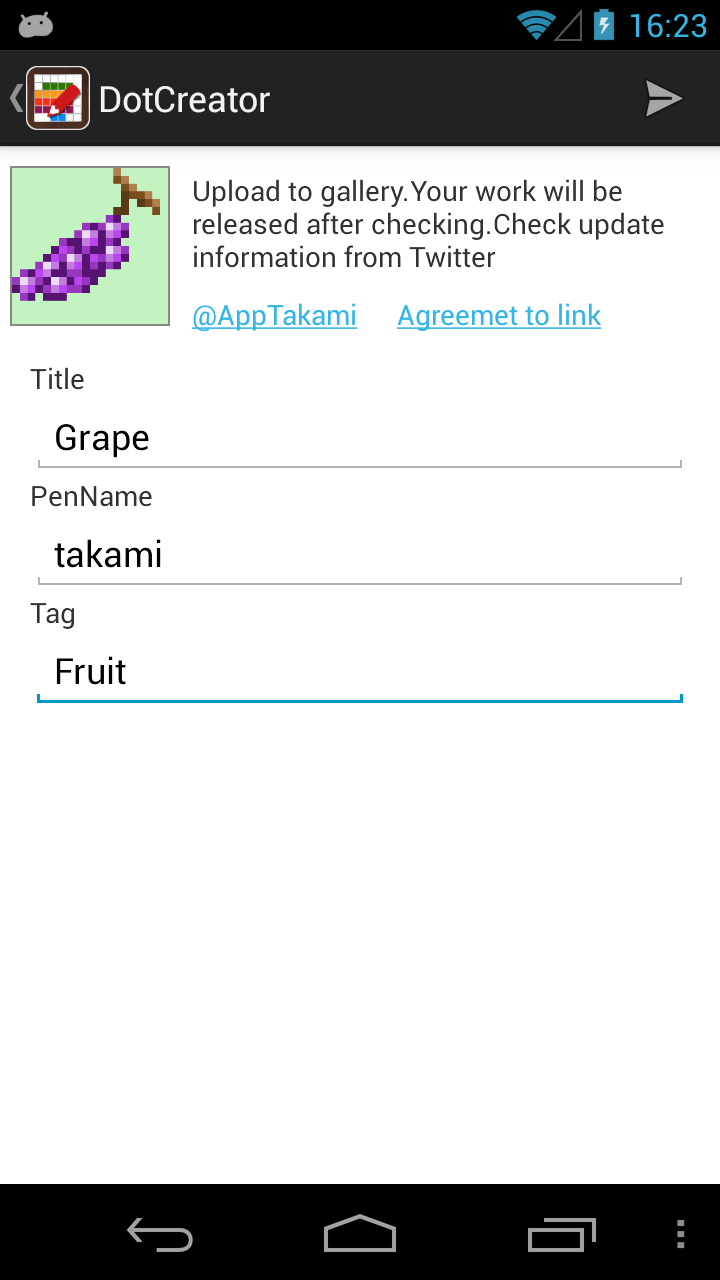
An Essential item for pixel art lovers. Pixel Artist is a simple pixel paint application enabling you to post your works to the in-app gallery. ♥ Sending your works by mail or Twitter, communicate with your friends♪ ♥ Posting your works to the gallery needs non specific account, interact with friends through giving & receiving likes! ––––––––––––––––––––––––––––––––––––– Features ––––––––––––––––––––––––––––––––––––– ♥ Toolbar - Adjust colors from the color pallet or color picker selected 20 / 32 / 64 / 128 pixel size. - Switch Brush / Spuit / Fill - Suck up a color pn the canvas - Undo - Redo ※Until 50 times - Hidden or appear grid ♥ Sub Menu - Clear canvas - Save to external storage -Library If your external storage is available, you can save and reload the image on working. It is possible to re-edit the picture that you saved in the storage. - Send file attachments - Post to Gallery(Entry a tag, a title and a pseudonym) ※Needless acquiring a specific ID ♥ Controls - Flick with 2 fingers to move the canvas - Pinch in or out to zoom the canvas(Max 4000%, Min 50%) - Double tap to toggle default and your preferred zoom level ♥ Gallery - Select from 2 app galleries GO!GO!PAINT / Pixel Artist - Search with a comment, a pen name and a tag - Save to external storage as a PNG image - Popularity Vote ––––––––––––––––––––––––––––––––––––– Notes ––––––––––––––––––––––––––––––––––––– ♥ This application doesn't support multitasking. ♥ Your work posted to the gallery will be released after checking. ––––––––––––––––––––––––––––––––––––– Support ––––––––––––––––––––––––––––––––––––– Feedbacks from everyone is essential to make the application more excellent in the future. Please let me receive your opinion and request at the customers review.
APKFab.com和該應用的下載連結是100%安全的。APKFab.com上列出的所有應用下載連結均來自Google Play Store或由用戶提交。對於來自Google Play商店的應用,APKFab.com不會對其進行任何形式的修改。對於用戶提交的應用,APKFab.com會在網站上發佈之前驗證其APK簽名的安全性。