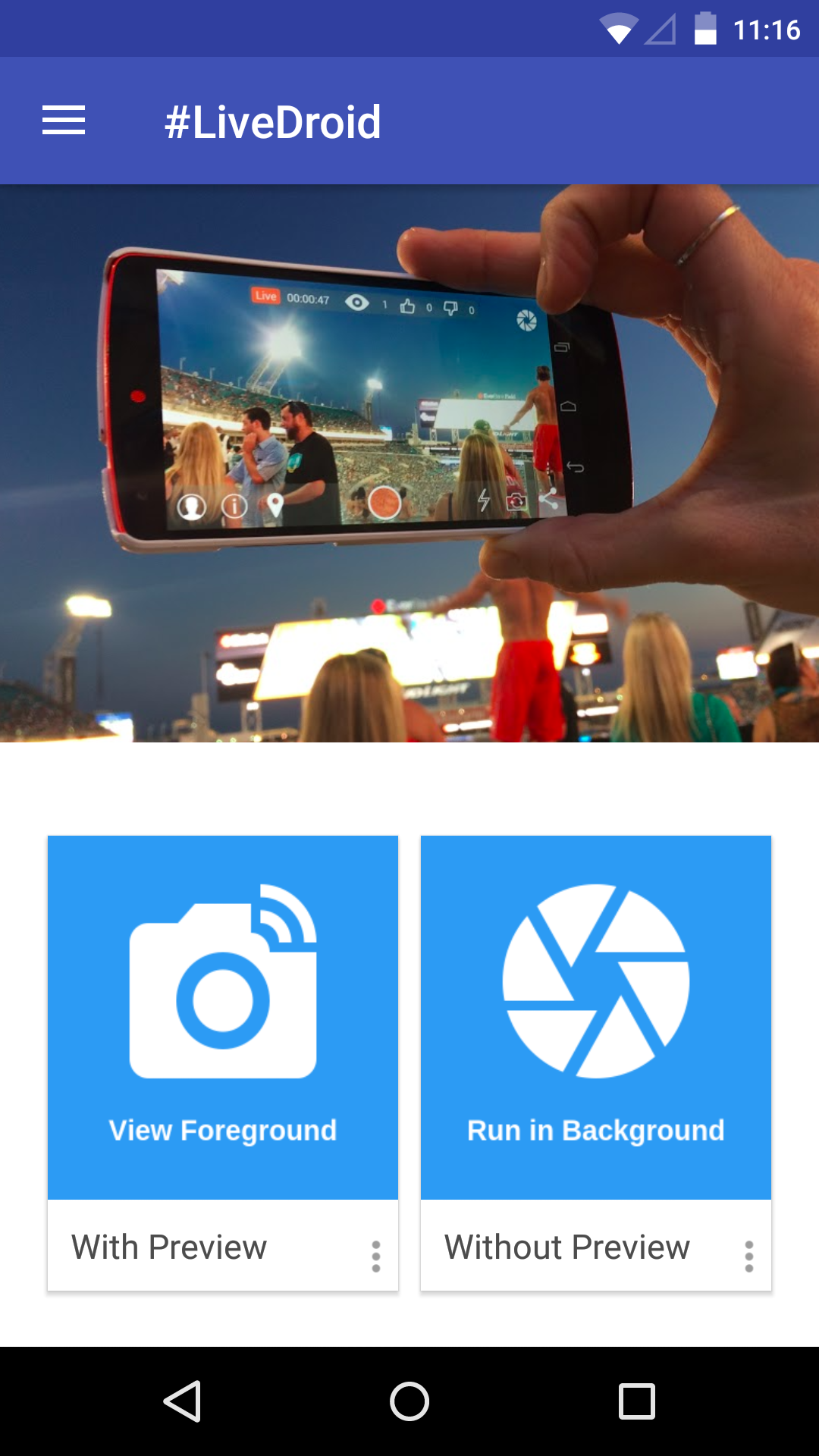
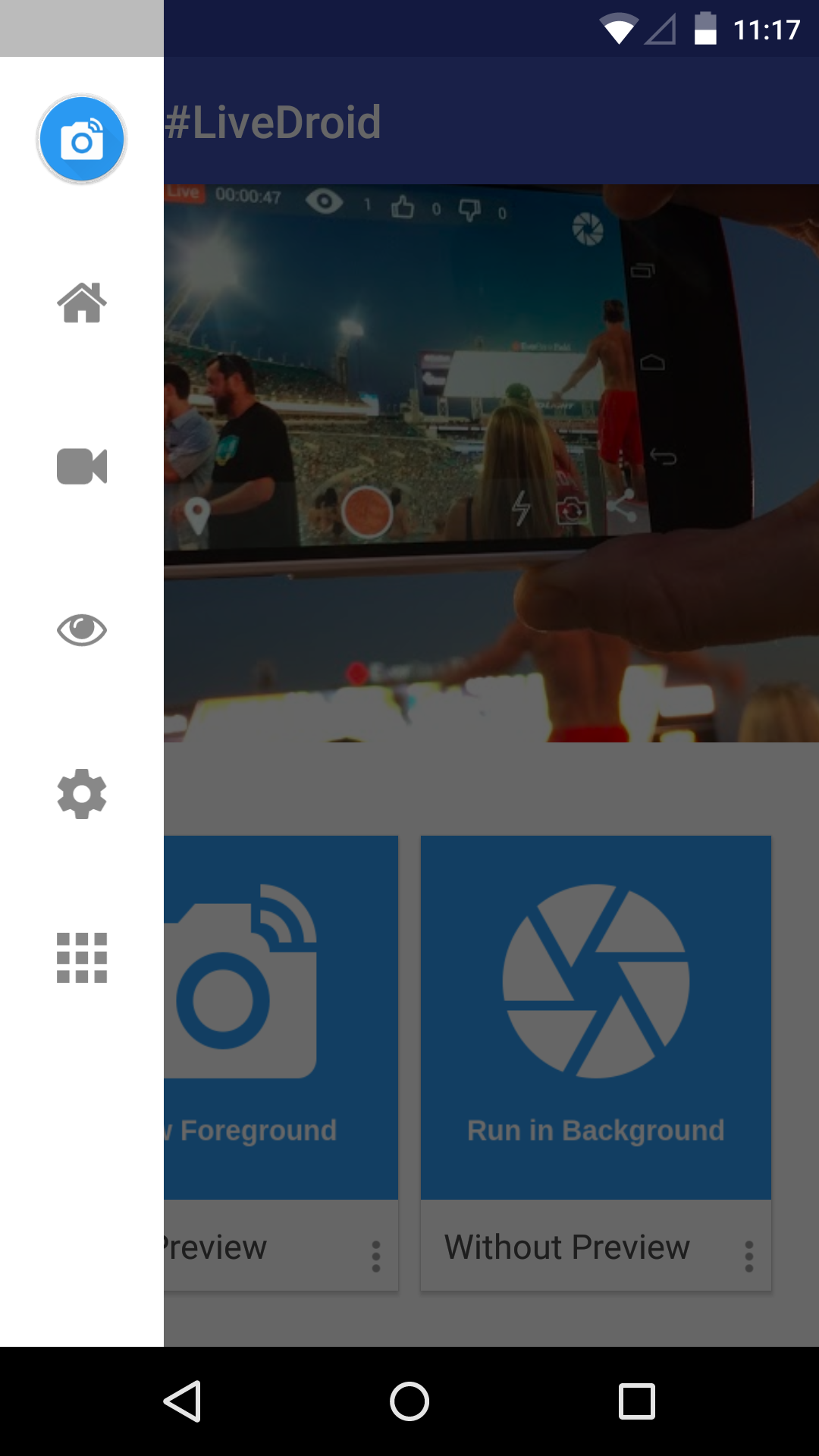
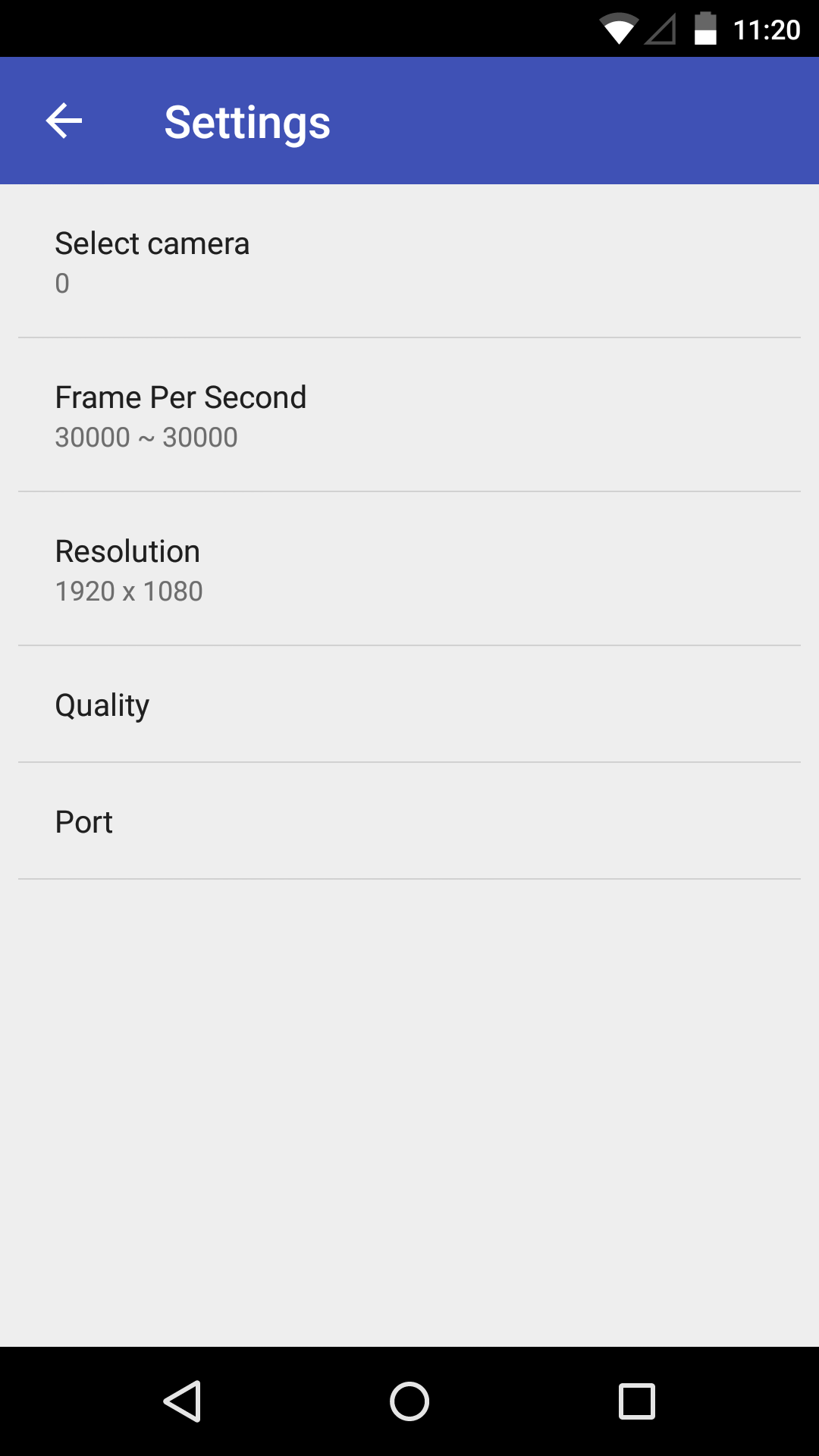
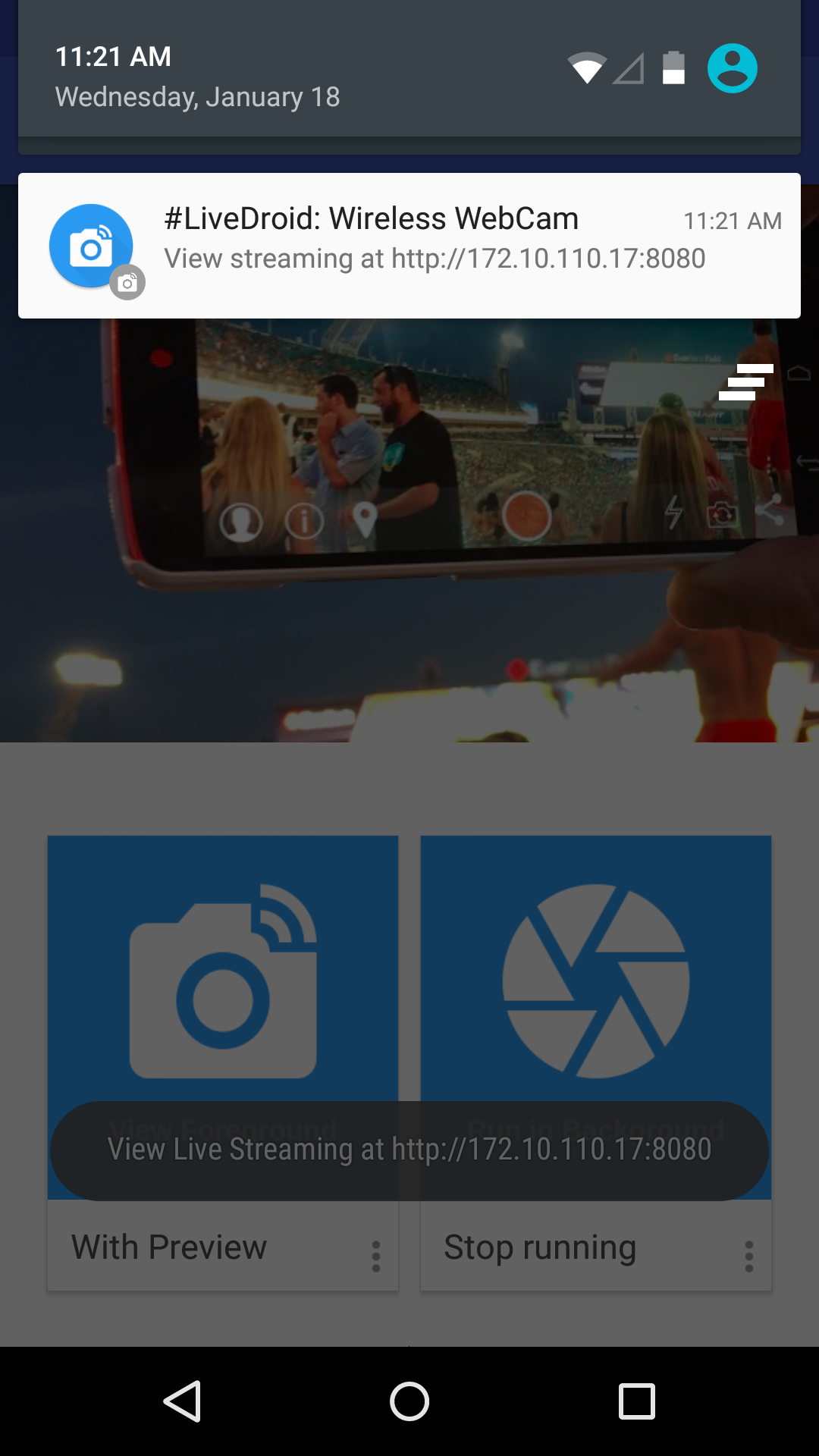
If you don't have any web camera, but you do have an android device, you can convert it in to a web camera in just few easy steps. • A WiFi connection (both your phone and computer need to be connected to the same WiFi network) • Open the app on your Android phone and tweak the settings to fit your needs. You can adjust things like resolution, quality, the orientation, which camera you're using and the maximum frames per second. Once you're happy with the set up go and tap start server. • An IP address will show up at the notification of your phone. Go to this address in either Chrome or Firefox and select the "Use browser built-in viewer" option. Your browser should now show the video feed from your phone. Feel free to send your feedback to us! [email protected] Developed by : Akshay Chopde Google+ : https://google.com/+AkshayChopdeOfficial Website : http://www.dreamdroid.tk Twitter: https://twitter.com/imAkshayChopde LinkedIn: https://www.linkedin.com/in/akshaychopde
APKFab.com和該應用的下載連結是100%安全的。APKFab.com上列出的所有應用下載連結均來自Google Play Store或由用戶提交。對於來自Google Play商店的應用,APKFab.com不會對其進行任何形式的修改。對於用戶提交的應用,APKFab.com會在網站上發佈之前驗證其APK簽名的安全性。