LG TV Tag On(包名:com.lge.tv.nfcapps)開發者是LG Electronics, Inc.,LG TV Tag On的最新版本1.1.05更新時間為2014年04月15日。LG TV Tag On的分類是娛樂。您可以查看LG TV Tag On的開發者下的所有應用。目前這個應用免費。該應用可以從APKFab或Google Play下載到Android 2.2+。APKFab.com的所有APK/XAPK文檔都是原始文檔並且100%安全下載的資源。
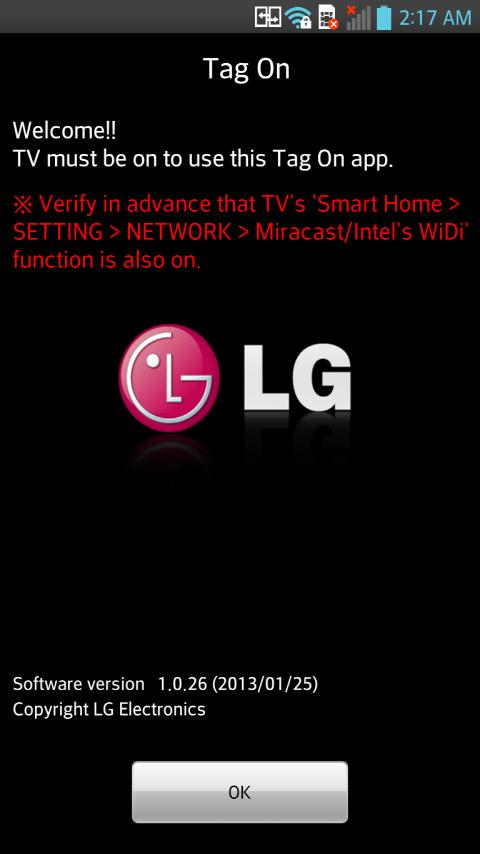
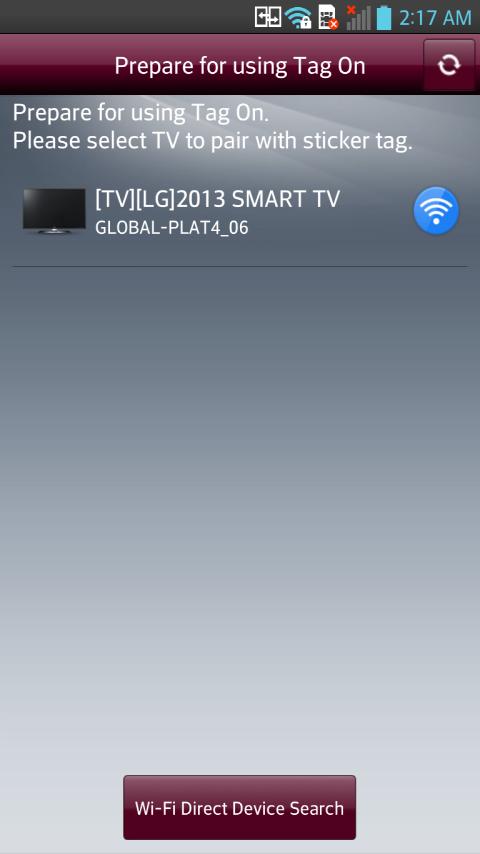
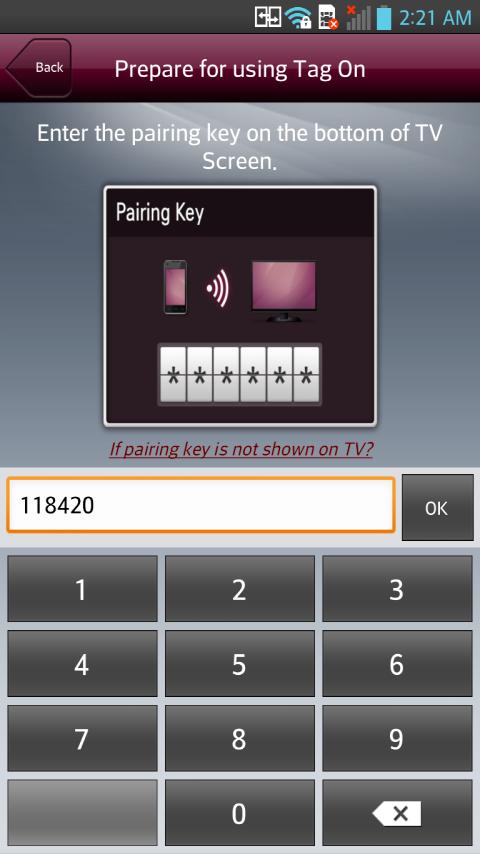
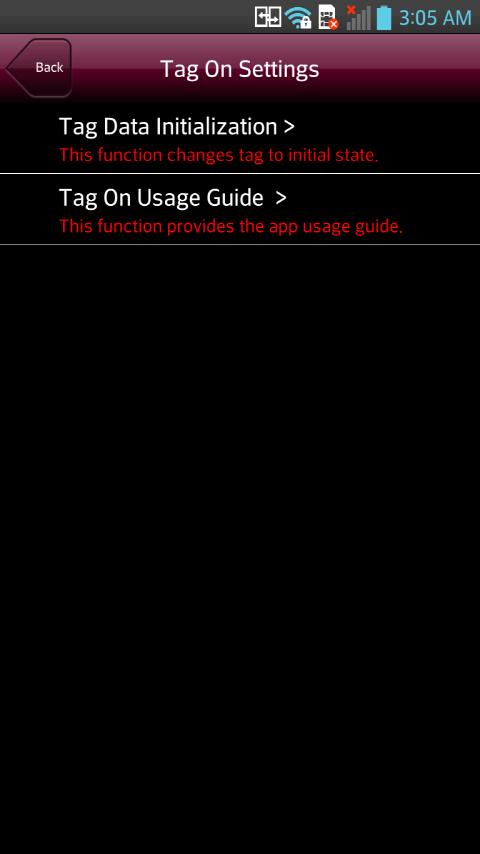
[Caution] This application is compatible only with LG Smart TVs which provide Tag On stickers in 2013. First, to use this application, enable NFC and Use 'Read and Write/P2P receive mode' on your smartphone. Simply tap the NFC-equipped smartphone against the Tag On sticker to share content with the Smart TV. - To share content through NFC, the smartphone and Smart TV must be on the same Wi-Fi network or Miracast™/Intel’s WiDi must be On on your Smart TV. Notes for using the Tag On sticker: - Do not attach the Tag On sticker to a metal surface to ensure that the Tag On sticker registers properly - Do not crush or fold the Tag On sticker to ensure that the Tag On sticker registers properly. [Main Feature] You can share content between your smartphone and smart TV through Tag On App. - If they are connected to the same network, they will use the connected network. - If they are not connected to the same network, directly connect via Wi-Fi Direct. - For more details on how to share content between your smartphone and smart TV, see the Help page in the Tag On app. You can see the Help page in the Settings menu of the Tag On app. Select the Tag On app icon on your smartphone to run it and see Help in the settings menu. [Web Manual] http://lghe.latisglobal.com/Smart2nd/us/enga/d2/p1/12005_5.html
APKFab.com和該應用的下載連結是100%安全的。APKFab.com上列出的所有應用下載連結均來自Google Play Store或由用戶提交。對於來自Google Play商店的應用,APKFab.com不會對其進行任何形式的修改。對於用戶提交的應用,APKFab.com會在網站上發佈之前驗證其APK簽名的安全性。