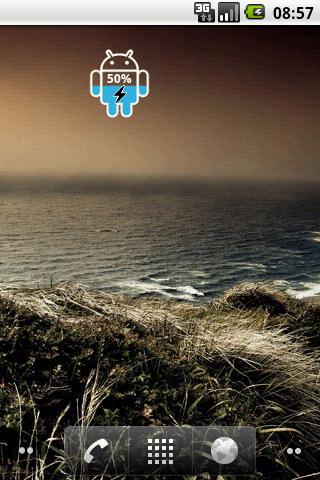
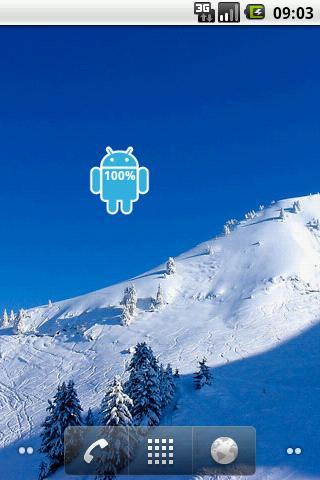
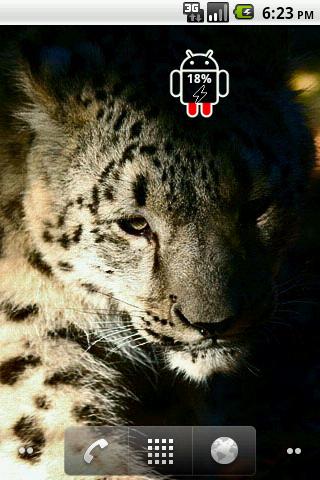
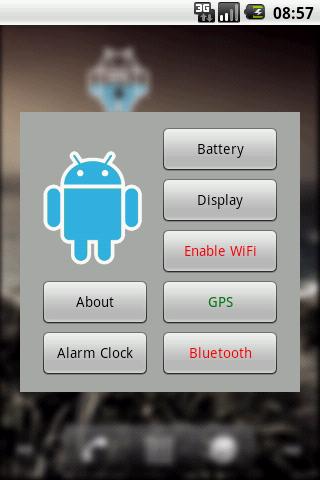
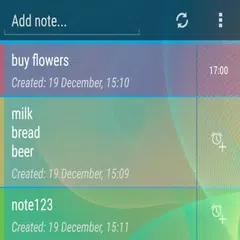
ICS Android Battery Widget shows the exact battery level. Pressing this widget allows to change Battery, Display, WiFi, GPS and Bluetooth Settings. Also allows to set Alarm clock. If you find an error or have any questions, write me an email. After installation, you must manually add the widget to the home screen. How to add widget to the home screen: 1.On your home screen of your Android device, tap any blank or "empty" area and hold down your finger. 2.The "Add to Home screen" window will appear. Tap on "Widgets". 3.List of all the installed Widgets on your Android device will appear. 4.Select the widget to add to your home screen. Note: On Android Ice Cream Sandwich add widget by selecting icon widgets menu near apps menu. -Privacy- Permissions are required to display ads in notification bar. Developer does NOT collect any information from your device. Please also refer to ad network privacy policy at leadbolt.com -Adverts- This free application is ad-supported, that can appear in notification bar. You can opt-out at laedbolt.com site. LeadBolt is NOT a virus!
ICS Android Battery 1.1 更新
Fixed a bug with display blinking (sometimes it happens when no internet connection)
APKFab.com和該應用的下載連結是100%安全的。APKFab.com上列出的所有應用下載連結均來自Google Play Store或由用戶提交。對於來自Google Play商店的應用,APKFab.com不會對其進行任何形式的修改。對於用戶提交的應用,APKFab.com會在網站上發佈之前驗證其APK簽名的安全性。