Hovering Controls Free

7.3 329

v1.8.04 by Golgorz
Hovering Controls Free APK 下載 Hovering Controls Free APK 下載

關於 Hovering Controls

Hovering Controls(包名:com.golgorz.hoveringcontrolsfree)開發者是Golgorz,Hovering Controls的最新版本1.8.04更新時間為2016年06月07日。Hovering Controls Free的分類是工具。您可以查看Hovering Controls Free的開發者下的所有應用。目前這個應用免費。該應用可以從APKFab或Google Play下載到Android 4.0.3+。APKFab.com的所有APK/XAPK文檔都是原始文檔並且100%安全下載的資源。
*This app uses the Device Administrator permission.
(To allow screen lock and unlock)
Ever wanted to use your smartphone without touching the screen? Now you can!!
With Hovering Controls you can use your phone just like Samsung Galaxy S4 does with Air Gesture and much more!
IMPORTANT!!!
HOW TO UNINSTALL IF YOU ENABLED ADMIN:
App menu-->uninstall - admin-->Disable
now you can uninstall
THIS IS A LIMITED FREE VERSION (NOT ALL FEATURES ARE INCLUDED) NOW YOU CAN TEST THE APP AND BUY IF YOU LIKE!!
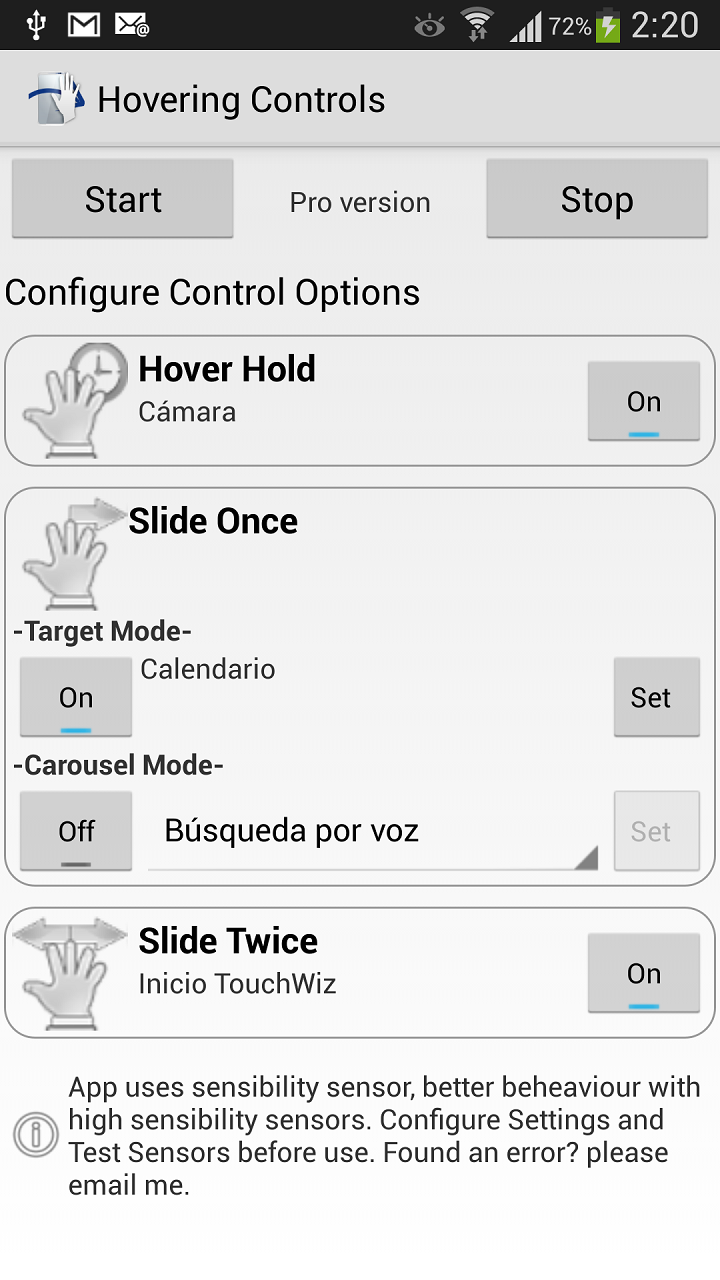
Hovering Controls uses the proximity sensor of your device to register simple motions performed in front of your device. Predetermined apps can be launched by either hovering over the sensor, swiping once, or swiping twice. Silencing an alarm or ringtone is as simple as a hand wave. You can also control your media playback this way, allowing you to change to the next or previous song or video without ever turning on the phone screen and physically touching it.
Do you like Quick Glance from Galaxy S4? Now you can have it too!!
And that is not all, you can lock/unlock your phone, answer calls, slide betwen photos in your gallery and scroll up/down in your browser!! (browser scroll and gallery slides need a rooted device)
Two modes are available, both offering a different take on opening apps:
Target mode: open a pre-determined app with a set gesture
Carousel mode: open up apps from a set list of apps
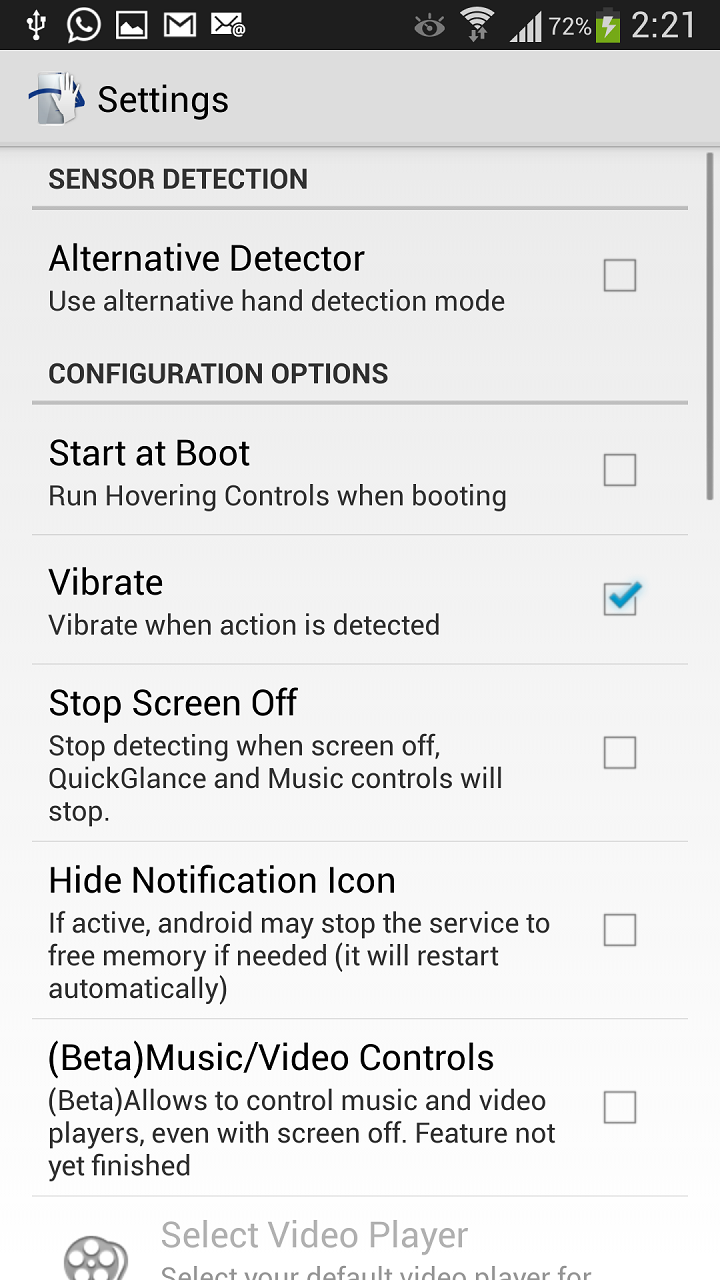
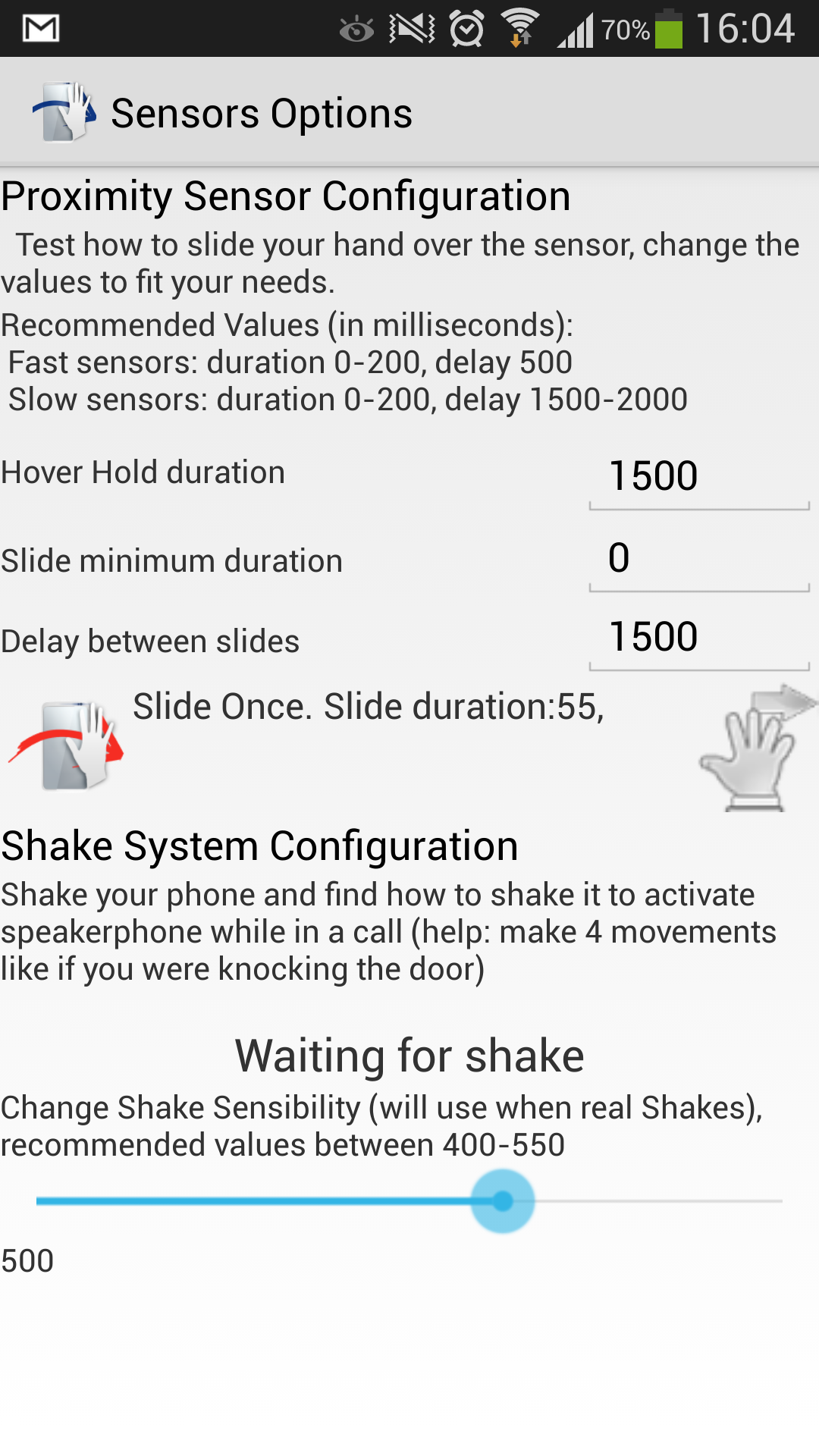
The app uses proximity sensor, use test sensor in menu to test your sensor sensibility and finde how you have to wave for it to detect. If you decide to hide notification icon, the service may stop working if android needs memery resources (it will stop detecting events ) for a while until it is restarted by its own.
Music Controls How-To:
1.- Start Hovering Controls with Music Control Activated in settings.
2.- Open your music/video player and start playing a song/video
3.- You can now use other apps while listening music, Hovering Controls will remember wich app was playing your song/video, if you want to change the player, just open it and start playing a song/video!
Features:
- Set apps to open with all the available gestures.
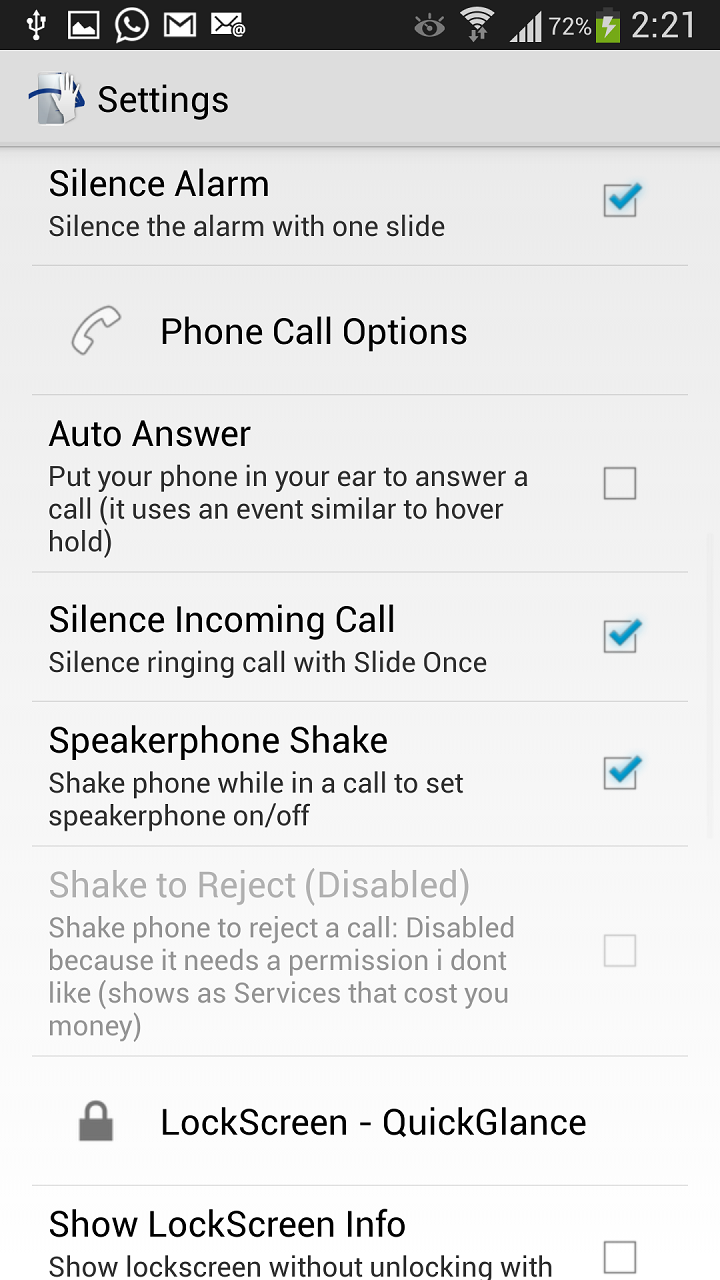
- Silence alarm.
- Silence incoming call. ONLY PAID VERSION
- Switch betwen recent apps (like back and forward behaviour)
- Fast go to home screen
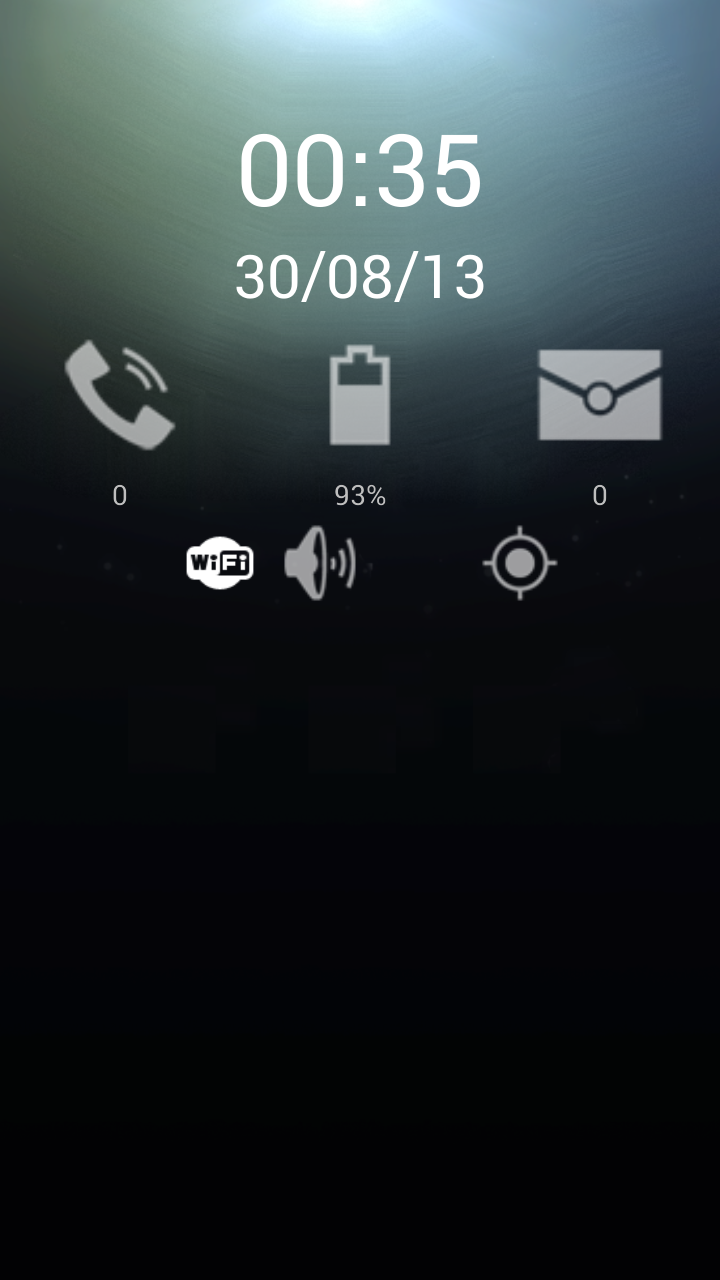
- QuickGlance like Galaxy S4 has!!! ONLY PAID VERSION
- Control your music player (next/previous/pause/resume) even with screen off!!!
- Shake phone during a call to activate/deactivate speakerphone.
- Answer incoming call, just put your phone near to your ear (its like Hover Hold)
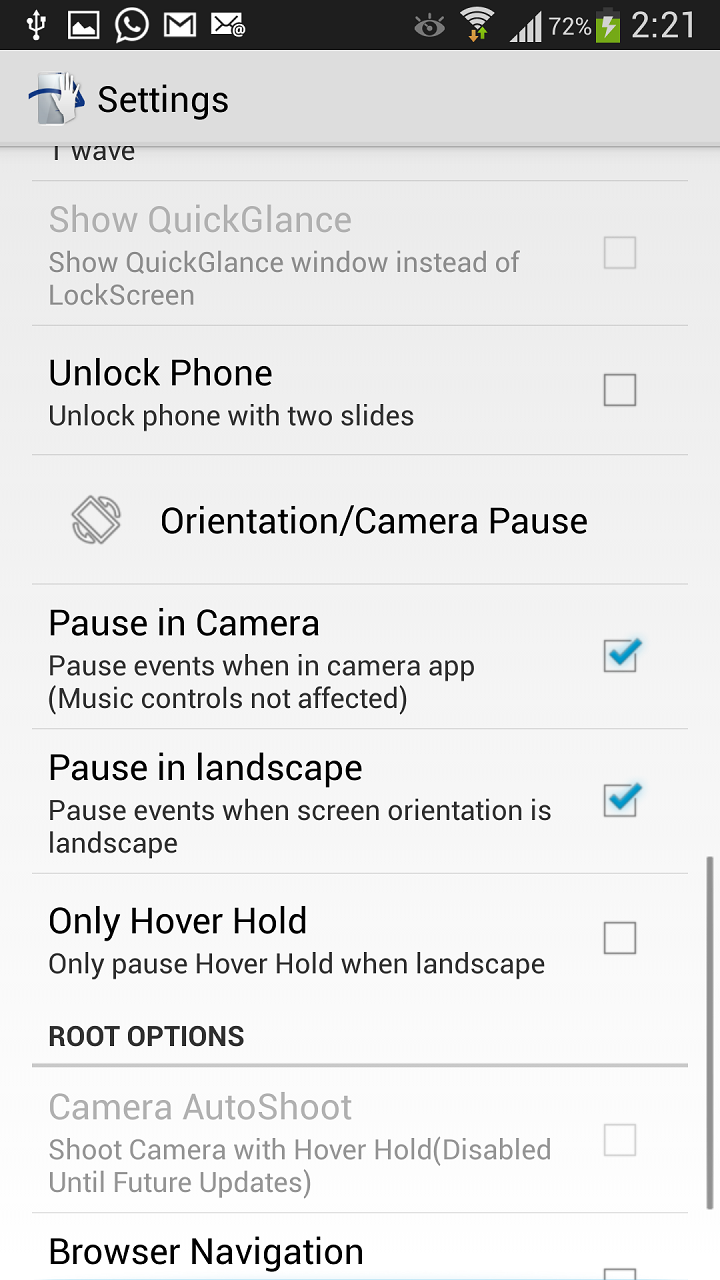
- Lock/Unlock screen with hand slides!
- Flip Cover Mode. ONLY PAID VERSION
And if you have your phone Rooted...:
- Tilt to slide right left (Beta) ONLY PAID VERSION
- AutoShoot camera to take photo.
- Slide betwen your photos in your image gallery (1 slide->next, 2 slides->previous) ONLY PAID VERSION
- Scroll up and down in your browser (1 slide->down, 2 slides->up. Not all browser are supported)
Privacy policy and Term of use: http://app-privacy.info/

Hovering Controls 1.8.04 更新

-- Fixed more minor bugs
-- Totally Redesigned User Interface.
-- Fixed all issues with Android Lollipop and Marshmallow (5 and 6)
-- Fixed auto answer call options.
查看更多
Hovering Controls 資訊
相關視頻
更多資訊

更新日期:

最新版本:

1.8.04

請求更新:

提交最新版本

系統要求:

Android 4.0.3+