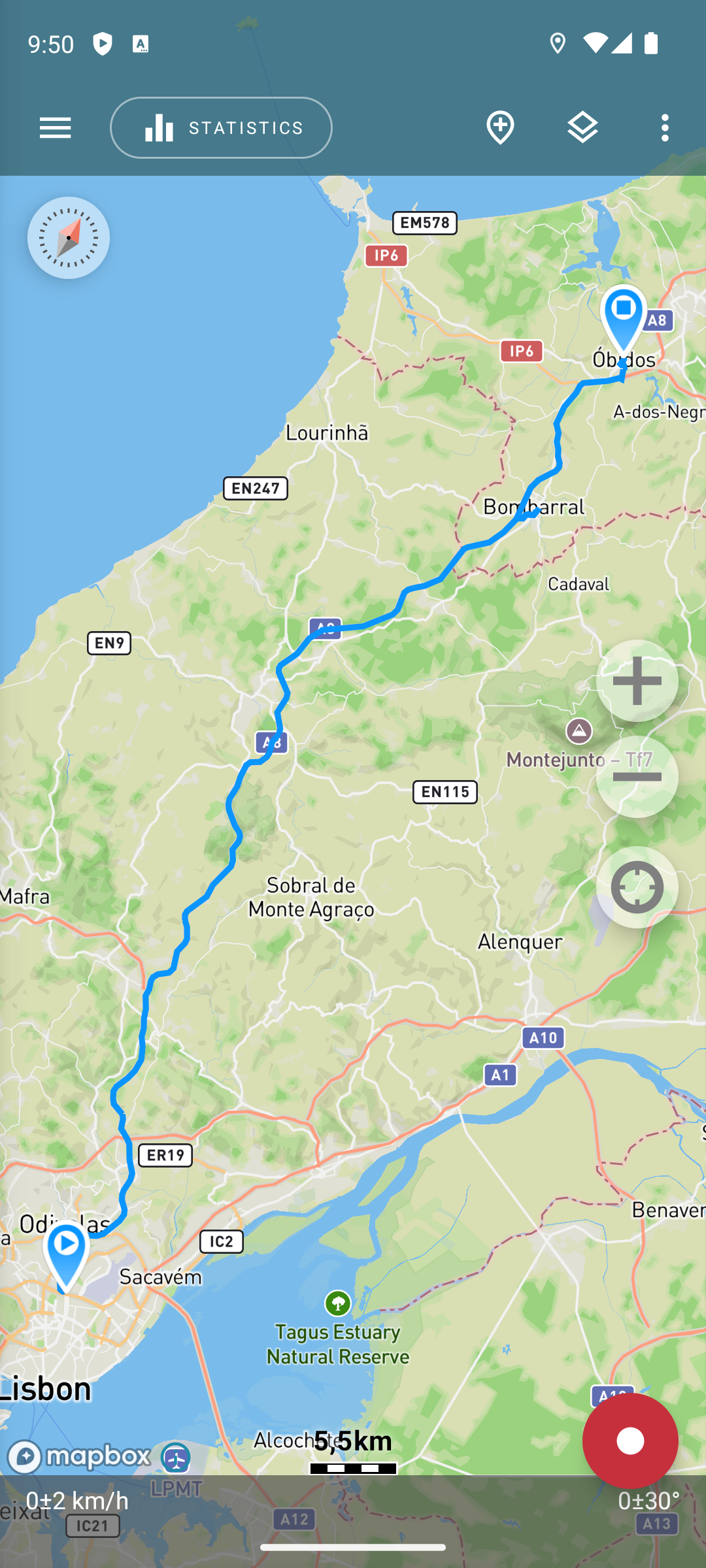
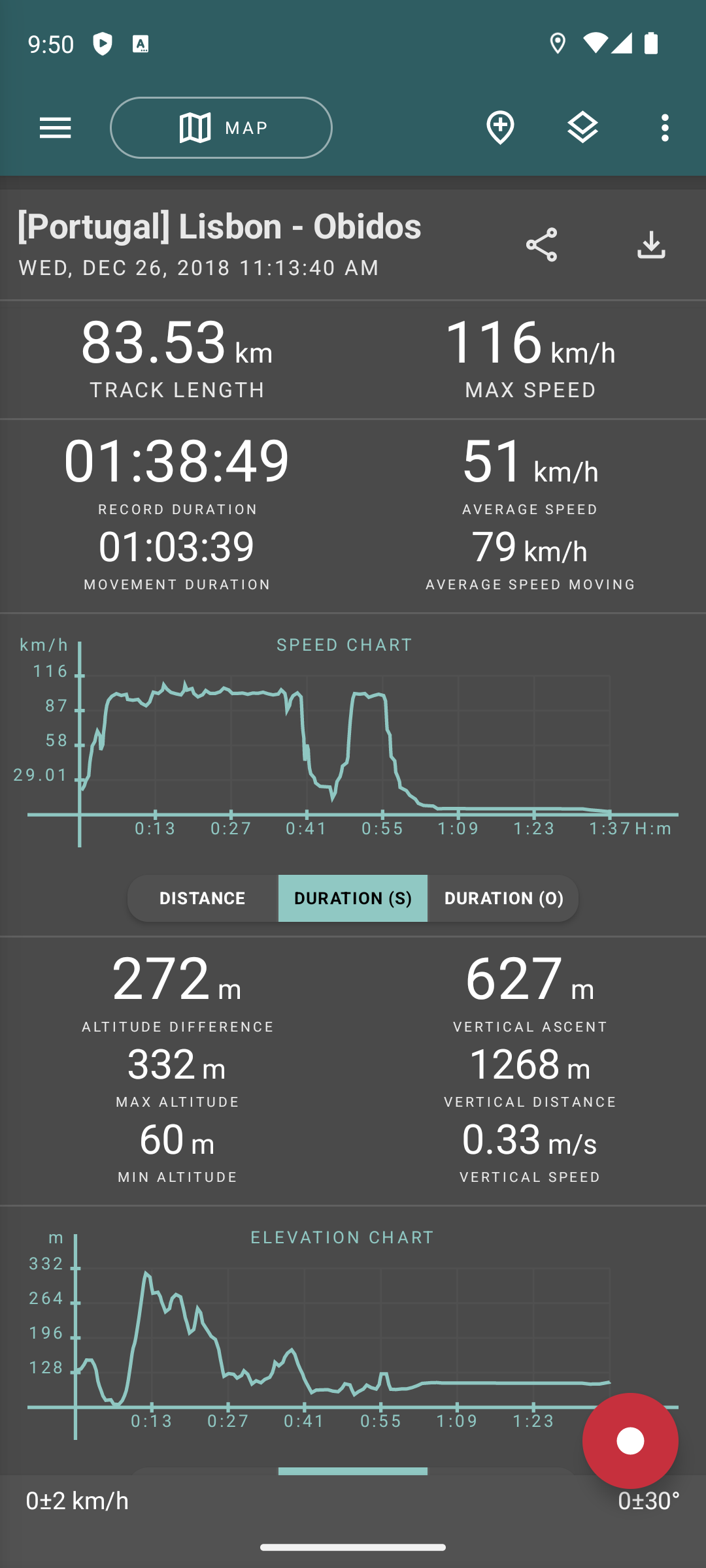
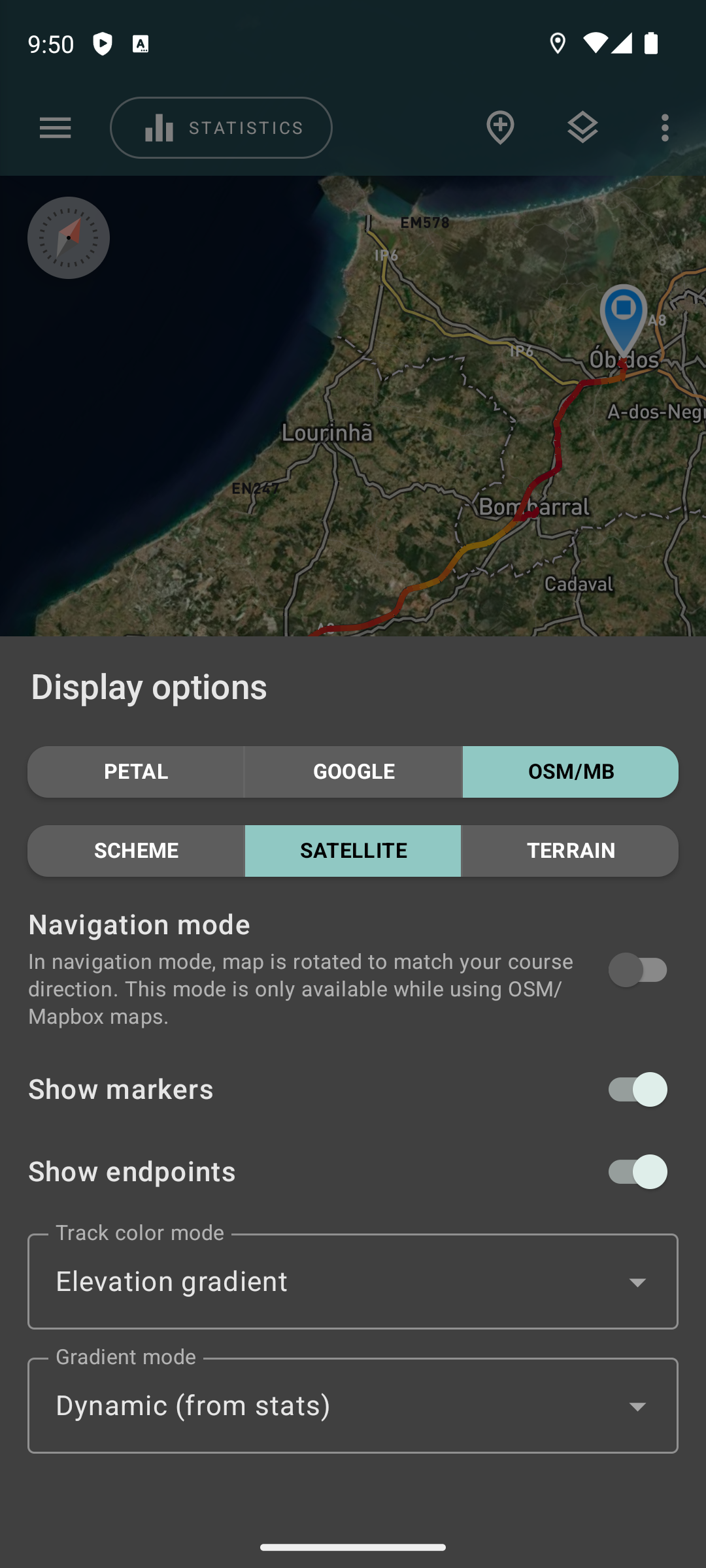
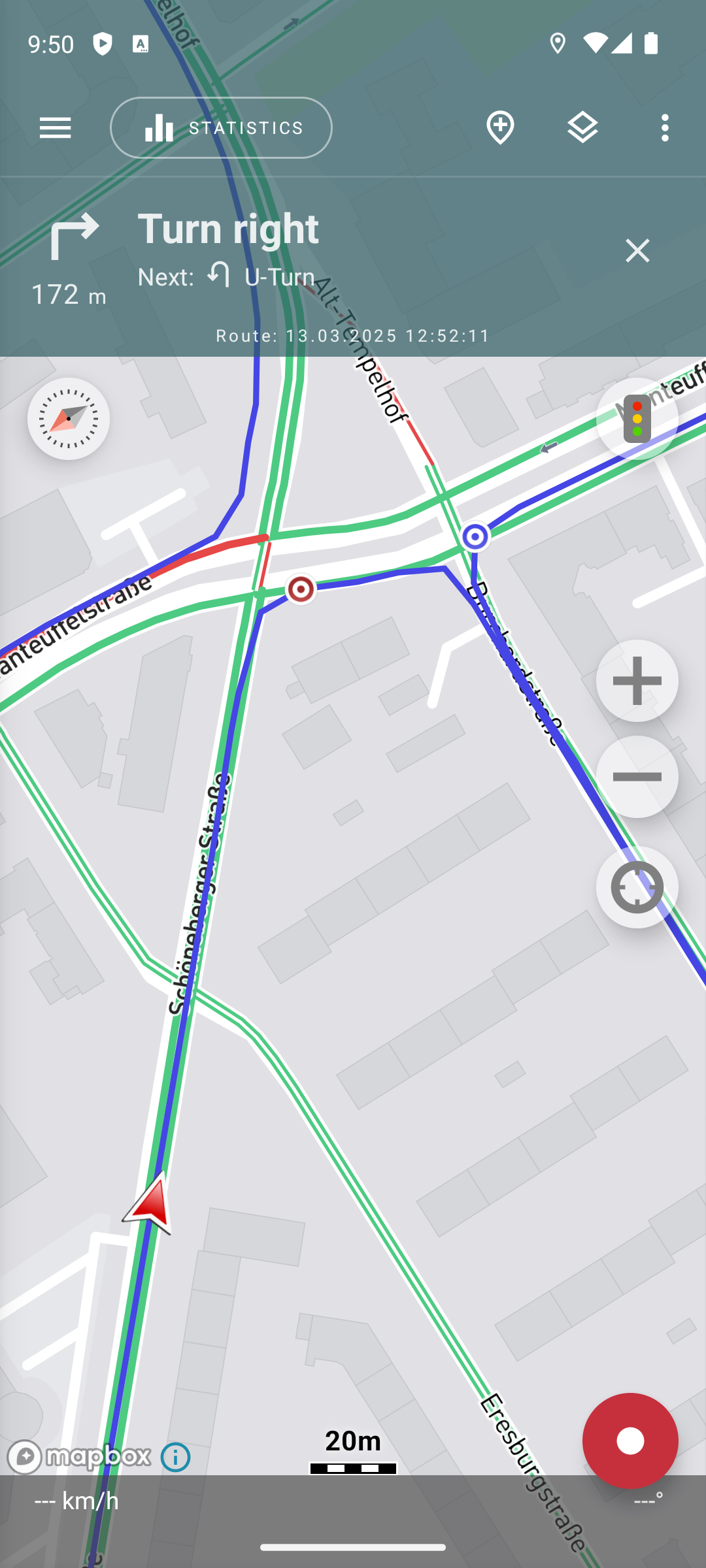
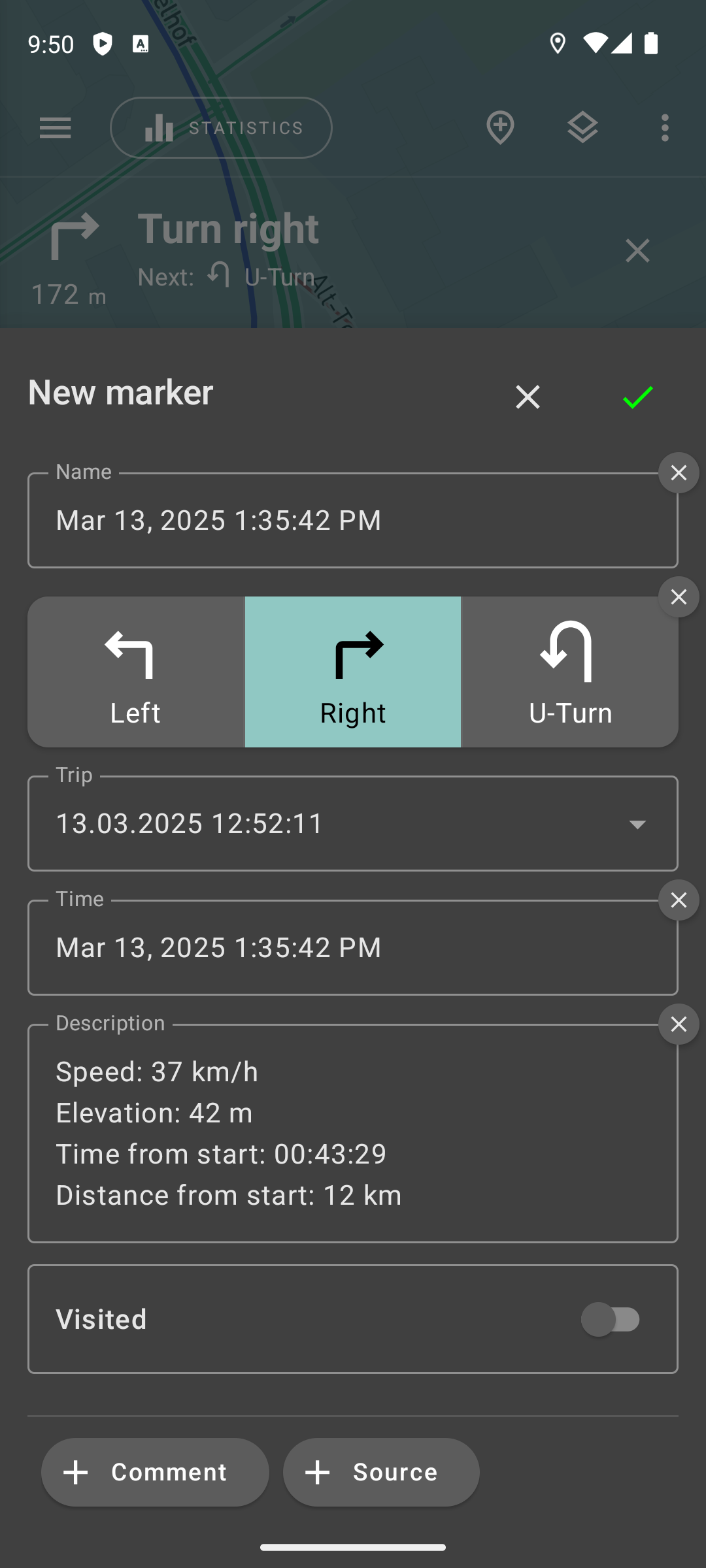
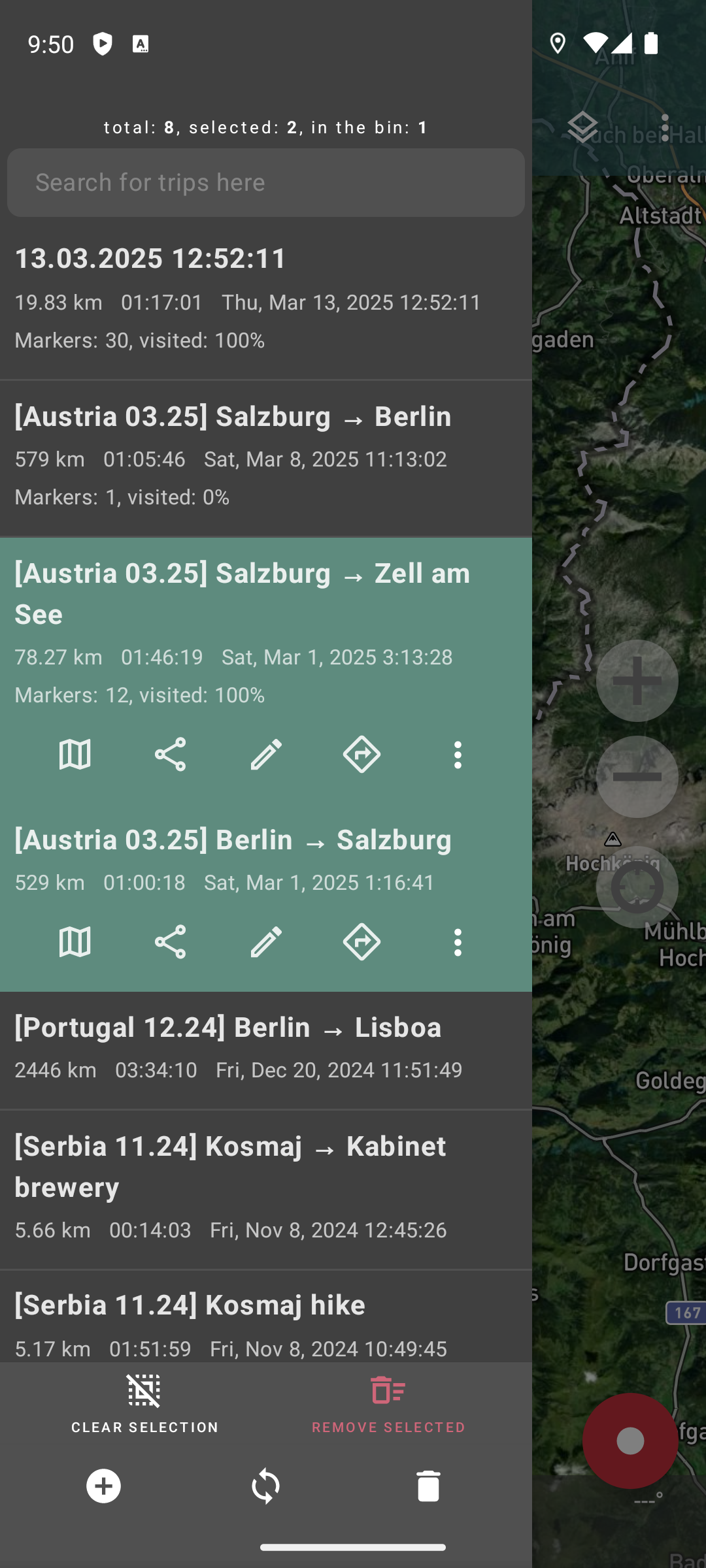
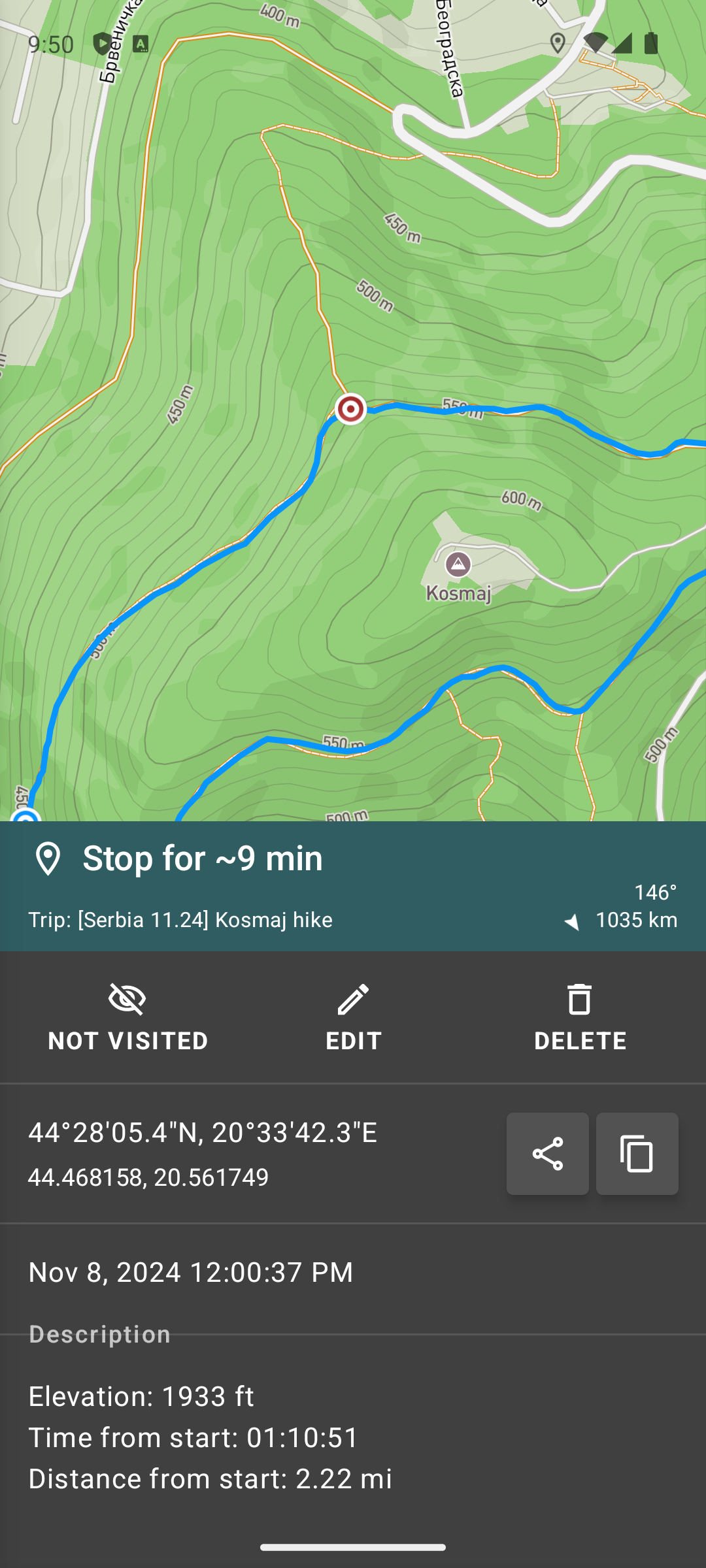
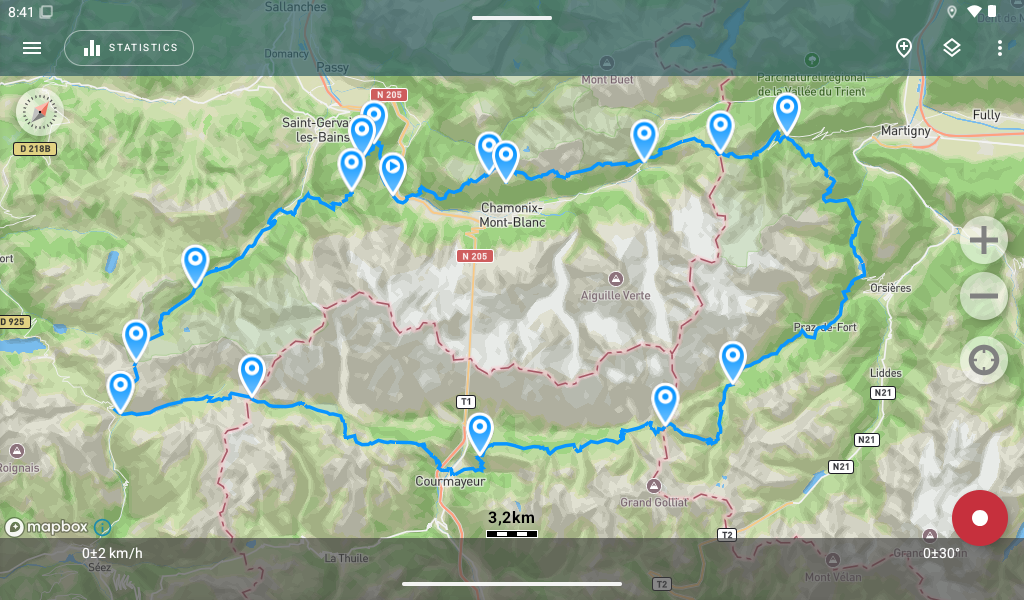
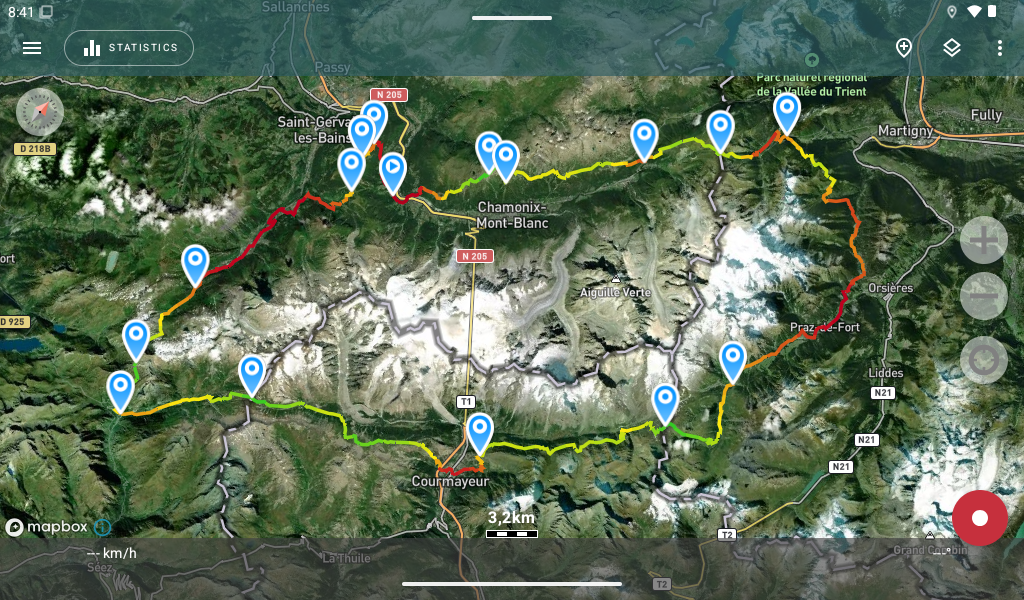
- Waypoint emojis — pick a custom emoji per waypoint, shown right on the map. - Directional arrows on tracks — show direction of travel (only with OSM/Mapbox maps). - App language — change it right inside the app. - Trip comments — add, view and search. - Lower battery use and smoother performance.
- New sorting options: by date, name, or last modified with “Show selected tracks on top” checkbox; - New chart engine: faster, smoother, more accurate; - Rounded chart intervals; - Chart cursor available outside fullscreen; - Improved overall performance;
- Ever forgot to stop recording? No worries — now you can split a track into parts in seconds. Just drop a marker anywhere on the track and use the split action. - Performance boosts: lower memory footprint, faster rendering, smoother experience.
APKFab.com和該應用的下載連結是100%安全的。APKFab.com上列出的所有應用下載連結均來自Google Play Store或由用戶提交。對於來自Google Play商店的應用,APKFab.com不會對其進行任何形式的修改。對於用戶提交的應用,APKFab.com會在網站上發佈之前驗證其APK簽名的安全性。