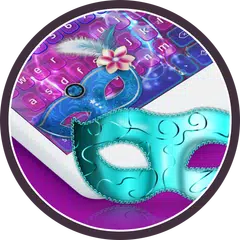
Colour Keyboard(包名:com.keyboard.plus.skin.colour)開發者是PersonalizeMaster,Colour Keyboard的最新版本3.0.44更新時間為2018年07月11日。Crazy Colour Keyboard的分類是個人化。您可以查看Crazy Colour Keyboard的開發者下的所有應用。目前這個應用免費。該應用可以從APKFab或Google Play下載到Android 4.2+。APKFab.com的所有APK/XAPK文檔都是原始文檔並且100%安全下載的資源。
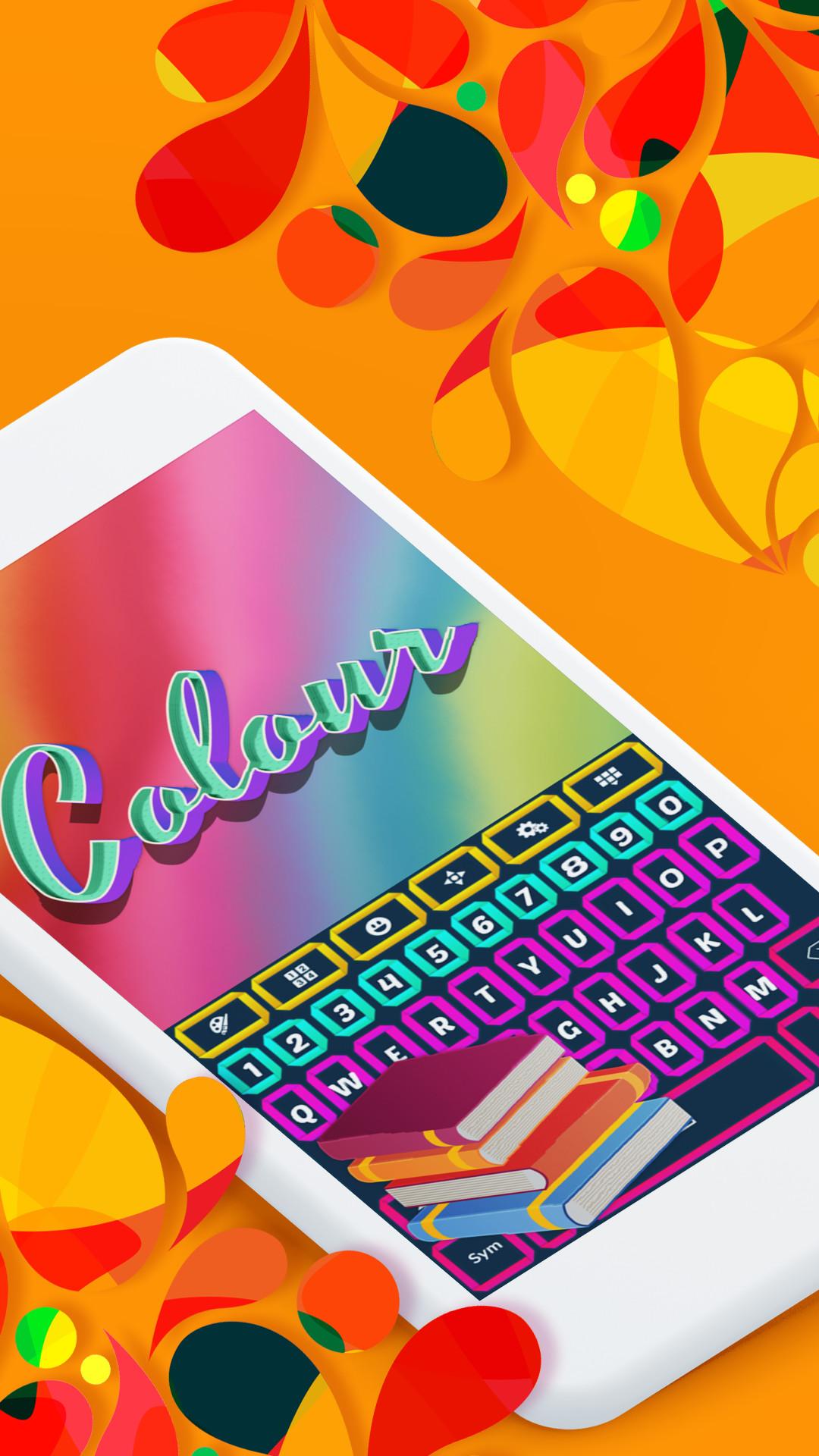
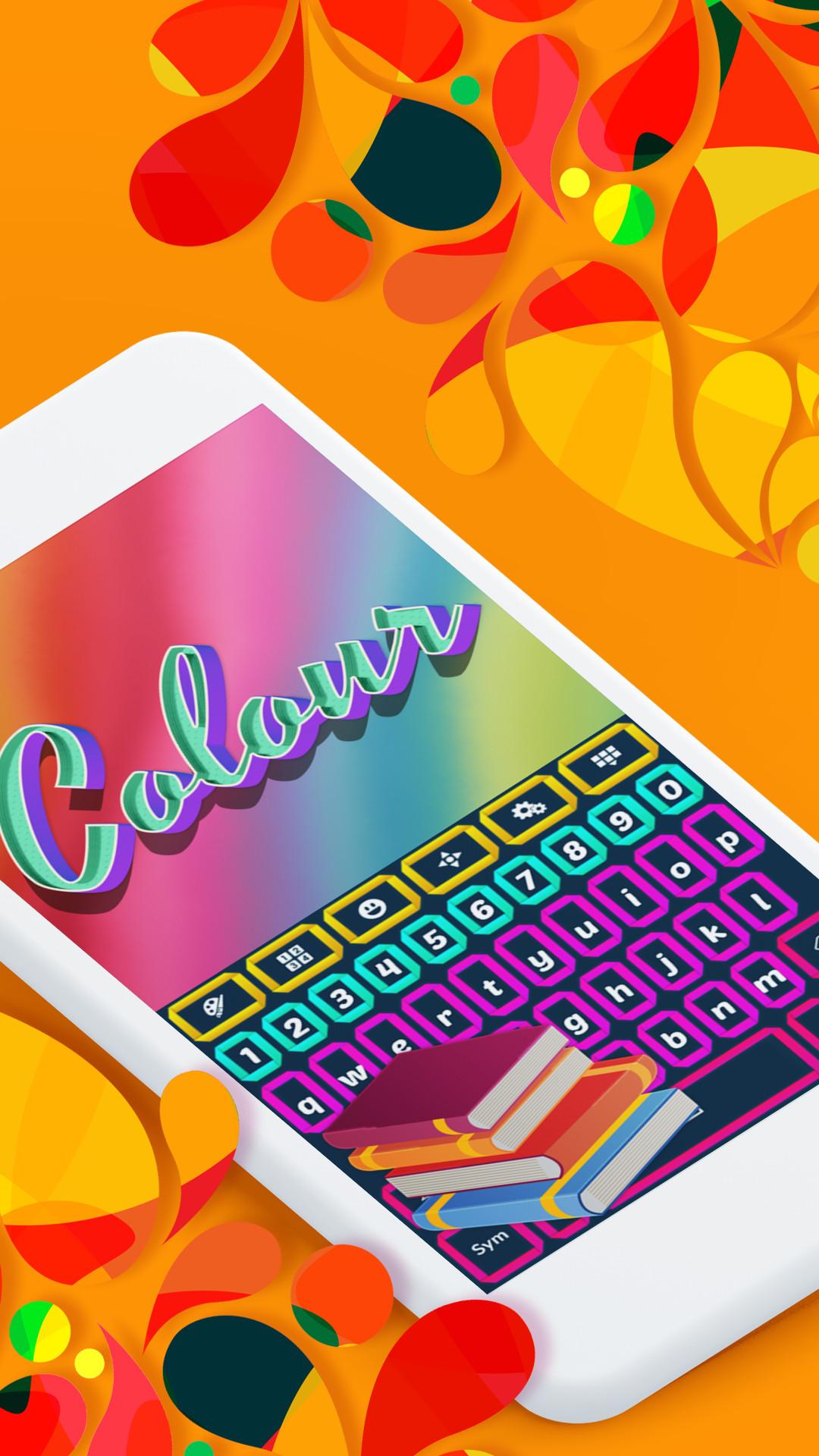
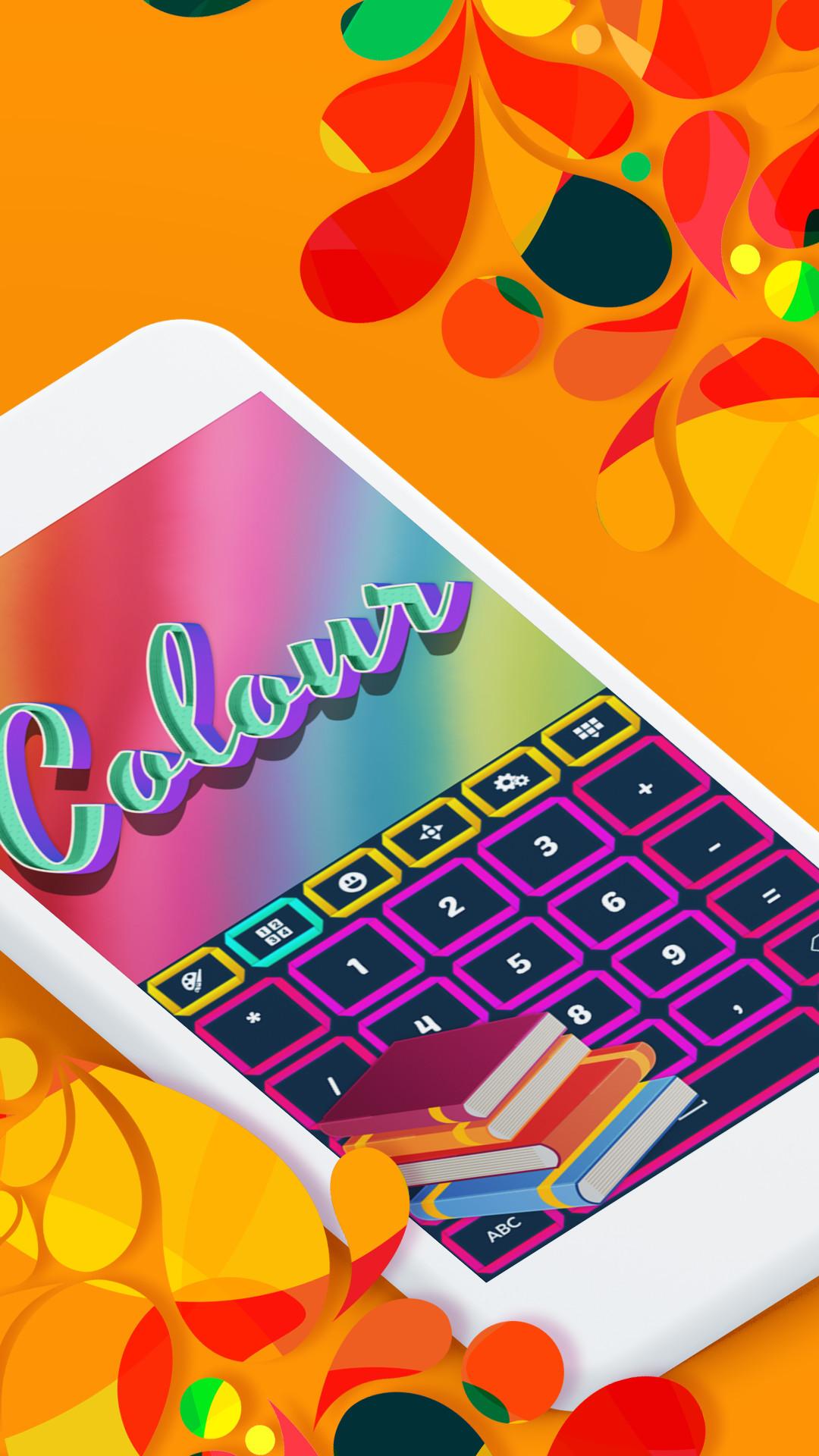
Don't be blue, get the Crazy Colour Keyboard theme and let the fun begin. Why settle for a dull, boring look when you can have bright, lovely colors to cheer you up and set you in a good mood. A burst of color will make you feel happy and carefree like a child. Start your day with a smile, get the new Crazy Colour Keyboard theme and be inspired by the awesome colors. Surrounded by the colour you will feel fresh, full of energy and ready for any challenge. Start the color revolution, download the Crazy Colour Keyboard theme and share it with all your friends.
How to install a Keyboard Plus theme?
Just follow these easy steps:
1. Download Crazy Colour Keyboard from Google Play Store
2. Open the Crazy Colour Keyboard theme
3. Press Apply button and you are ready to use your new theme
If you want to change your font size just go to the Quick Settings Tab and choose from one of the 3 available sizes: small, medium or large.
All the Keyboard Plus themes come with a matching font that will be displayed automatically.
New layouts with translations coming soon.
We are looking forward to your feedback so don't hesitate to contact us for any suggestions or other issues that you may have at the following address:
[email protected]