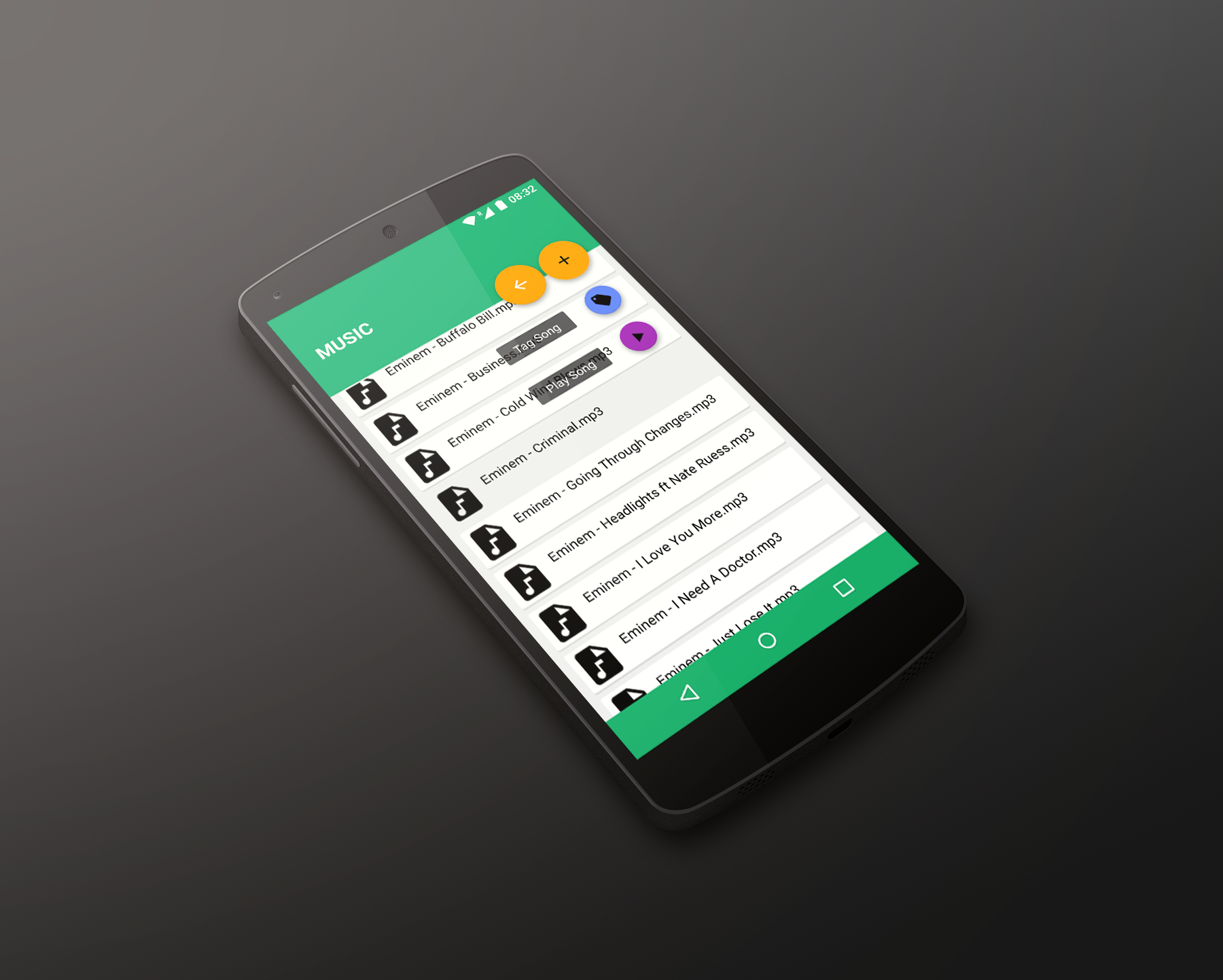
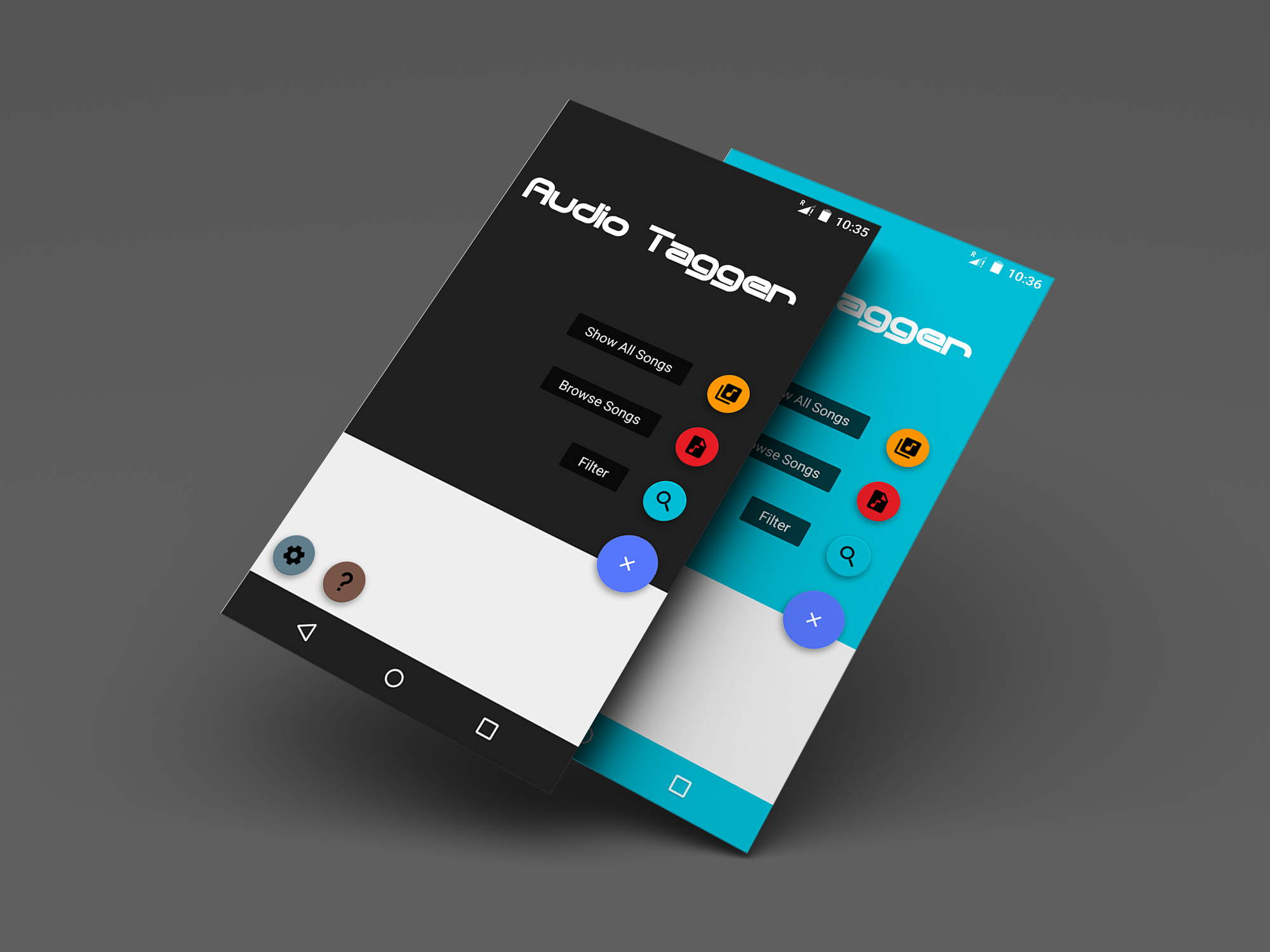
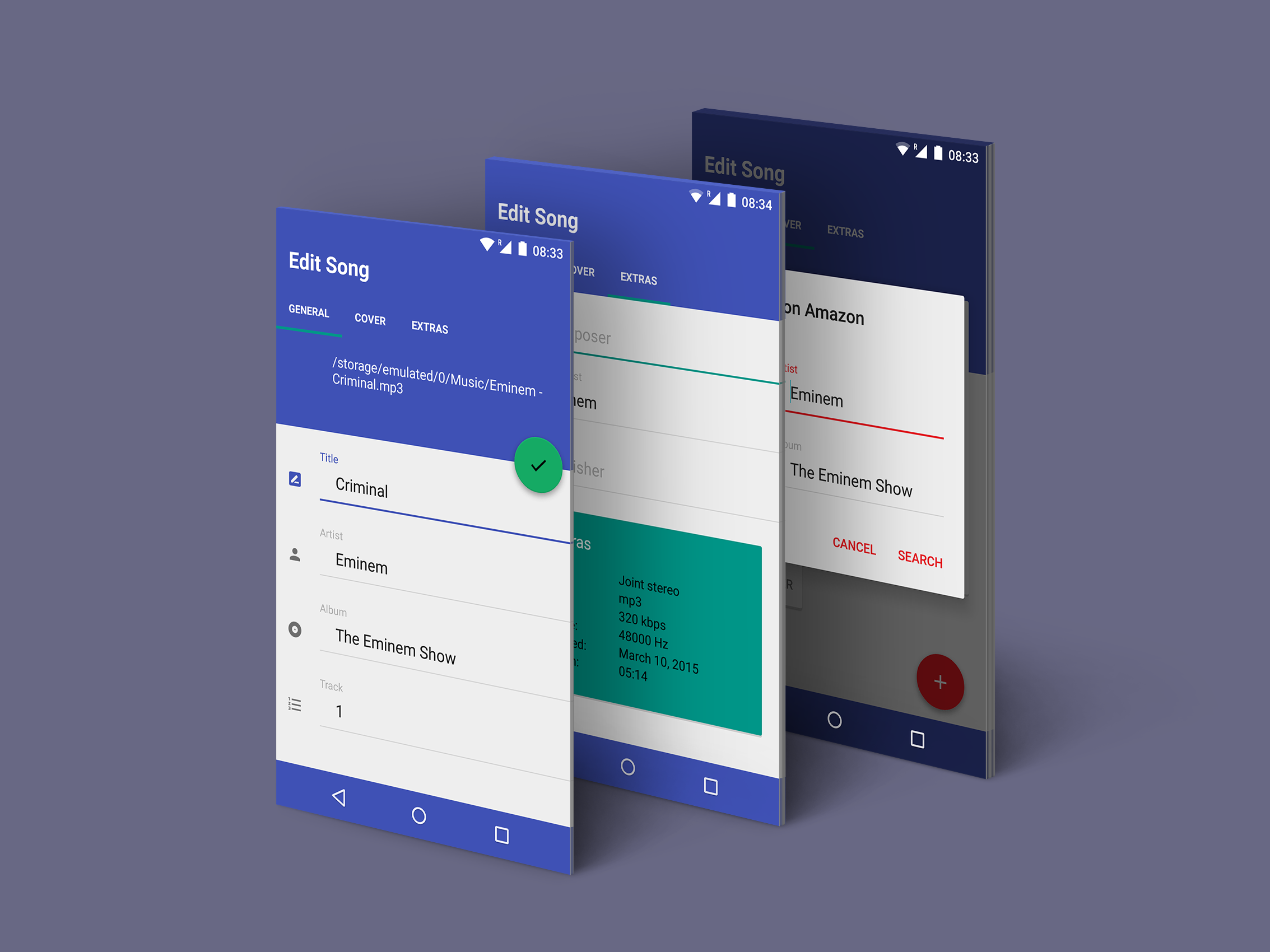
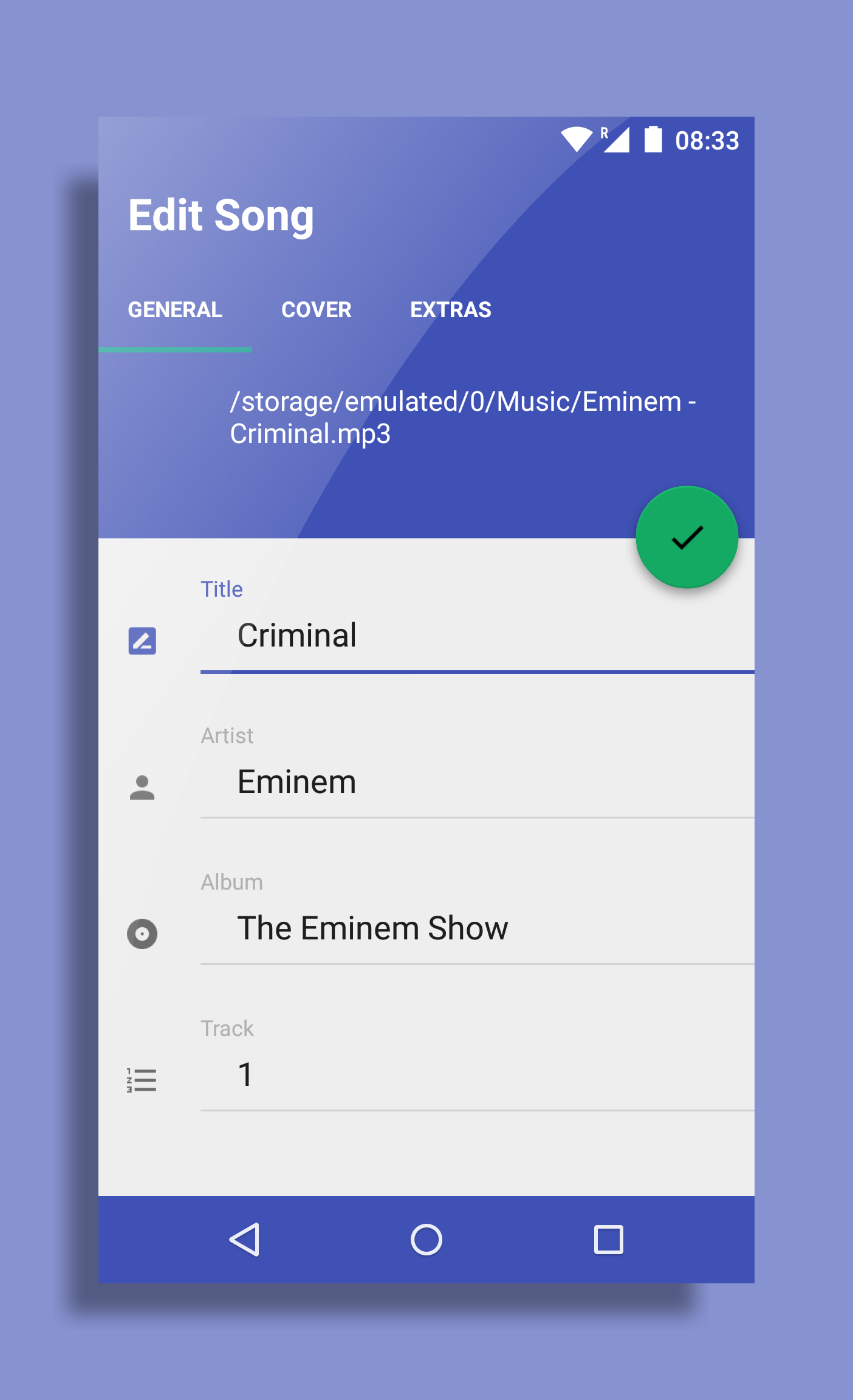
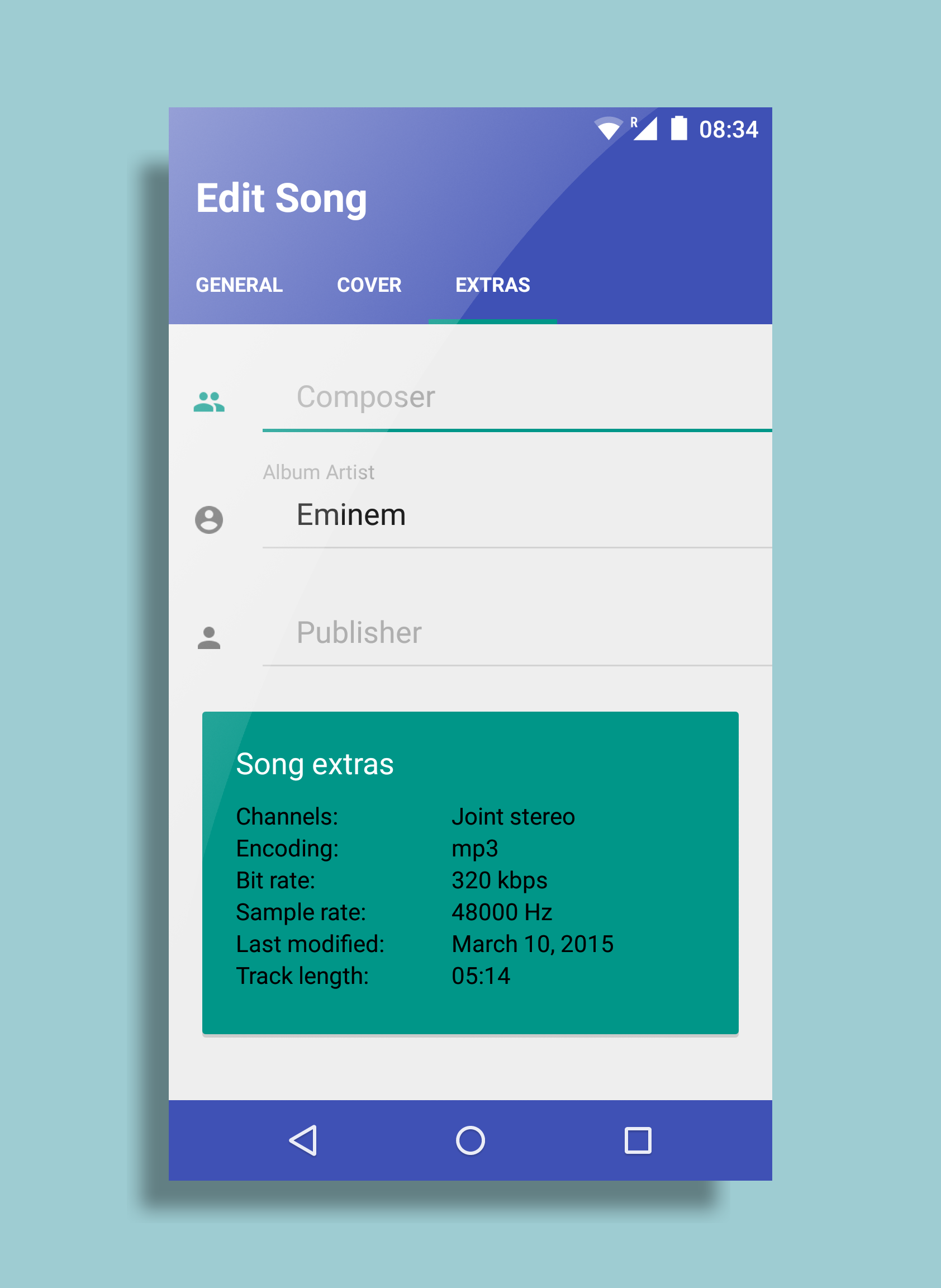
Audio Tagger is an Id3 Tagger for Android. It provides you a clean and simple material UI and an easy way to tag your music with Songname,Artist, Albumname, Genre ,Publisher, Albumcover... Features: -Edit Id3 tags of your mp3 files -add Albumart from storage or let the app search it on Amazon -remove Albumart -show Songinformations -search song by name -list all musicfiles on device -filepicker for quick access to musicfolders -theming of the mainscreen -theming of the editscreen (In App Purchase) -Adfree (In App Purchase) -Material Design and Animations #Rating Please send me a bug report before you give 1 star, 1 star doesn't help fixing the problem at all. #Important Info If you add Albumart and don´t see any changes in your musicplayer it is not a problem of the app. It´s a problem from the android mediastorage that is not updating the musicfile. If this is the case open the SETTINGS of the app and click on RESET MEDIASTORAGE. Then click on CLEAR DATA (Don´t worry it will not delete anything its just a database with the informations of the mediafiles..). After that restart your device and wait a few moments (depends on how much media you have on the device) then open a musicplayer and you should see the correct Songinformations/Albumart. Sorry for that complicate way but currently I´m not able to provide another working solution. Hope you can enjoy the app anyways. #Since Android KitKat If you are using Android 4.4.2 or higher, you may find out that the app can't operate your files on your SD card. That's Google changing the rules in Android, not me. No app can do that anymore. For now you can just move your music files to your internal storage and tag them from there. It will resolve all problems you are complaining.
APKFab.com和該應用的下載連結是100%安全的。APKFab.com上列出的所有應用下載連結均來自Google Play Store或由用戶提交。對於來自Google Play商店的應用,APKFab.com不會對其進行任何形式的修改。對於用戶提交的應用,APKFab.com會在網站上發佈之前驗證其APK簽名的安全性。