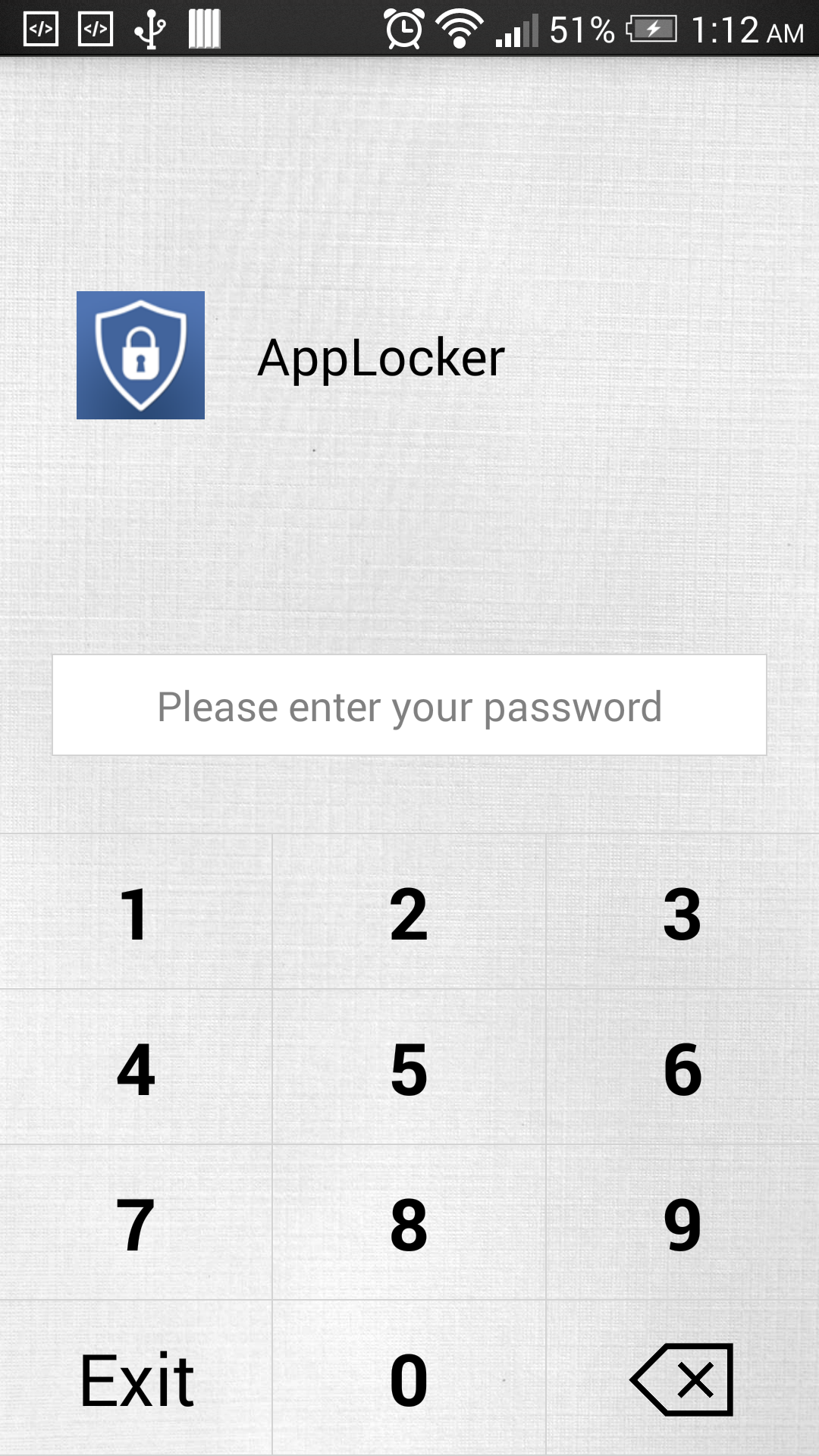
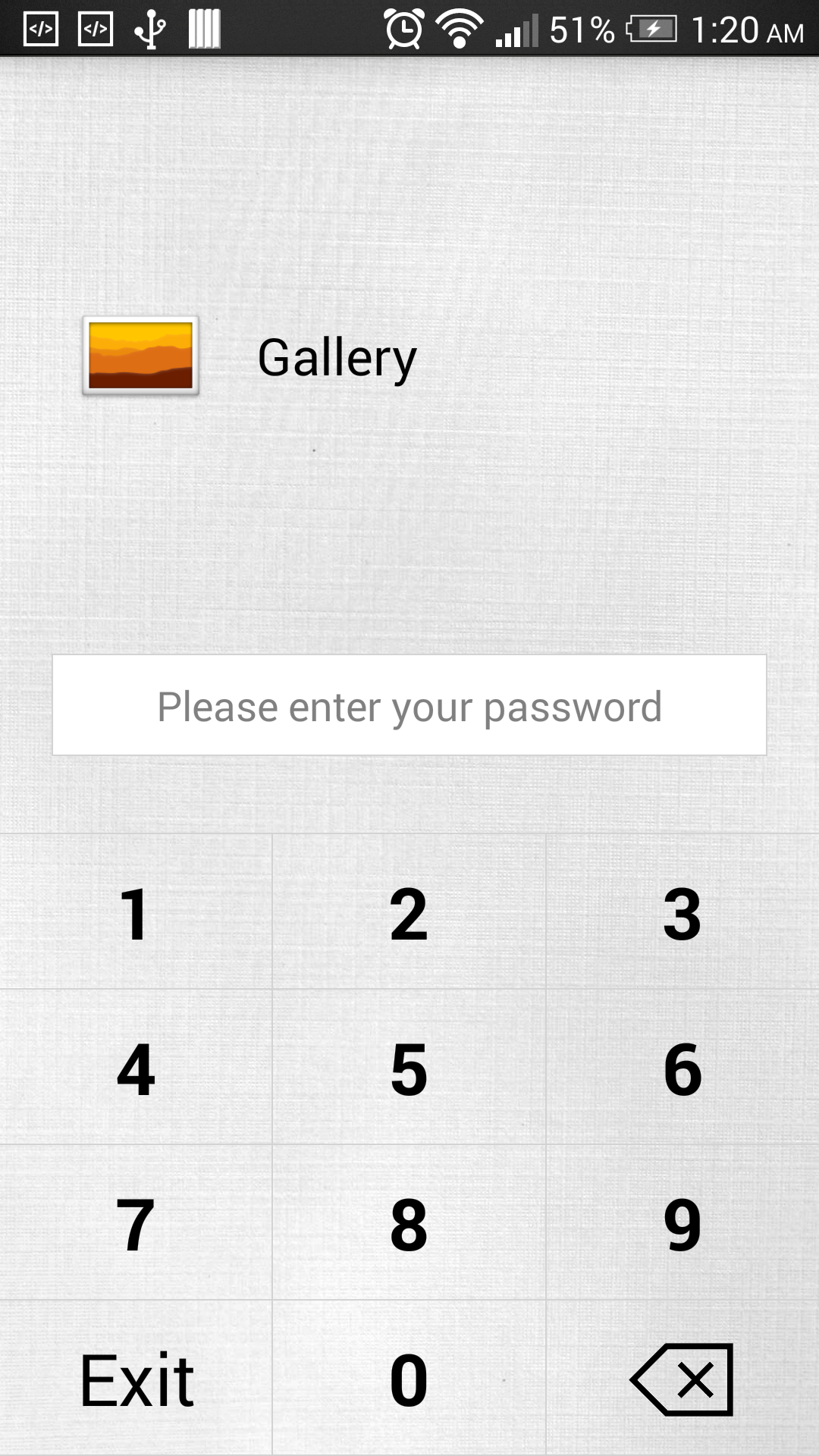
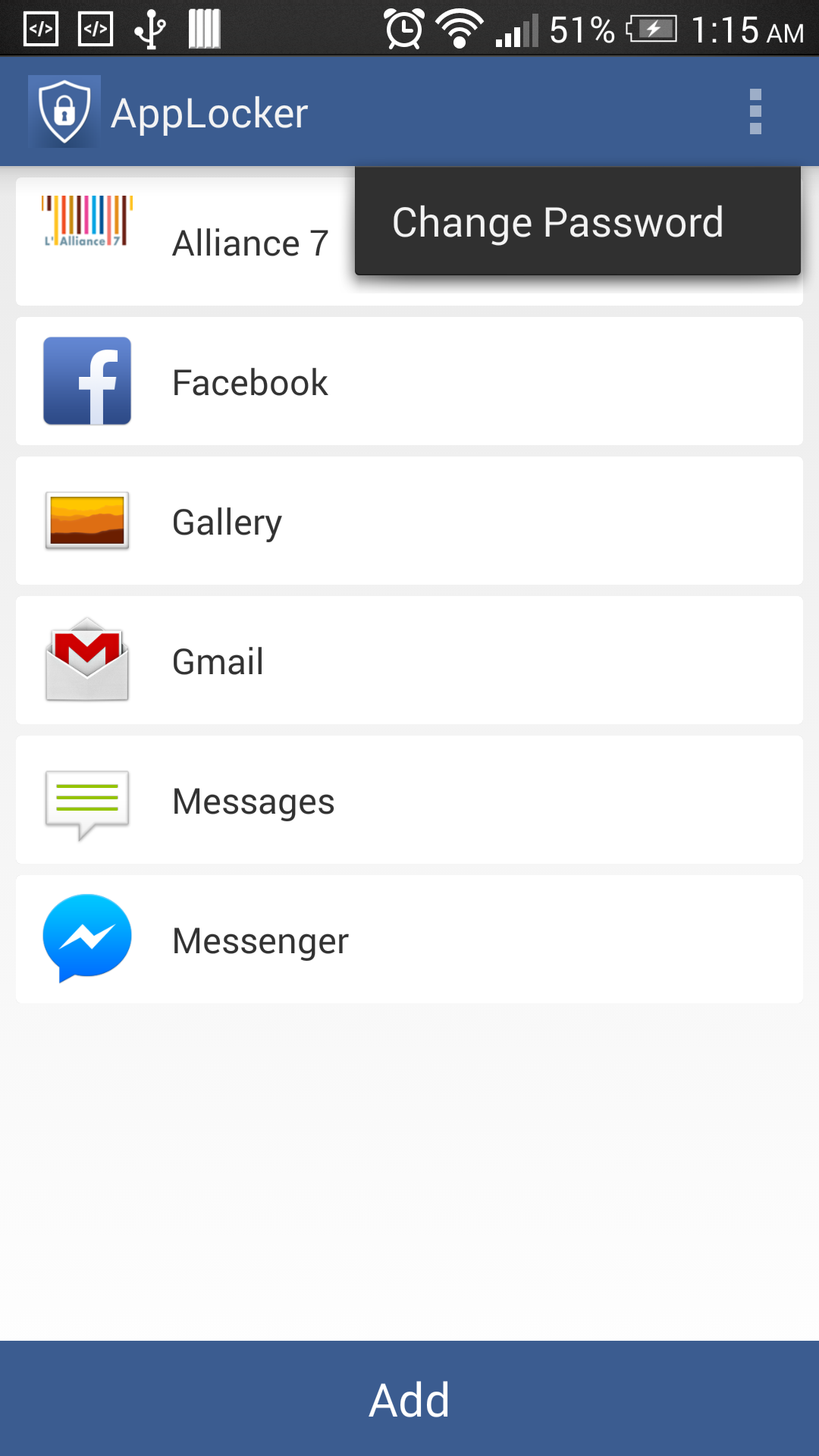
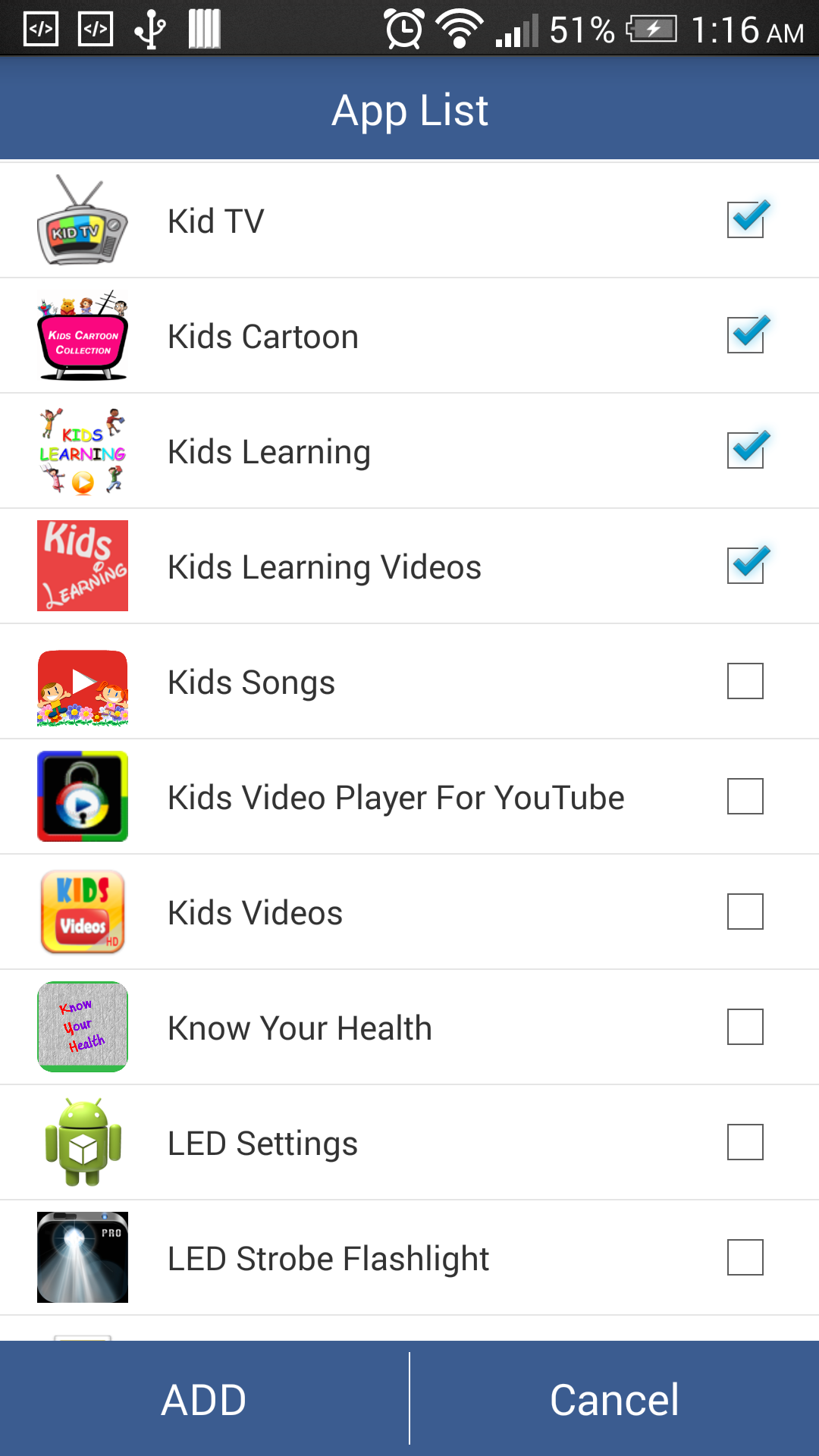
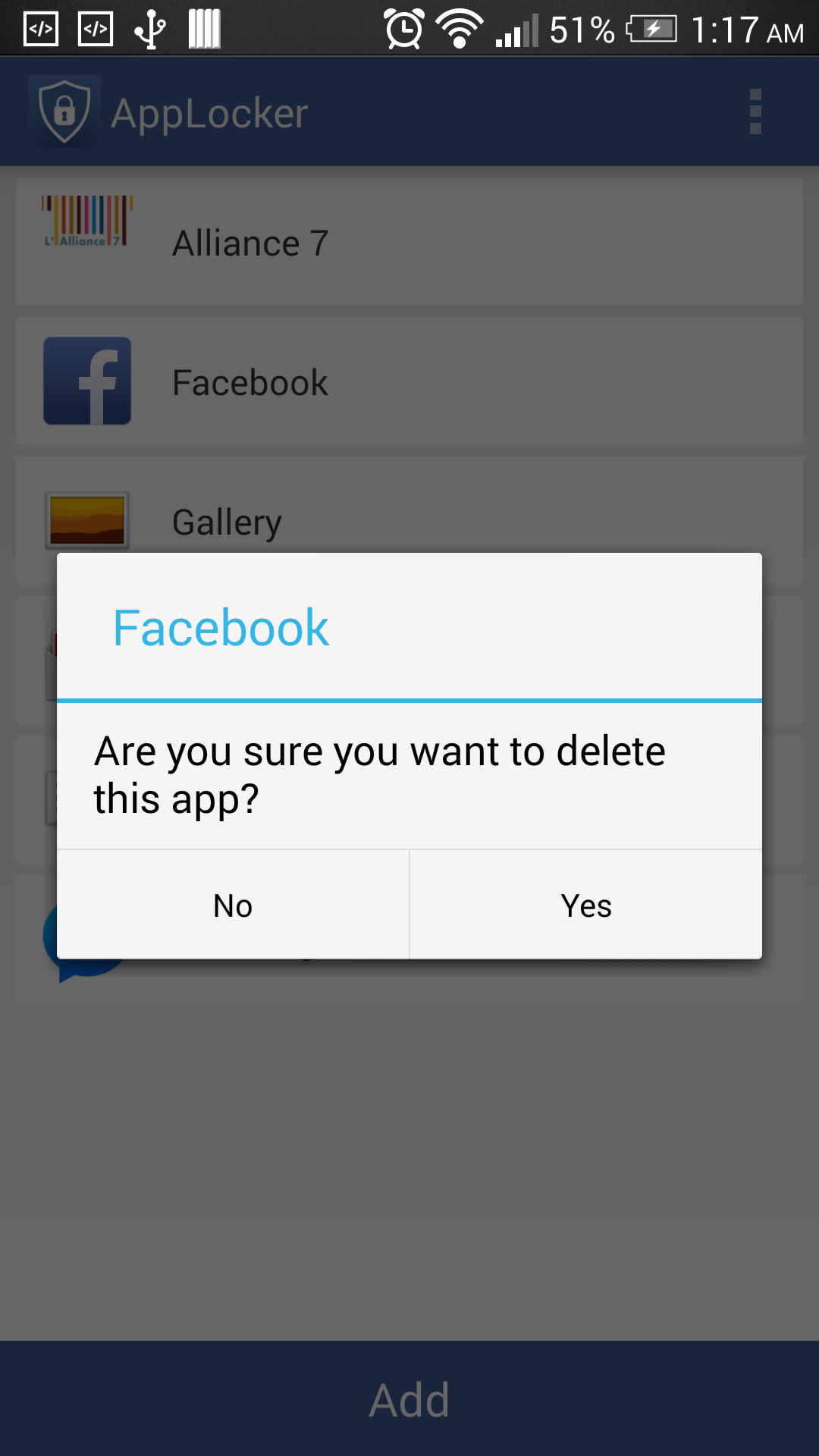
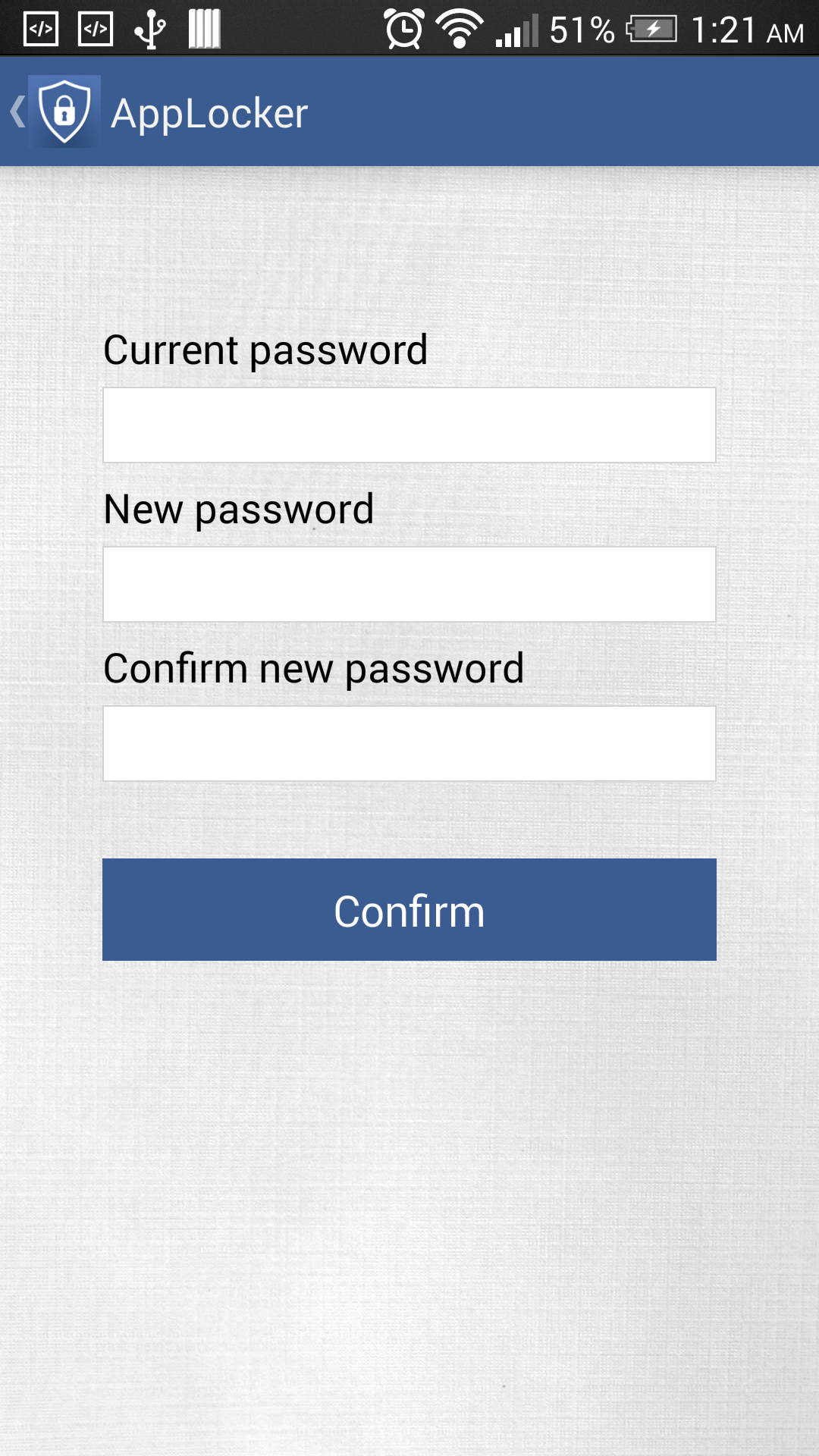
AppLocker Fake Crash lets you protect any applications what you want with fake crash screen and your password. You can lock: Whatsapp, Facebook, Twitter, SMS, Email, Gallery, Camera, Messenger, and any apps you choose. Never worry again about someone seeing your private data. Wih fake crash screen which may deceive others into thinking that this application has a glitch. Setup: Step 1: Create your password - When you first open AppLocker Fake Crash. The application will ask you to create a new password (with maximum 6 numeric digits). This password will allow you to manage lock, unlock your private application. - You can change your old password by go to setting, select "Change Password" Step 2: Lock your application. - After creating your new password you will see the list off all installed applications in your phone. Select the app you want to protect. - If you don't want to lock that app anymore. Click or hold down to the app on locked list screen to delete. Step 3: How to open to your private application - From the launcher, tap on your private app icon. The fake crash screen will be displayed. Please hold down to "OK" button to open locking screen. You will be asked to type your password. Insert the correct password to gain the permission to access to your app. If you fogot your password. Please uninstall and reinstall AppLocker again. The AppLocker is working as well as your phone is rebooted. Now, your privacy is protected and you can be worry-free while lending your phone to others.
APKFab.com和該應用的下載連結是100%安全的。APKFab.com上列出的所有應用下載連結均來自Google Play Store或由用戶提交。對於來自Google Play商店的應用,APKFab.com不會對其進行任何形式的修改。對於用戶提交的應用,APKFab.com會在網站上發佈之前驗證其APK簽名的安全性。