Voucher Up(包名:com.voucherup)開發者是Voucher Up Technology Limited,Voucher Up的最新版本1.5更新時間為2015年09月11日。Airtime Scanner的分類是生活品味。您可以查看Airtime Scanner的開發者下的所有應用。目前這個應用免費。該應用可以從APKFab或Google Play下載到Android 2.3.4+。APKFab.com的所有APK/XAPK文檔都是原始文檔並且100%安全下載的資源。
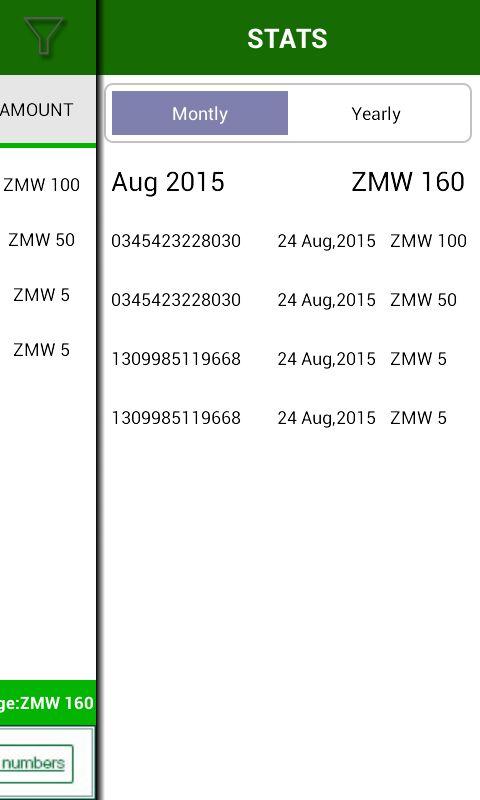
Voucher Up is a prepaid airtime management application available for android devices. It uses your smartphone camera to scan airtime pins automatically eliminating tedious manual airtime recharge. Voucher up also keeps track of all your monthly and yearly expenses on airtime to keep you in the know.
Why use Voucher Up.
1. It will save you time by automatically scanning and loading the airtime pin for you.
2. You will plan better if you know you how much you really spend on airtime. Right now there is no one who really knows how many airtime vouchers they load a month.
HOW TO USE IT:
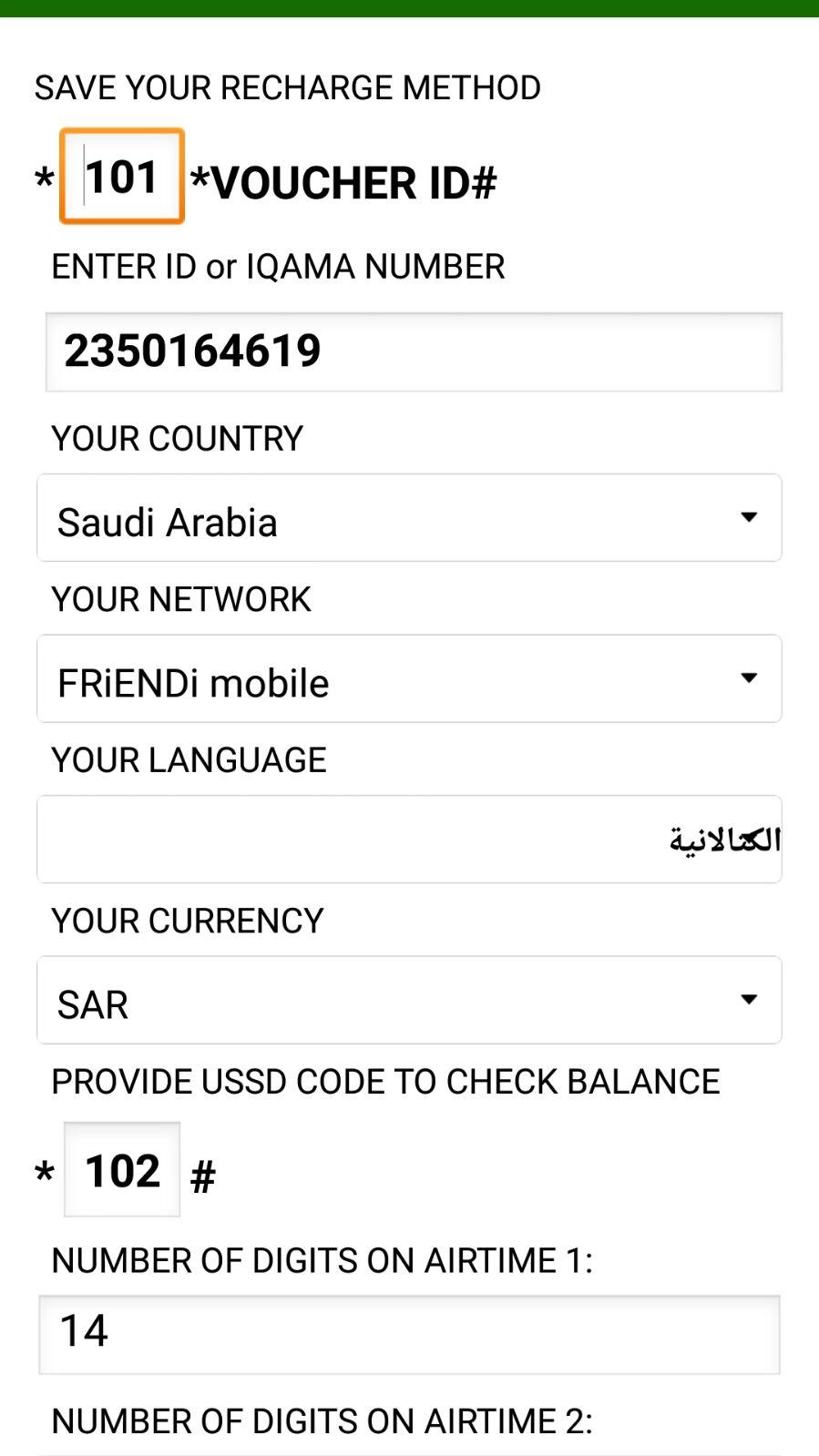
After you first install the app, the settings page will appear, please save the recharge method which could be *113*airtime pin# depending on your country, and this is indicated on your airtime voucher purchased .
Set the currency and the most importantly the LENGTH OF YOUR AIRTIME PIN. Count how many digits are on your airtime voucher and enter that number in the PIN LENGTH box. If the pin length is not set correctly the app will not be able to scan your airtime pin at all.
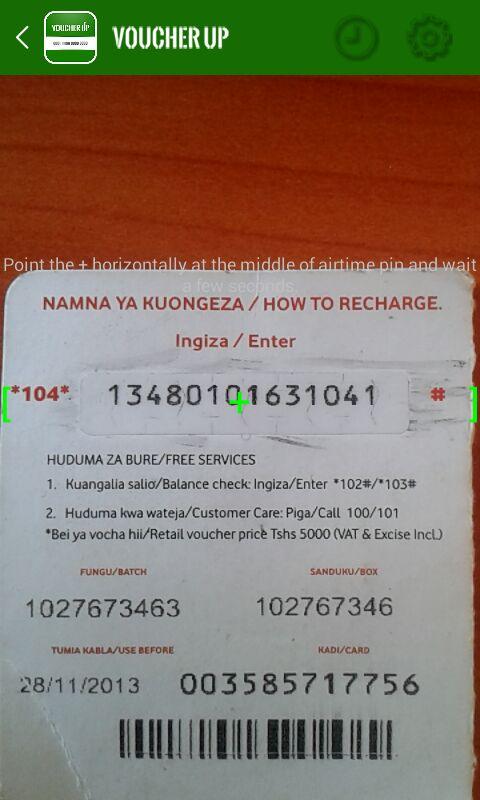
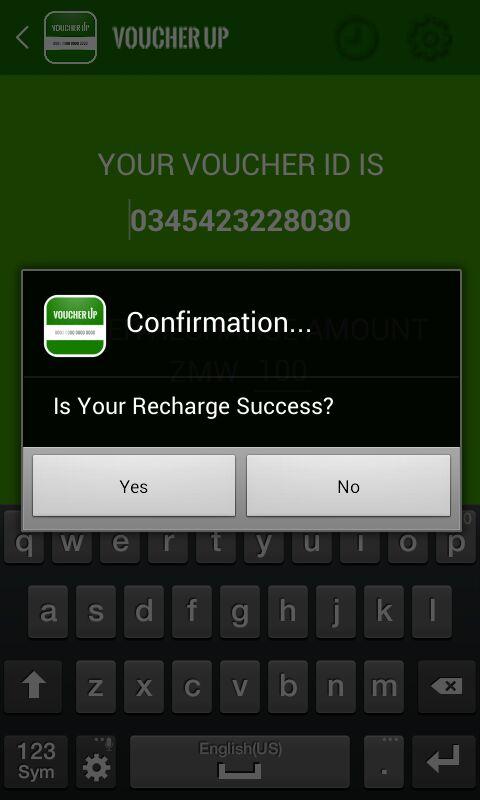
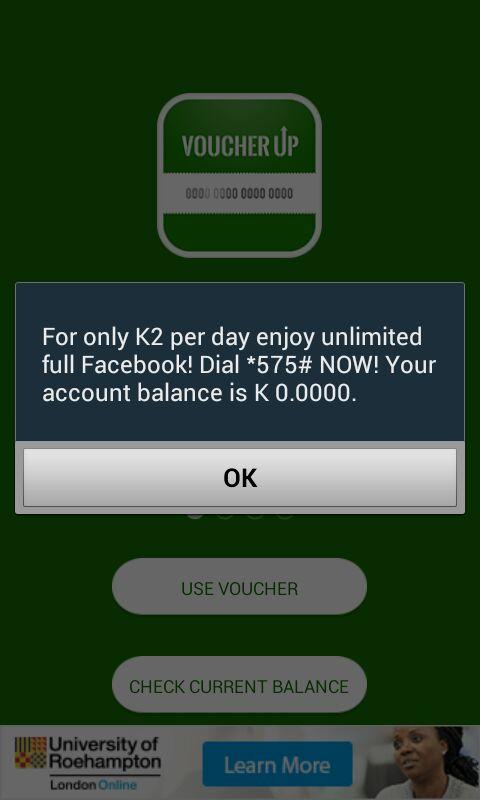
When you purchase your airtime voucher from the store. Open Voucher Up by tapping on the app icon and press the USE VOUCHER tab. The app display area appears and activates your camera. A green pointer appears and all you have to do is point the pointer steadily on the airtime pin horizontally `middle way across the airtime pin and wait for a few seconds for the app to automatically scan and capture the code. You don’t have to press anything you just wait while you point the pointer steadily on the airtime pin. When the code is correctly captured enter amount of the airtime your recharged and press confirm and that’s it. Simple and hustle free.
DO's and DONT's:
1. Do make sure that your airtime scratch card is fully scratched and all the digits are clearly visible
2. The distance between the camera and airtime pin must not be too far such that the digits are too small to be scan or too near such that the digits are missed out. With practice you will know what distance works for you.
TRICKS FOR BETTER RESULTS
Restarting your phone will help in case of unexpected app stopping.
Autofocus has to clear the image if the scan is to work.
If the autofocus of your phone is slow to initiate you can click the arrow on the top left of the screen and the select USE VOUCHER again. This should initiate a fresh autofocus.
We’re always excited to hear from you! If you have any feedback, questions, or concerns, please email us at:
[email protected]or follow us on twitter:
http://twitter.com/voucherup
Voucher Up 1.5 更新
We are so excited about the new version.
We have fixed the following bugs
1.0 Crashing-The app is now more stable and the user should have a smooth experience.
1.1 Compatibility-The biggest problem with the first version was compatibility.Only Samsung phones could run the app smoothly. Now we have covered almost all relatively average android quality phones.
1.3 Repeat image- The app no-longer repeats the previous results if you try to capture in consecutively.