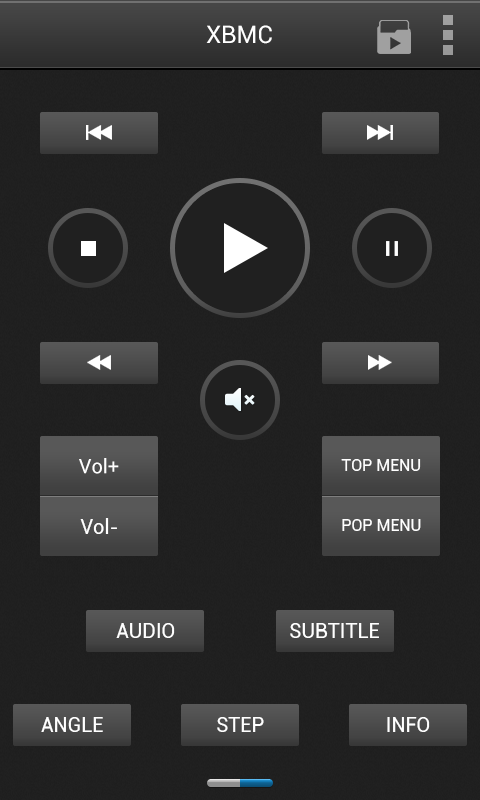
Vidon.me Remote
7.9
v1.2.0 по VidOn.me
7.9
v1.2.0 по VidOn.me

Setup instructions:
In VidOn.me Remote Settings panel-> Host IP-> Input your XMBC IP address->port: 8080
In XBMC go to System -> Settings -> Network
Enable the following settings:
- Allow control of XBMC via HTTP
- Allow programs of this system to control XBMC
- Allow programs on other systems to control XBMC
In order to see your music and video files you need to enable the library function within xbmc and scan your music and video files to the library.
FAQ:
Supported Android device display resolutions:
540x960
Connection error: please check if the firewall is closed, and make sure WIFI is enabled.
VidOn.me Control currently applys to devices running Android 2.1 and above
Please make sure that you have at least XBMC 11 Eden installed, previous versions are not supported.
Get the latest XBMC Version at :
http://www.xbmc.org/
Official site:
http://www.vidon.me


Requires Android: Android 2.2+
Screen DPI: 120-320dpi
SHA1: 7d73a31ac09274c3f259ae0e69161f55f78e8950
Size: 3.48 MB
What's New:
Имя пакета:
Категория:
Дата обновления:
2013-08-09
Последняя Версия:
1.2.0
Требуется обновление:
Требования:
Android 2.2+
Пожаловаться: