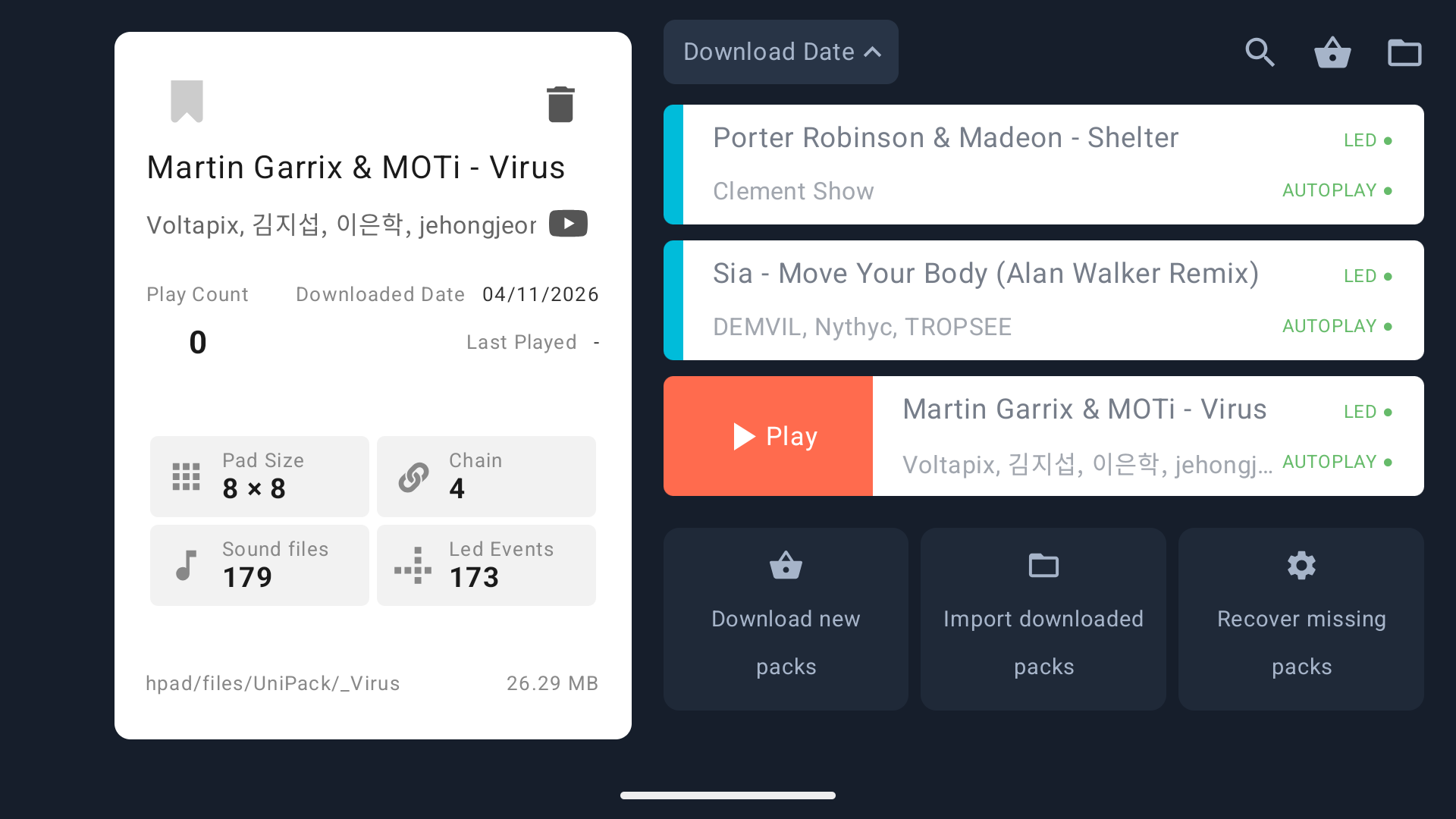
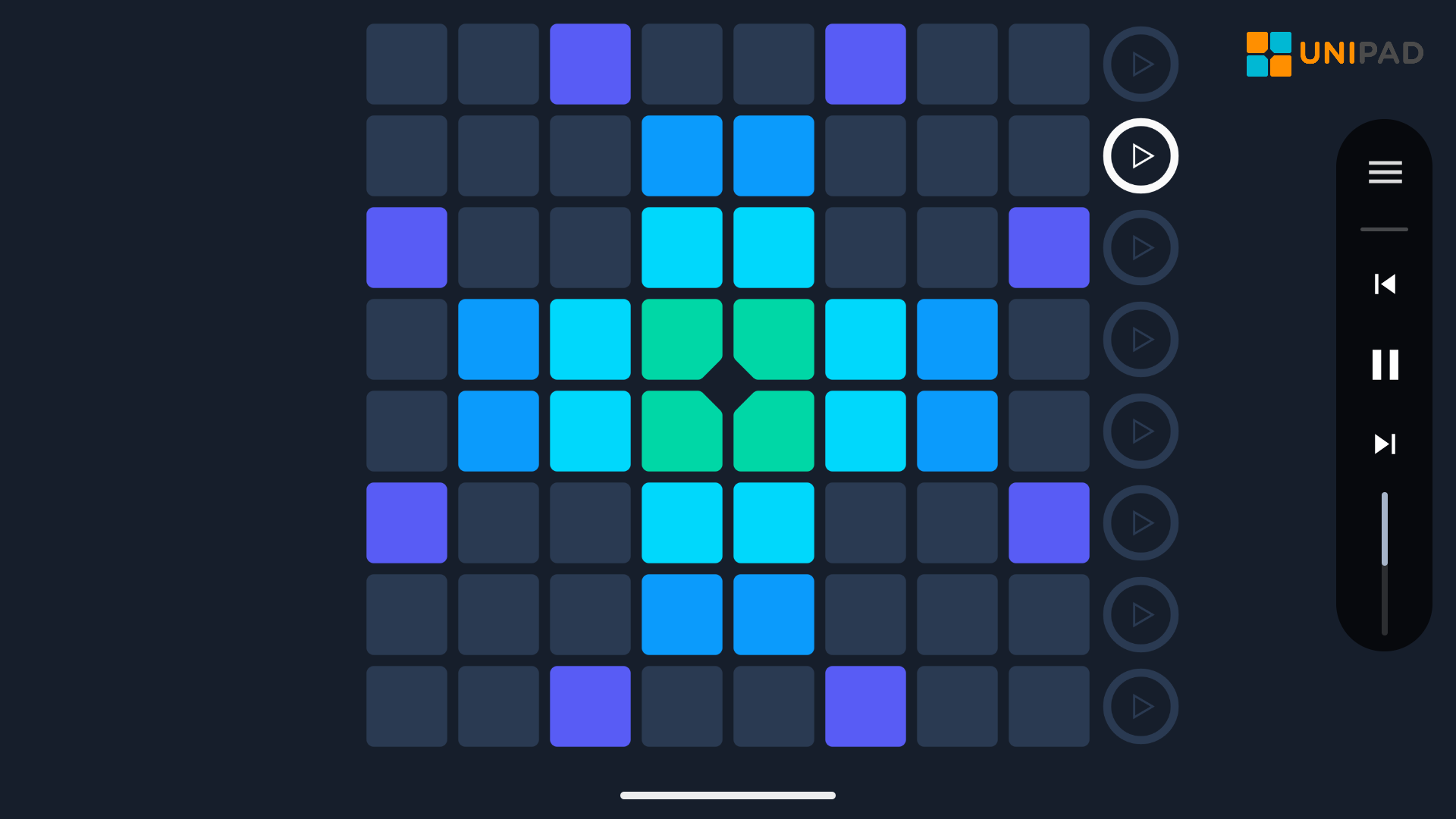
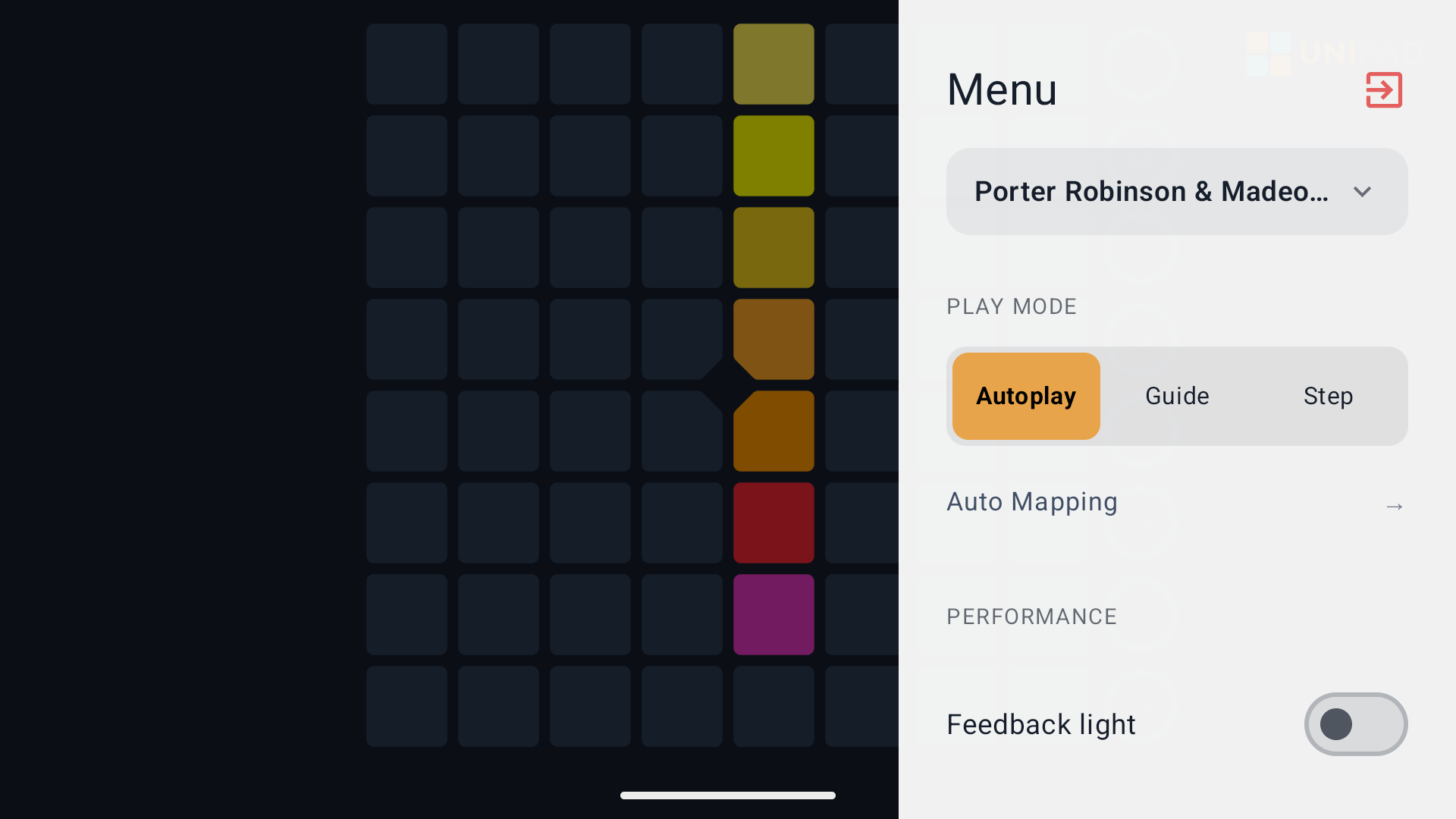
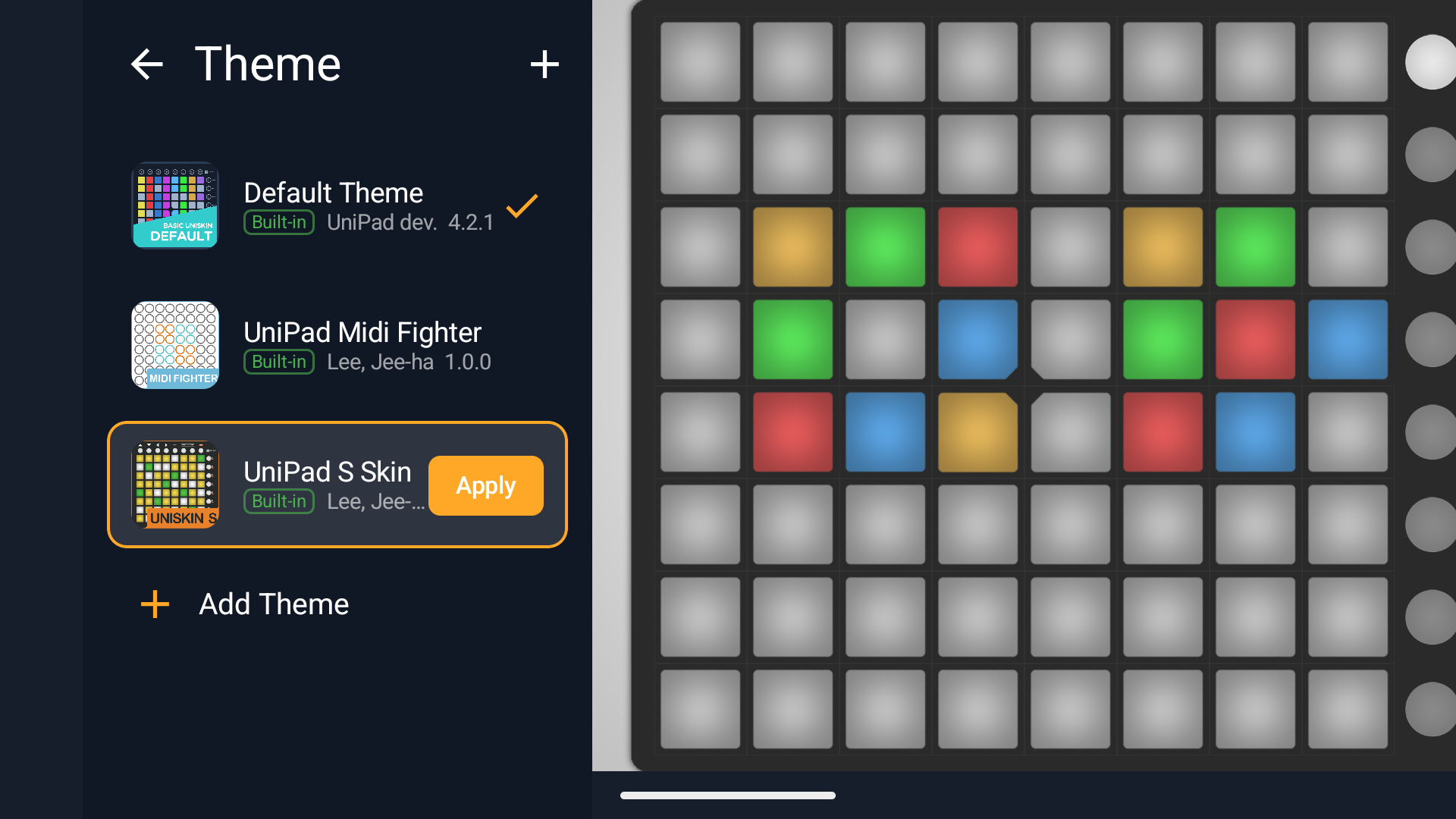
UniPad — это ритм-игра, в которую играют на сетке, похожей на Launchpad. Каждая песня — это UniPack: набор звуков, светодиодных индикаторов и, во многих наборах, трек для автовоспроизведения. Получить наборы - Загружайте наборы из магазина внутри приложения (более 70 наборов; требуется подключение к интернету). - Импортируйте уже имеющийся у вас .zip-файл UniPack (Импорт загруженных наборов). - UniPack создаются вне приложения сообществом. UniPad воспроизводит их, а не создает. Тренировка - Автовоспроизведение воспроизводит всю песню со световыми индикаторами. Режим «Гид» воспроизводит песню и отмечает кнопки для нажатия. Режим «Шаг» ждет, пока вы нажмете на отмеченные кнопки. Режимы тренировки работают с наборами, которые включают трек для автовоспроизведения. Играйте так, как вам удобно - Нет Launchpad? Просто коснитесь кнопок на экране. - Подключите Launchpad или другой MIDI-контроллер с помощью USB-кабеля. Для вашего телефона может потребоваться адаптер для его порта. Распространенные модели Launchpad определяются автоматически; В противном случае выберите свою модель в приложении. Мы не тестировали все телефоны, кабели и контроллеры. - Измените внешний вид с помощью тем. - После установки пакета на телефон вы можете играть без подключения к интернету.
Обновление UniPad 4.2.2
• Fixed Android closing UniPad if you left while sounds were loading. Loading resumes when you return. • UniPad loads the sounds it can and tells you which files failed and why. • Auto Mapping keeps chain order and timing. Restore your previous AutoPlay from the play menu. • A move or backup fails and keeps the original if a folder can't be read or made. • Surround Opus sounds play in the correct channels. • Android 7 can import zip packs from a folder. Untitled packs show their folder name.
• Fixed crashes when starting, reading packs or using backups; improved pack import, sound, lights and practice. • Kept held pads and chain timing consistent. • Tap-order numbers are the default unless you chose a style; recording starts off. • Small-screen OK stays visible; preview/dual-pad settings scroll, with Korean labels. • From this version on, Play installs show future updates at the pack list’s lower left. Tap for download/install choices; both offer Later.
Fixed crashes when searching files to transfer and opening licenses. Improved audio recovery after interruptions and device changes, reduced memory use when loading large packs, and improved playback, MIDI and LED reliability.
• New practice modes: Auto, Guide, and Step modes for AutoPlay — learn songs at your own pace with step-by-step guidance • Pro Mode 4-side chain bar: Enhanced chain bar for pro mode with improved LED rendering • Trace Log visualization: Replaced number overlays with line+dot canvas visualization for clearer play tracking • Improved pad colors: Refined default theme with better contrast and brighter pad buttons
APKFab.com и ссылка для скачивания этого приложения на 100% безопасны. Все ссылки для загрузки приложений, перечисленных на APKFab.com, получены из Google Play Store или предоставлены пользователями. Для приложения из Google Play Store APKFab.com не будет вносить в него никаких изменений. Для приложения, предоставленного пользователями, APKFab.com проверит безопасность его подписи APK перед его выпуском на нашем сайте.