WPS Officeの詳細
WPS SOFTWARE PTE. LTD.からリリースされた『WPS Office』は仕事効率化アプリだ。apkfab.com/jpから『WPS Office』のファイルサイズ(APKサイズ):266.79 MB、スクリーンショット、詳細情報などを確認できる。apkfab.com/jpではWPS SOFTWARE PTE. LTD.より配信したアプリを簡単に検索して見つけることができる。『WPS Office』に似ているアプリや類似アプリは177個を見つける。現在、WPS Office-PDF, Word, Sheet appのダウンロードも基本プレイも無料だ。『WPS Office』のAndroid要件はAndroid 7.0+なので、ご注意ください。APKFabあるいはGooglePlayから『WPS Office-PDF, Word, Sheet apk』の最新バージョンを高速、安全にダウンロードできる。APKFab.com/jpでは全てのAPK/XAPKファイルがオリジナルなものなので、高速、安全にダウンロードできる。
★ WPS Office – Office Suite, PDF Editor & Document Reader
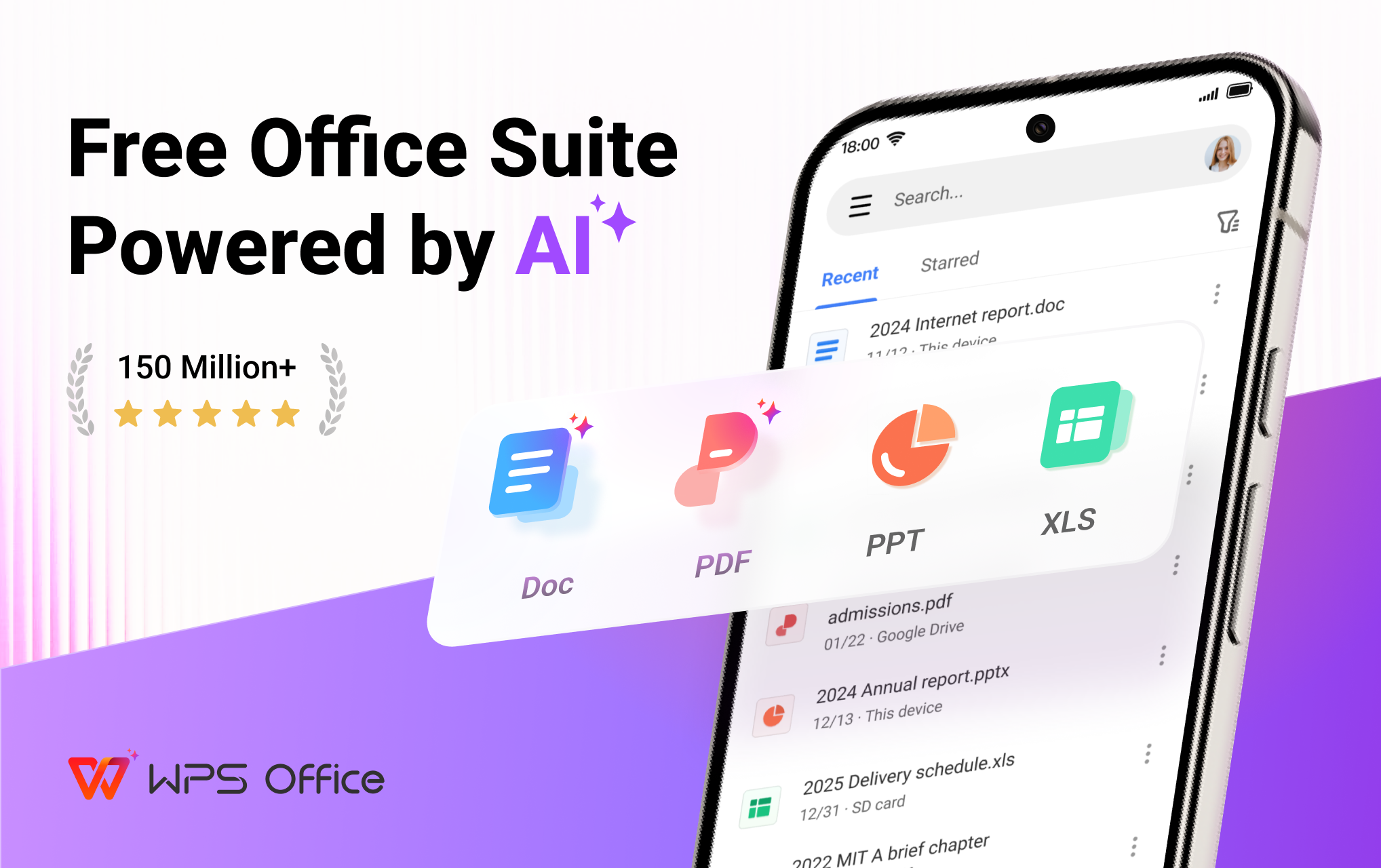
WPS Office is a powerful office suite designed to help you create, edit, read and manage documents efficiently. It supports Word documents, PDF files, Excel spreadsheets and PowerPoint presentations, making it a reliable document editor and document reader for work, school, and business.
With professional tools for PDF editing, document processing and file conversion, WPS Office helps you handle everyday office tasks on your mobile device with ease.
🗂️ Complete Office Suite for Documents & Files
WPS Office works as an all-in-one solution for document creation and file management:
• Create, edit and read Word documents, docs and text files
• Format and revise documents with professional editing tools
• Open and edit Word documents, PDFs, spreadsheets and presentations created by other office tools.
• Manage files with a reliable file reader and file editor
Whether you are writing reports, reviewing files or sharing documents, WPS Office supports a smooth workflow.
📄 PDF Editor & PDF Reader – Designed for Daily PDF Work
WPS Office provides a complete set of tools for working with PDF documents, from reading to advanced editing:
• Open, view and read PDF files with a smooth PDF reader
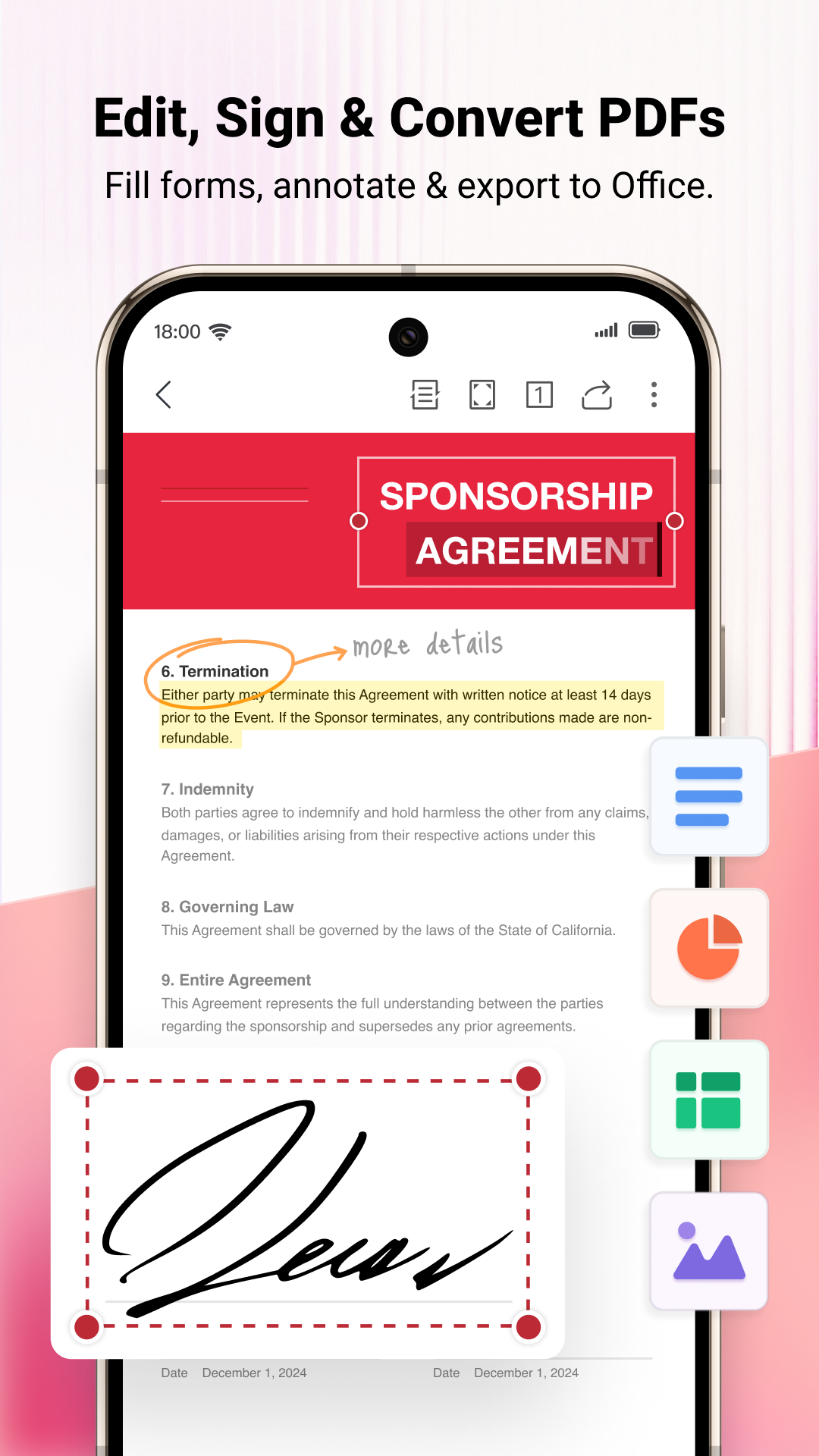
• Annotate PDFs with highlights, comments and notes
• Edit PDF text and manage PDF pages
• Convert PDF to Word, images to PDF and text to PDF
• Merge, split and organize PDF documents
• Add signatures, watermarks and page adjustments
As a professional PDF editor, WPS Office supports both everyday PDF reading and advanced PDF processing needs.
🔁 PDF Converter & Document Processing Tools
Handle document conversion efficiently:
• Convert Word documents to PDF
• Export PDF files to Word documents
• Create PDFs from images and scanned files
• Process documents with reliable PDF converter tools
WPS Office helps streamline document workflows across different file formats.
📷 Document Scanner & PDF Scanner with OCR
Digitize paper documents quickly with built-in scanning tools:
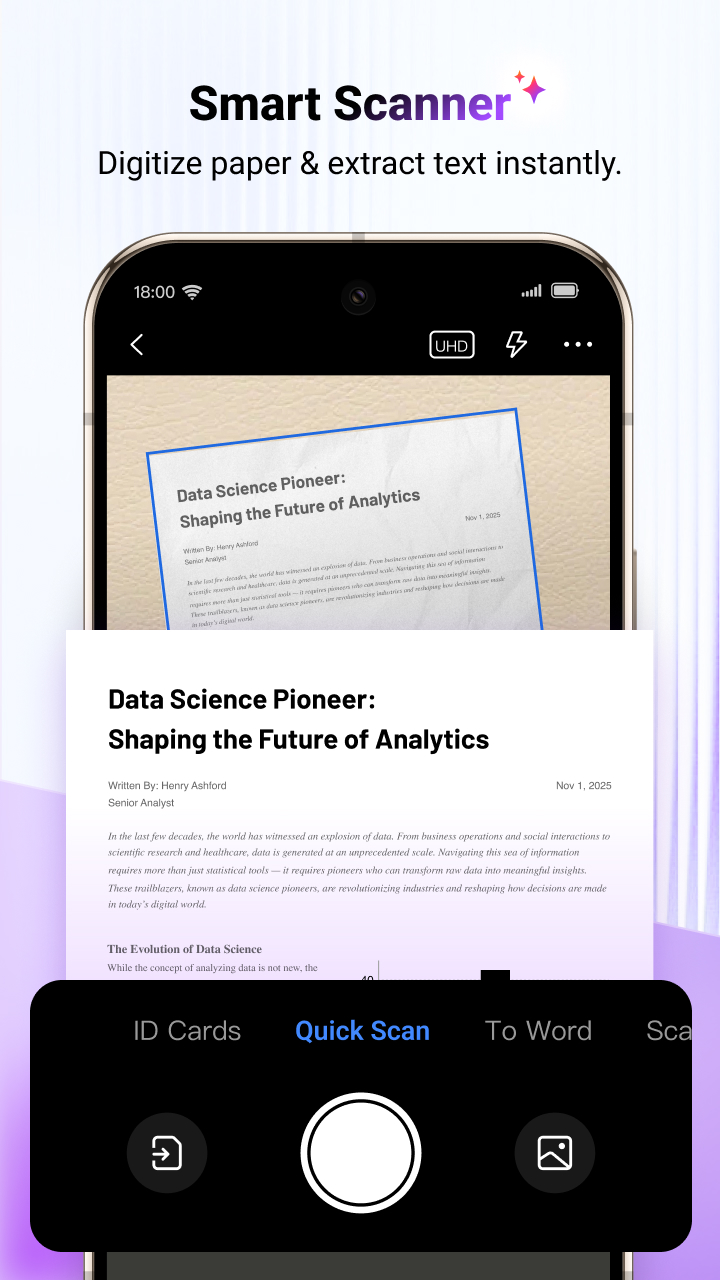
• Scan documents and save them as PDF files
• Use PDF scanner tools to capture contracts, receipts and notes
• Extract text accurately using OCR
• Manage scanned documents in editable formats
An efficient solution for users who need document scanning and digital archiving.
📊 Word, Excel, Spreadsheet & Presentation Editing
Work across all major office formats:
• Edit and read Word documents and DOC files
• Create and manage Excel spreadsheets
• Open and edit tables, formulas and charts
• View and edit PowerPoint presentations, PPT and slides
WPS Office ensures compatibility with various Office software for consistent document editing.
🤖 Smart Tools to Enhance Document Productivity
WPS Office includes intelligent tools that enhance document workflows:
• Writing assistance for document drafting and revision
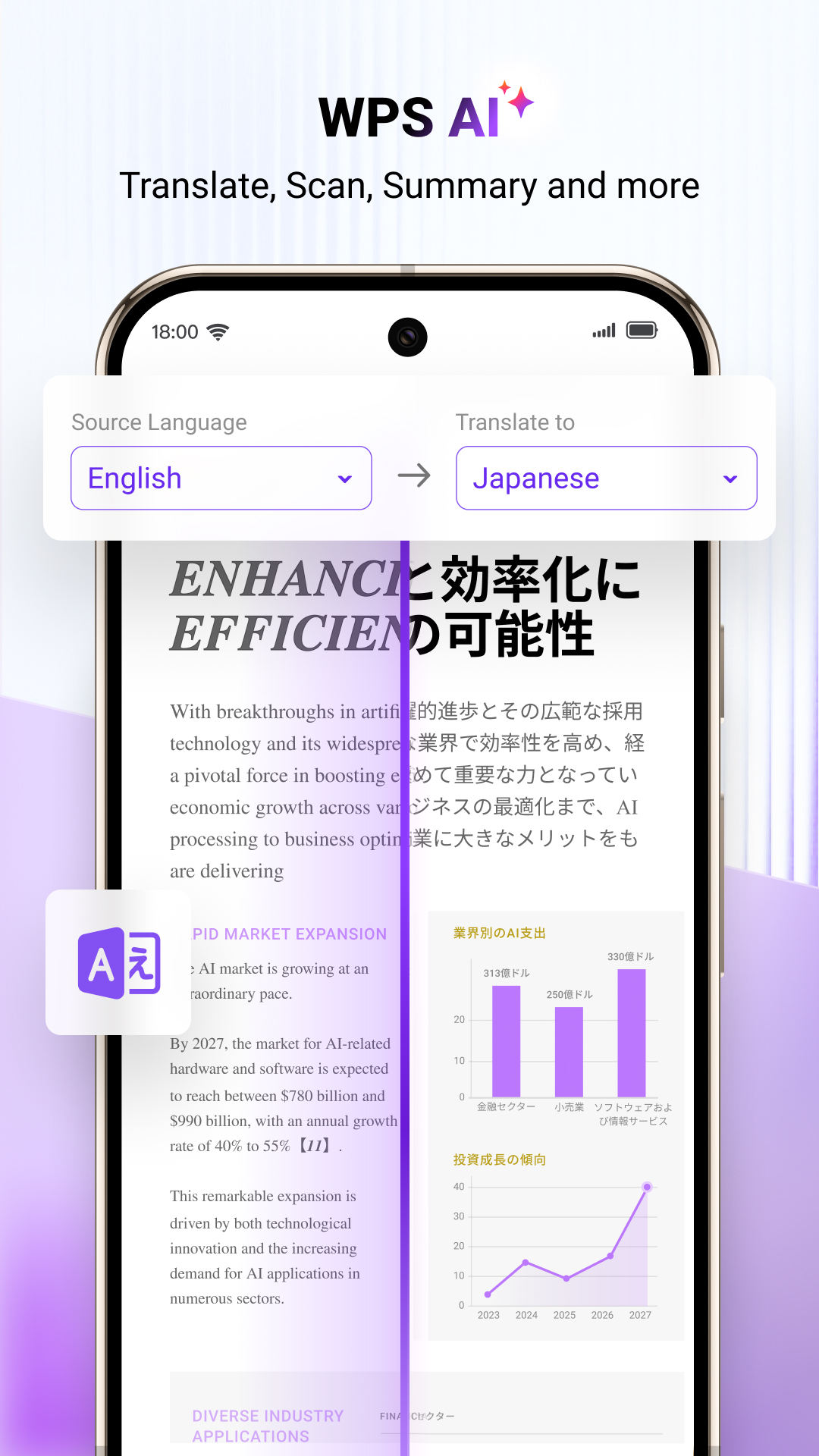
• PDF content summaries and document analysis
• Smart scanning and text recognition features
These tools are designed to support efficient document handling without interrupting your workflow.
☁️ Cloud Storage & Collaboration
• Secure cloud storage for documents and PDF files
• Sync files across mobile, PC and Mac
• Share documents and collaborate online in real time
• Support Google Drive, Dropbox, OneDrive and more
WPS Office combines document editing, PDF reading, file conversion and office productivity in one professional app.
Manage documents, PDFs, spreadsheets and presentations with confidence using WPS Office.
Now available on PC and Mac for free, please visit the following link: https://www.wps.com/download/
Support page: https://www.wps.com/support/
WPS Office 26.9.1 アップデート
• Study Assistantにコース管理を追加し、教材の素早い取り込みとコース共有が可能に。作成フローも改善しました
続きを読む