onclick incからリリースされた『WiFi File Transfer』は仕事効率化アプリだ。apkfab.com/jpから『WiFi File Transfer』のファイルサイズ(APKサイズ):2.5 MB、スクリーンショット、詳細情報などを確認できる。apkfab.com/jpではonclick incより配信したアプリを簡単に検索して見つけることができる。現在、WiFi File Transfer appのダウンロードも基本プレイも無料だ。『WiFi File Transfer』のAndroid要件はAndroid 2.3.2+なので、ご注意ください。APKFabあるいはGooglePlayから『WiFi File Transfer apk』の最新バージョンを高速、安全にダウンロードできる。APKFab.com/jpでは全てのAPK/XAPKファイルがオリジナルなものなので、高速、安全にダウンロードできる。
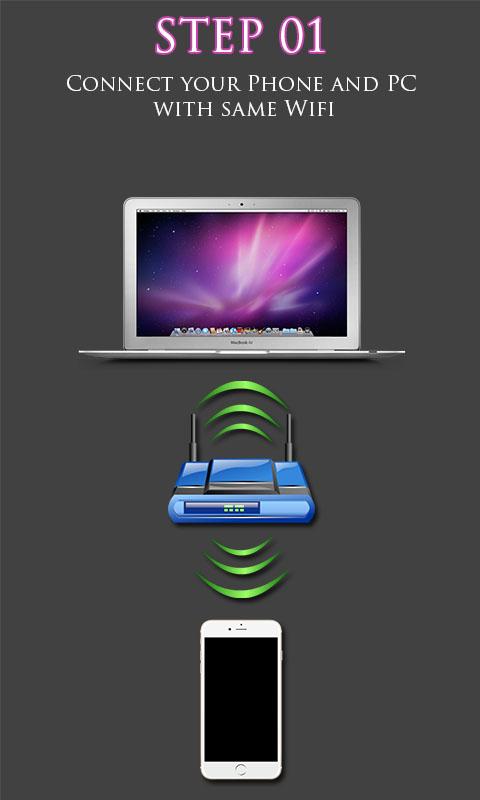
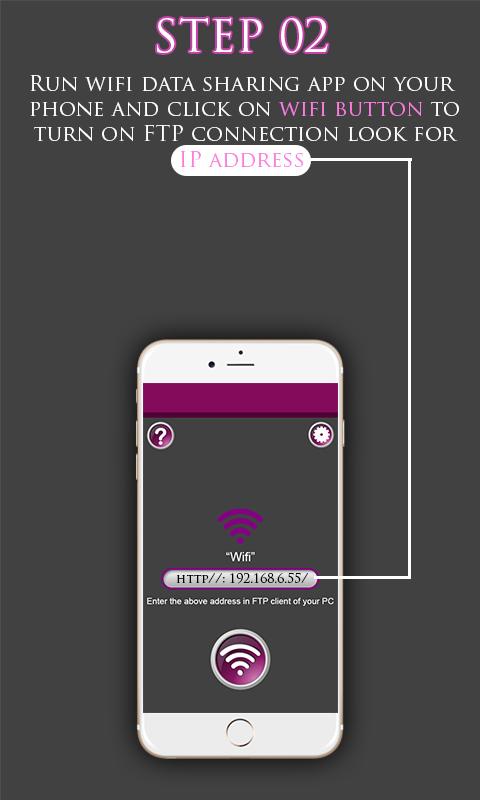
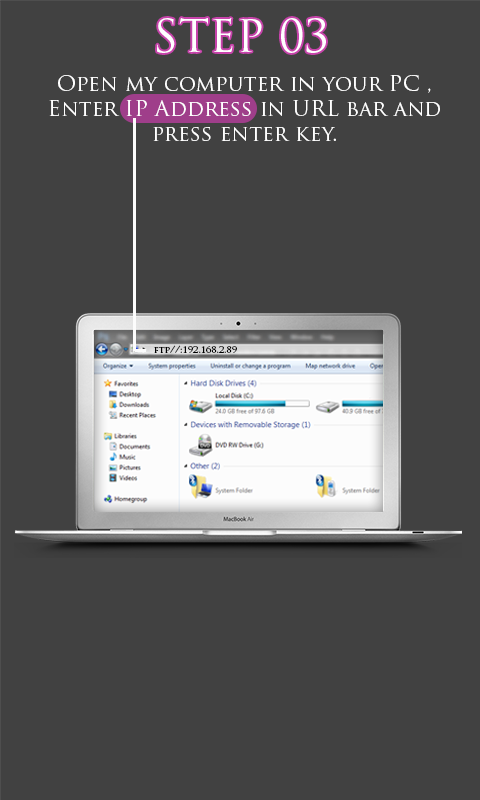
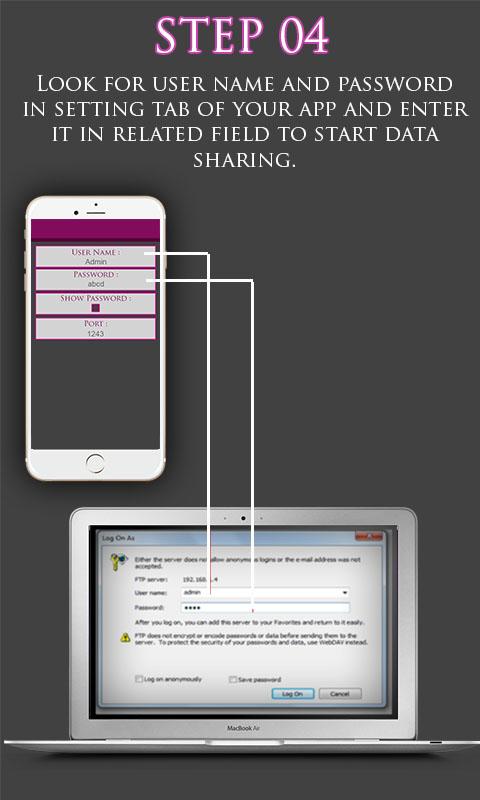
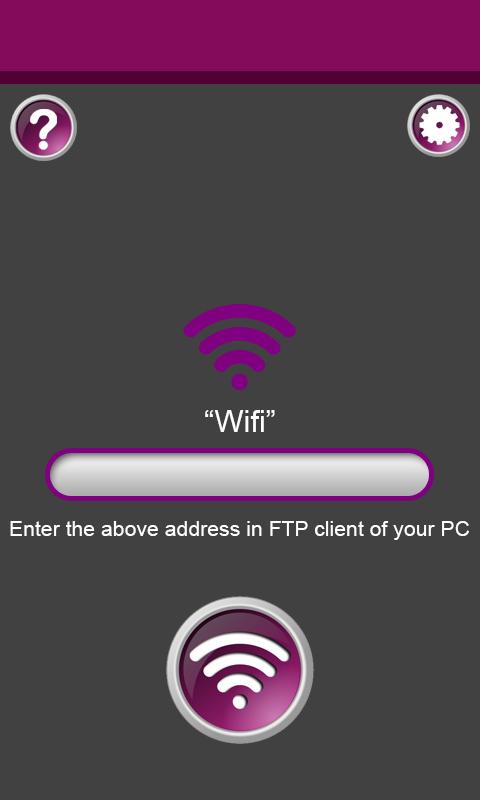
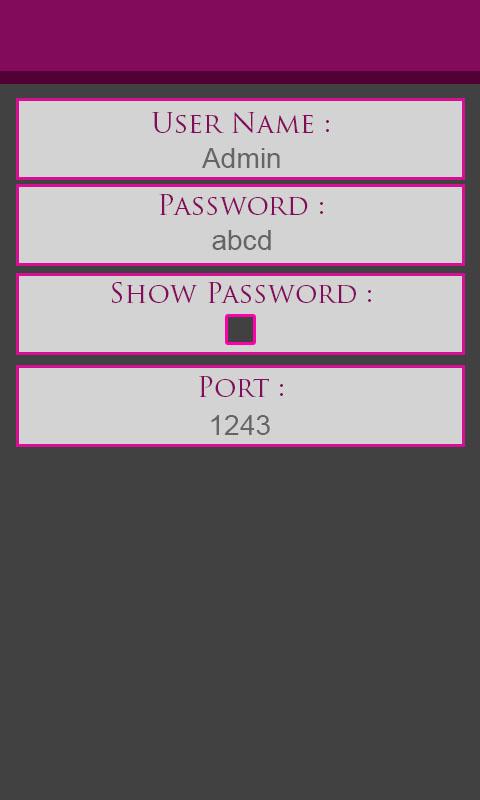
we believe the greatest sharing is among WiFi buddies -- family, friends, co-workers,Relatives,side room mates,class mates,hostel mates, who are already on the same local network. No emailing, no fumbling for a special cable, no hunting for a USB stick. And you don't burn up precious wireless bandwidth! Magic! Just Run WiFi File Transfer which lets you upload and download files to/from your phone or tablet over a wireless connection. This app provides the following features ::Upload or download multiple files at once ::Upload entire folder structures ::Delete, rename, copy, zip or unzip files ::Password authentication (optional) ::Shortcuts to photo, video and music directories ::Best of all, the app runs as a service, so you can keep doing anything else on your phone while files transfer. ::This gives you full access to the files on your device, including internal memory and the SD card. Preparation steps: Make sure you have your own local WiFi network ready Connect your computer to your WiFi network. Connect your Phone/Tablet to your WiFi network. Start the app on your phone. click on the WiFi Icon. note the IP address it gives you. type the address in the my computer explorer bar. type the username and password. start file transferring. Hope you will enjoy the app........