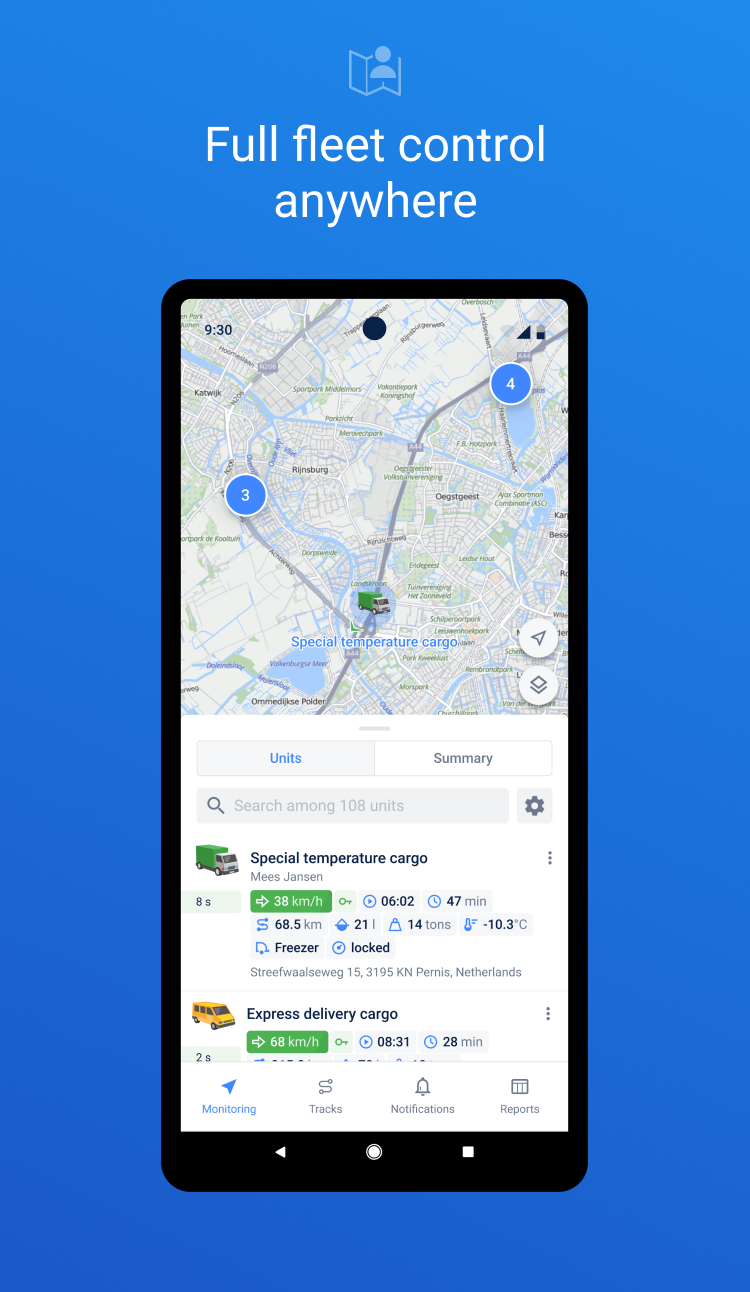
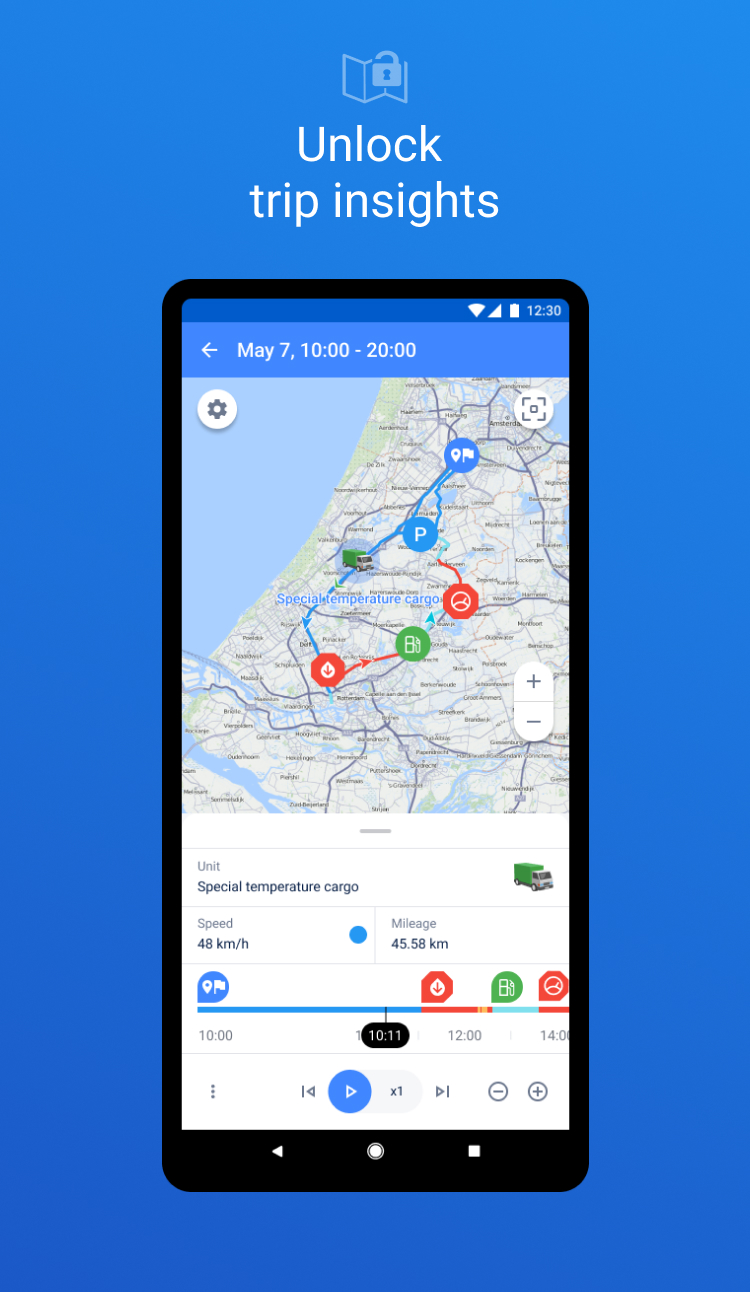
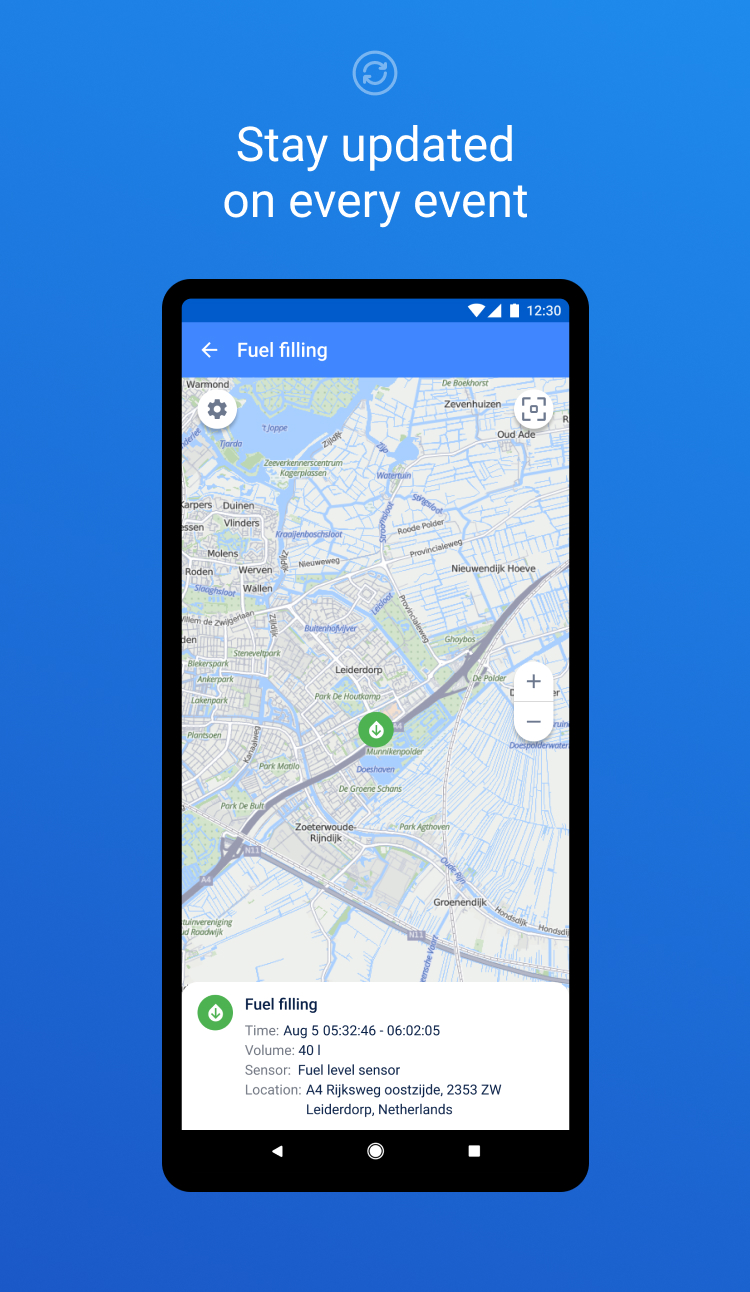
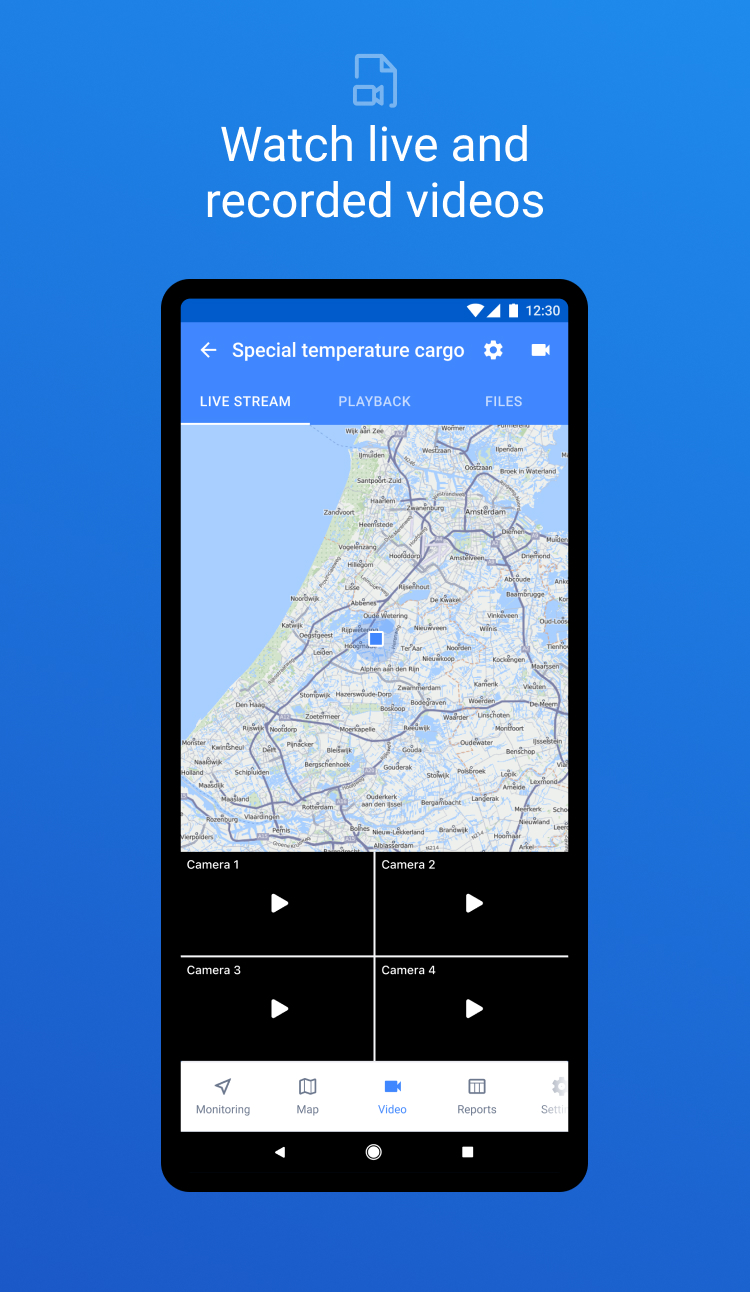
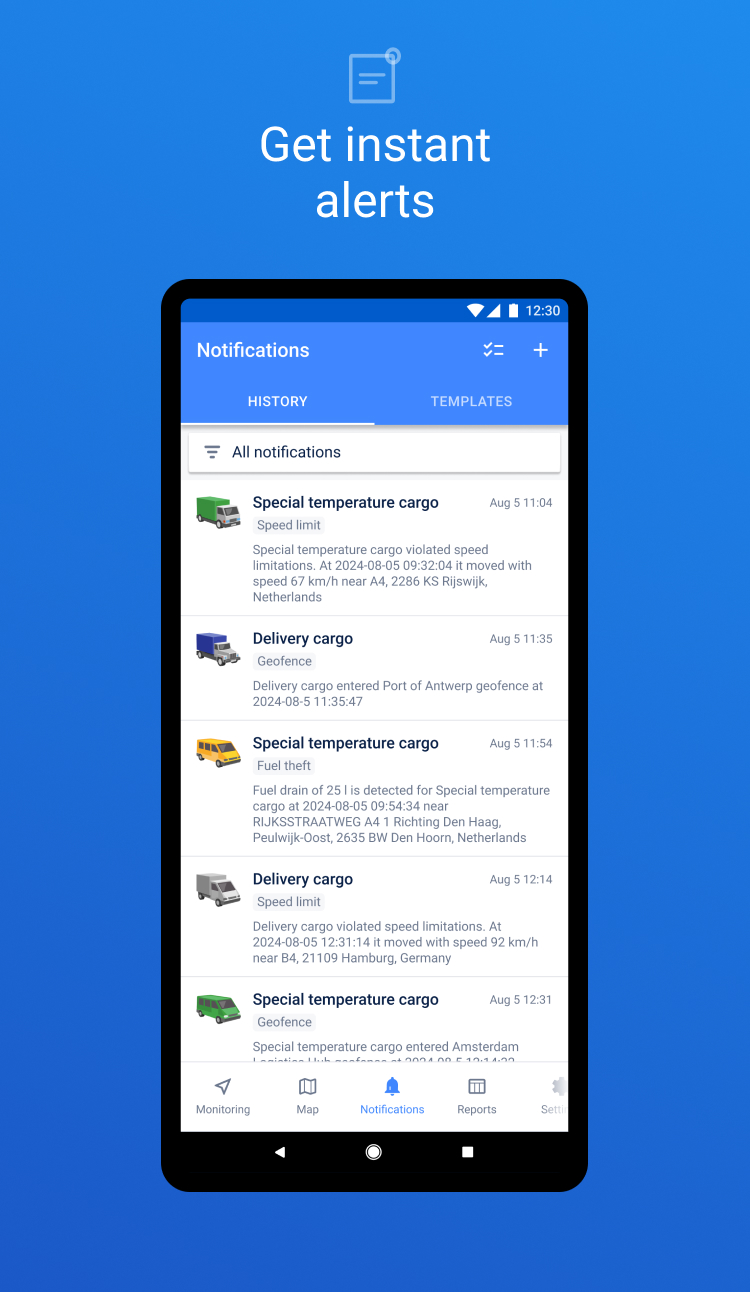
• Added read/unread notification status. New notifications are highlighted, and you can mark notifications as read individually or all at once. • Added color coding for notifications. Notification priority can now be identified by a color indicator set when creating a notification.
Geofences: show or hide individual geofences (or all at once) right from the list using the eye icon. Geofence name is now optional — if left empty, a default name is generated automatically.