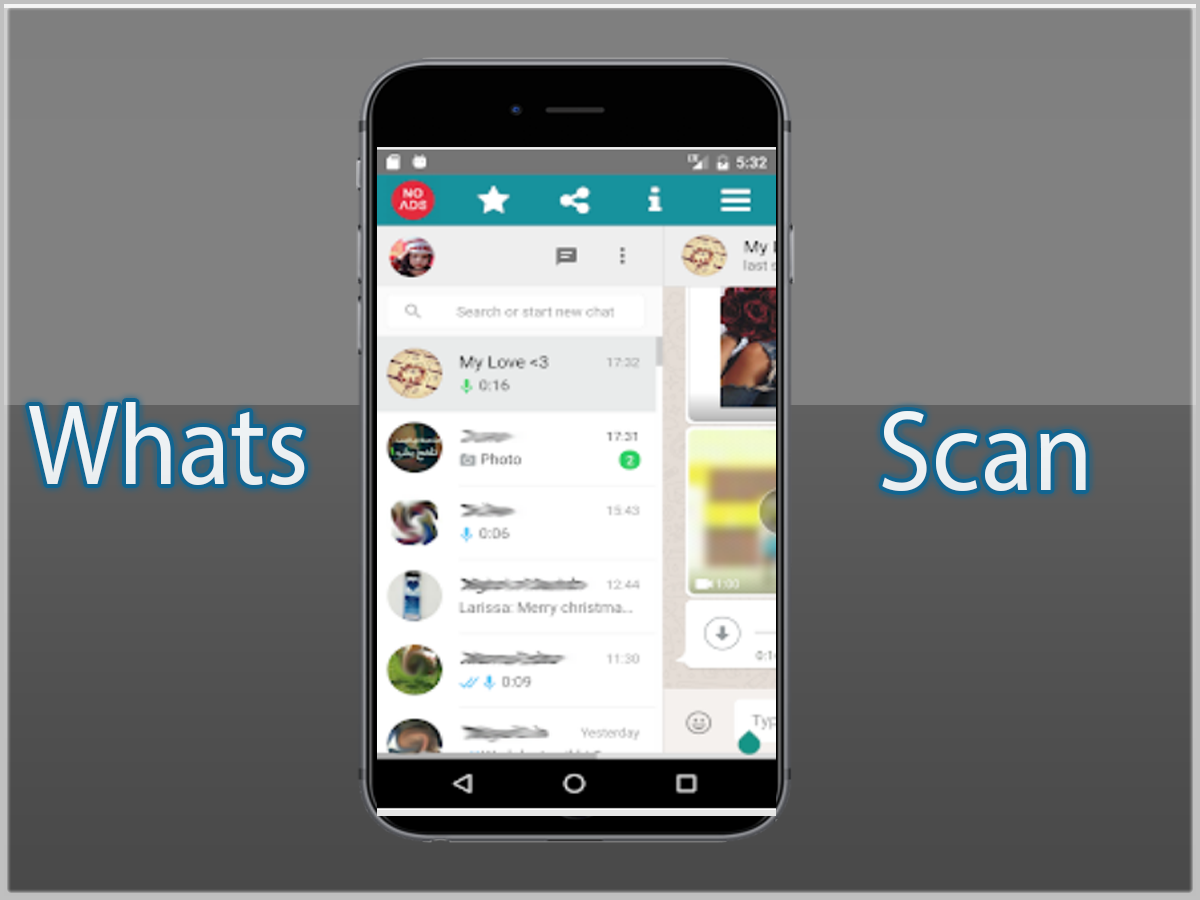
Likalabからリリースされた『scan what』はツールアプリだ。apkfab.com/jpから『scan what』のファイルサイズ(APKサイズ):2.75 MB、スクリーンショット、詳細情報などを確認できる。apkfab.com/jpではLikalabより配信したアプリを簡単に検索して見つけることができる。現在、Whats web Pro 2018 appのダウンロードも基本プレイも無料だ。『scan what』のAndroid要件はAndroid 2.3.2+なので、ご注意ください。APKFabあるいはGooglePlayから『Whats web Pro 2018 apk』の最新バージョンを高速、安全にダウンロードできる。APKFab.com/jpでは全てのAPK/XAPKファイルがオリジナルなものなので、高速、安全にダウンロードできる。
Would you like to open two Whats account in same device or same Whats account in multiple devices then this app for you. Now you can use same Whats account in multiple device. Whats Web is the easiest and fastest application that you can open Whats web on your mobile and Control another Whats with the same device!!! Key Features : - Dual WhatsApp account on same / different phone / tablet - Clonapp Messenger is Fully secure - Scan the QR Code from WhatsApp Web and load instantly - Open same account on multiple phones /tablets - Double WhatsApp, double the fun! - You can have dual whatsApp in 1 device! HOW TO USE | ON ANOTHER DEVICE | 1. Open this app on phone / tablet you want to sync/clone your Whatsapp 2. Open whatsapp on your main phone (the account you want to clone) - On Android: Scroll to the Chats screen -> Menu -> whatsapp Web. - On iPhone: Click Settings -> whatsapp Web. - On Nokia S60 and Windows Phone: Go to Menu -> whatsapp Web. - On Nokia S40: Swipe up from bottom of screen -> whatsapp Web. - On BlackBerry: Go to Chats -> Menu -> whatsapp Web. - On BlackBerry 10: Swipe down from top of the screen -> whatsapp Web. 3. After clicking "whatsapp web", you should see a camera QR scanning screen 4. Now scan the QR code displayed on this app 5. Done! Sync complete! Now you can access the same whatsapp account on both devices! 6. Enjoy dual whatsapp in one device | ON SAME DEVICE | 1. Same as above. 2. To scan, take screenshot of Whatsapp Web QR code & send to any devices 3. Scan this screenshot as fast as possible using this app. 4. Whatsapp account will be loaded in Whatsweb for Whatsapp web automatically. 5. Enjoy dual whatsapp in one device. HOW IT WORKS To ensure best performance: 1. Data Connection / WiFi is enabled on main phone with the whatsapp account you wish to sync 2. Remove un-used chat list and chat groups. This reduces the data required to transfer, therefore speeding up performance Additional features - Faster load (Caching) - 110% Zoomed for more visibility PS: This app is an independent one and is not affiliated with any other company including WhatsApp inc. Rate, Share and leave a good review.