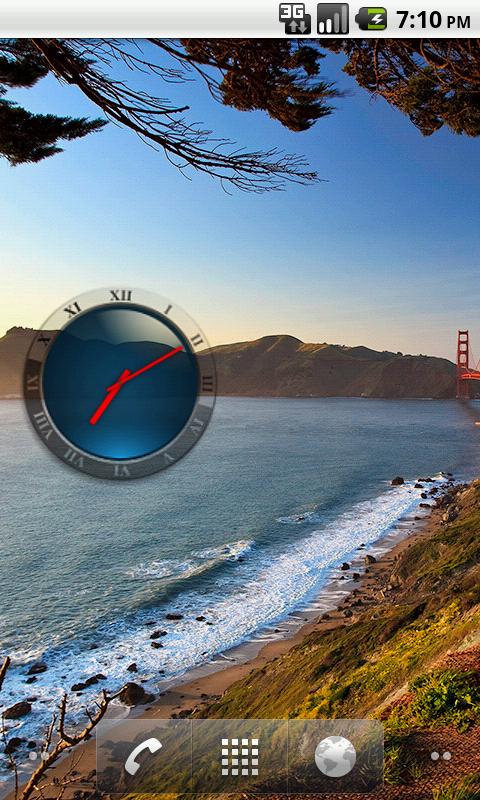
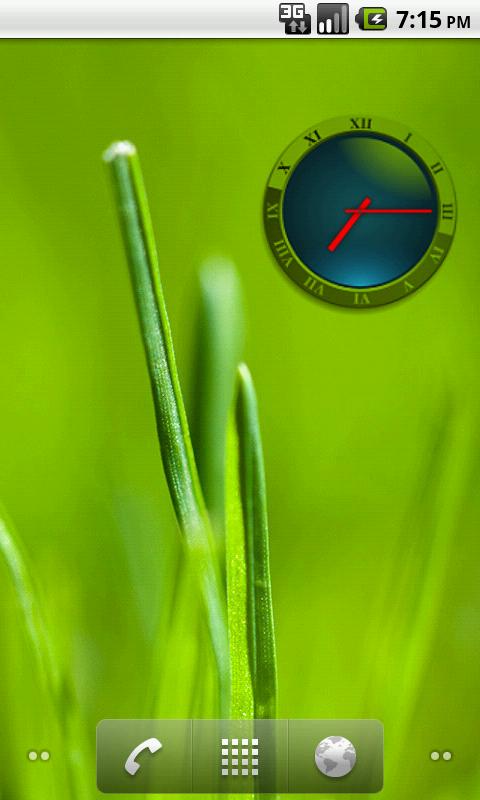
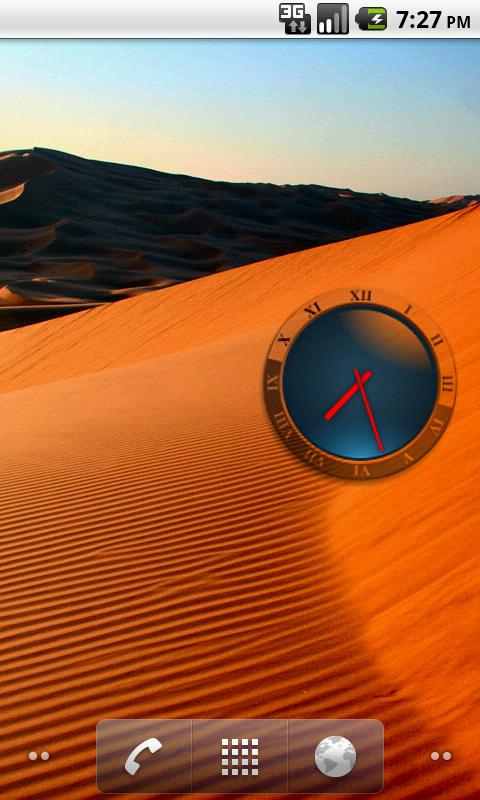
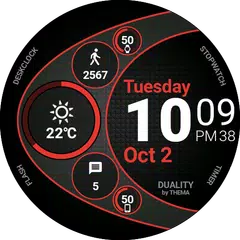
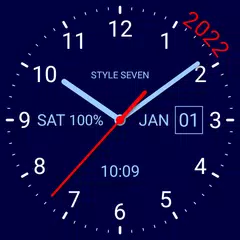
Chodakからリリースされた『Transparent Analog Clock』はツールアプリだ。apkfab.com/jpから『Transparent Analog Clock』のファイルサイズ(APKサイズ):90.39 KB、スクリーンショット、詳細情報などを確認できる。apkfab.com/jpではChodakより配信したアプリを簡単に検索して見つけることができる。『Transparent Analog Clock』に似ているアプリや類似アプリは7個を見つける。現在、Transparent Analog Clock appのダウンロードも基本プレイも無料だ。『Transparent Analog Clock』のAndroid要件はAndroid 1.5+なので、ご注意ください。APKFabあるいはGooglePlayから『Transparent Analog Clock apk』の最新バージョンを高速、安全にダウンロードできる。APKFab.com/jpでは全てのAPK/XAPKファイルがオリジナルなものなので、高速、安全にダウンロードできる。
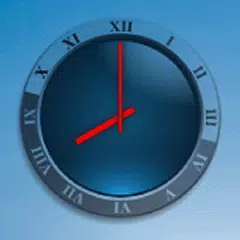
Transparent Analog Clock widget. Pressing this widget allows to set alarm clock. Setting alarm clock may be not available to some Android Devices. Every Manufacturer has different Standard Alarm Clock. If you find an error or have any questions, write me an email. After installation, you must manually add the widget to the home screen. How to add widget to the home screen: 1.On your home screen of your Android device, tap any blank or "empty" area and hold down your finger. 2.The "Add to Home screen" window will appear. Tap on "Widgets". 3.List of all the installed Widgets on your Android device will appear. 4.Select the widget to add to your home screen. Note: On Android Ice Cream Sandwich add widget by selecting icon widgets menu near apps menu.