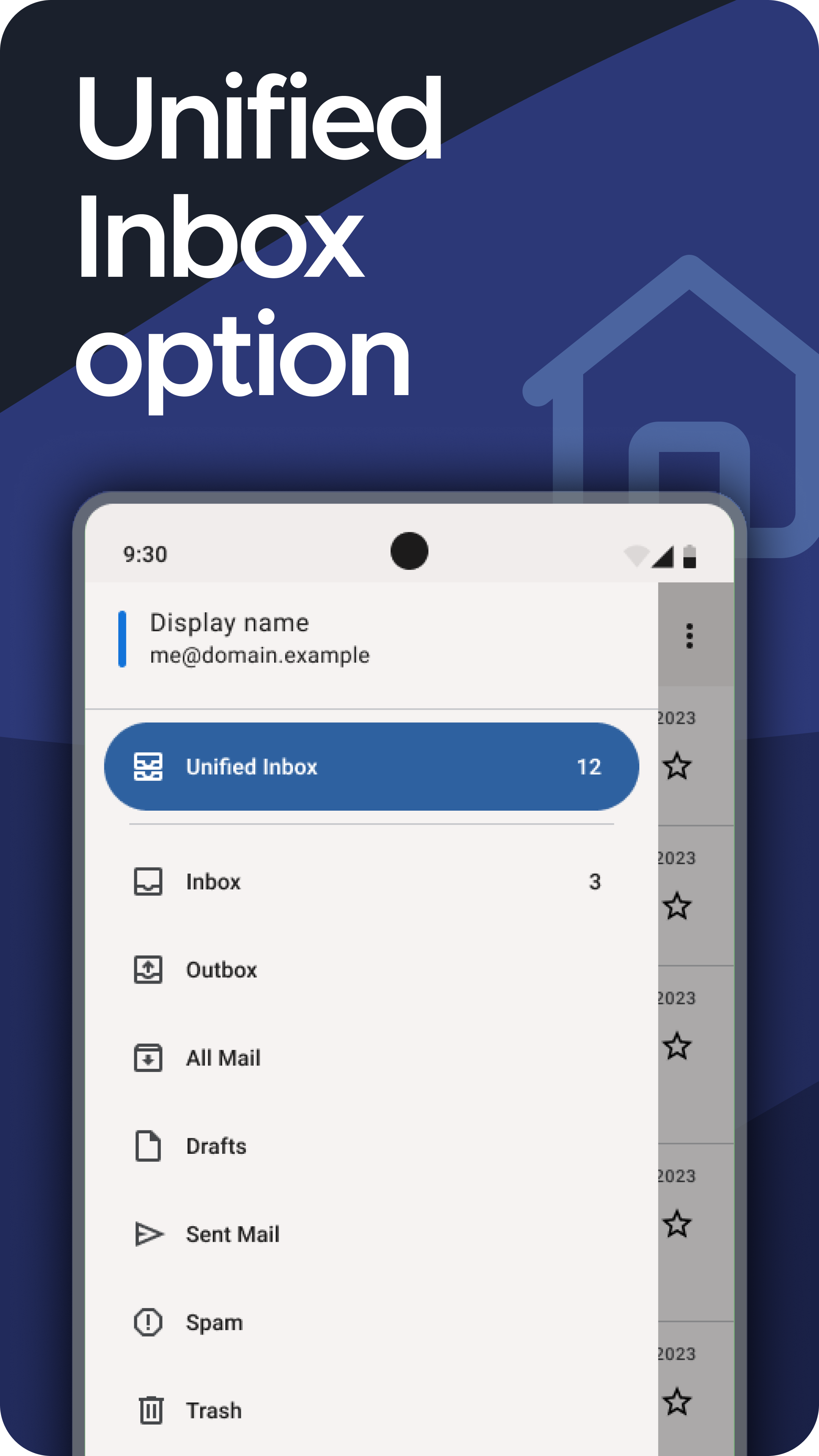
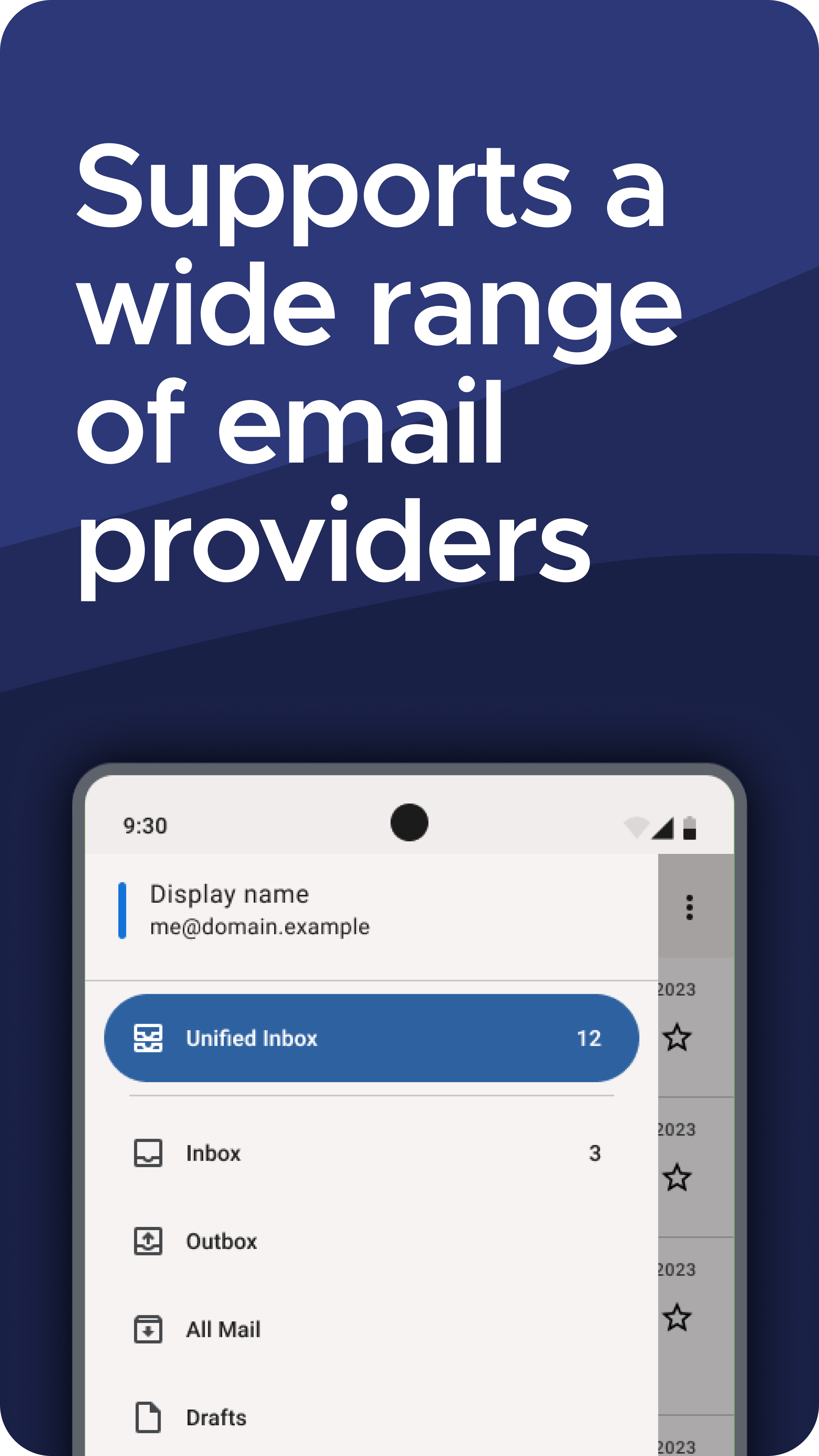
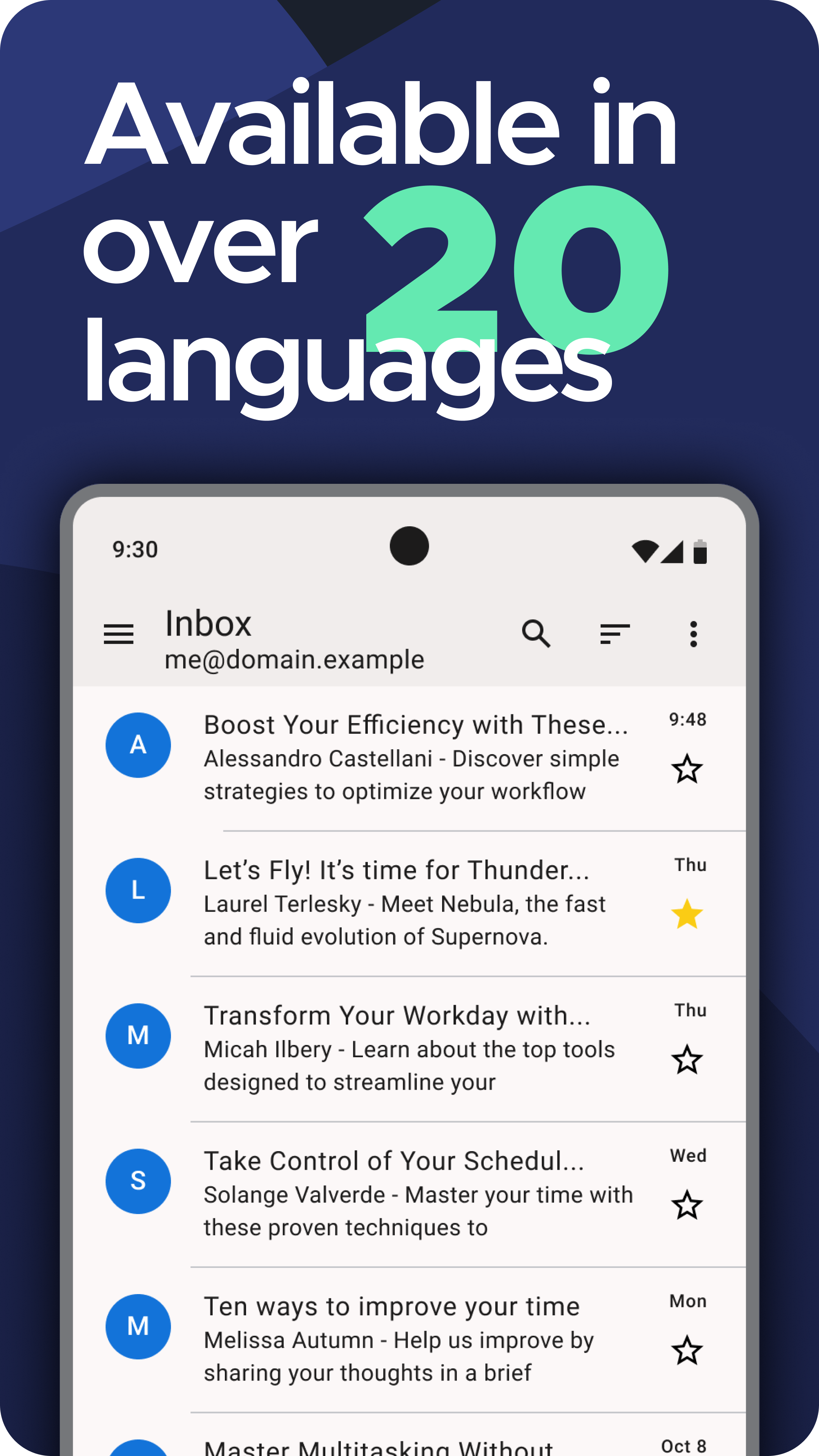
Mozilla Thunderbirdからリリースされた『Thunderbird』は通信アプリだ。apkfab.com/jpから『Thunderbird』のファイルサイズ(APKサイズ):10.79 MB、スクリーンショット、詳細情報などを確認できる。apkfab.com/jpではMozilla Thunderbirdより配信したアプリを簡単に検索して見つけることができる。現在、Thunderbird: Free Your Inbox appのダウンロードも基本プレイも無料だ。『Thunderbird』のAndroid要件はAndroid 6.0+なので、ご注意ください。APKFabあるいはGooglePlayから『Thunderbird: Free Your Inbox apk』の最新バージョンを高速、安全にダウンロードできる。APKFab.com/jpでは全てのAPK/XAPKファイルがオリジナルなものなので、高速、安全にダウンロードできる。
Thunderbird version 24.0 New: - Signatures support HTML - Reply offers Reply or Reply All Changed: - Long account names fit in two lines Fixed: - Compose selection invisible in light theme - Status icons unreadable when selecting messages - Recipient expander failed to collapse after edit - Camera attachments could crash the app - Save All saved each attachment with same file content - HTML signatures could disappear after rotation - Edit as new used wrong identity for queued mail
Thunderbird version 22.0 New: - Incognito Keyboard privacy setting - Thundermail interim screen when adding account Changed: - Selected sort option now shows indicator in sort menu Fixed: - Messages could scroll horizontally when content fit screen - Thread deletion confirmation incorrectly said only one message would be deleted - Notification actions difficult to scroll/reorder on small screen - Show Headers collapsed multi-line email headers into single line