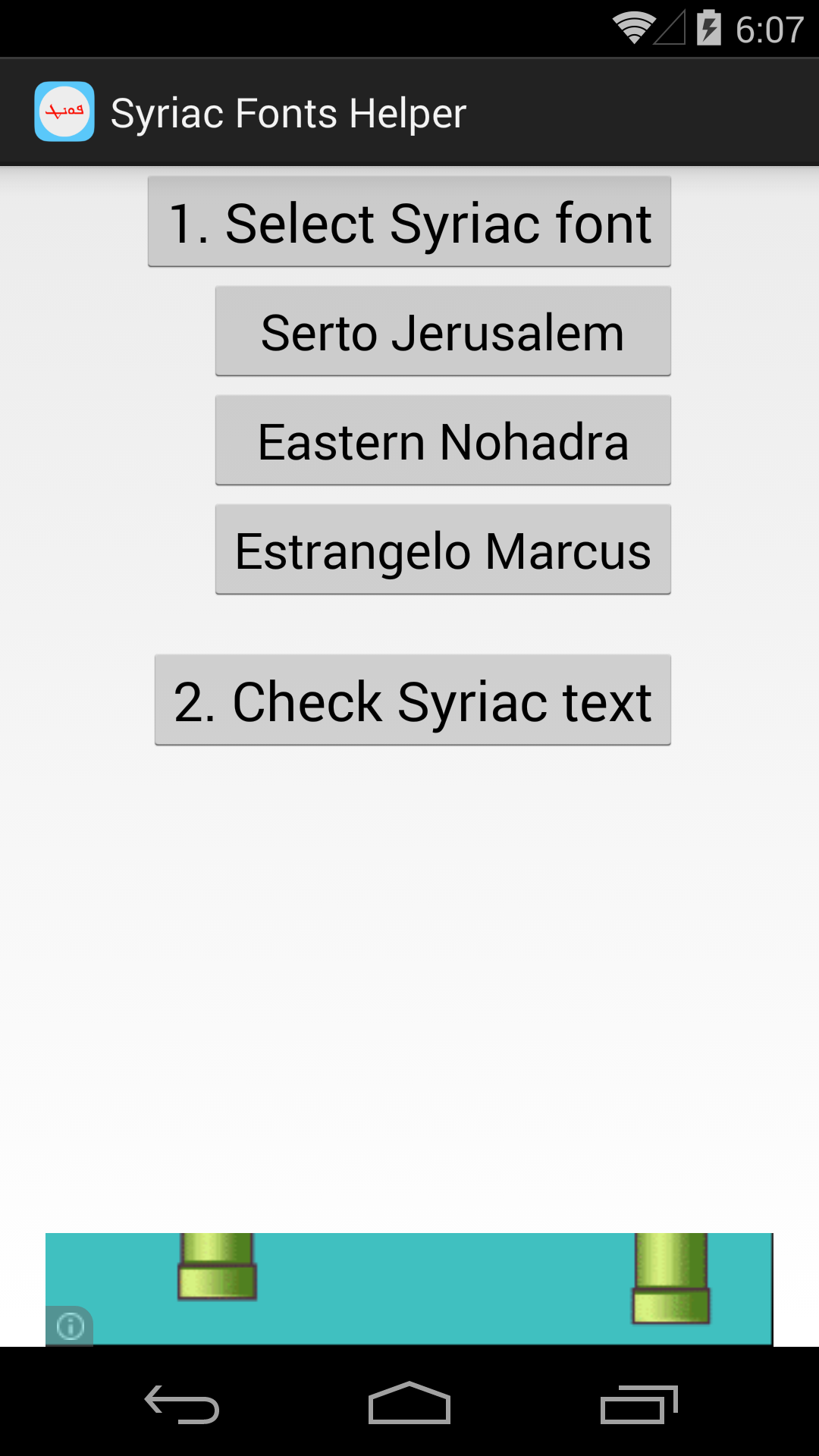
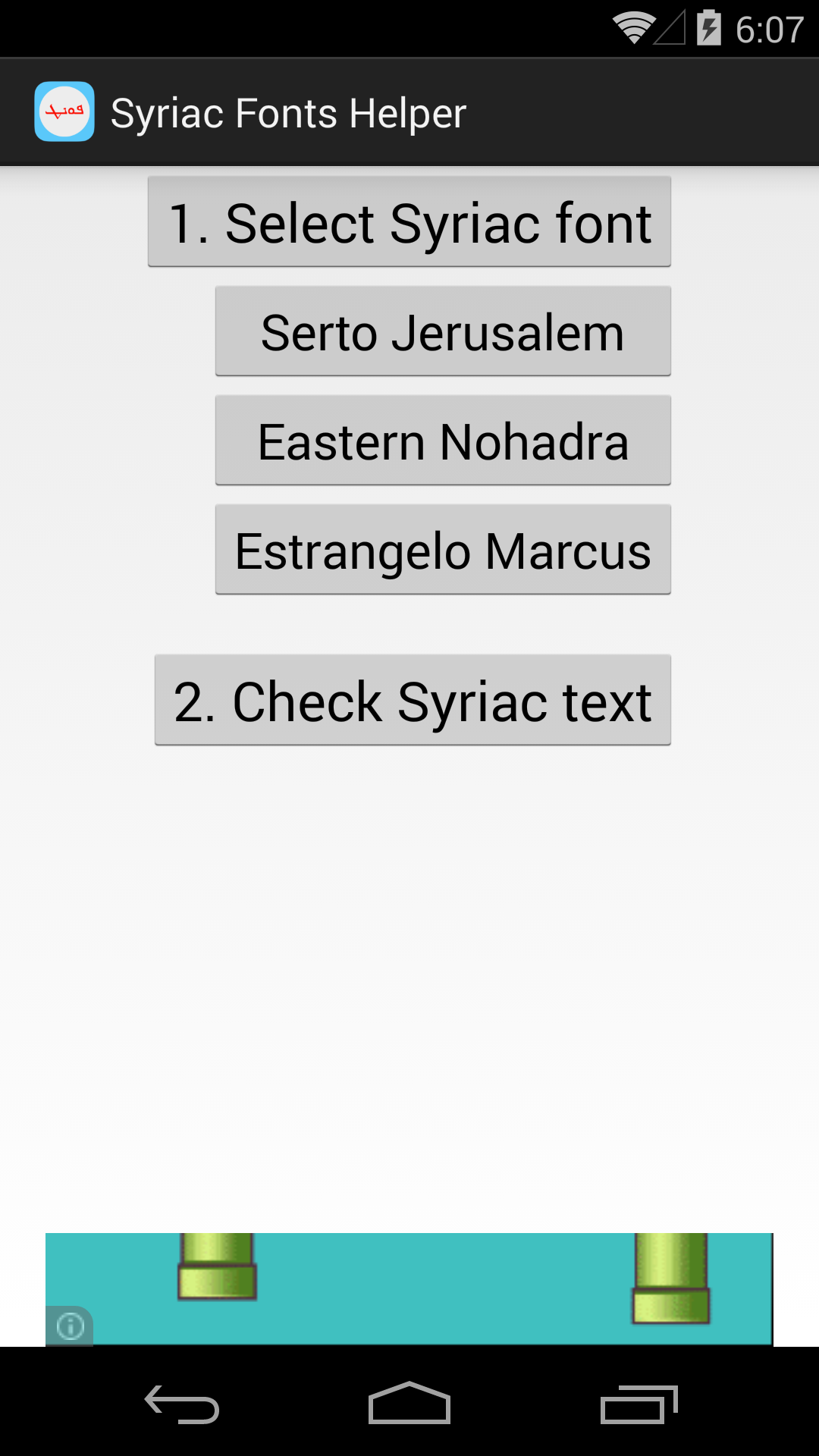
First app need to install for Syriac language on Android How to use? *For Samsung: -Install fonts: tap on needed font and install from store -Change font: tap change font style for go to display setting - scroll to font style - choose Syriac font (EastSyriacMobile, EstrangeloSyriacMobile or SertoSyriacMobile) then yes -See Syriac in last button and ready for install Syriac keyboard *For Rooted device: -Select a font to install and reboot -Open app again and see the Syriac text in last button. Ready for install Syriac keyboard. *Other device: the app will say "Sorry,...", go to Facebook page below and check info to know what happen. Follow us on Facebook and share this useful app to your friends:https://www.facebook.com/SyriacKeyboard