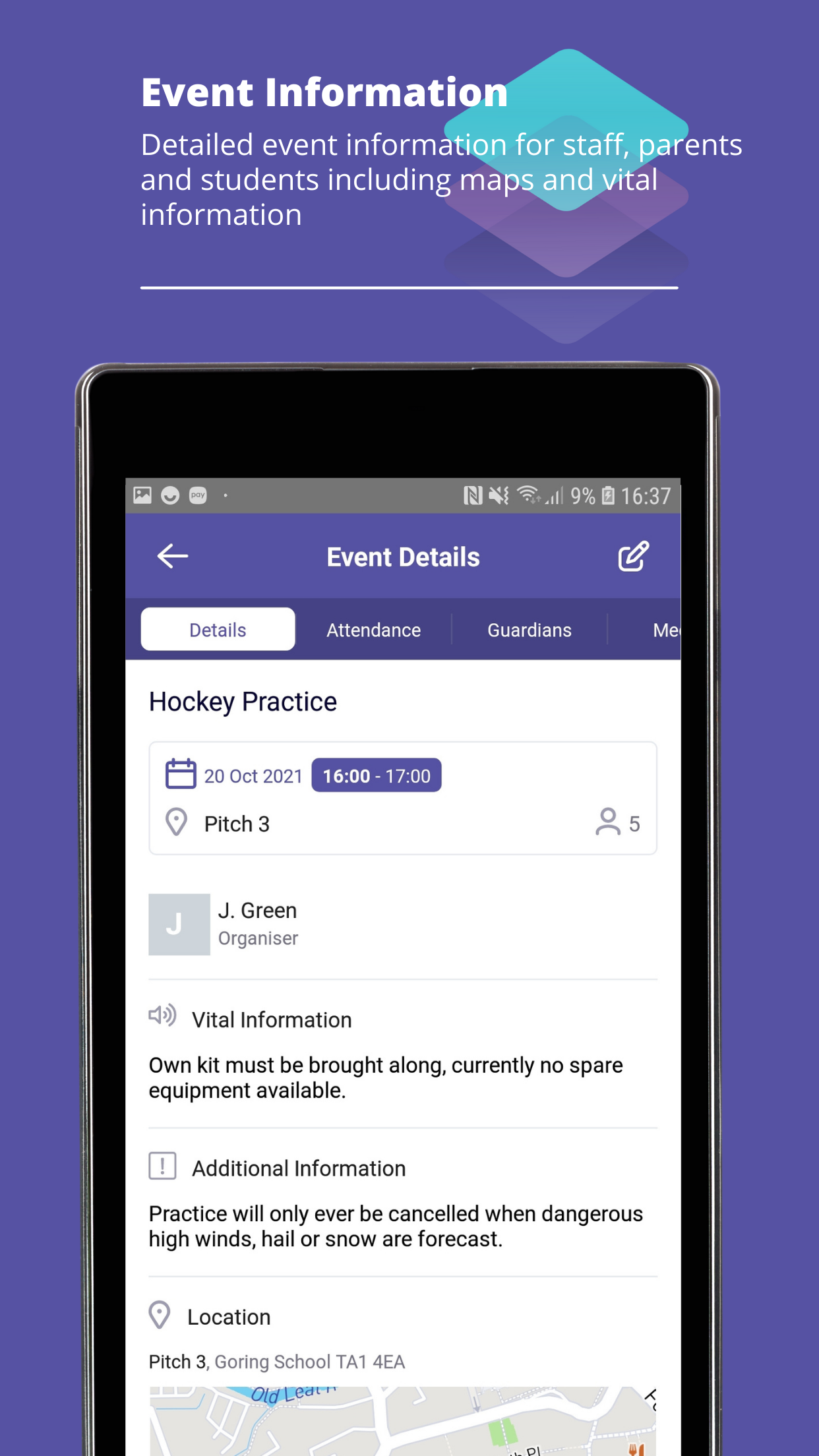
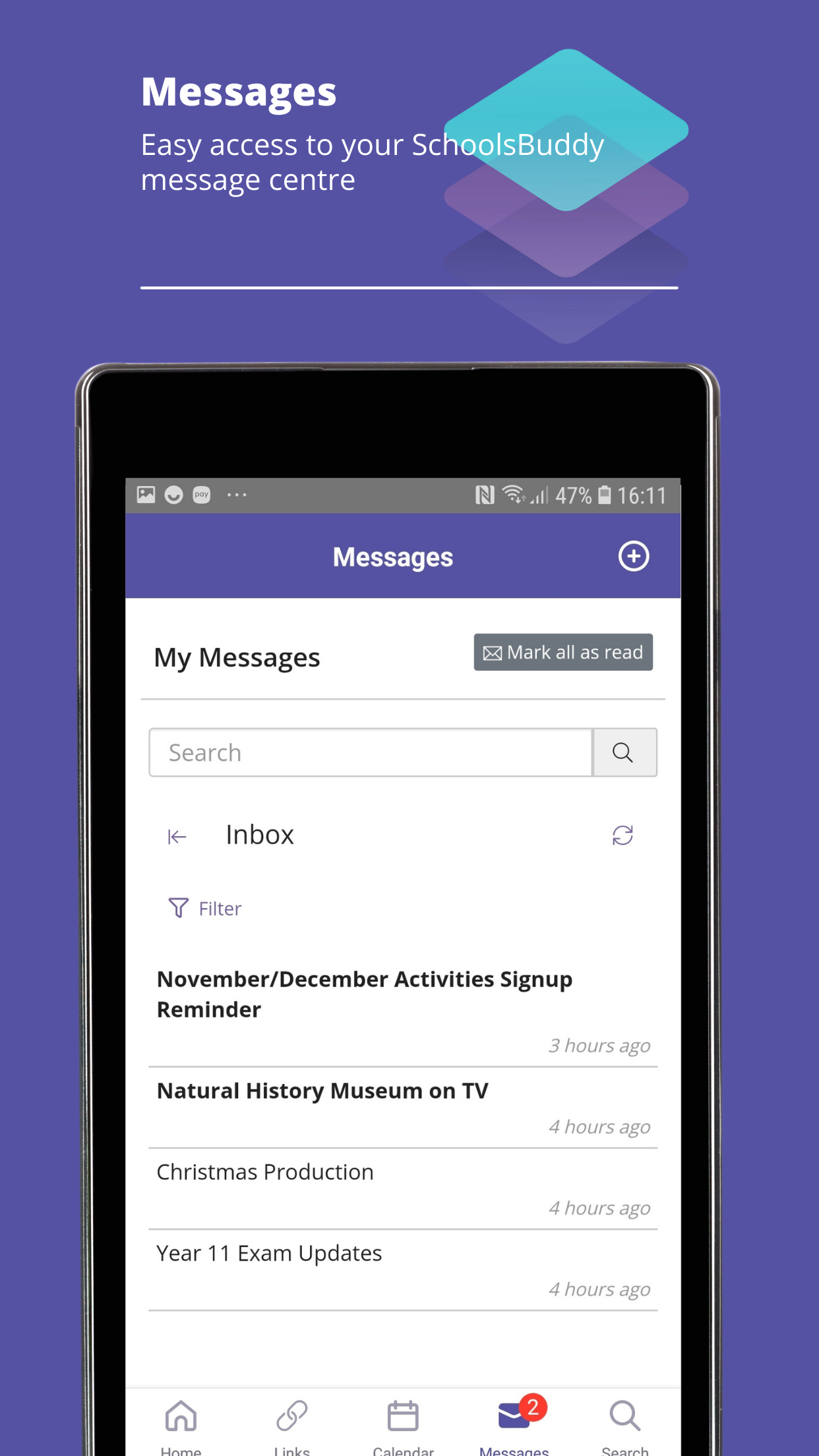
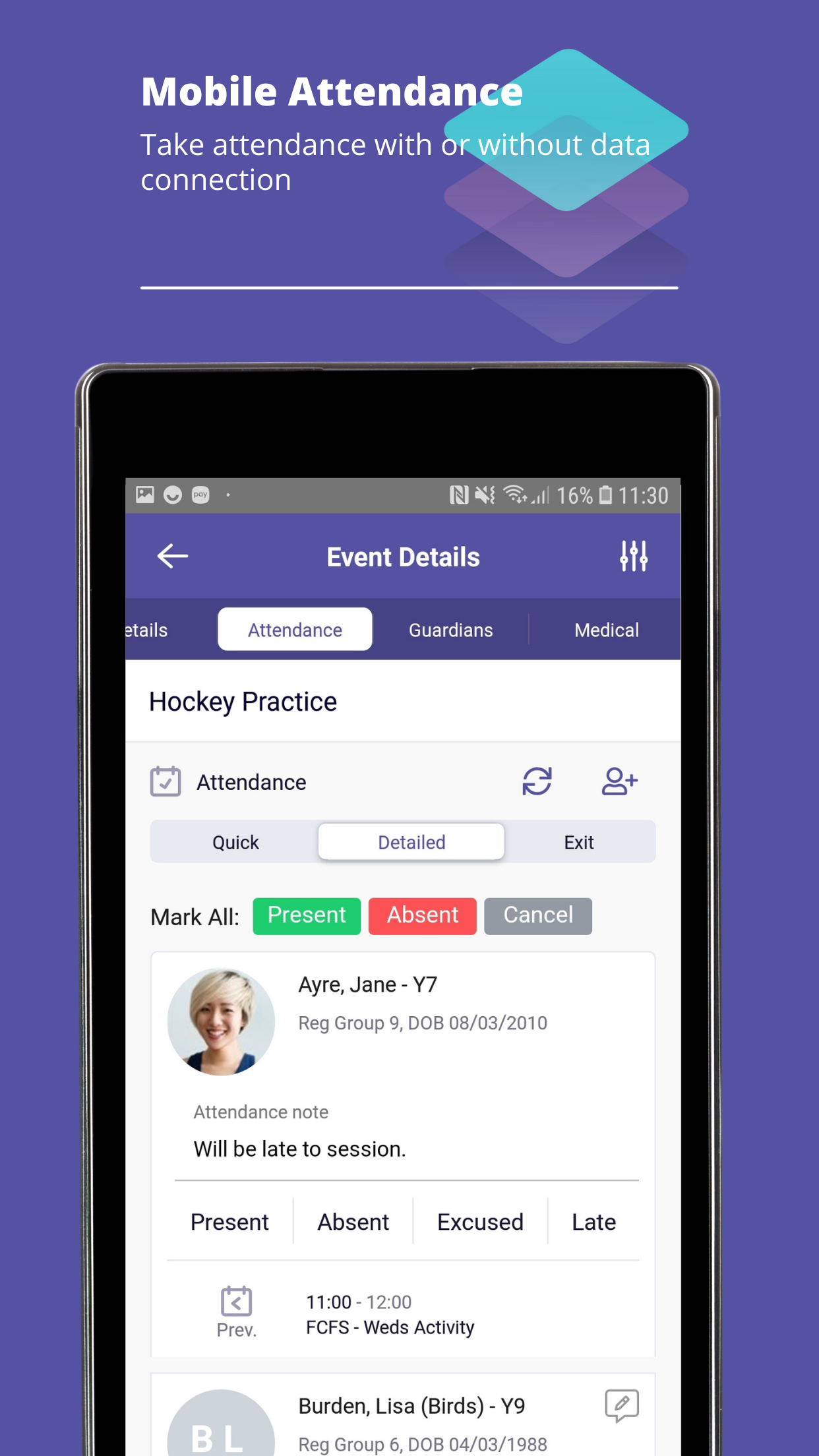
This update adds support for Vectare transport journeys in SchoolsBuddy calendars. Journeys managed in Vectare are shown as read-only events in registers, with links for staff and parents to view and manage details directly in Vectare. Transport journeys sync nightly and display a last-synced timestamp. We’ve also improved phone links in the Guardians section so iPad users can view phone numbers when tapped.
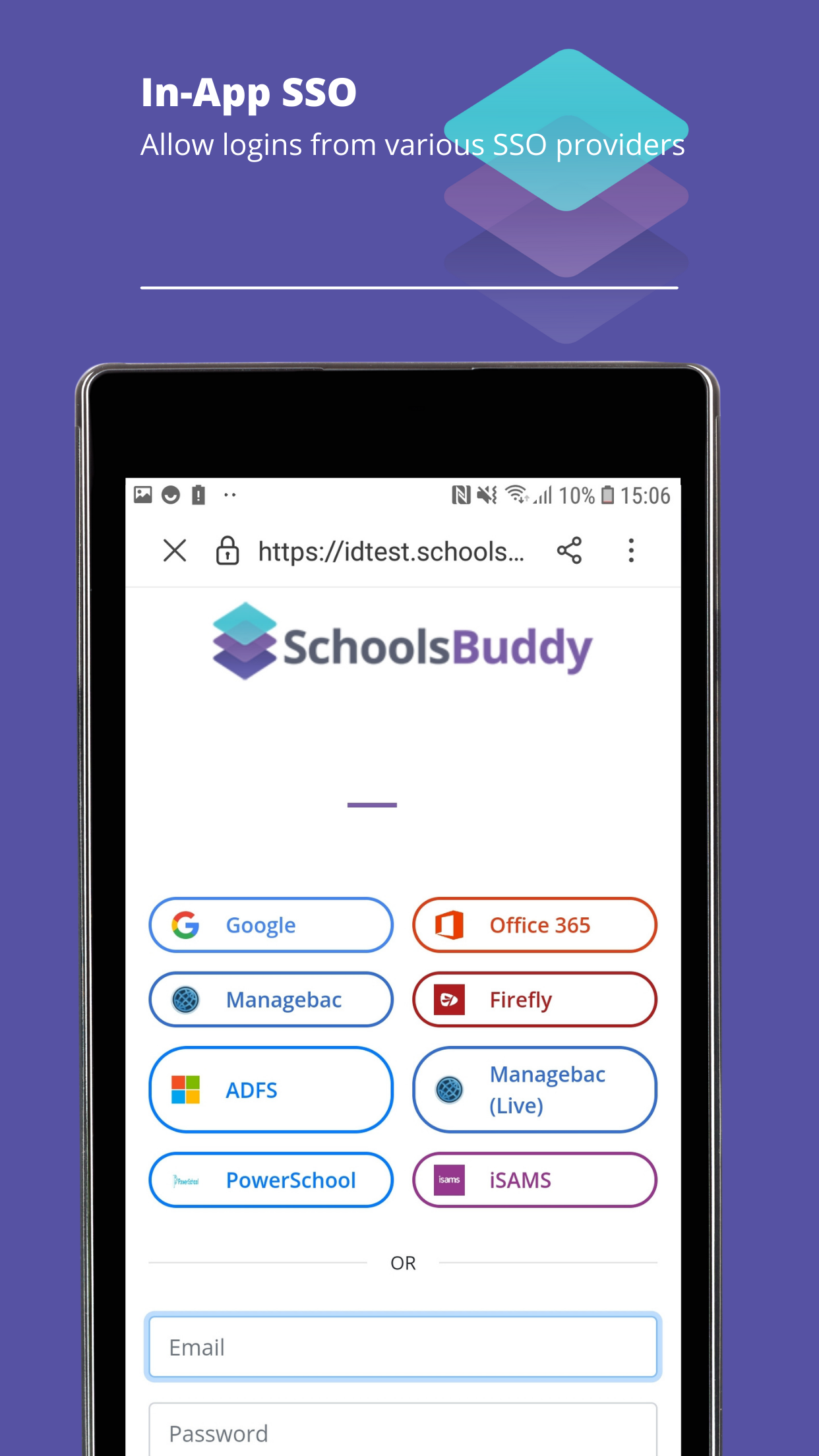
An issue has been resolved where new users logging into the mobile app for the first time could be presented with an incorrect view if they had not previously logged in via the website. The app now correctly initialises the user experience on first login, ensuring new users see the appropriate content and functionality immediately, without requiring prior access through the web platform.
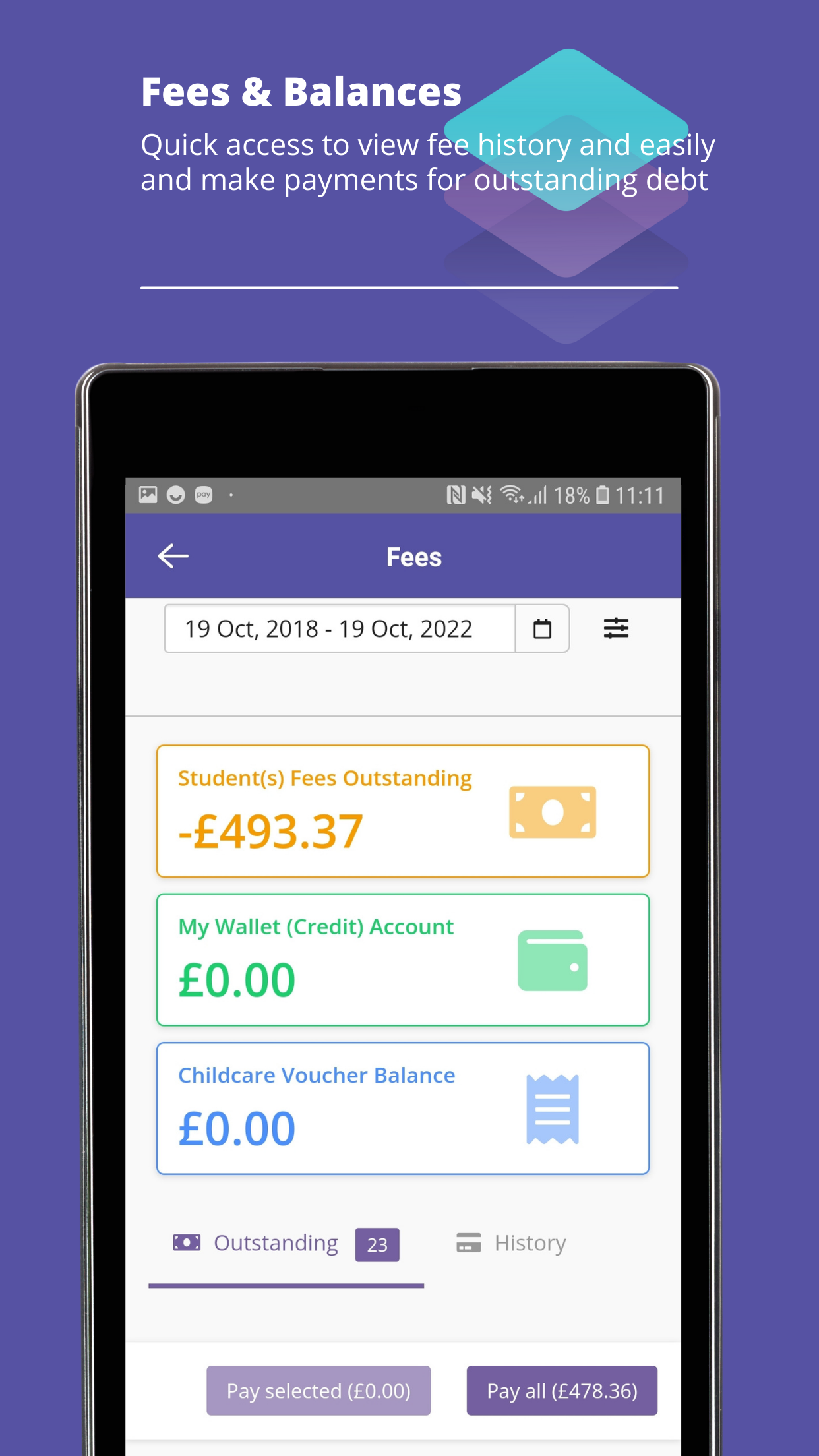
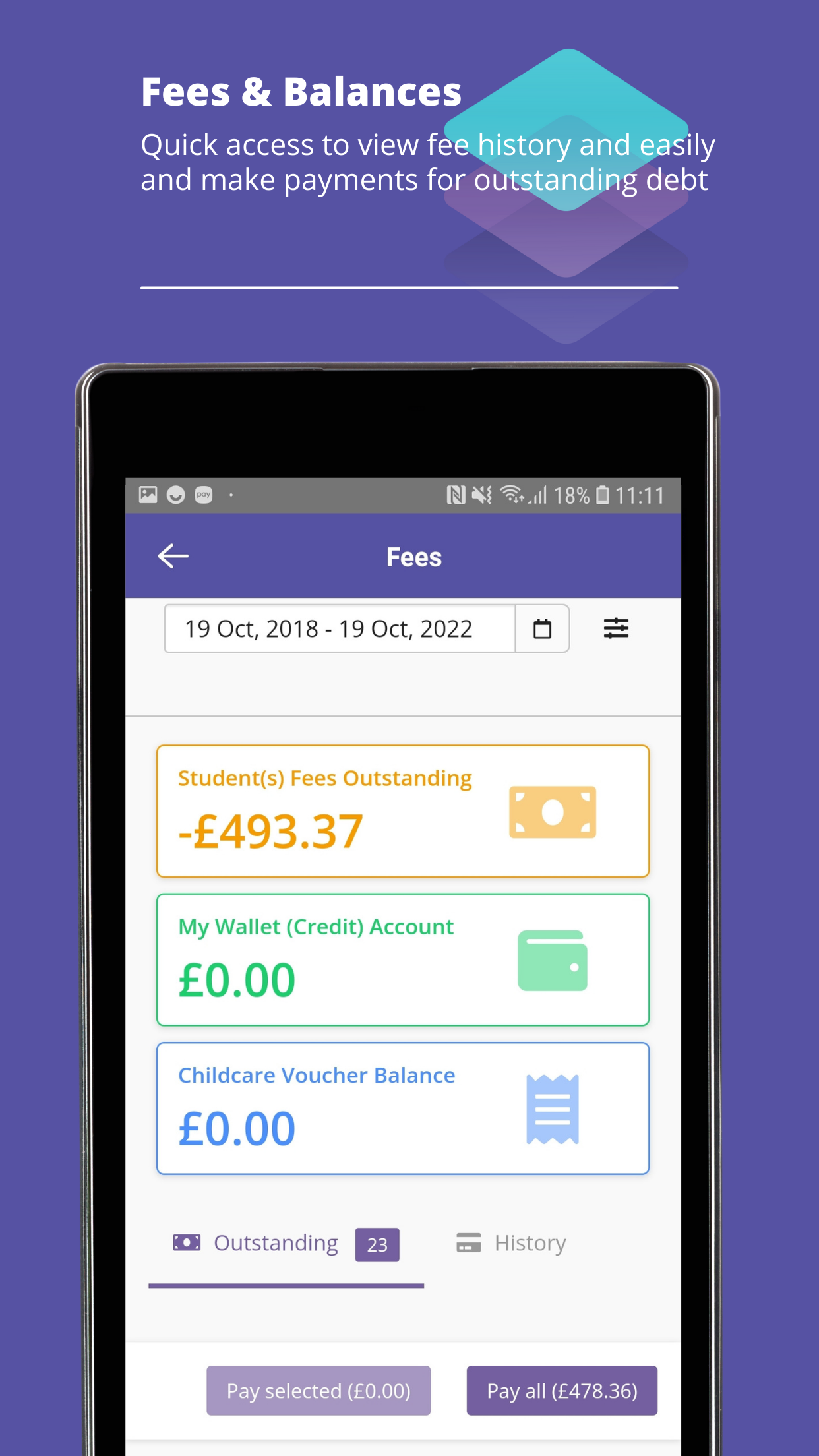
With this update, the mobile app homepage now respects a new system setting for fee display. If a school has opted to hide fee information for parents and students, you will no longer see fee balances displayed on the home screen.