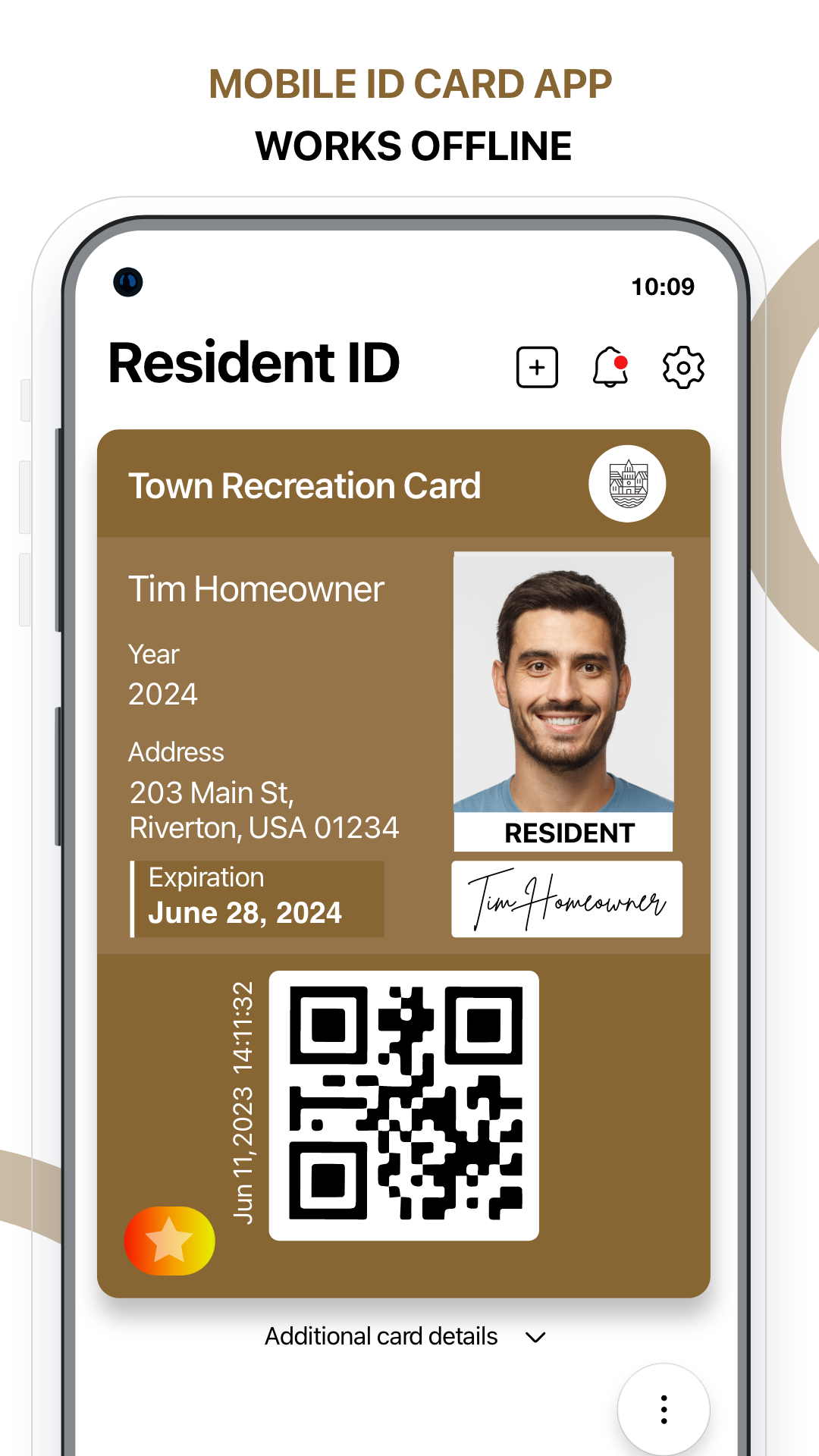
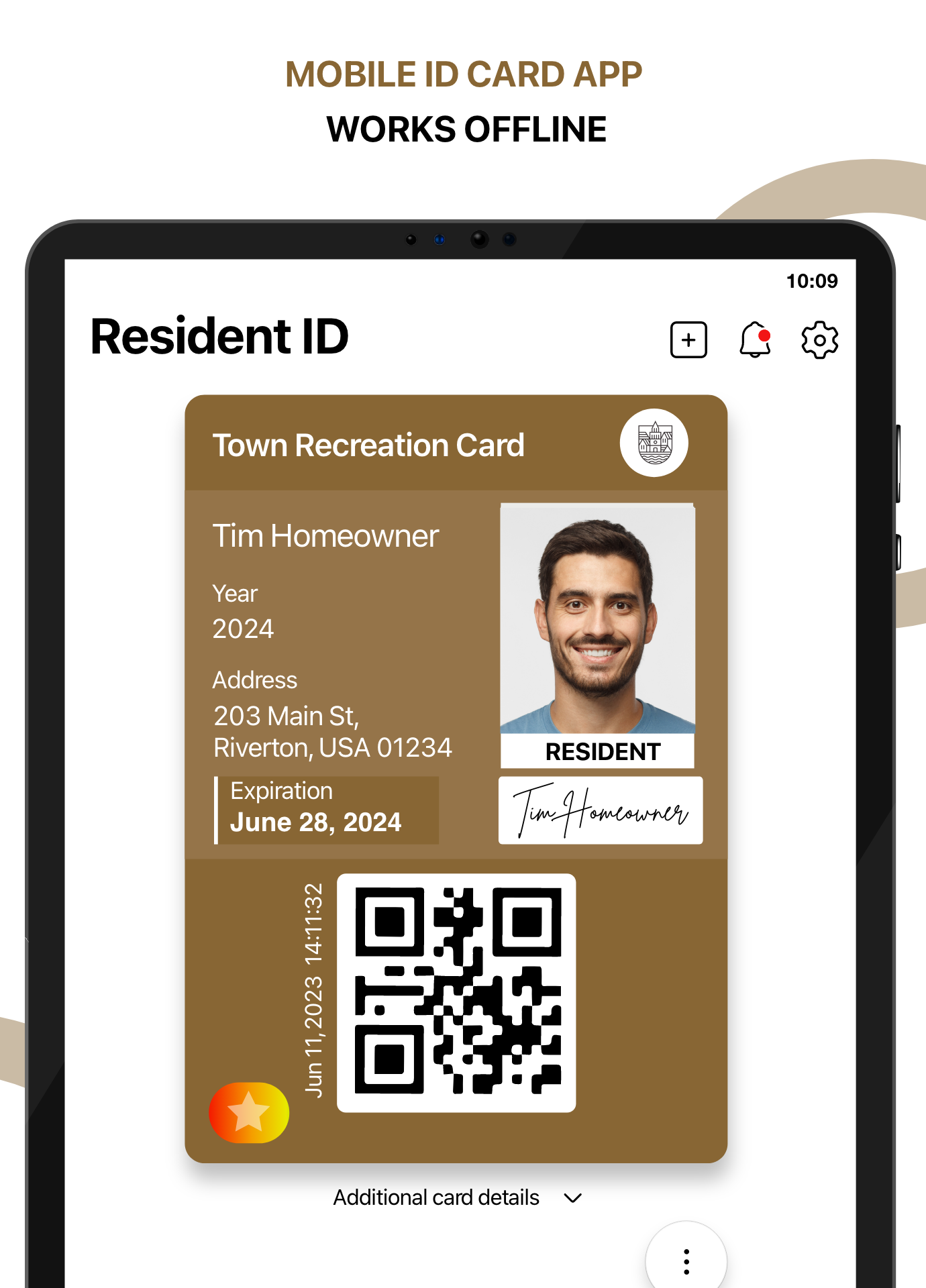
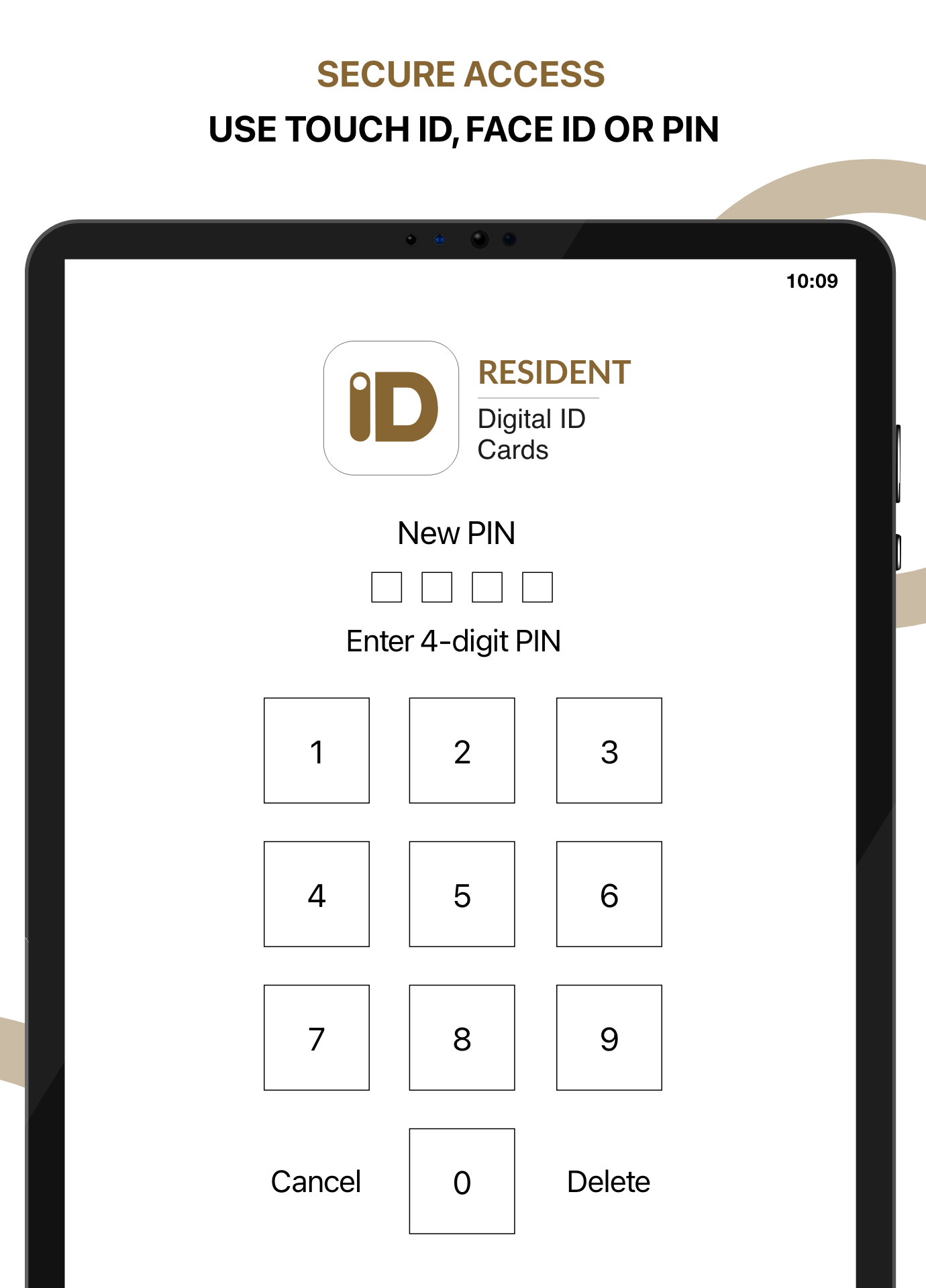
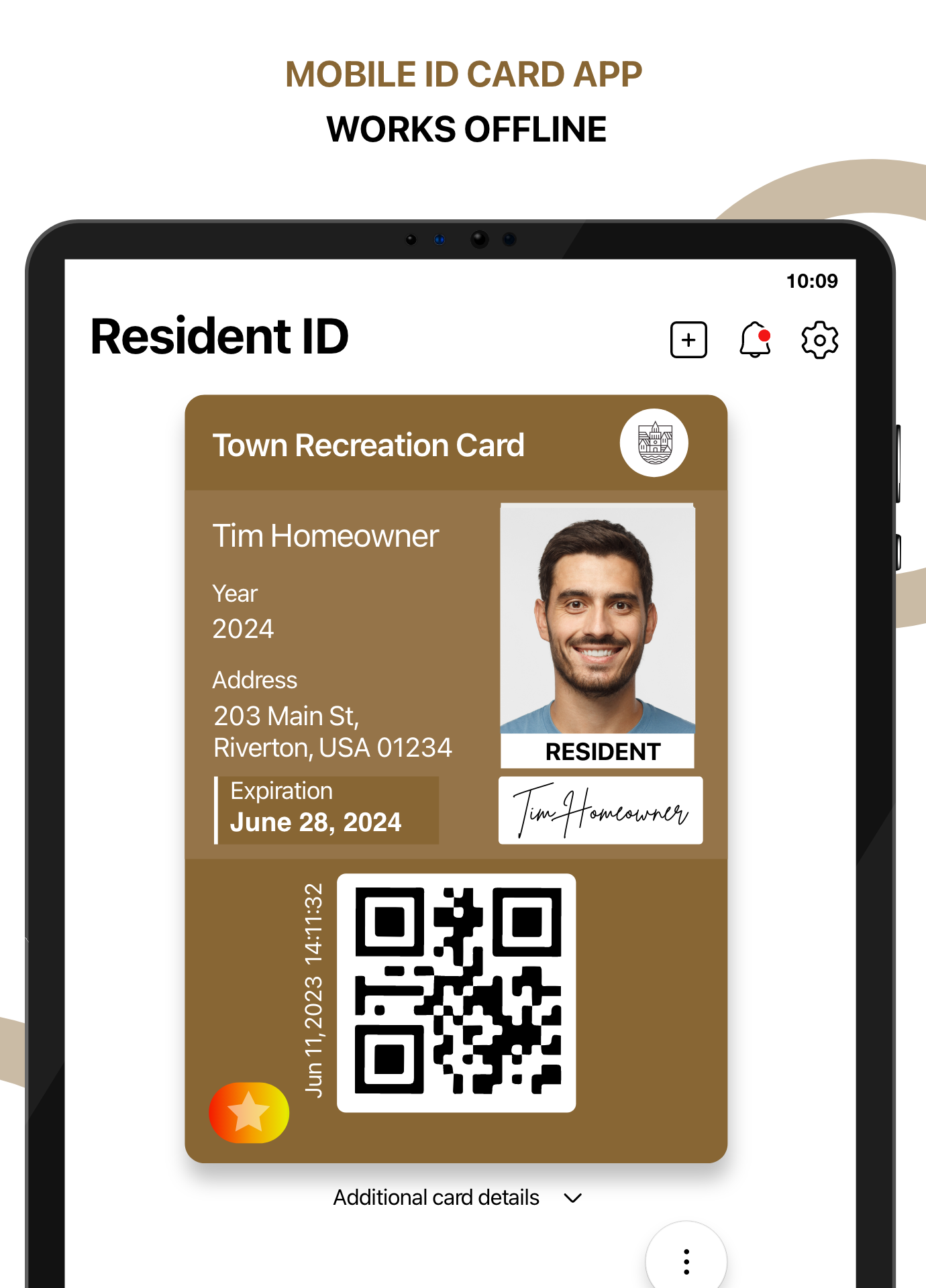
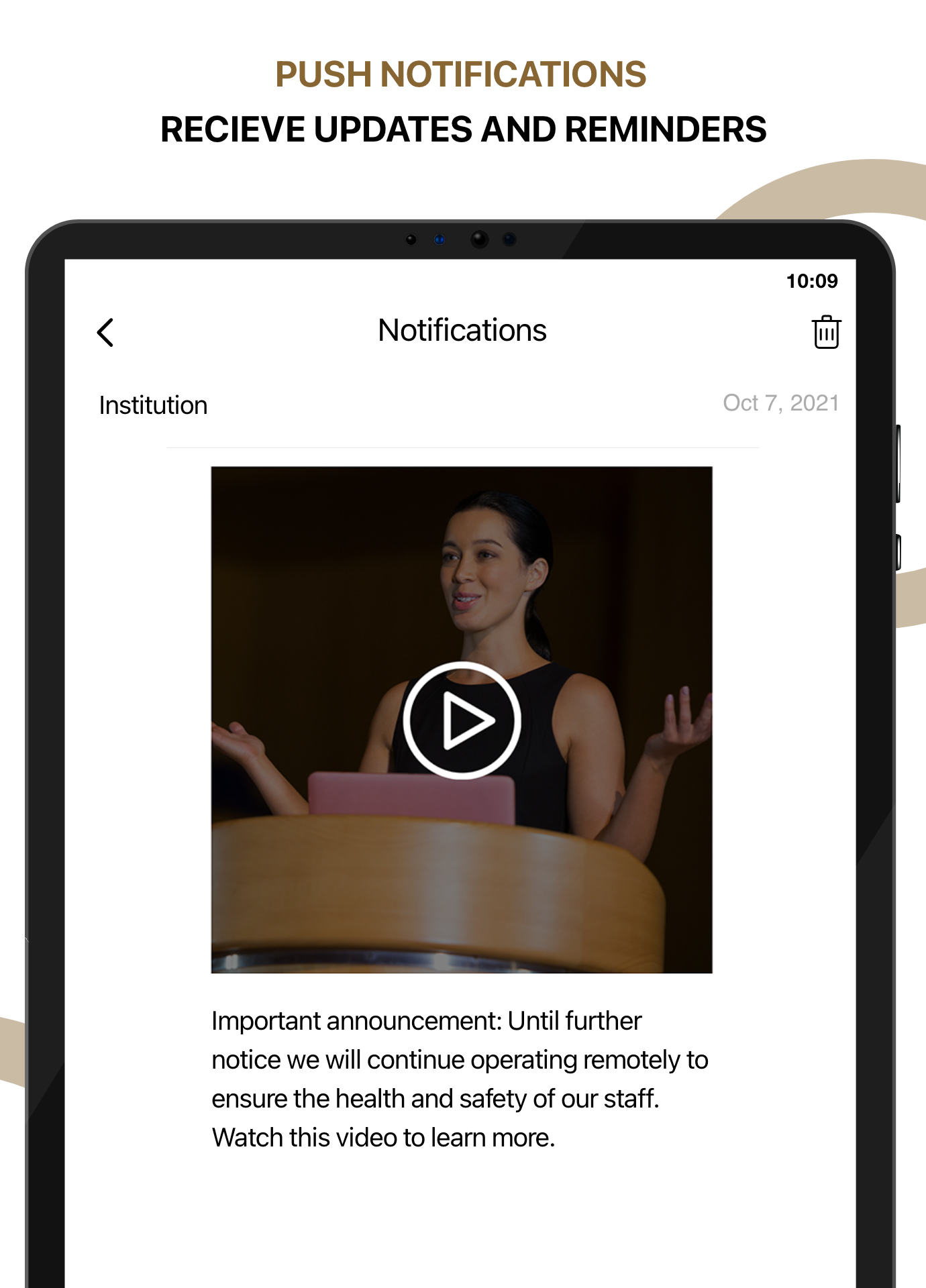
PDF Proof of Digital ID – When enabled by your institution, generate and share a PDF proof of your ID card. Change Primary Email – Update your ID123 account's primary email in the app. Copy Barcode Value – Copy an ID card's barcode value with one tap after selecting 'Show Barcode Value.' Reduce Motion Indicator – With Reduce Motion on, a redesigned 'Play' button and on-screen indicator now appear.
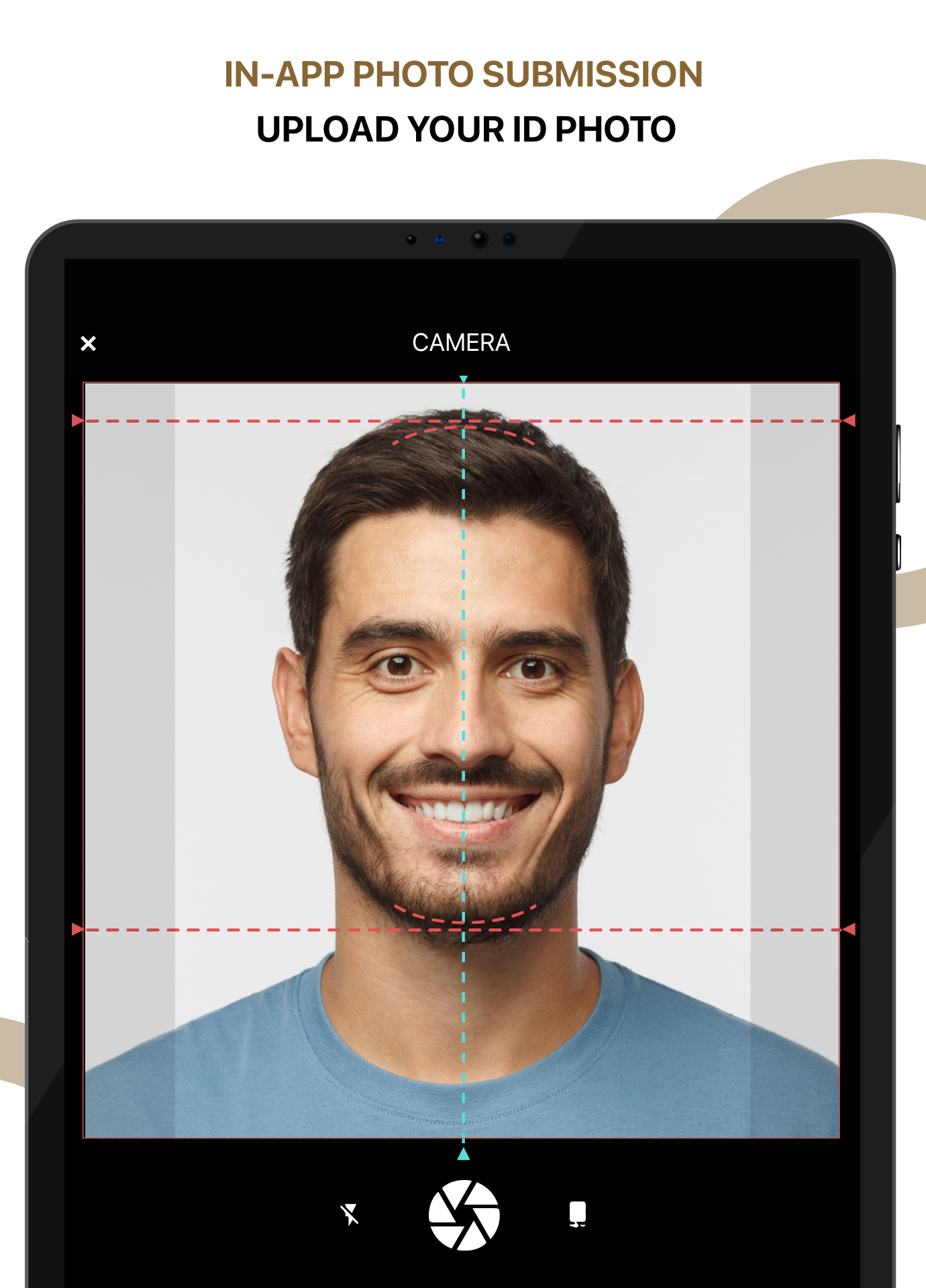
1. Added a universal link to view an installed card 2. Redesigned the App Profile page for easier email management 3. Unique Identifier now auto-fills on Add Card when available 4. Improved photo ID cropping 5. Media badges can now expire and show a label 6. Redesigned Add Card page with Terms of Use checkbox 7. Added authentication pop-up for SSO email mismatch 8. Improved screen reader accessibility labels