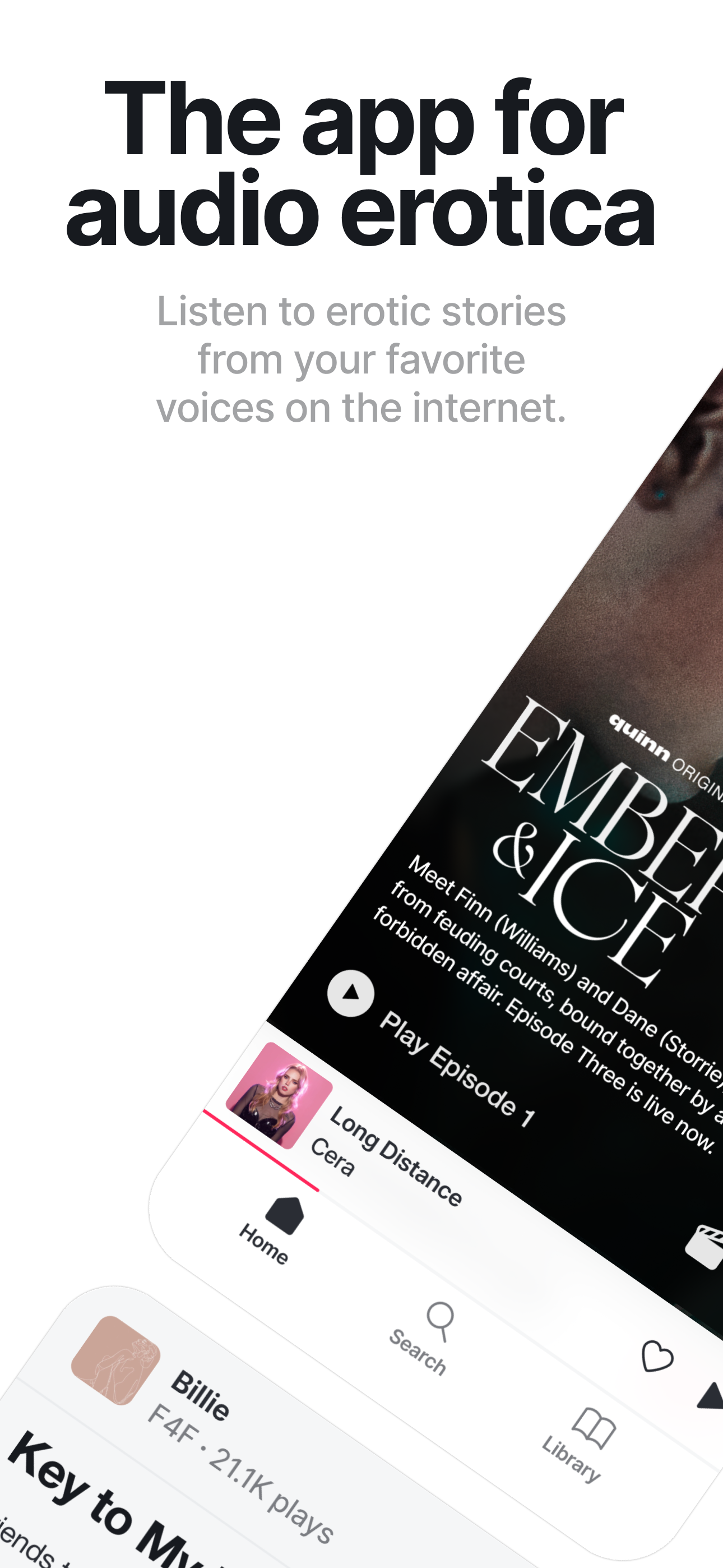
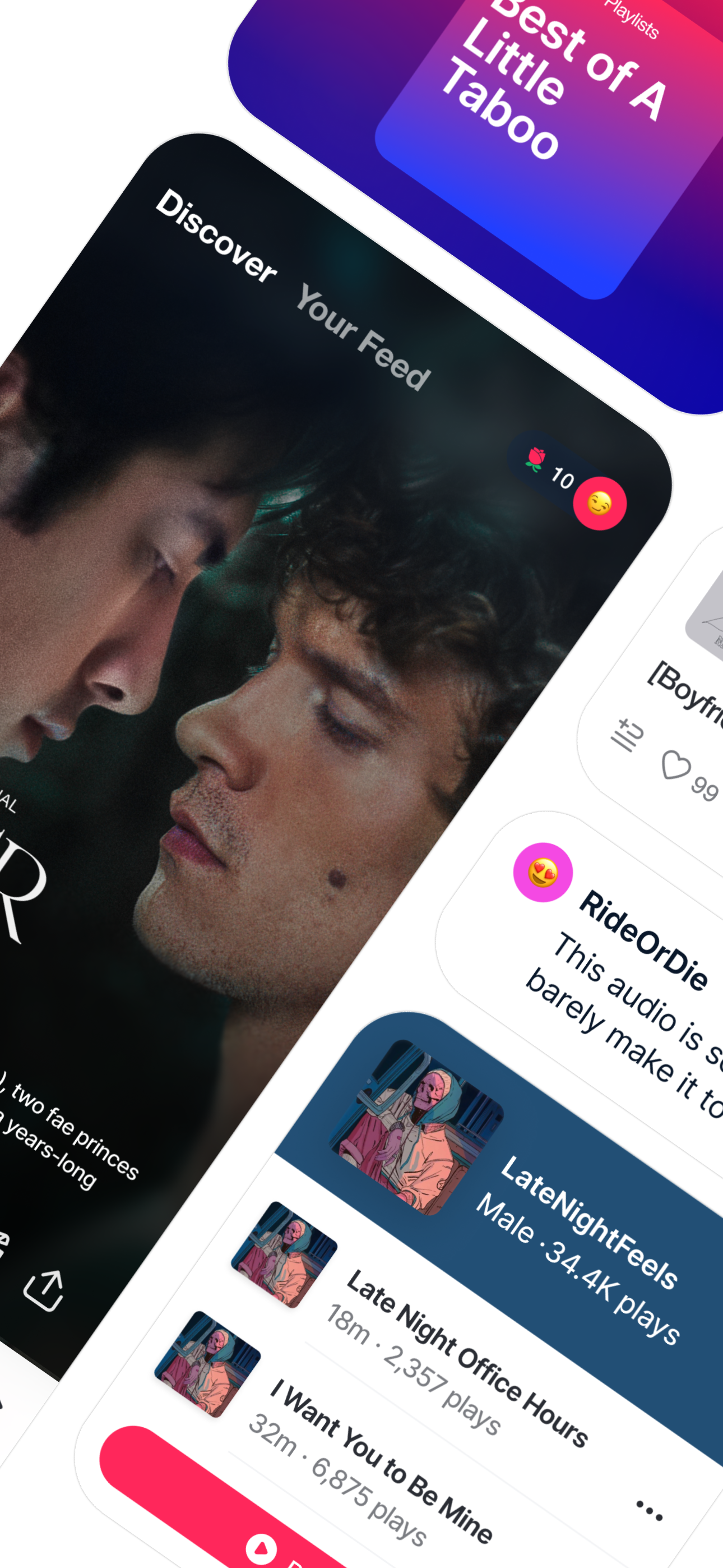
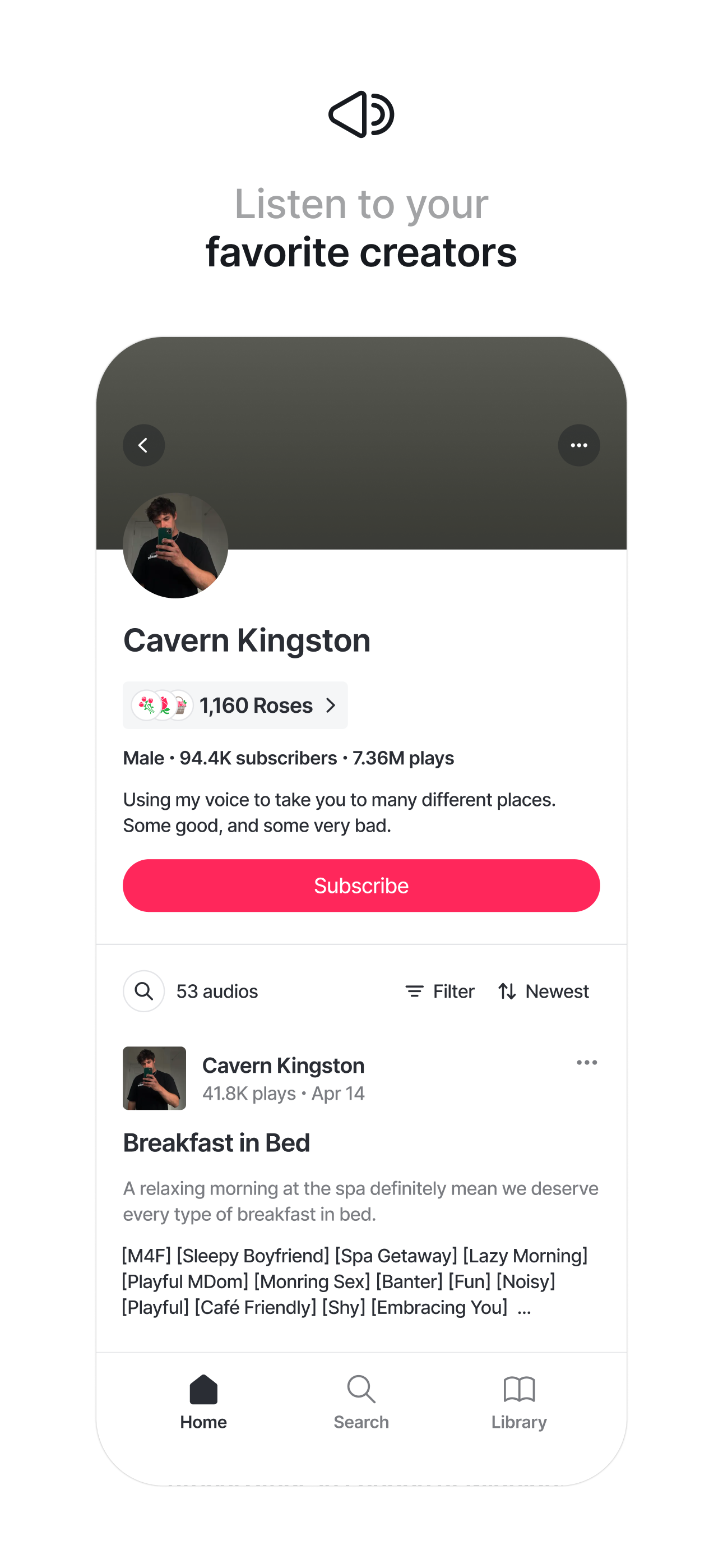
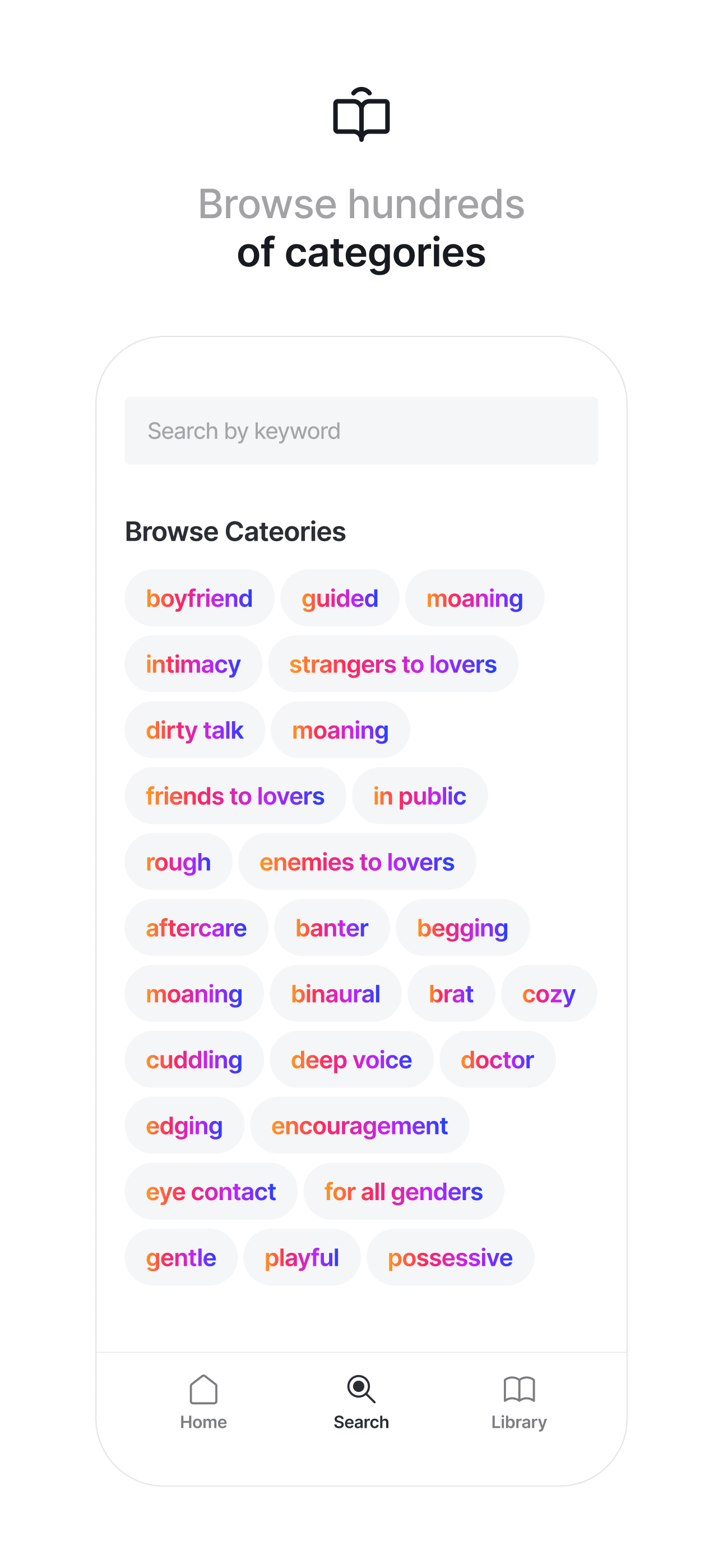
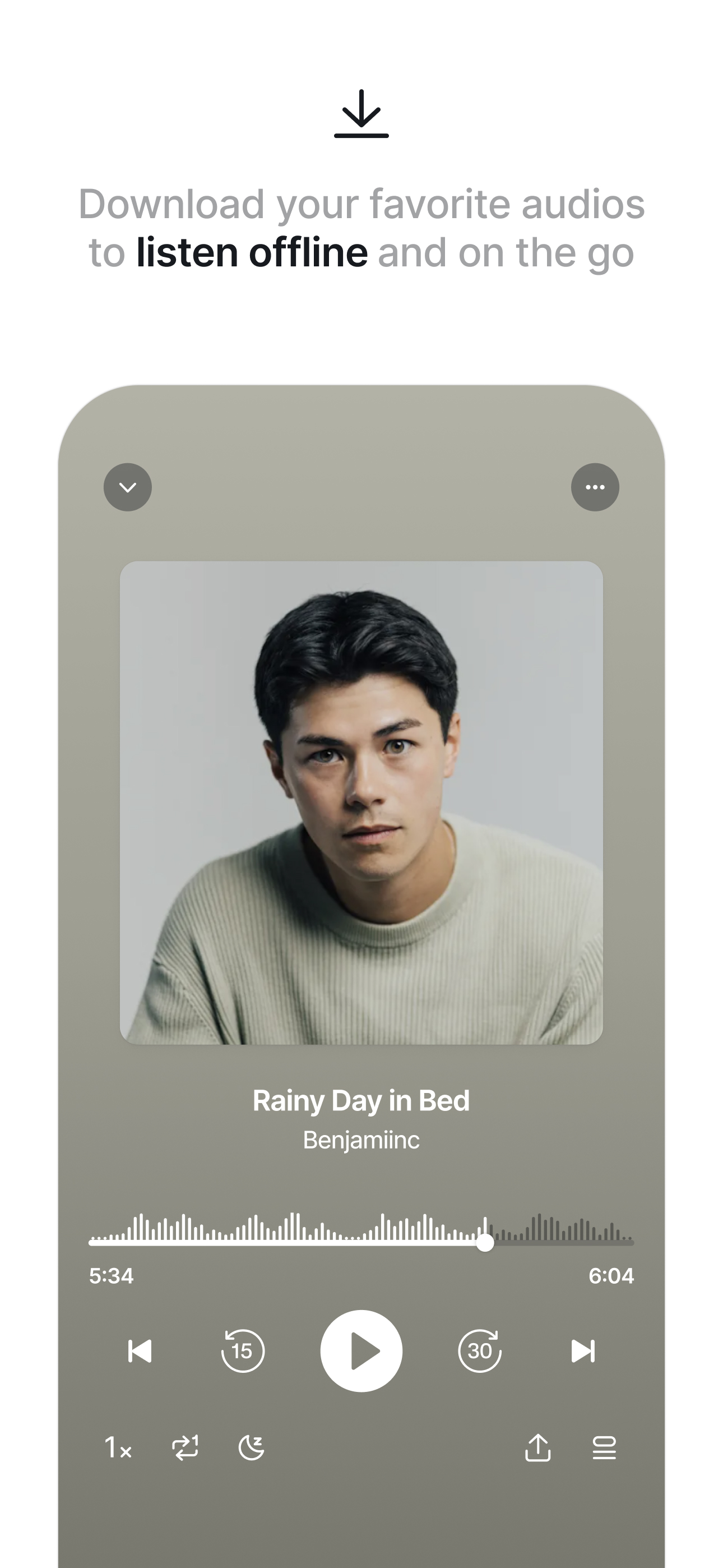
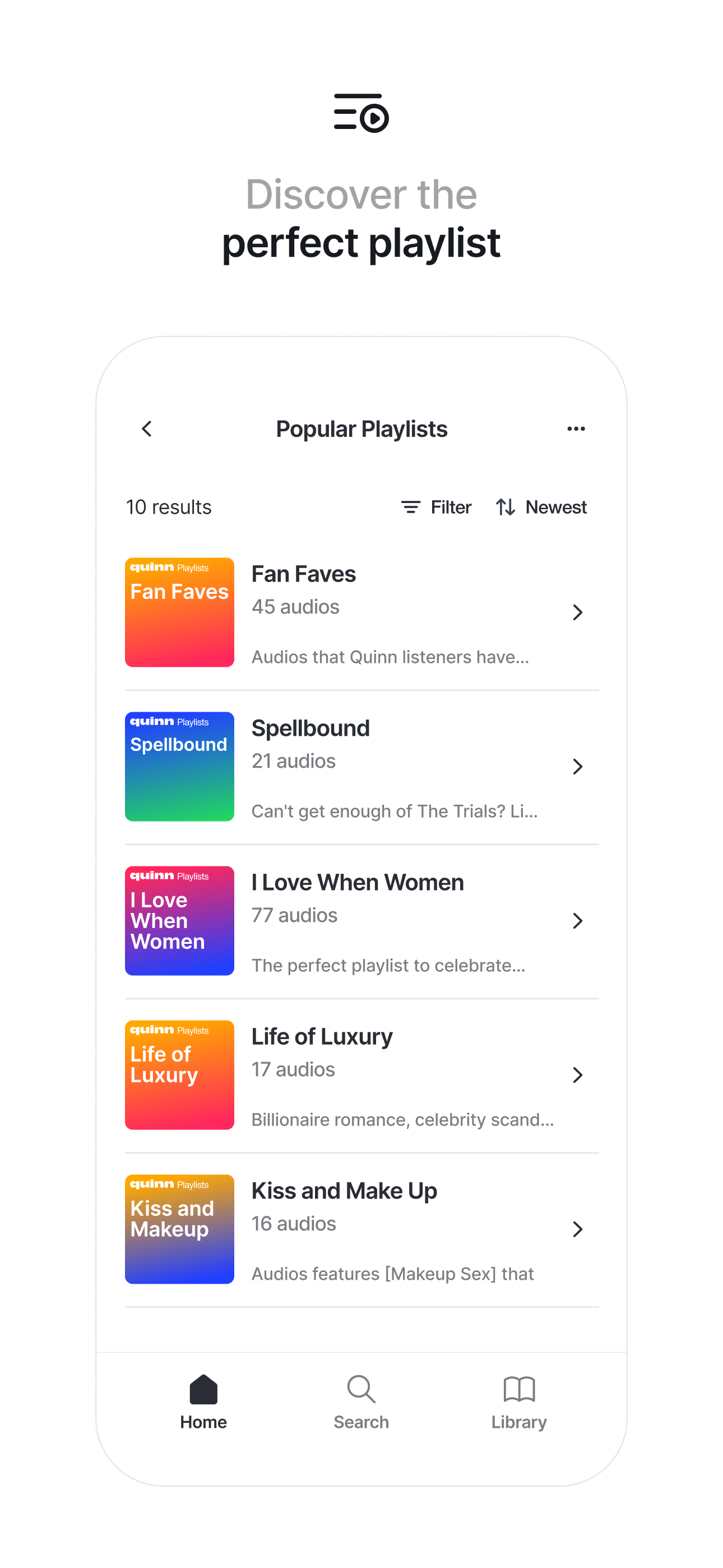
Quinnは、刺激的なオーディオストーリーのためのアプリです。クリエイター、カテゴリー、プレイリストを閲覧して、お気に入りの作品を見つけてください。 レビュー: 「見るのではなく、聴くことで、まるで自分がその場にいるかのような感覚が味わえることに気づきました。第三者として見ているのではなく。」 — Allure 「オーディオは…主観と想像力をより豊かにしてくれます。」 — The New York Times 「エロティカのためのSpotify。」 — Vogue 「Quinnは明らかに人々のニーズを満たしています。」 — Bustle InstagramとTikTokでフォローしてください:@tryquinn 利用規約とプライバシーポリシー: tryquinn.com/terms tryquinn.com/privacy
quinn 4.4.0 アップデート
Introducing interactive transcripts. Our new time-synced transcripts highlight each word in real-time as the audio plays, making it easier than ever to follow along and revisit your favorite moments! To get started, open an audio in the fullscreen player and tap the new transcript icon in the bottom right to view focused transcripts. From there, tap on any word to open the full transcript, jump to any point in the audio, search for keywords, and seamlessly sync playback as you listen.
Introducing a refreshed UX across the app. We’ve updated the interface to create a cleaner, smoother, and more intuitive experience. This release also includes minor bug fixes and performance improvements.