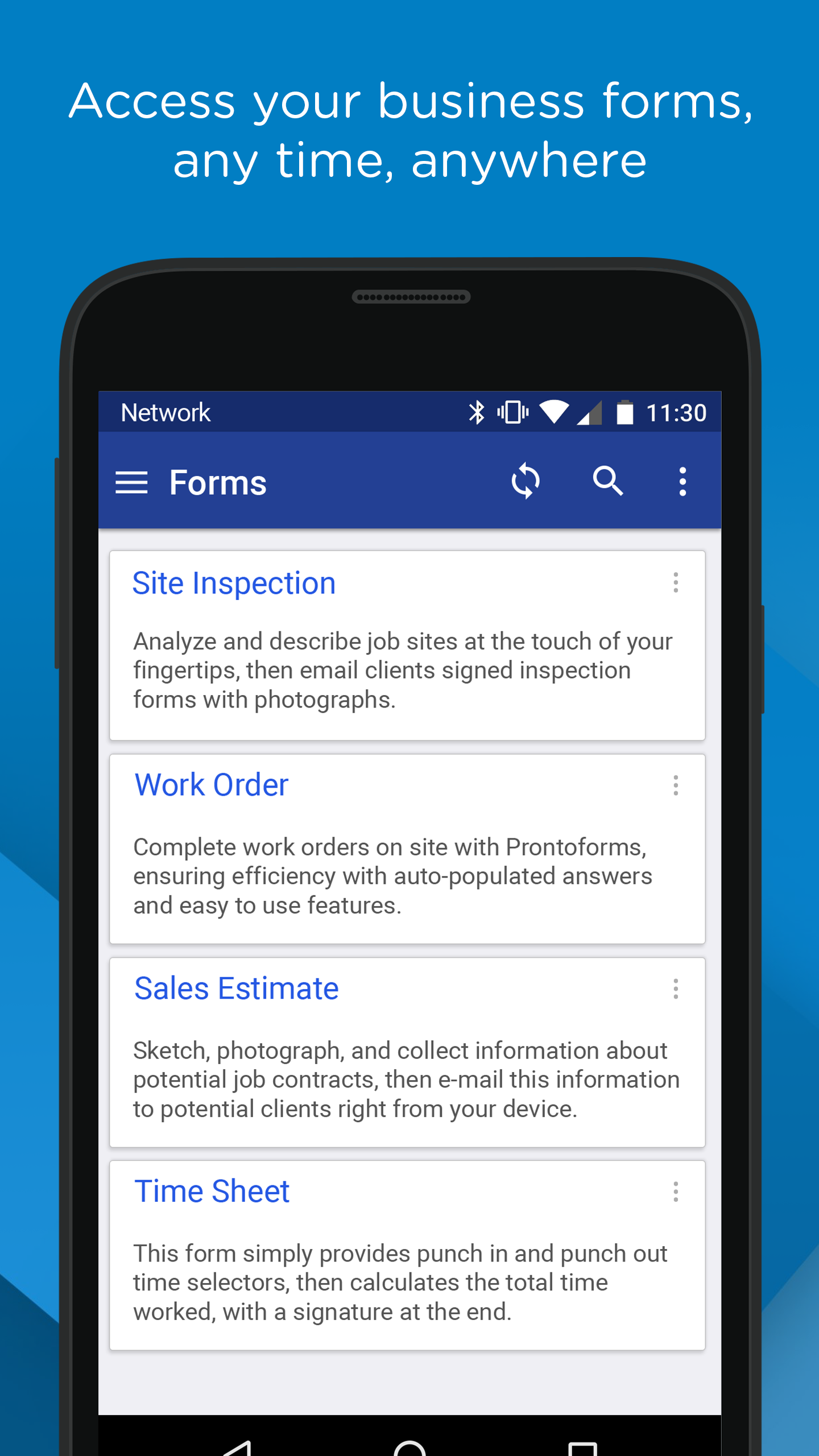
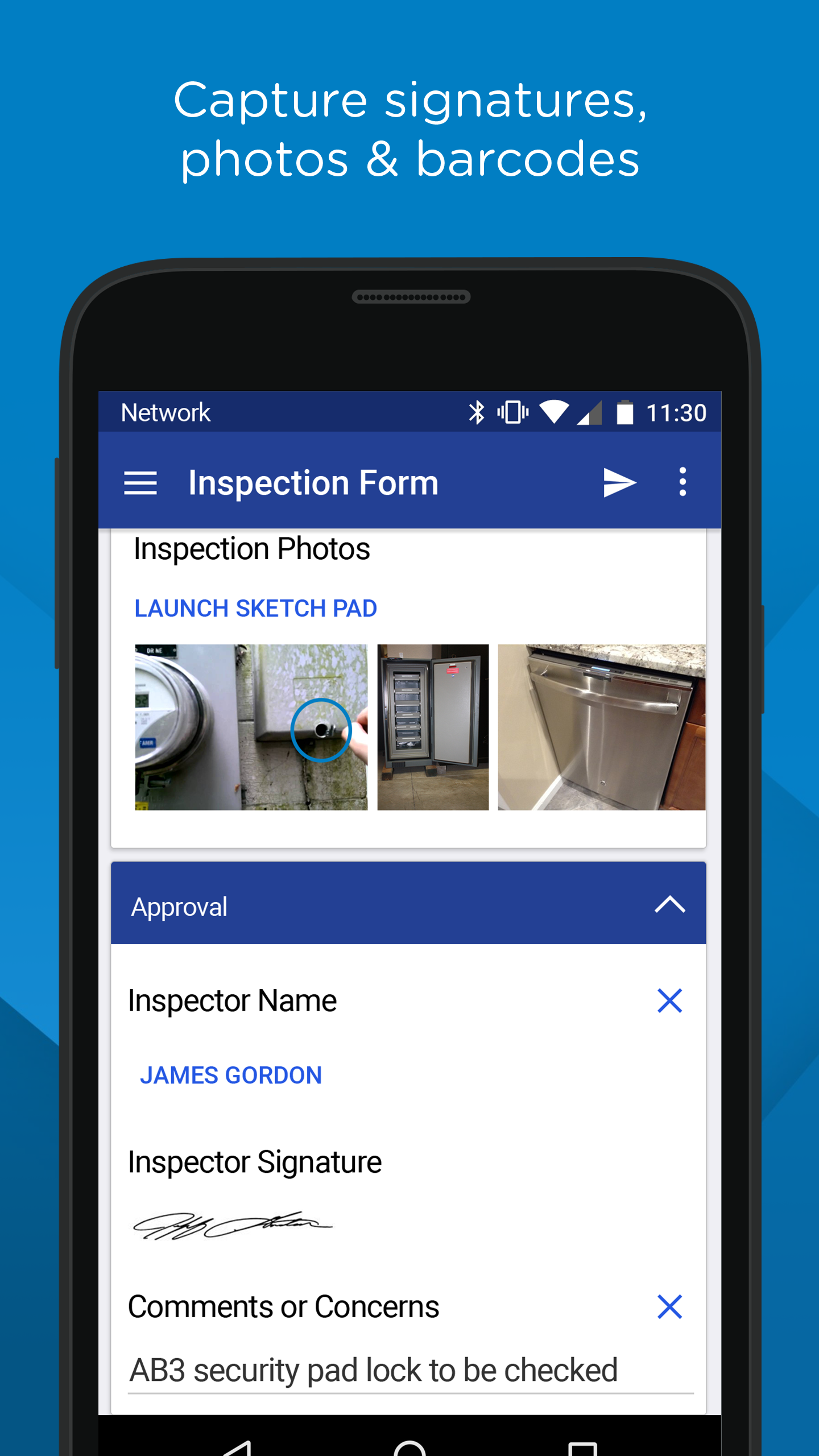
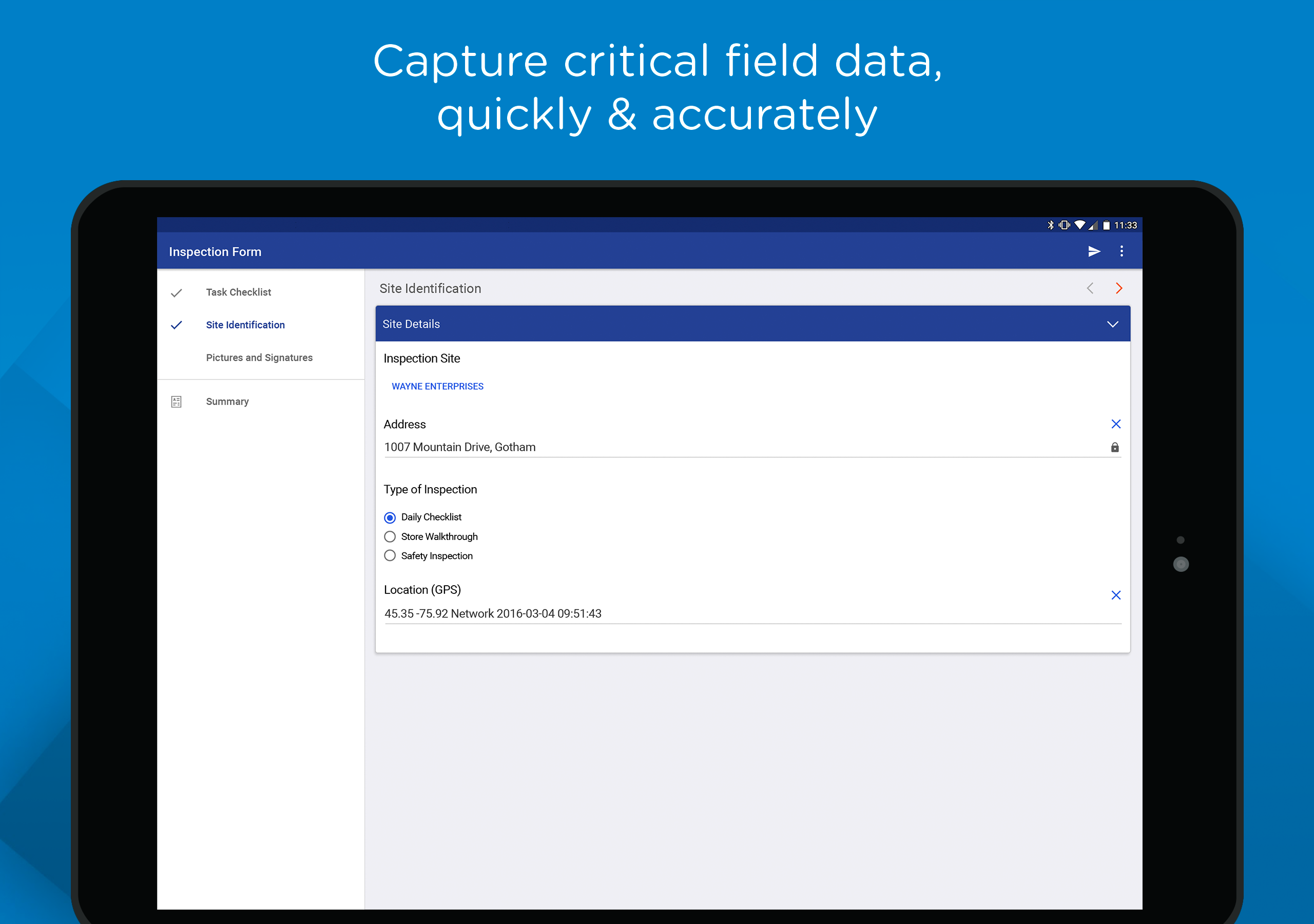
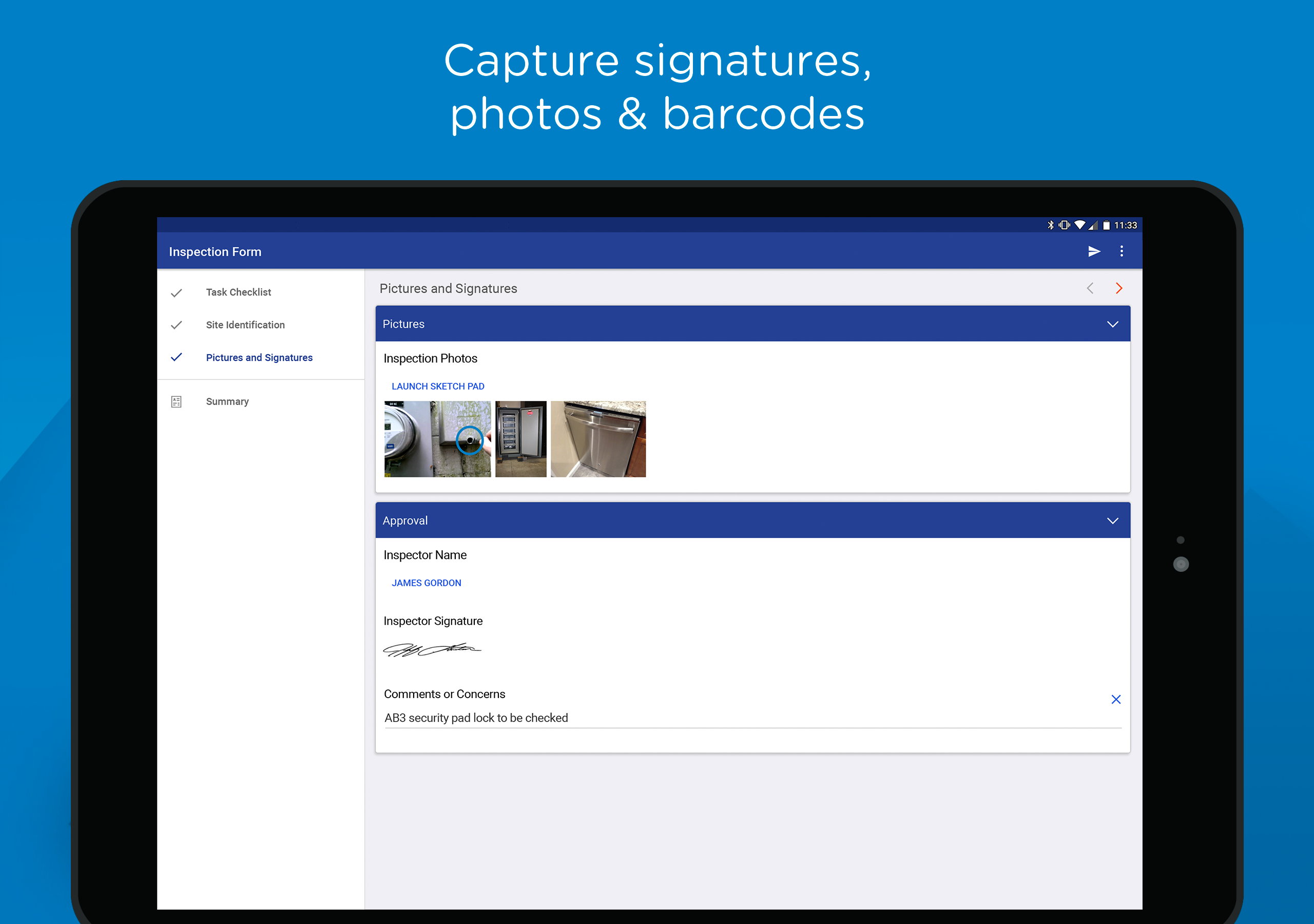
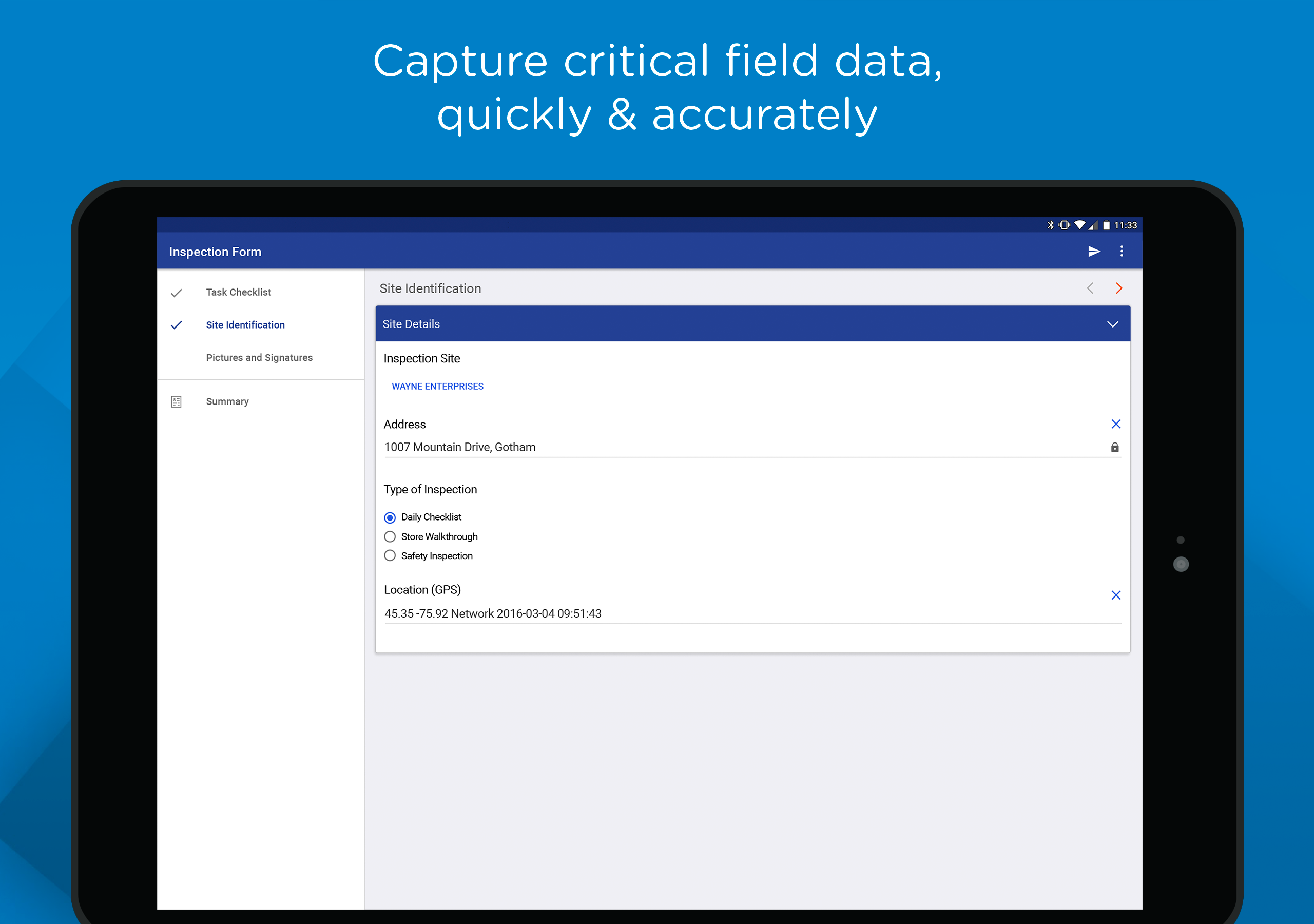
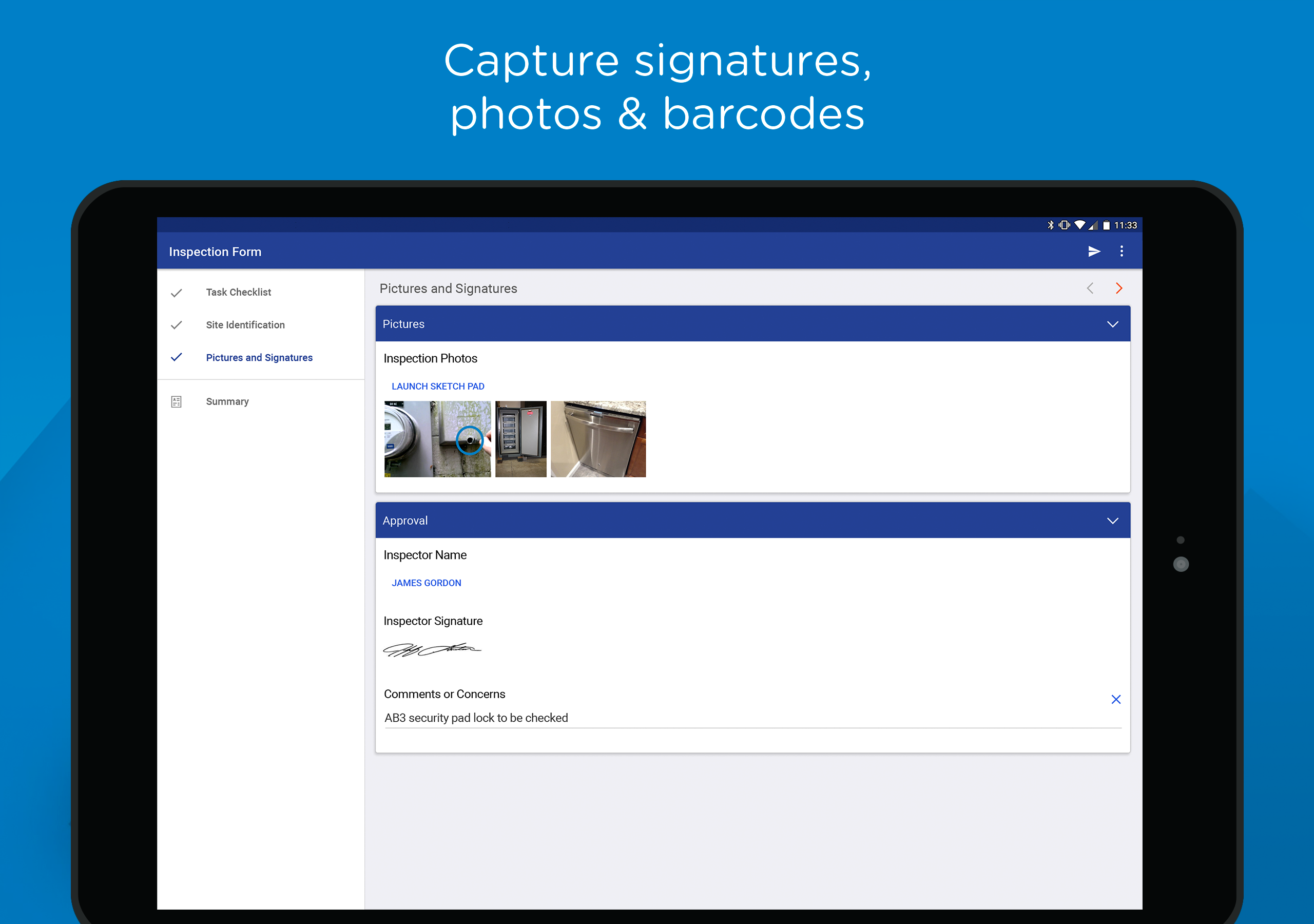
Available Now! Transfer to Myself moves your work in-progress to another device and makes it visible to supervisors via the TrueContext portal. Coming soon! On-Demand Data Sources pulls data in real-time into your active mobile workflow from critical back-office systems like Salesforce, Dynamics and many more. Work History gives technicians instant access to insights and data from past work. View record history tied to assets, sites, persons, products, projects and customers.
Transfer Forms Between Your Devices The Transfer feature now lets you move in-progress forms between your devices. Select "Myself" from the form menu to sync your work to the cloud and continue on another device. This also enables supervisors and managers to view work in progress through the TrueContext Administration portal—giving them the real-time data needed to update end customers and monitor workflow status.