Oreo UIの詳細
assusdanからリリースされた『Oreo UI』はカスタマイズアプリだ。apkfab.com/jpから『Oreo UI』のファイルサイズ(APKサイズ):5.86 MB、スクリーンショット、詳細情報などを確認できる。apkfab.com/jpではassusdanより配信したアプリを簡単に検索して見つけることができる。現在、Oreo UI for Android BETA appのダウンロードも基本プレイも無料だ。『Oreo UI』のAndroid要件はAndroid 5.0+なので、ご注意ください。APKFabあるいはGooglePlayから『Oreo UI for Android BETA apk』の最新バージョンを高速、安全にダウンロードできる。APKFab.com/jpでは全てのAPK/XAPKファイルがオリジナルなものなので、高速、安全にダウンロードできる。
ATTENTION! If you wish you can show your appreciation and support future development of Oreo UI by donating! This can be done by purchasing my donation app at https://play.google.com/store/apps/details?id=eu.plus.donationforprojectui! Thanks!
(NO ROOT ONLY ANDROID 5.0+\ without requiring ROOT-RIGHTS - simple to install, as a regular application) wrapper for devices with Android OS. In one application contains, launcher (Pixel launcher3), pop-up notifications, setting device etc. Home uniqueness of the project - the existence of those who make similar interface of a shell (for example: Android 8.0 Oreo). All this works on almost any version of Android without root-rights requirements.
• Features:
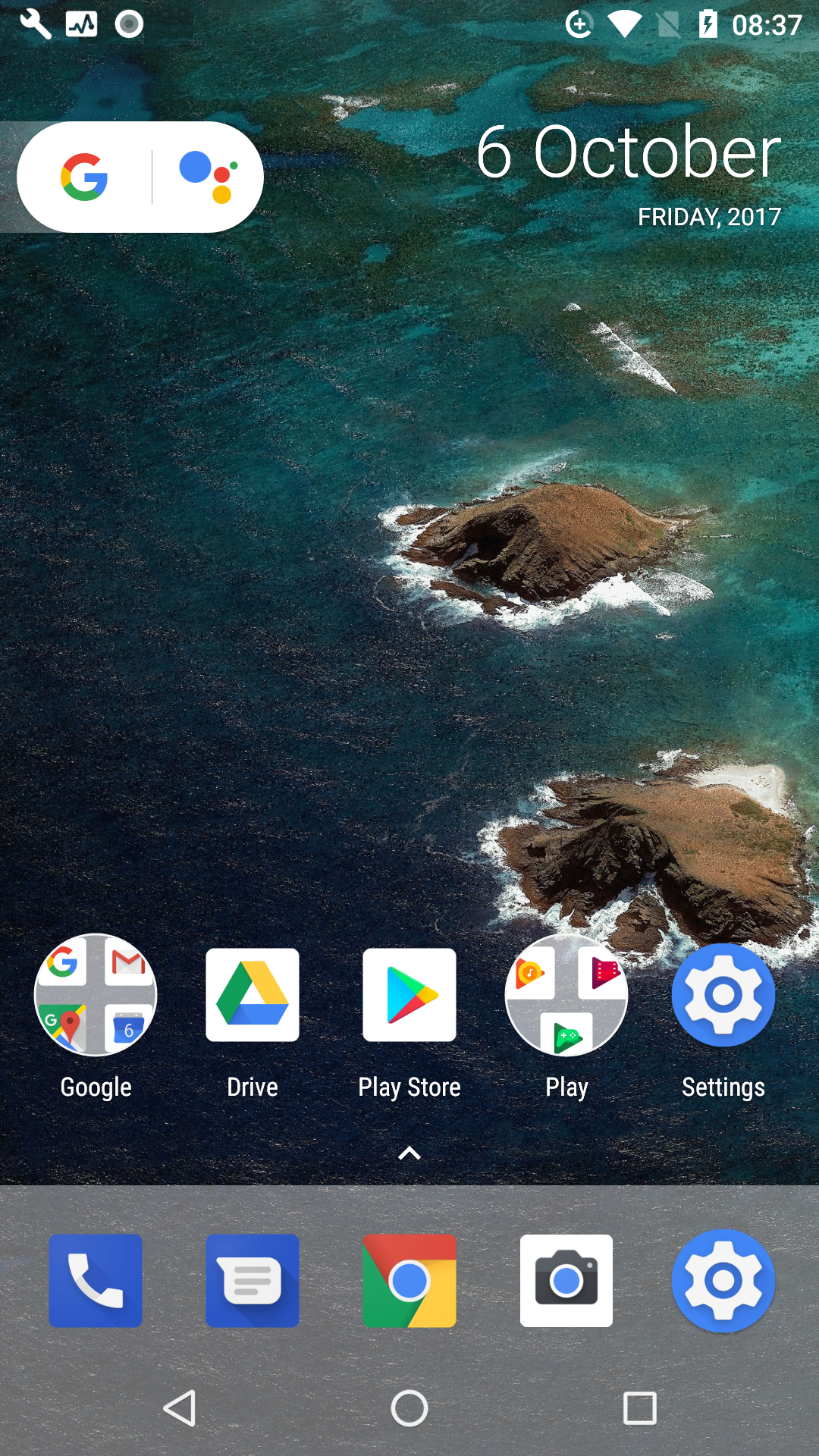
- Launcher - port Pixel Launcher with support for widgets, third-party icons, shortcuts, application notification icons, the ability to edit the names and hide applications, change icons for the Pixel style, etc. - everything is like Android Oreo
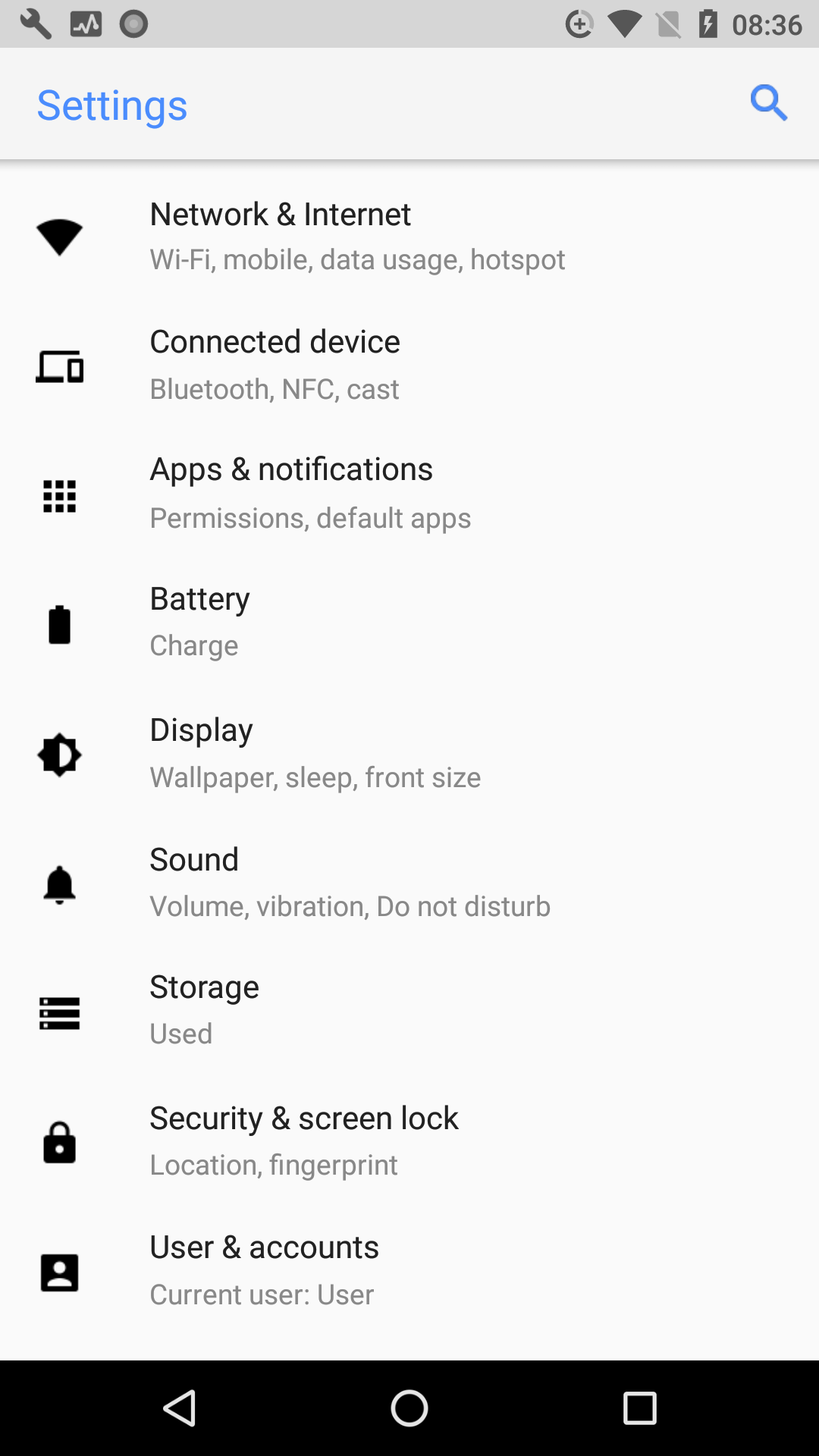
- Its counterpart "Settings device" (standard design, the same as in Android Oreo)
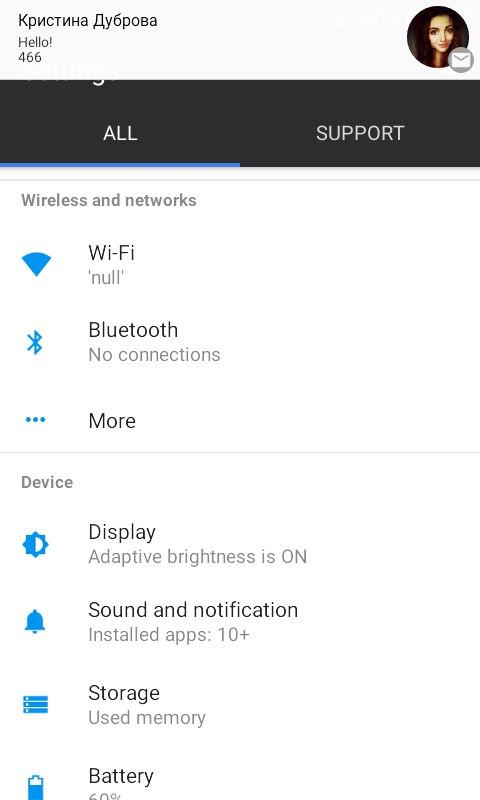
- Pop-up notifications
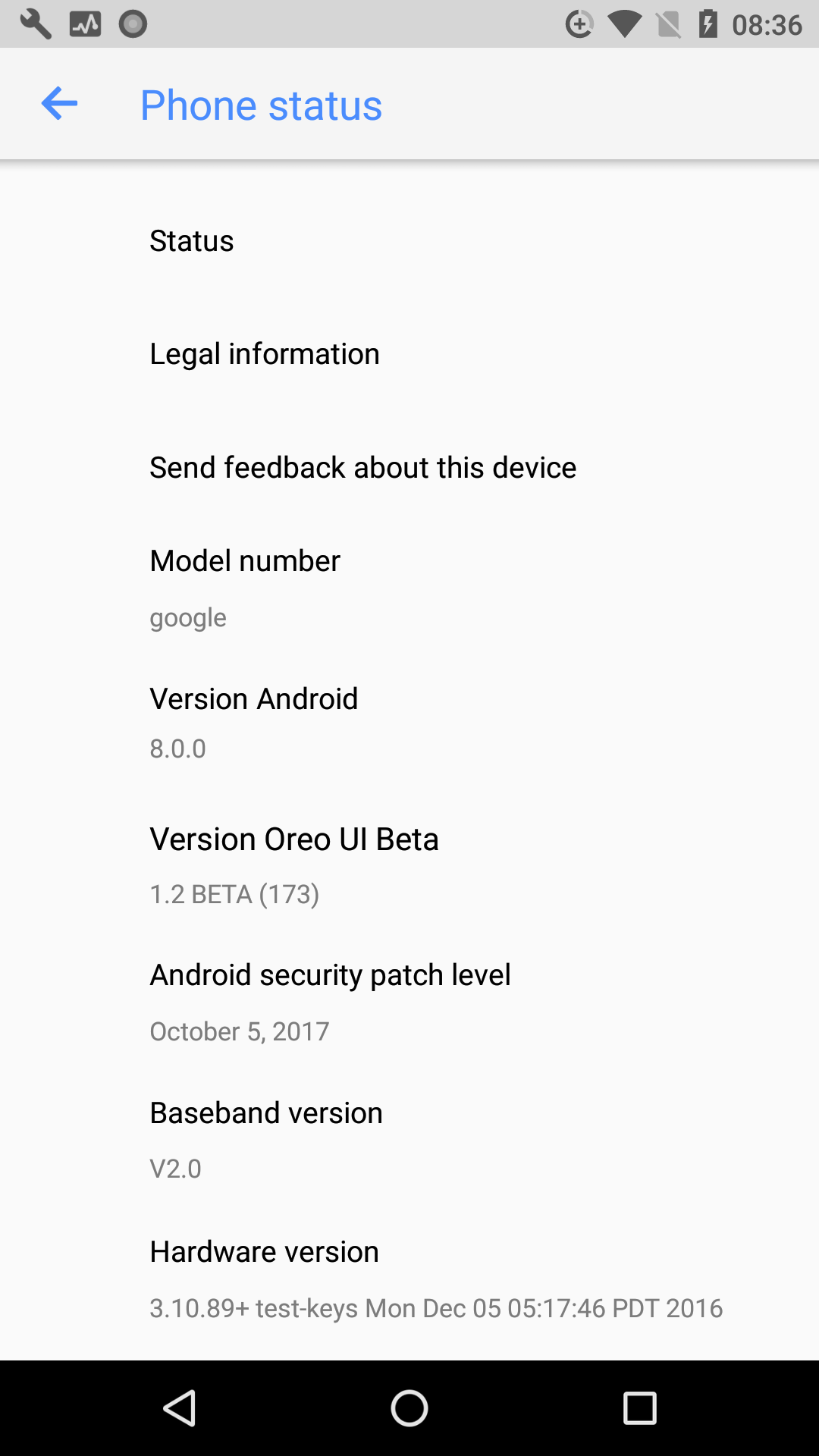
- Just made Easter eggs, as in the Android Oreo
- Ability to use third-party launchers and at the same time use "Settings device" from Oreo UI
Oreo UI 1.2 アップデート
- Updated launcher with full functionality, support for widgets, third-party icons, shortcuts, application notification icons, the ability to edit the names and hide applications, change icons for the Pixel style, etc. - everything is like Android Oreo
This is a stable test version with the Android 8.0 Oreo interface!
telegram: @plusui
続きを読む