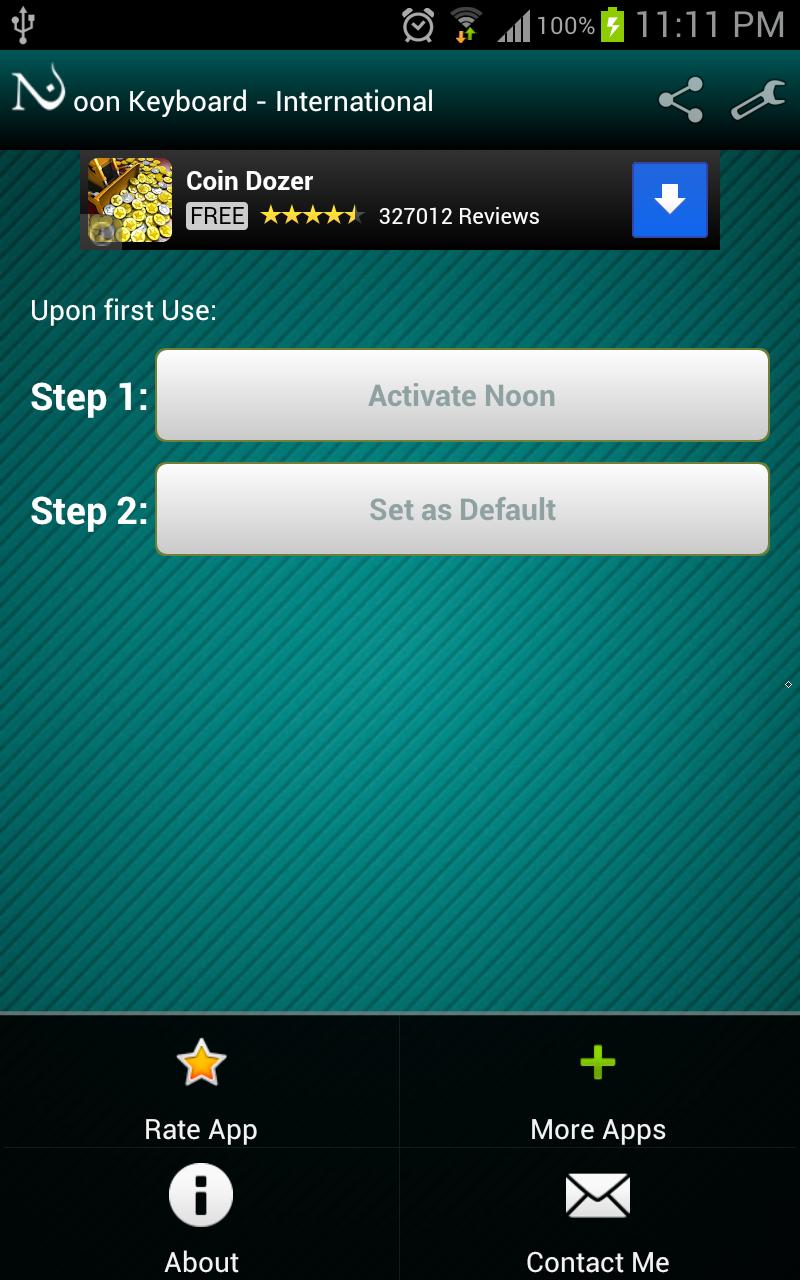
Noon Keyboard (International) is the first Android Keyboard with a Transliteration option. So its simple: 1- Choose the language you want to transliterate to. 2- Turn on Noon by clicking the Noon Shaped button. 3- Write English( Latin) and instantly get 1 of the multiple languages you previously selected from Russian, Hindi , Chinese or Greek. *Noon Keyboard Works Great on tablets *Noon Keyboard Needs internet Connection to Transliterate , Don't panic its internet usage is negligible. *Works offline as a regular super comfortable keyboard. When you're not Transliterating simply turn the Noon button off and use noon as a regular keyboard , with numbers on top and useful shortcuts for chatting. So just type what you hear and see what you get ... =========================================== Thanks Sami Kiwan for the Graphics work