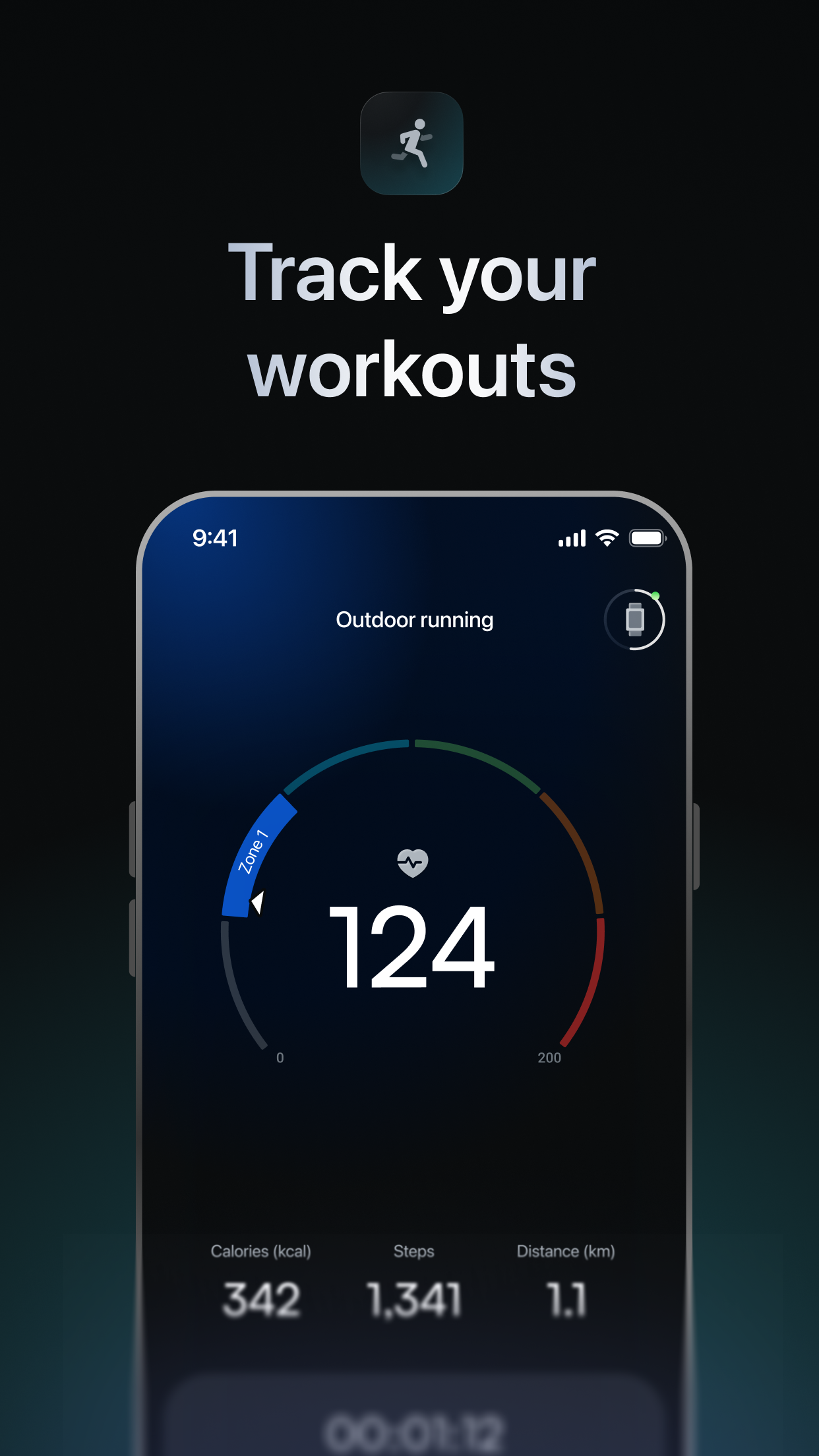
test For REP Users: Introducing VO₂ Max: Understand your cardio fitness with an updated estimate after every qualifying outdoor run. Run for at least 15 minutes at a challenging pace with GPS tracking to track your progress over time. Revamped Outdoor Run Page: Explore your outdoor runs in more detail with a cleaner map view, a detailed pace graph, and splits data to understand your performance at every kilometer.
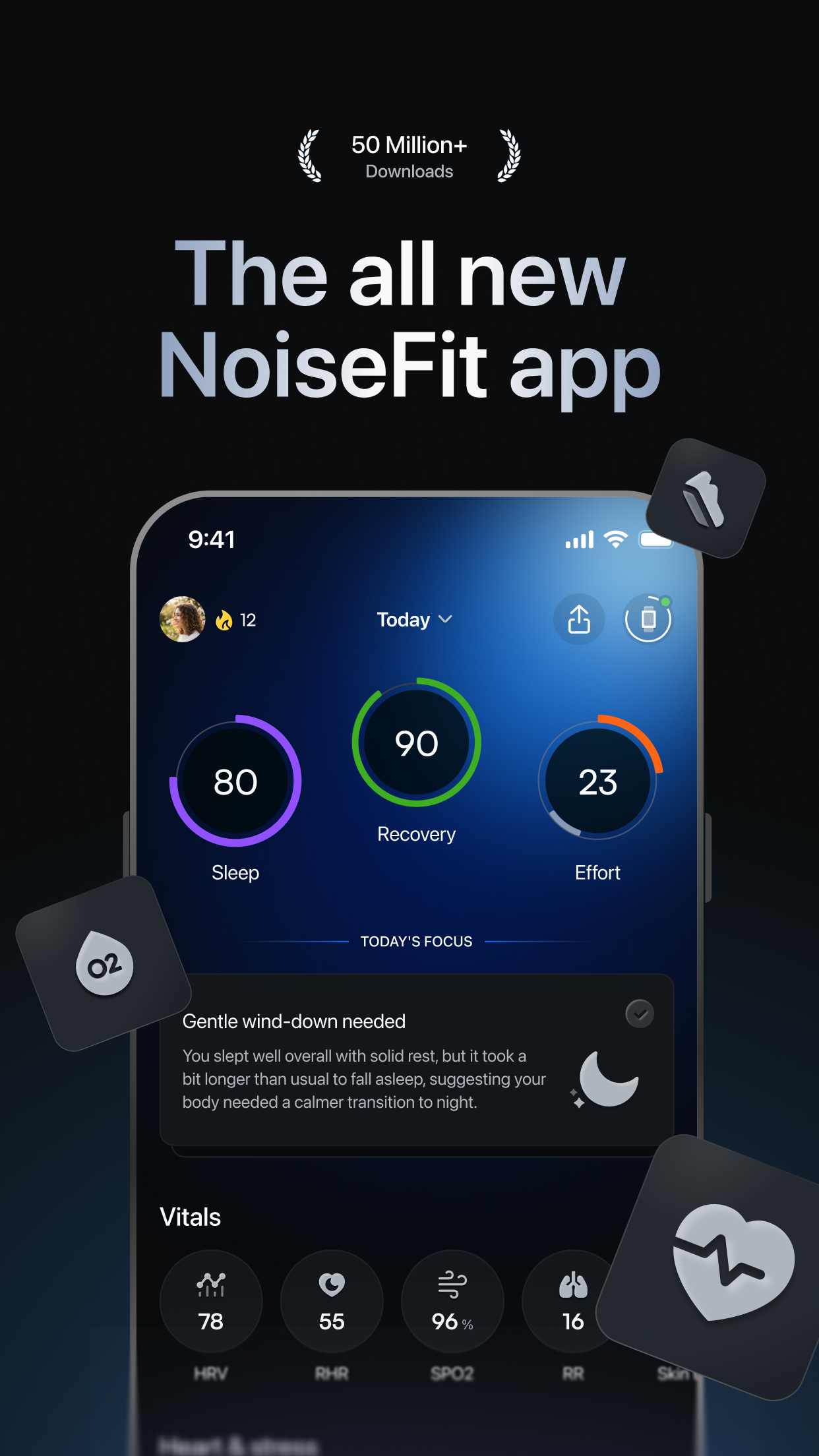
For REP users, • Your sleep, in more detail See how you sleep, how it changes and what counts. • Multi-sleep & naps See how each sleep and nap contributes to your daily score. • Add/Edit Sleep Log missed sleep or edit entries you’ve added. • Consistency See how much of your sleep falls within your usual sleep window. • Sleep Trend Track changes in your sleep over 7 or 30 days. • Stress in sleep See how much sleep you spend relaxed, focused or stressed.
Not getting notifications on your watch after the latest update? Please update NoiseFit to the latest version from the Play Store, then restart your phone once. Notifications will start working again. If they still don’t appear, open Settings → Notifications → Device & app notifications (Notification access), turn NoiseFit off and back on, then open the NoiseFit app.