KeyLock

7.3 5

v1.2.1 by Brabonet

KeyLock アプリダウンロード KeyLock アプリダウンロード

KeyLockの詳細

Brabonetからリリースされた『KeyLock』は仕事効率化アプリだ。apkfab.com/jpから『KeyLock』のファイルサイズ(APKサイズ):3.17 MB、スクリーンショット、詳細情報などを確認できる。apkfab.com/jpではBrabonetより配信したアプリを簡単に検索して見つけることができる。現在、KeyLock appのダウンロードも基本プレイも無料だ。『KeyLock』のAndroid要件はAndroid 4.0+なので、ご注意ください。APKFabあるいはGooglePlayから『KeyLock apk』の最新バージョンを高速、安全にダウンロードできる。APKFab.com/jpでは全てのAPK/XAPKファイルがオリジナルなものなので、高速、安全にダウンロードできる。
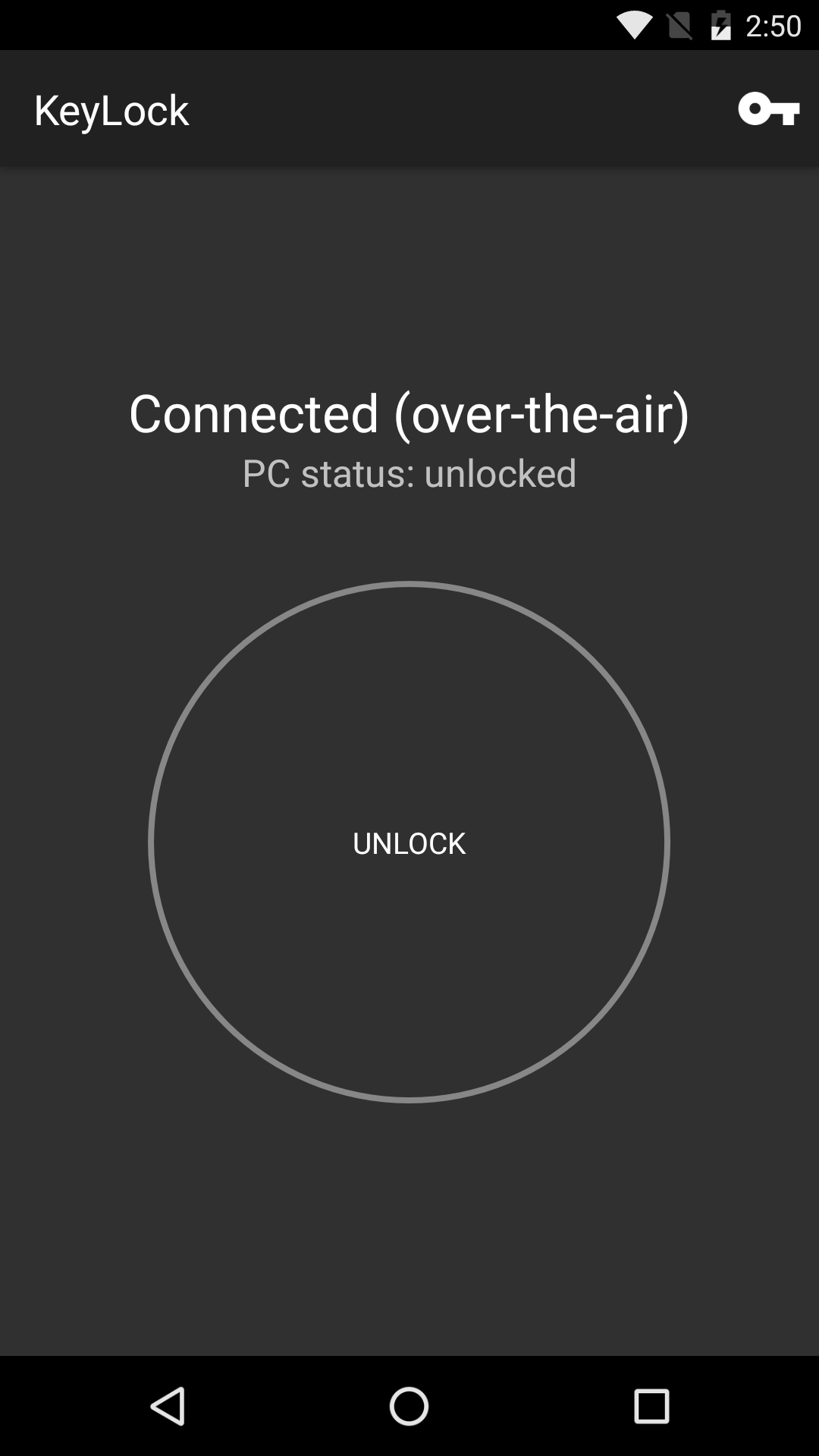
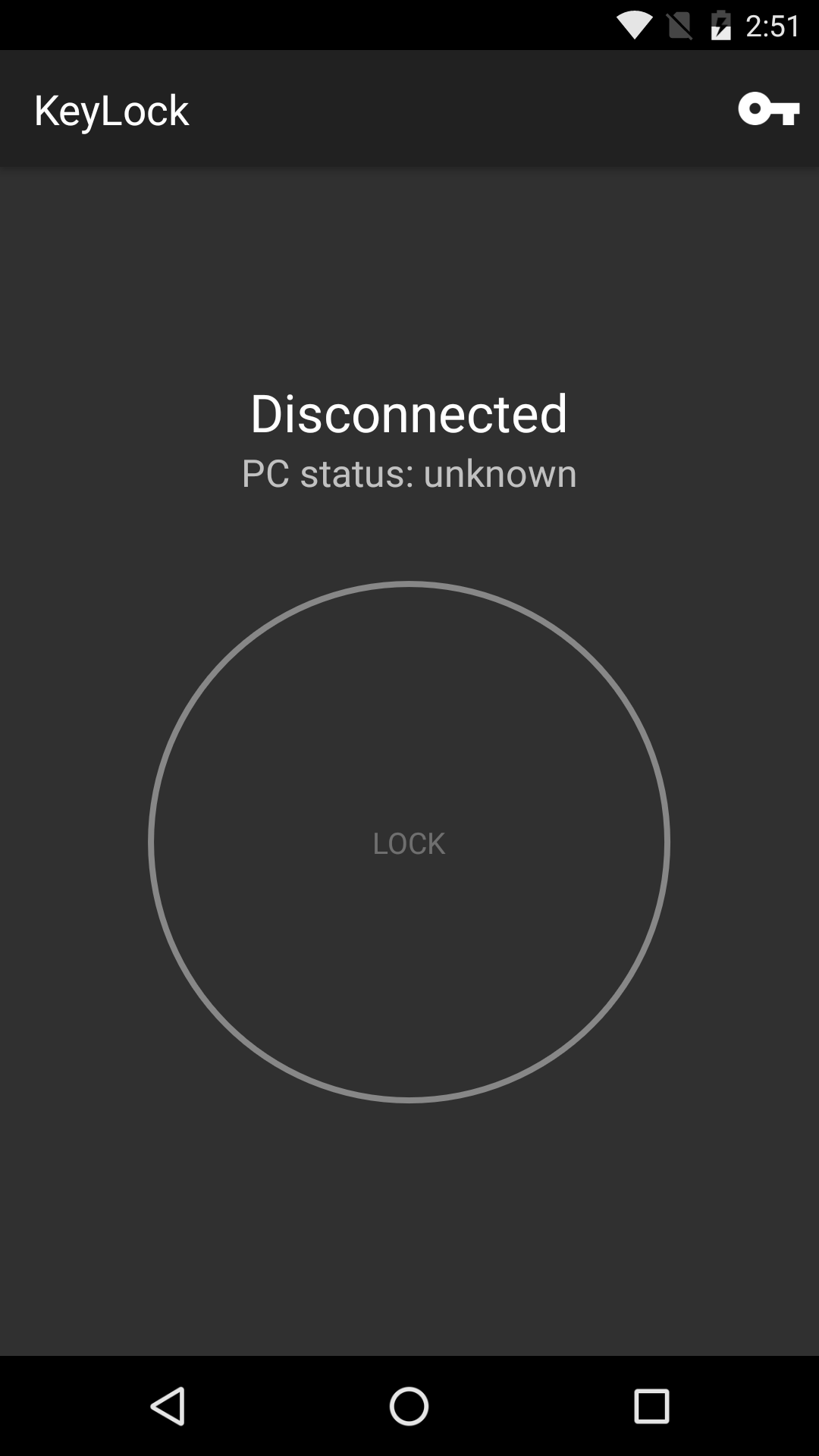
KeyLock is an app to lock/unlock your Windows computer with your phone.
Installation:
1. [On your PC] Download and install KeyLock (free): https://brabonet.com/keylock/download
2. [On your PC] Open KeyLock
3. [On your PC] Press "Add Unlock Device"
4. [On your PC] Press "Start"
5. [On your phone] Install and open KeyLock
6. [On your PC] Press "Next"
7. [On your phone] Enter the private and public key (displayed by KeyLock on your computer)
10. [On your PC] Press "Next"
11. [On your PC] Press "Finish"
12. [On your PC] Enable protection
You can now lock/unlock your PC by pressing the "Lock" / "Unlock" buttons on your Android device.
If you are interested in trying out the new features for the next release and want to test and provide feedback, we encourage you to try out beta releases. You can download the latest beta here: https://brabonet.com/keylock/beta
All information about the desktop software: https://brabonet.com/keylock
Features:
• Flexible: KeyLock uses OTA (over-the-air) unlock. This means that your phone and your PC don't have to be in the same LAN network to be able to communicate with each other.
• Safe: It's not possible to use your computer after you've locked it with KeyLock. Our exclusive technologies use the Windows lock screen to lock your PC, making it impossible to reach the desktop. After unlocking, you can immediately use your computer again.
• Easy and Fast: You quickly need your computer with the common Windows security? First you need to unlock, type your password, have a typo, type in again and finally, your pc is unlocked. With KeyLock, all these problems are solved: Press "Unlock" and you can use your PC immediately.

KeyLock 1.2.1 アップデート

- Bug fixes
続きを読む
KeyLock 特徴
バージョン履歴 もっと見る
KeyLock
KeyLock 1.2.1 APK
2018年08月22日 3.17 MB

Requires Android: Android 4.0+

Architecture: armeabi-v7a

Screen DPI: 160-640dpi

SHA1: 47cca685d8fd4067fcfcbdda5bad289a8c8f0db1

Size: 3.17 MB

What's New:

- Bug fixes
KeyLock
KeyLock 1.2 APK
2017年05月04日 2.88 MB

Requires Android: Android 4.0+

Architecture: armeabi-v7a

Screen DPI: 160-640dpi

SHA1: 5e048136e5be8566f934448adfa48d78c6be9cd6

Size: 2.88 MB

What's New:

- New user interface
- Bug fixes
KeyLock
KeyLock 1.1 APK
2016年10月26日 3.04 MB

Requires Android: Android 4.0+

Architecture: armeabi-v7a

Screen DPI: 160-640dpi

SHA1: 258b6d8658467762baa198f57c76885ab089cb20

Size: 3.04 MB

追加情報

パケージ名:

com.brabonet.keylock

更新日:

最新バージョン:

1.2.1

バージョンアップ申請:

最新版提出

Android要件:

Android 4.0+