JD SimWheel (Steering wheel)
8.0 55
v4.2 by John Diamantis
8.0 55
v4.2 by John Diamantis

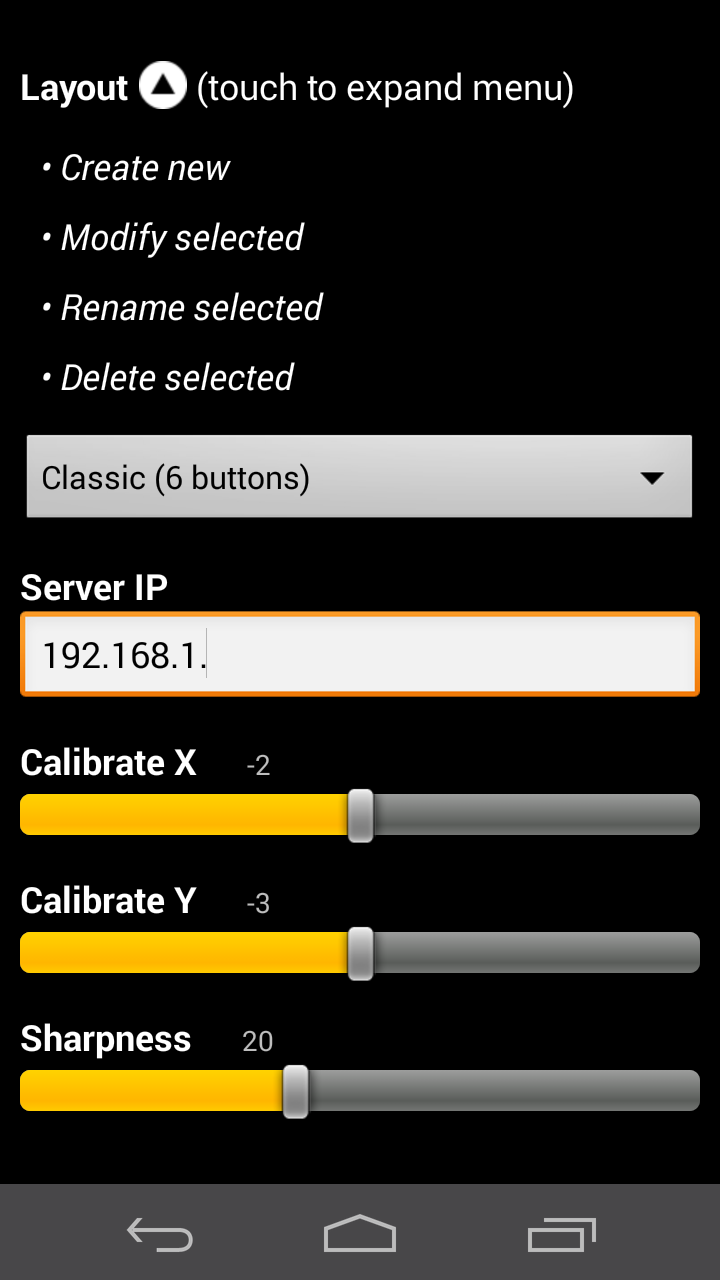
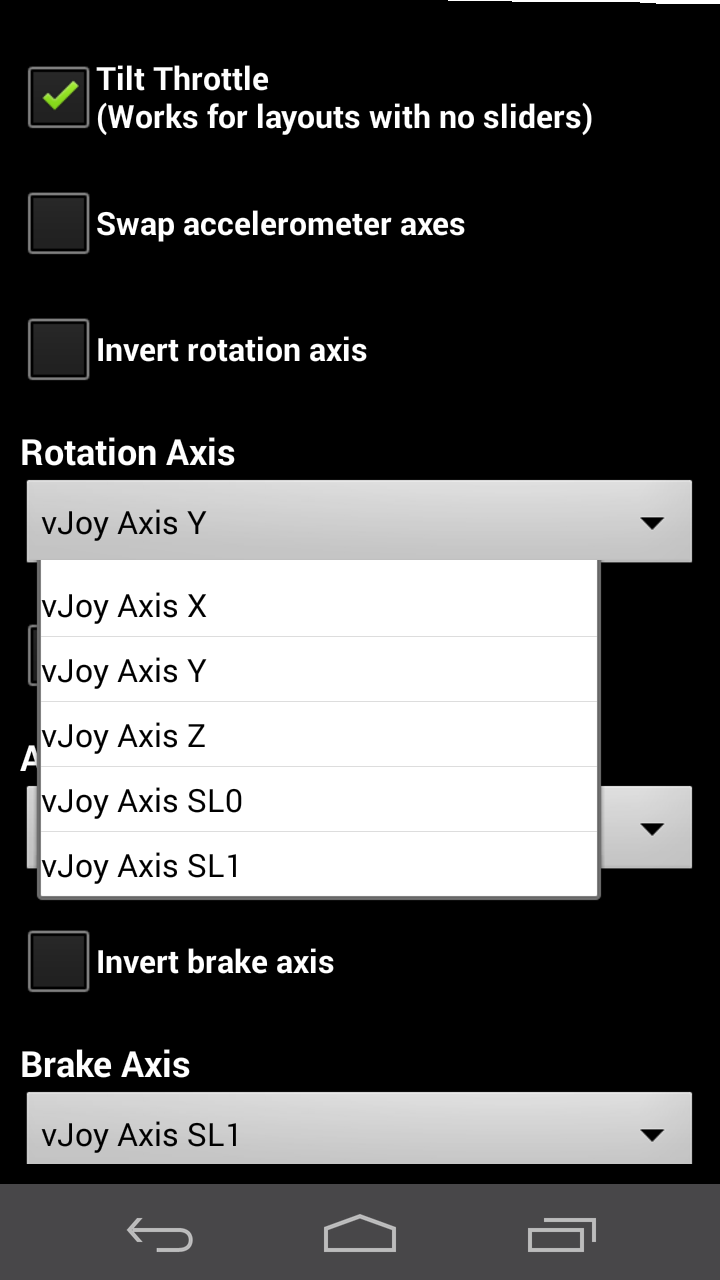
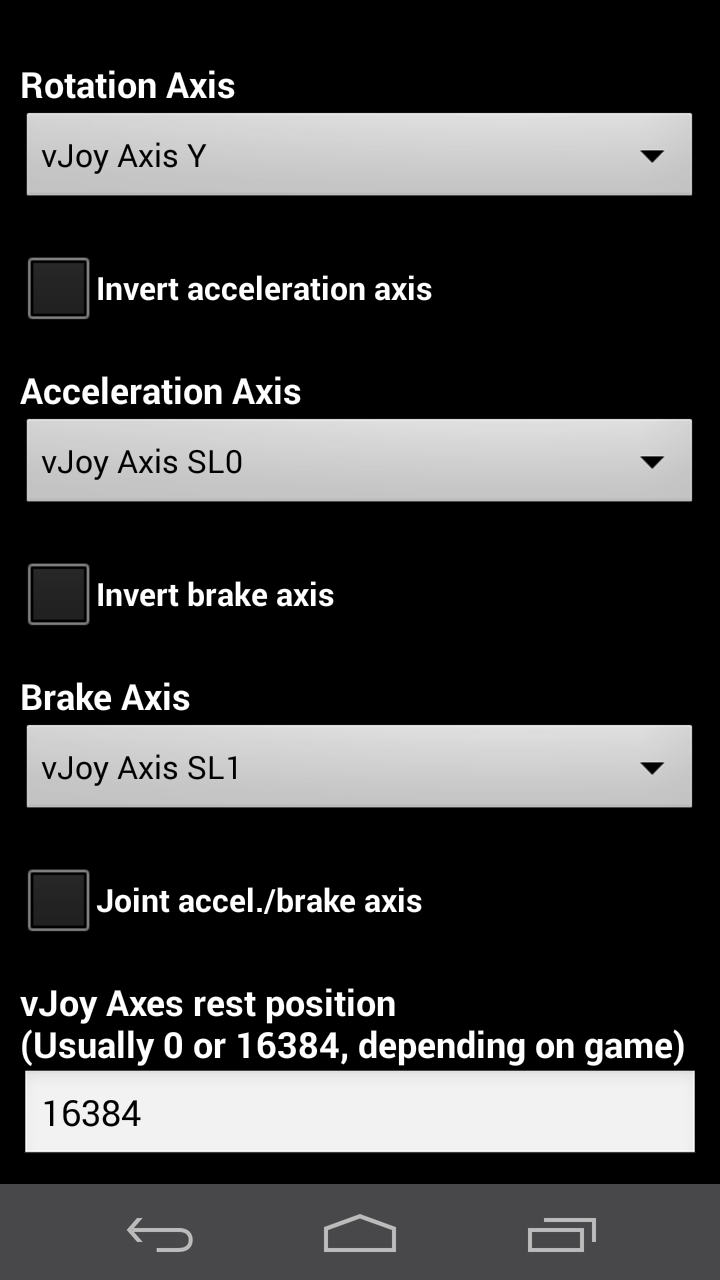
How does it work? It communicates over your home wireless network, with a server application in your PC, that transfers data to a windows Virtual game controller (device driver).
** CHECK THE REQUIREMENTS BEFORE INSTALLING IT **
** READ THE INSTRUCTIONS AT http://droidcortex.eu/jd-simwheel/ or http://droidcortex.com/jd-simwheel/ BEFORE USING IT. **
** Does NOT work over the internet. Works exclusively over Local Area Network (LAN) **
** Recommended only for experienced Windows/Android users due to its complexity **
** Do NOT install it if you don't know what a home network is **
*********** REQUIREMENTS ***********
- Android device that has an accelerometer and a wireless network adapter (WiFi).
- PC/laptop with MS Windows Vista / 7 / 8 / 8.1 / 10 (32bit or 64bit).**
**for Windows 8 you might need to upgrade to 8.1 or get the latest updates from Microsoft
- Wireless home network (either wireless router or wireless network adapter)
Installation process includes installation of vJoy driver and SimWheel Server, both included in the apk.
Check menu option "Server files". Download these files and install them in your Windows PC/laptop.
*** WIN 10: Use vJoy 2.1.6 (download link available at droidcortex.com)
Run SimWheel server as administrator if you would like to auto-setup vjoy device #1.
Note: WiFi network has priority over all others. Disable wifi in your phone if you want to use other type of network.
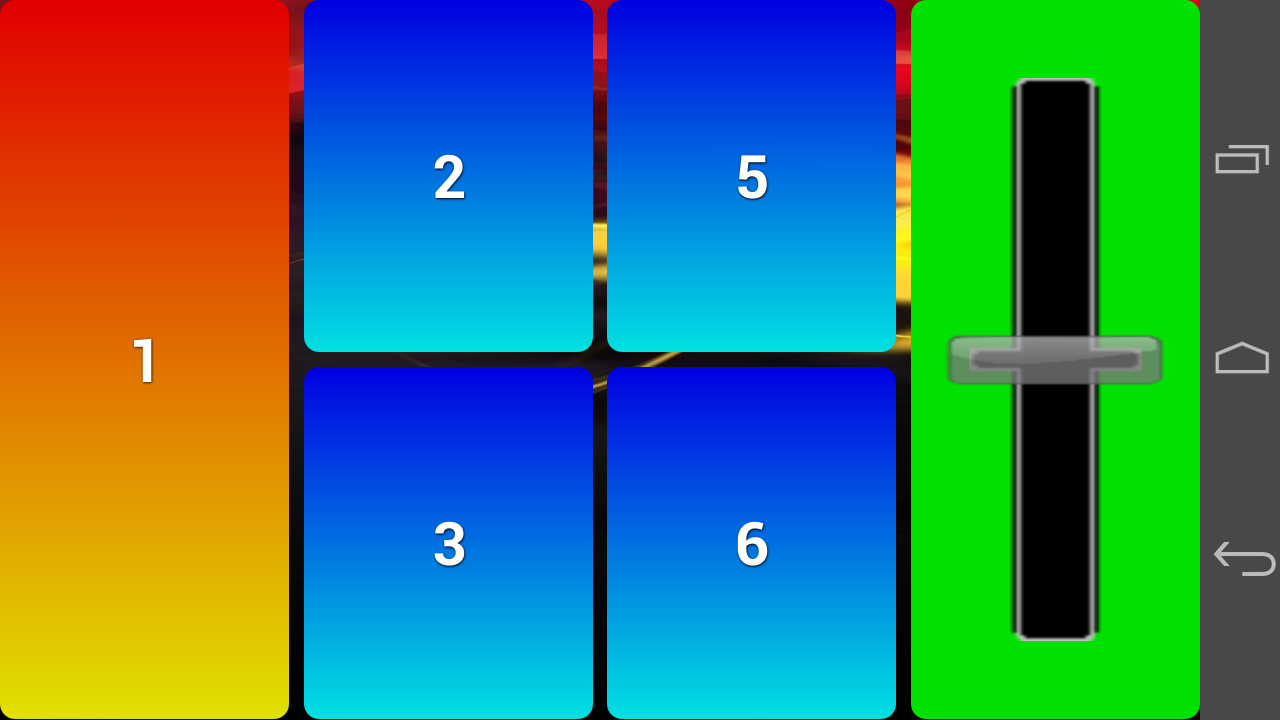
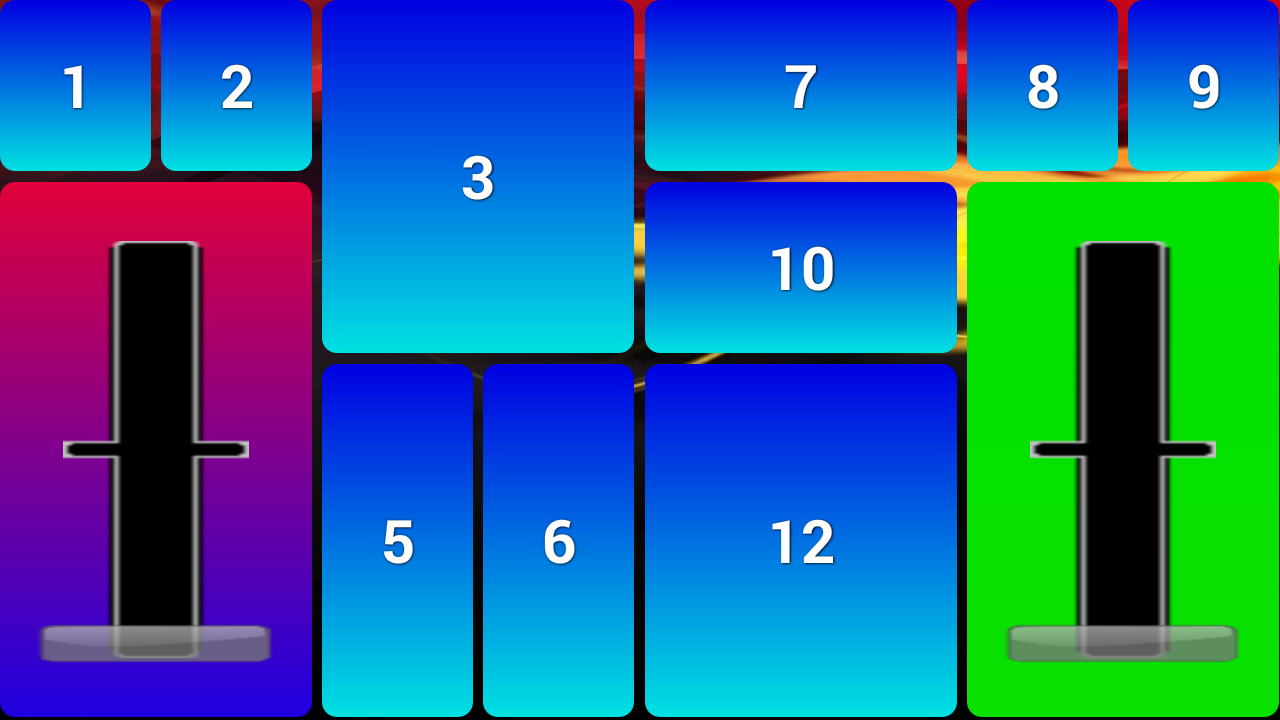
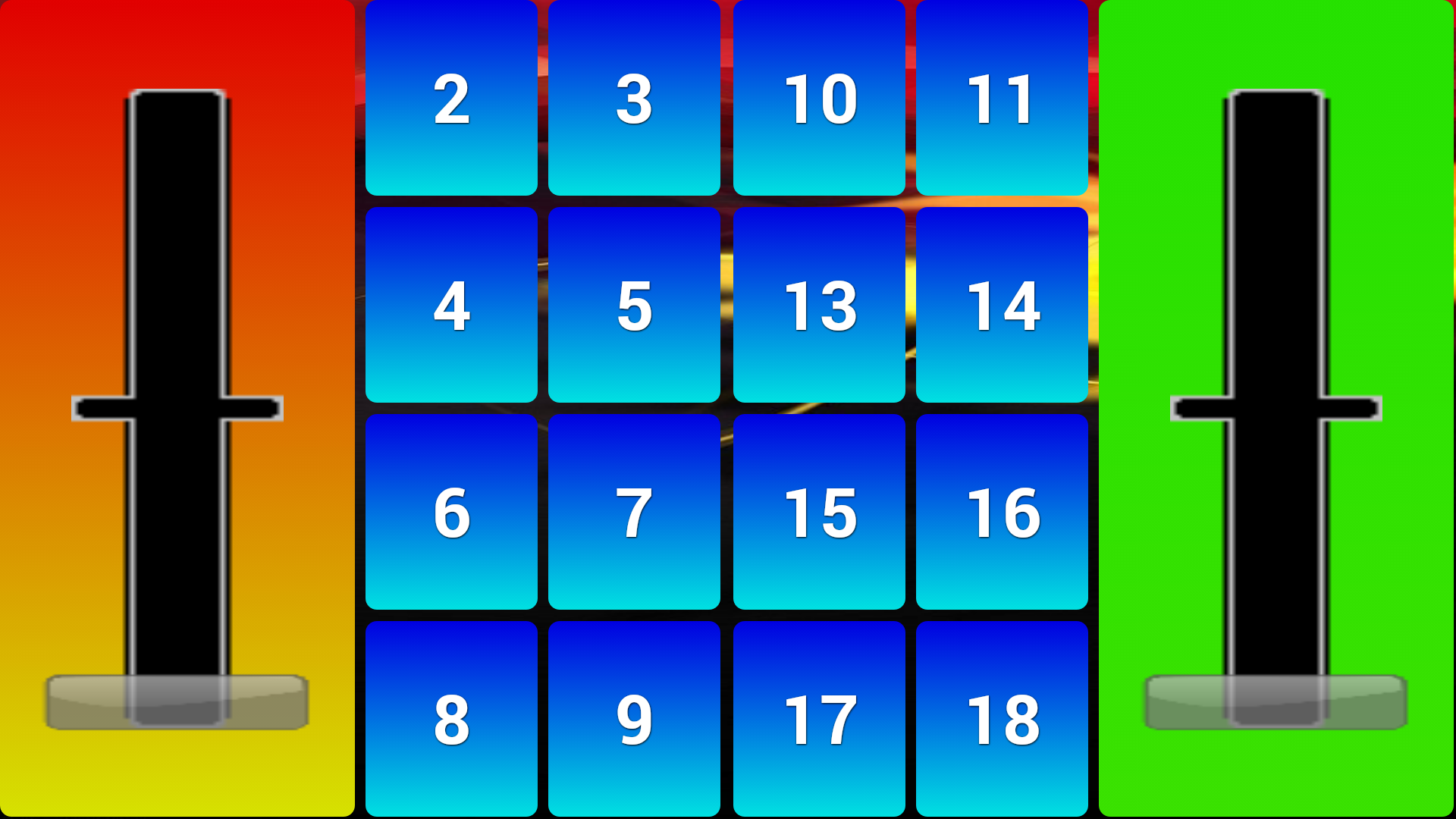
Can work as a simple joystick too.

パケージ名:
更新日:
2015-07-26
最新バージョン:
4.2
バージョンアップ申請:
Android要件:
Android 2.3.4+
報告: