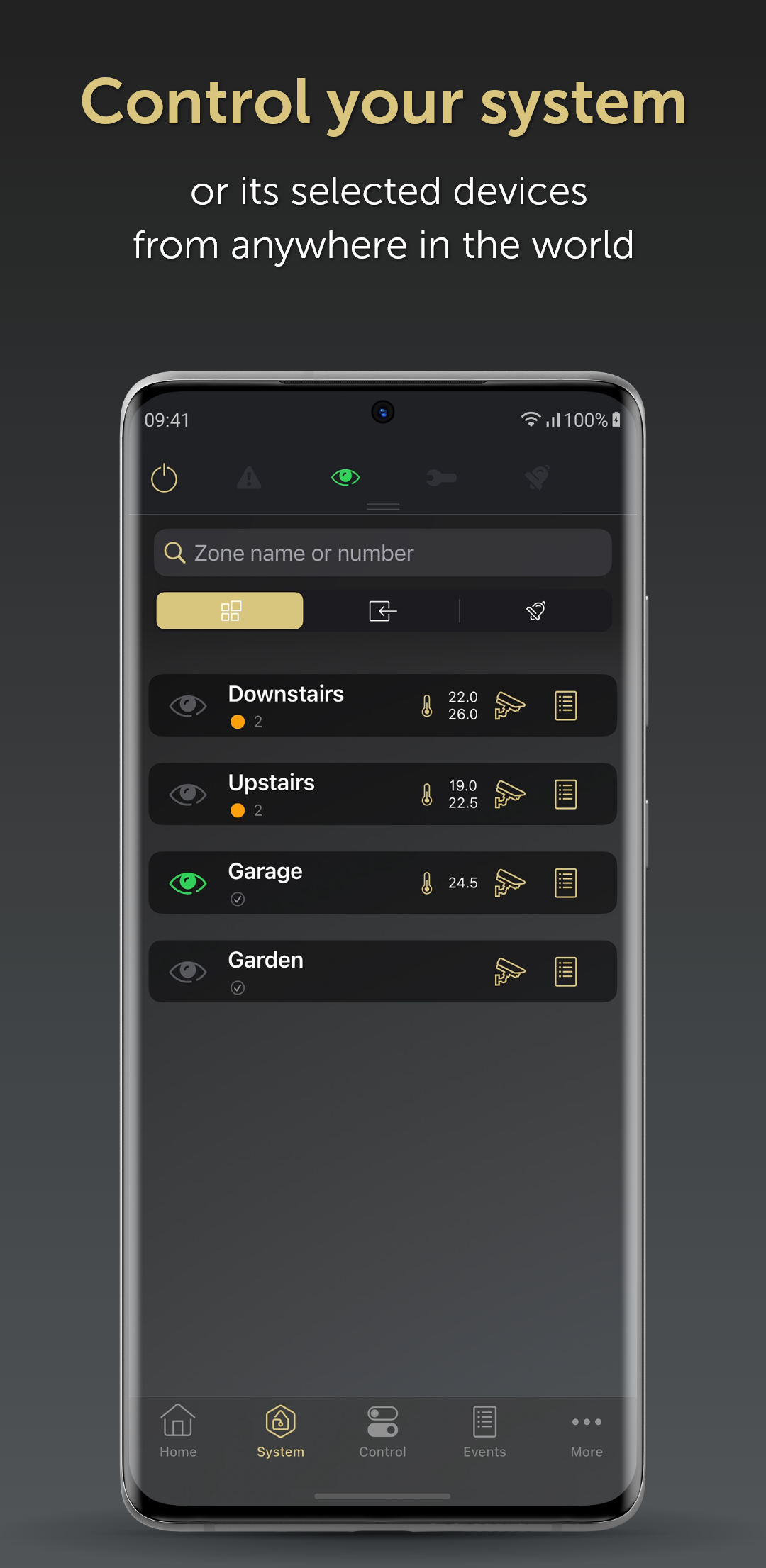
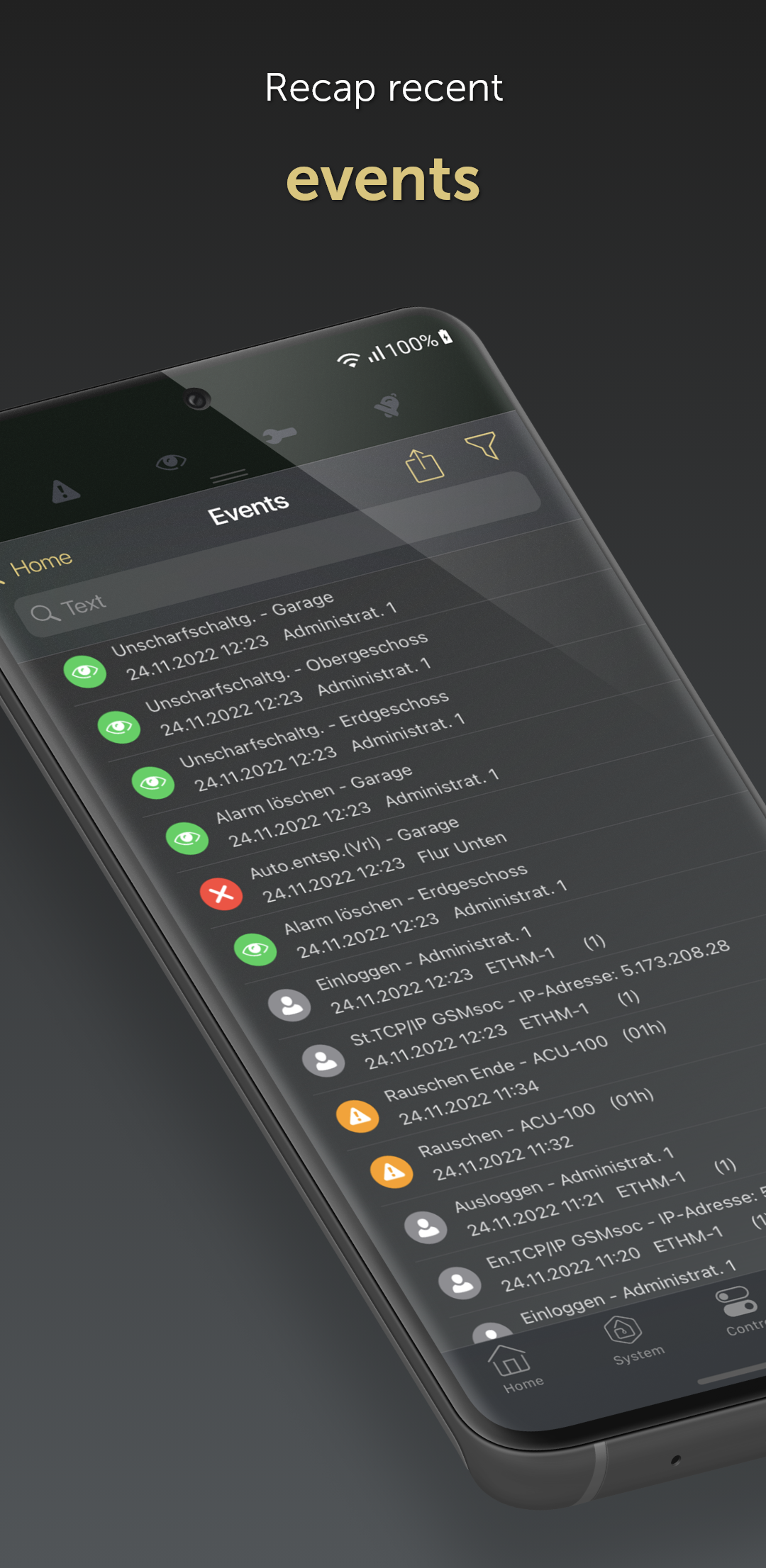
SATEL SP. Z O.O.からリリースされた『Integra』はツールアプリだ。apkfab.com/jpから『Integra』のファイルサイズ(APKサイズ):62.27 MB、スクリーンショット、詳細情報などを確認できる。apkfab.com/jpではSATEL SP. Z O.O.より配信したアプリを簡単に検索して見つけることができる。『Integra』に似ているアプリや類似アプリは200個を見つける。現在、INTEGRA CONTROL appのダウンロードも基本プレイも無料だ。『Integra』のAndroid要件はAndroid 7.0+なので、ご注意ください。APKFabあるいはGooglePlayから『INTEGRA CONTROL apk』の最新バージョンを高速、安全にダウンロードできる。APKFab.com/jpでは全てのAPK/XAPKファイルがオリジナルなものなので、高速、安全にダウンロードできる。
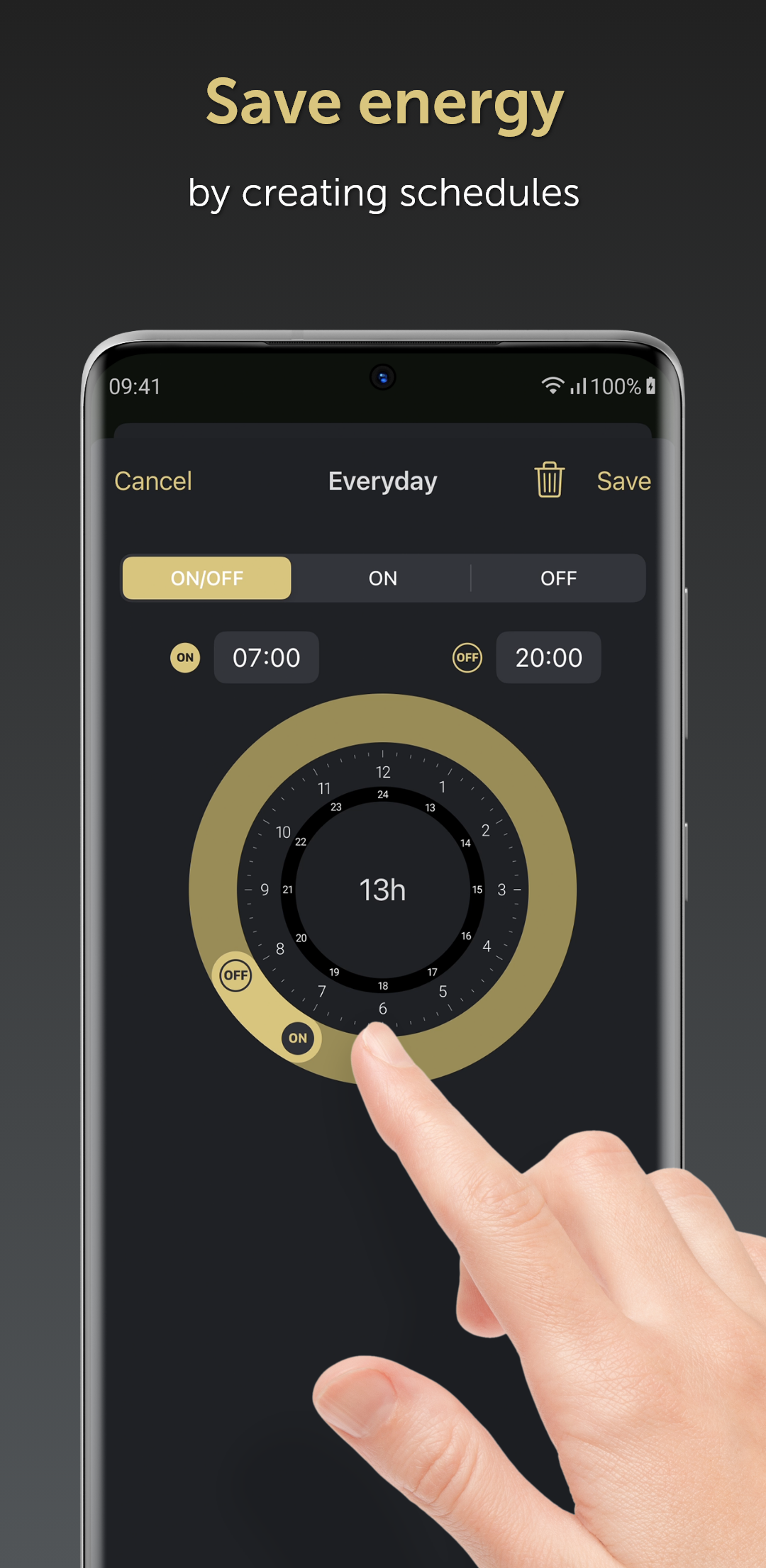
• selection of the control direction in roller shutter shortcuts • muting camera audio • collapsing the macro panel below the camera view • using custom graphics (photos) as macro icons • critical alerts in Do Not Disturb mode (depending on the smartphone) • lock control via expanders • more convenient time setting in timers • adding administrators and selecting objects for users – by the service user • automatic reconnection to the control panel after a network change • improved app stability
· Android Auto support – triggering selected macro commands · improved interface operation in the System tab · improved app operational stability · more convenient output control
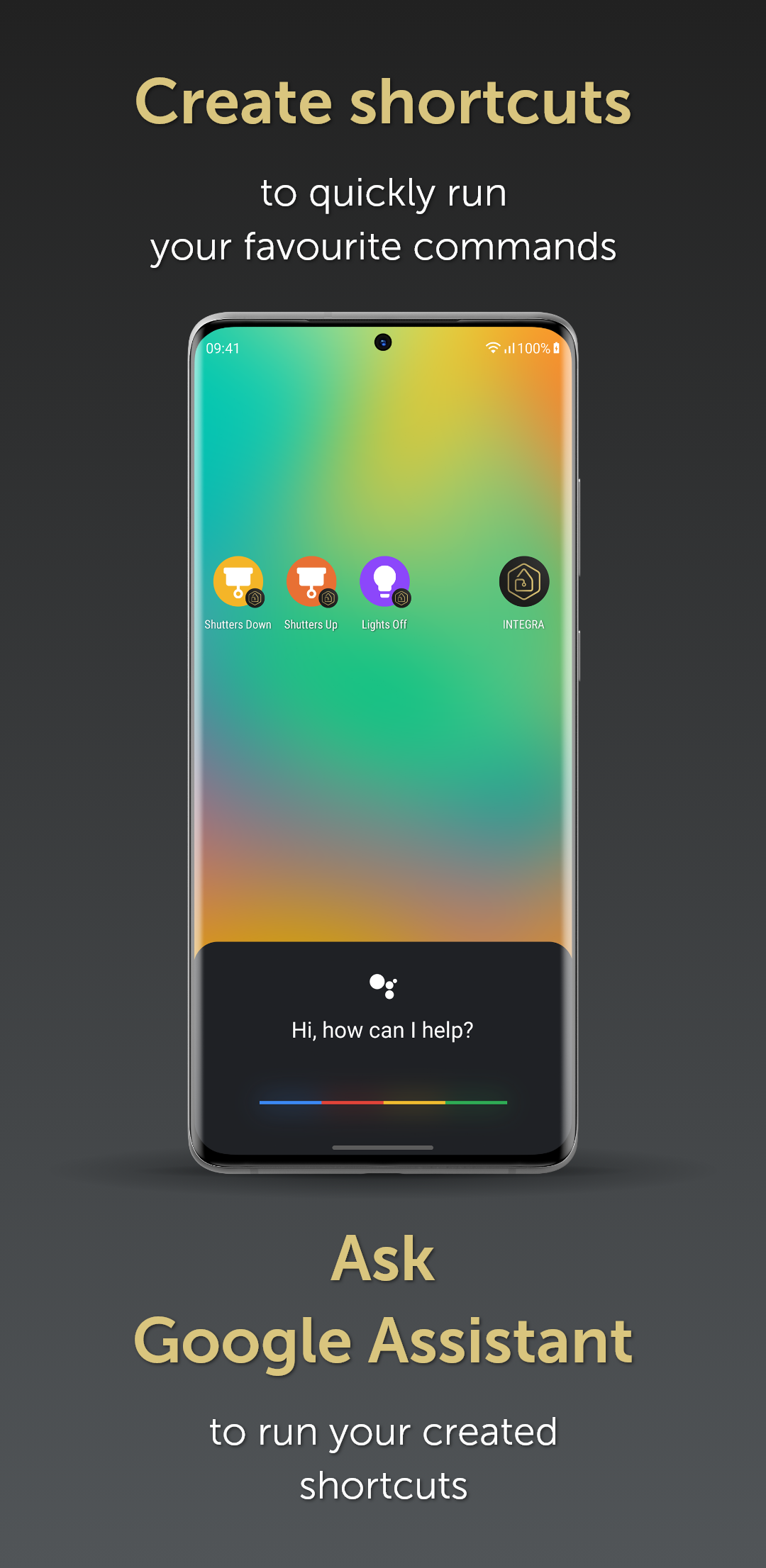
Adaptation of the application to new Android versions. Added functionality for editing notification sounds within the app. Ability to freely set the operating time of individual outputs — if needed. Searching in the list of systems by name and system parameters. Added an option to copy camera parameters. Added a help tab. Extended shortcut functionality. Improved user editing. Improved stability.