Dynamic Island: Control Center

8.4 27

v4.3 by Bamboo Interactive
Dynamic Island: Control Center アプリダウンロード Dynamic Island: Control Center アプリダウンロード

Dynamic Island - Control Centerの詳細

Bamboo Interactiveからリリースされた『Dynamic Island - Control Center』はカスタマイズアプリだ。apkfab.com/jpから『Dynamic Island - Control Center』のファイルサイズ(APKサイズ):9.1 MB、スクリーンショット、詳細情報などを確認できる。apkfab.com/jpではBamboo Interactiveより配信したアプリを簡単に検索して見つけることができる。現在、Dynamic Island: Control Center appのダウンロードも基本プレイも無料だ。『Dynamic Island - Control Center』のAndroid要件はAndroid 5.0+なので、ご注意ください。APKFabあるいはGooglePlayから『Dynamic Island: Control Center apk』の最新バージョンを高速、安全にダウンロードできる。APKFab.com/jpでは全てのAPK/XAPKファイルがオリジナルなものなので、高速、安全にダウンロードできる。
Want to make your android phone controls look like an iOS Phone? Want to use the latest dynamic island feature in the android phone?
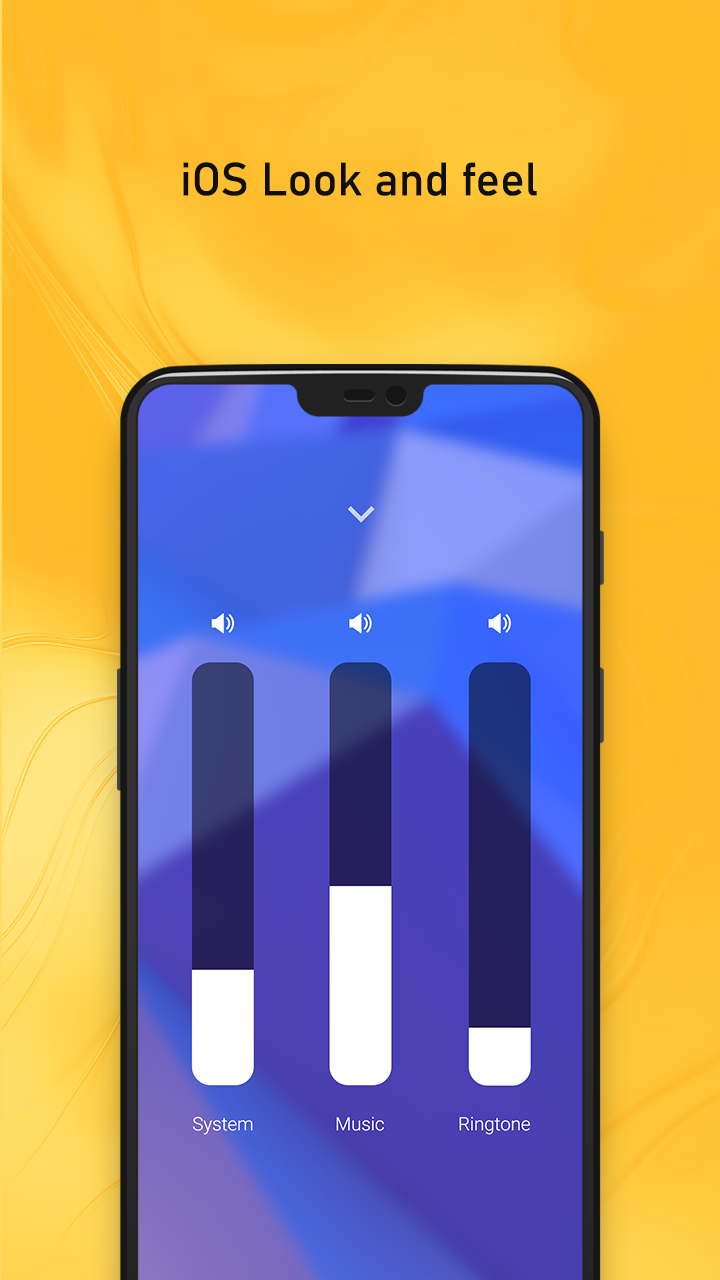
Dynamic Island: Control Center app can easily convert it for you. Easy to use iOS control settings app and use the dynamic island feature.
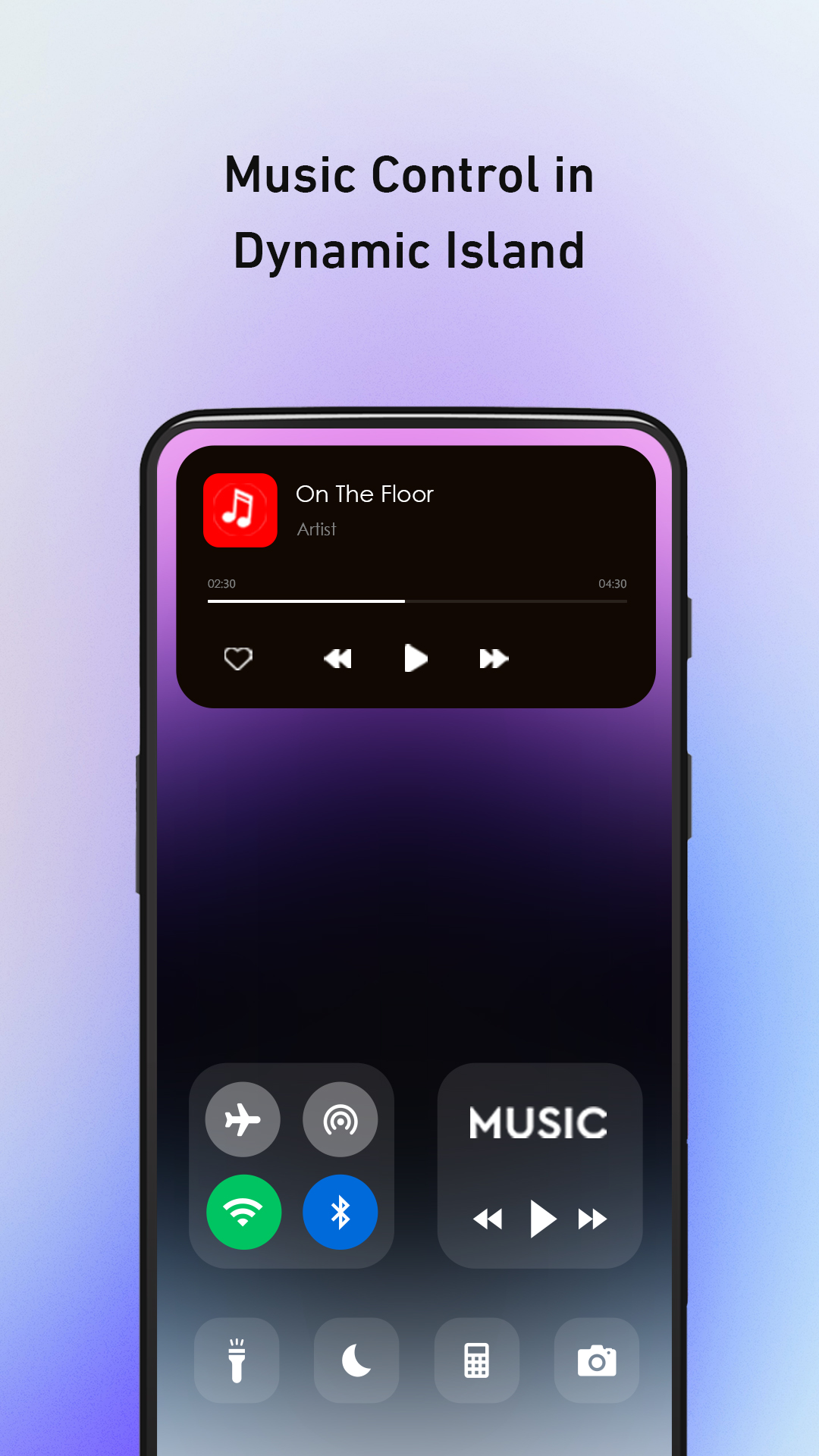
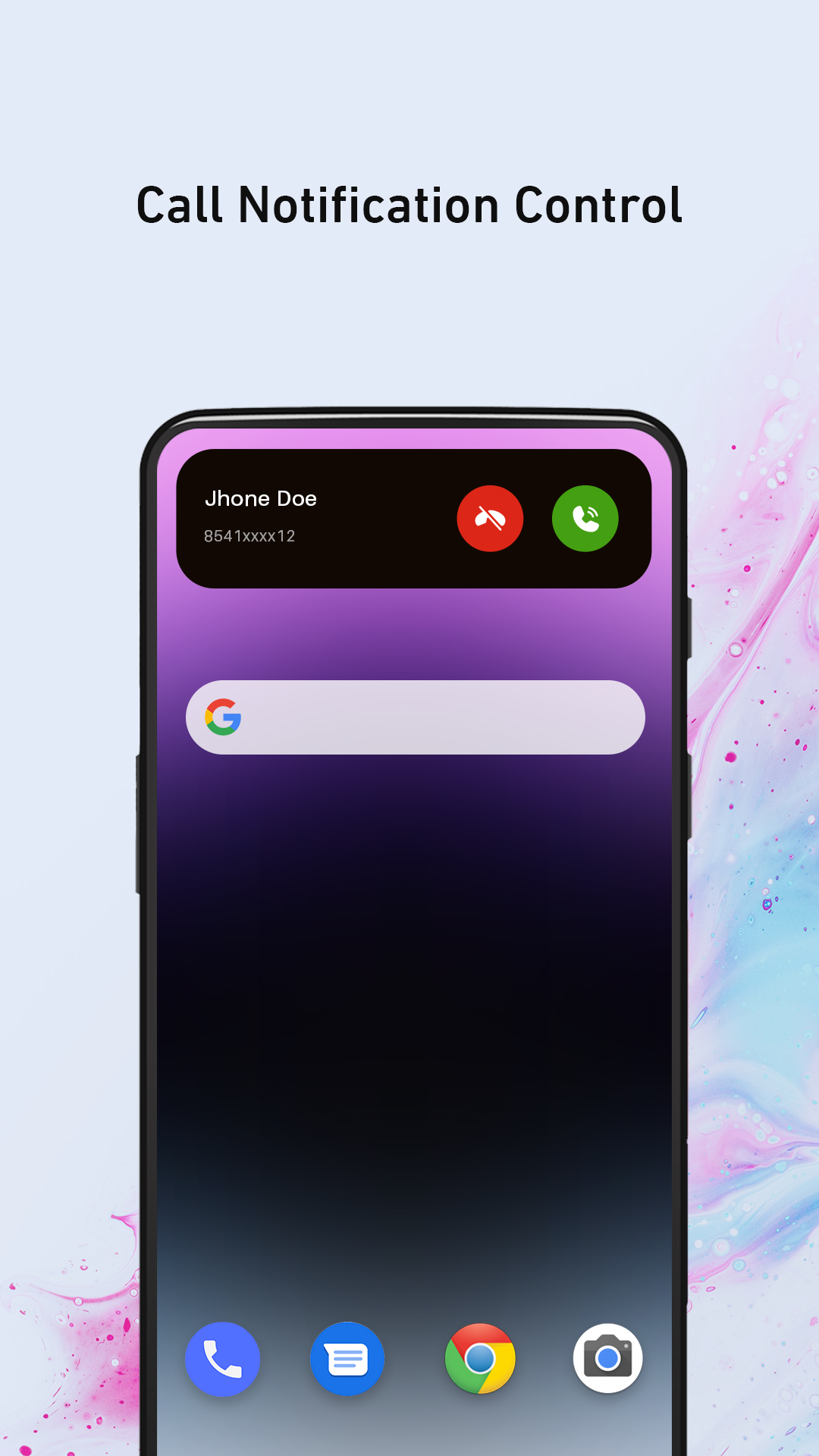
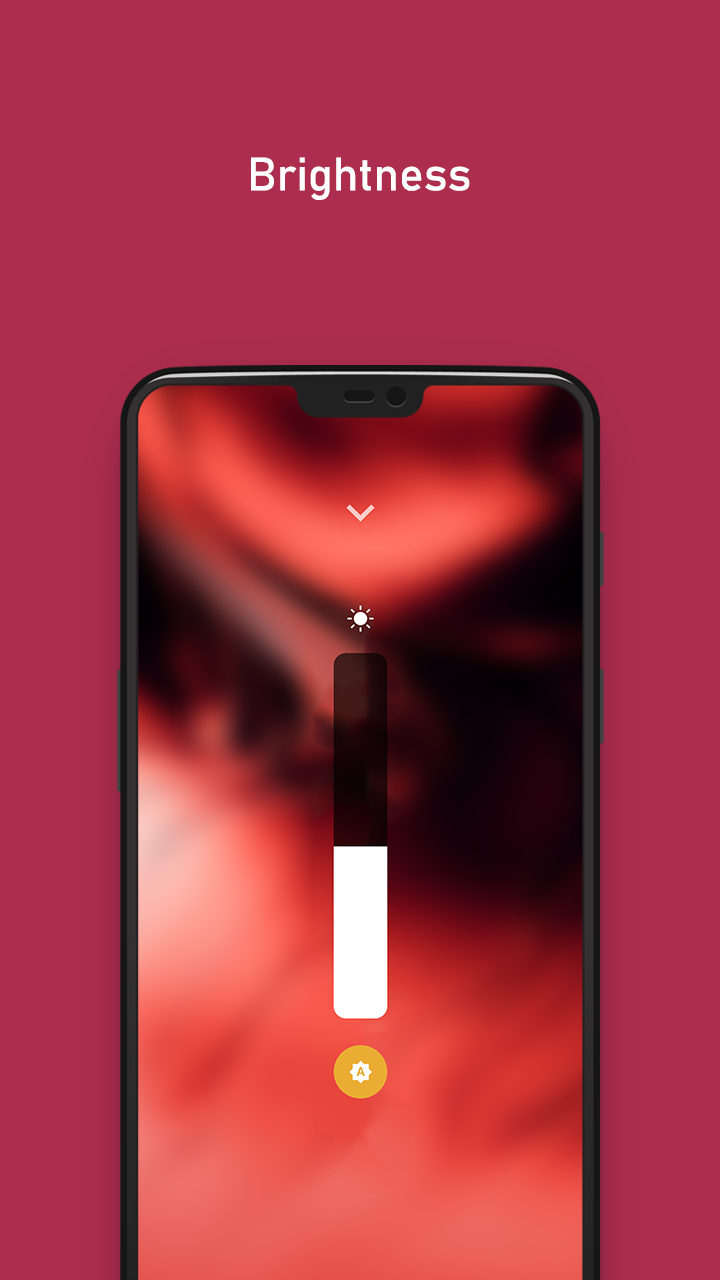
By using this quick settings customization app, Your day-to-day activity on your phone will become much more simplified. From our Dynamic Island: Control Center you can directly access many features like dynamic notification, flight mode, screen rotation, wifi, Bluetooth, a music player, Do Not Disturb, Screen TimeOut, brightness, and volume, and you can also select eight quick apps which you use frequently. This Dynamic Island Music notification app is a customization app and will give the latest ios phone look.
Dynamic Island: Control Center app will display the notification dialog with the animations. Click on it to check the notification as the feature of the latest ios phone. It will display the battery percentage and charging mode (if charging is plugged-in).
Below are a few of the features and customization options available in this app:
- Size:
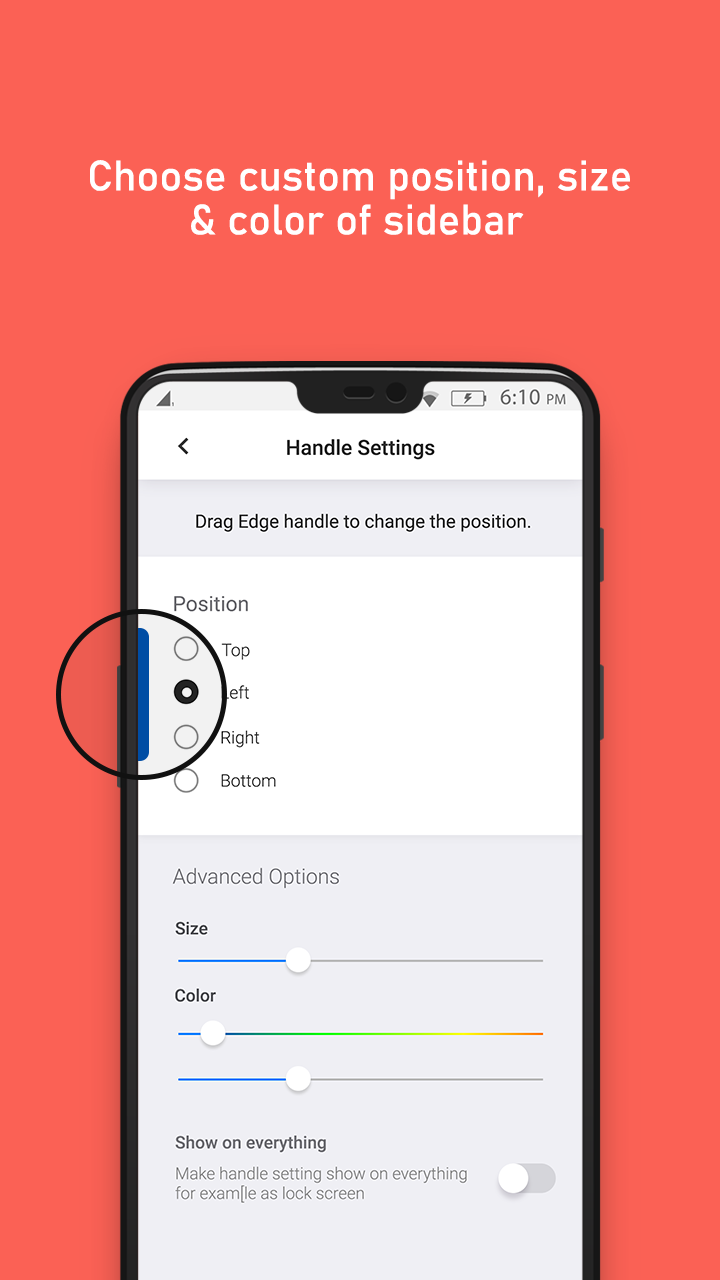
Change your Handle size by adjusting its height and width using the slide bars.
- Color:
Select your favorite color for the Handle of the iOS control center and you can also adjust its opacity as per your comfort.
- Positions:
You can keep the Handle to the left, right, or at the bottom of your screen as you
- Background:
Our iOS Phone like control center gives you a feature to customize your own background.
Background Opacity:
You can adjust background opacity by simply scrolling the slide bar, if you want to keep a translucent look you can keep it low or you can put it high for the opaque look.
Colors:
You will have multiple color options by selecting your favorite color for the iOS control center on your android device you can boost the whole look of your phone or keep changing colors to experience new looks daily. We provide two color type options solid and Gradient. If you like to keep one color for your whole panel then you can go for solid colors. The gradient option can keep a mixture of two colors. You can go for linear gradient or radial gradient. In Linear gradient, you can select the design flow and in radial, you can adjust the circular radius of the design.
Custom Background:
If you don't want to have colors in the background and set images you can do that too. You can also capture photos from your phone and set it as the background or else you can select an existing image present in your gallery.
- Recording Setup:
In this app you can also do screen recording. If you want to check what others are doing when they are using your phone here you can see the whole video. We give you five different video resolution options and you can also adjust video quality. You can also record audio along with the video if you do not require audio you can turn off the audio option. You can select the video orientation type as portrait or landscape.
- Music control:
Our iOS Phone control center also has a music player option. Our music player option has play/pause, and forward and backward buttons. So now you don't need to open your music apps all the time.
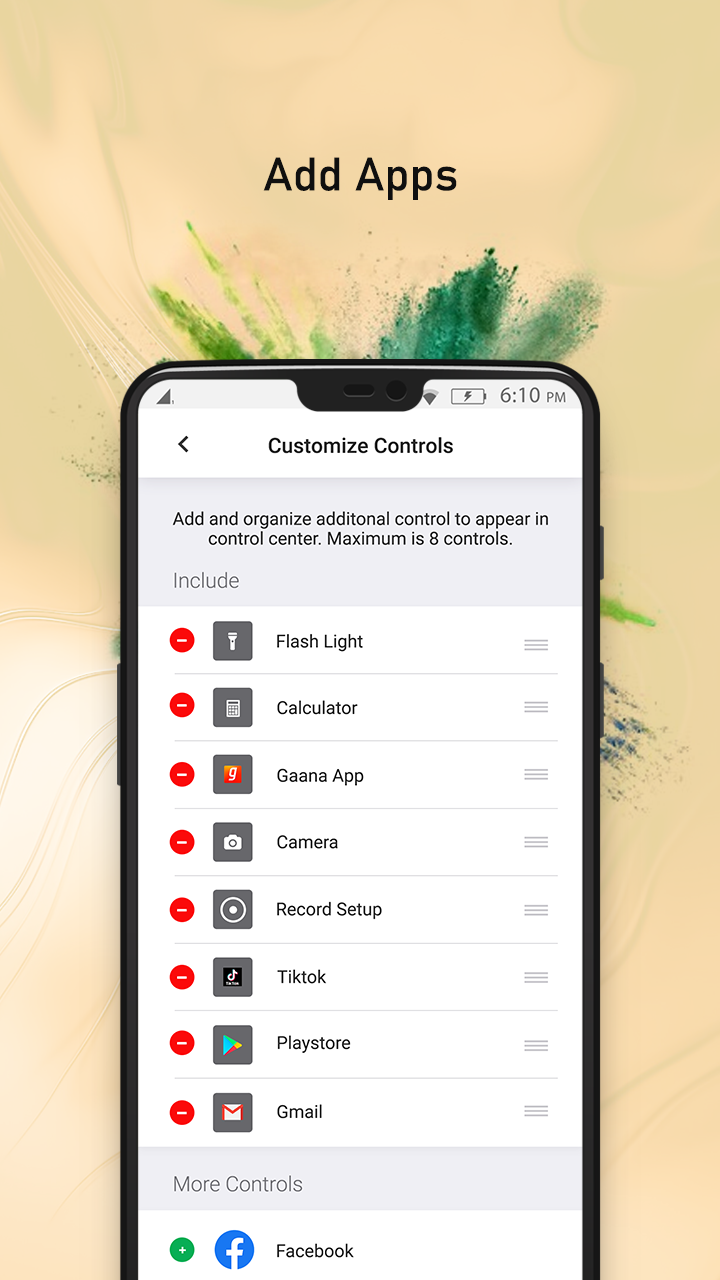
- Customize Control:
Here, you can select the apps which you use frequently on your android phone, and then you can access all those apps directly from this quick settings panel.
If you are a fan of the iPhone and iPad user interface and want something similar for your android device then you will surely like this iOS skin app with the latest dynamic island feature. So what are you waiting for? download our iOS Control Center Panel for your android device to make your android phone look like an ios phone and day to day access to the phone much more easier and faster along with a cool latest iOS phone look and feel.
続きを読む
Dynamic Island - Control Center 特徴
バージョン履歴 もっと見る
Dynamic Island: Control Center
Dynamic Island: Control Center 4.3 APK
2022年09月30日 9.1 MB
Variant
Arch
Version
DPI
arm64-v8a, armeabi-v7a, x86, x86_64
Android 5.0+
120-640dpi
arm64-v8a, armeabi-v7a, x86, x86_64
Android 5.0+
120-640dpi
Dynamic Island: Control Center
Dynamic Island: Control Center 4.3 XAPK APKs
2022年10月01日 9.05 MB

Requires Android: Android 5.0+

Architecture: arm64-v8a

Screen DPI: 160-640dpi

SHA1: 00f75894d989ca740a71d30d3665563a28e1d75c

Size: 9.05 MB

Dynamic Island: Control Center
Dynamic Island: Control Center 4.2 APK
2022年08月12日 7.82 MB

Requires Android: Android 4.4+

Architecture: arm64-v8a

Screen DPI: 160-640dpi

SHA1: 168450957f9d6e1bad0cb2e4234e4fd14b60501d

Size: 7.82 MB

Dynamic Island: Control Center
Dynamic Island: Control Center 4.2 XAPK APKs
2022年08月12日 9.15 MB
Variant
Arch
Version
DPI
arm64-v8a
Android 4.4+
120-640dpi
armeabi-v7a
Android 4.4+
120-640dpi
追加情報

パケージ名:

com.ioscontrol.centerpanel

更新日:

最新バージョン:

4.3

バージョンアップ申請:

最新版提出

Android要件:

Android 5.0+