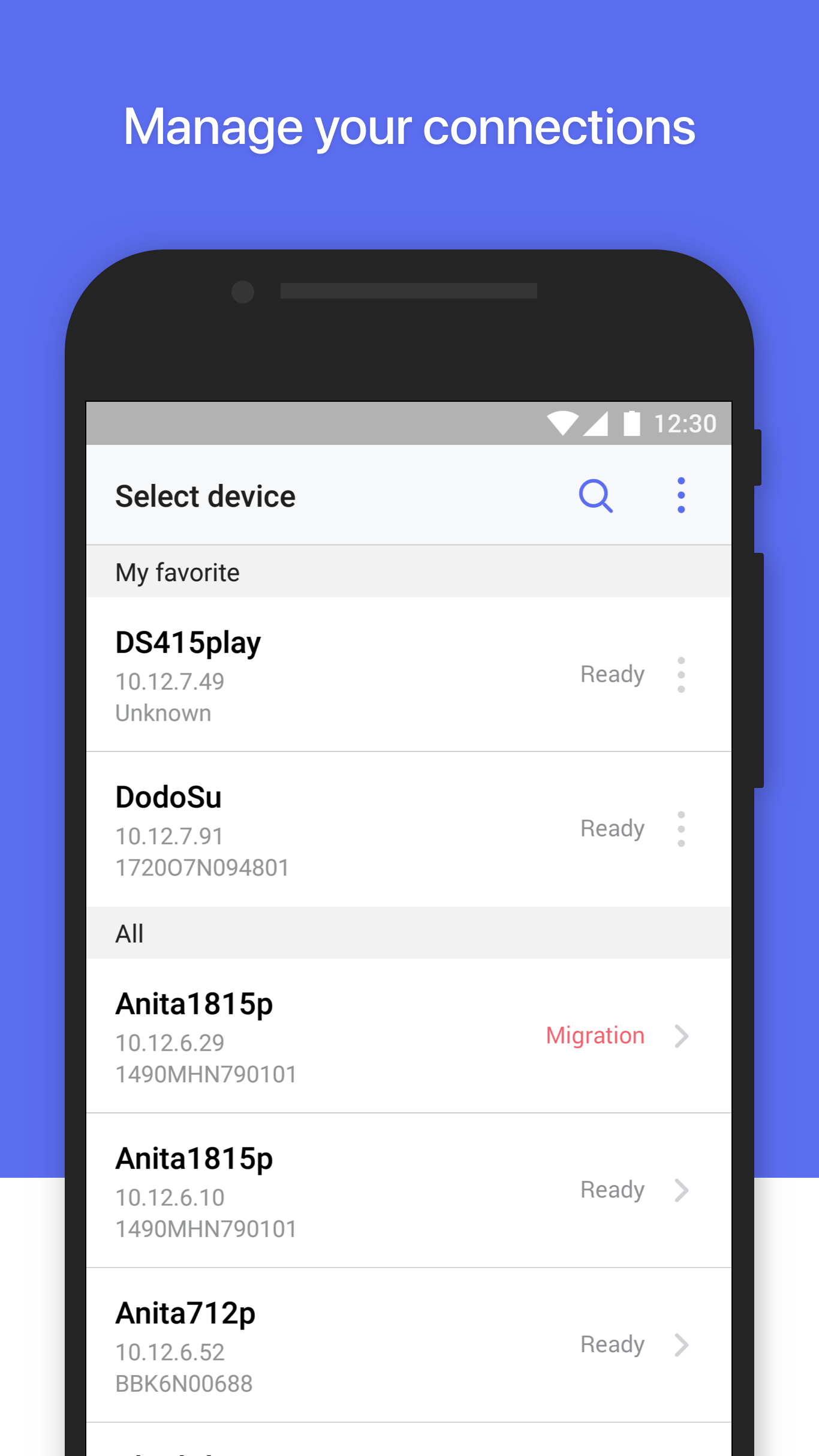
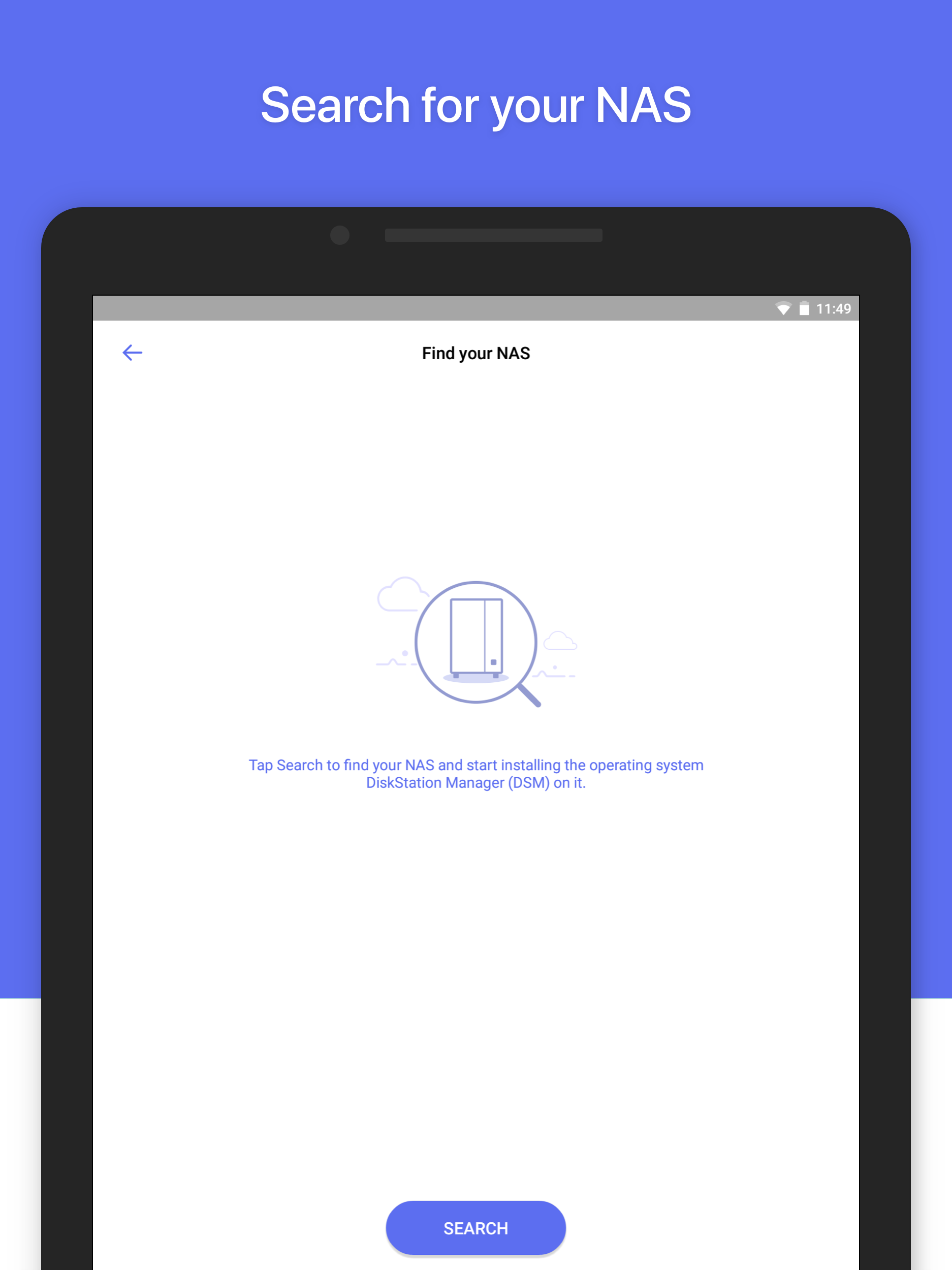
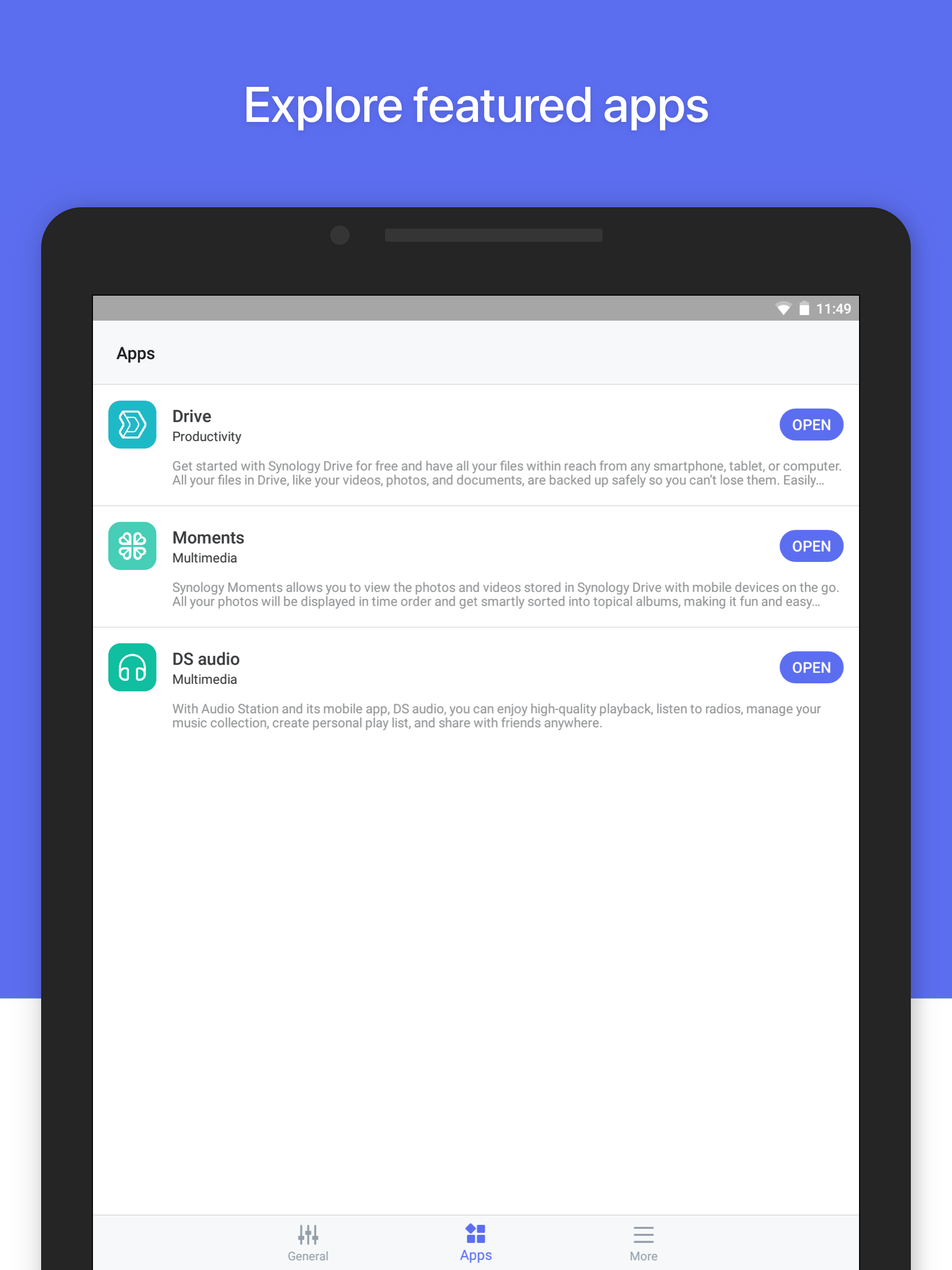
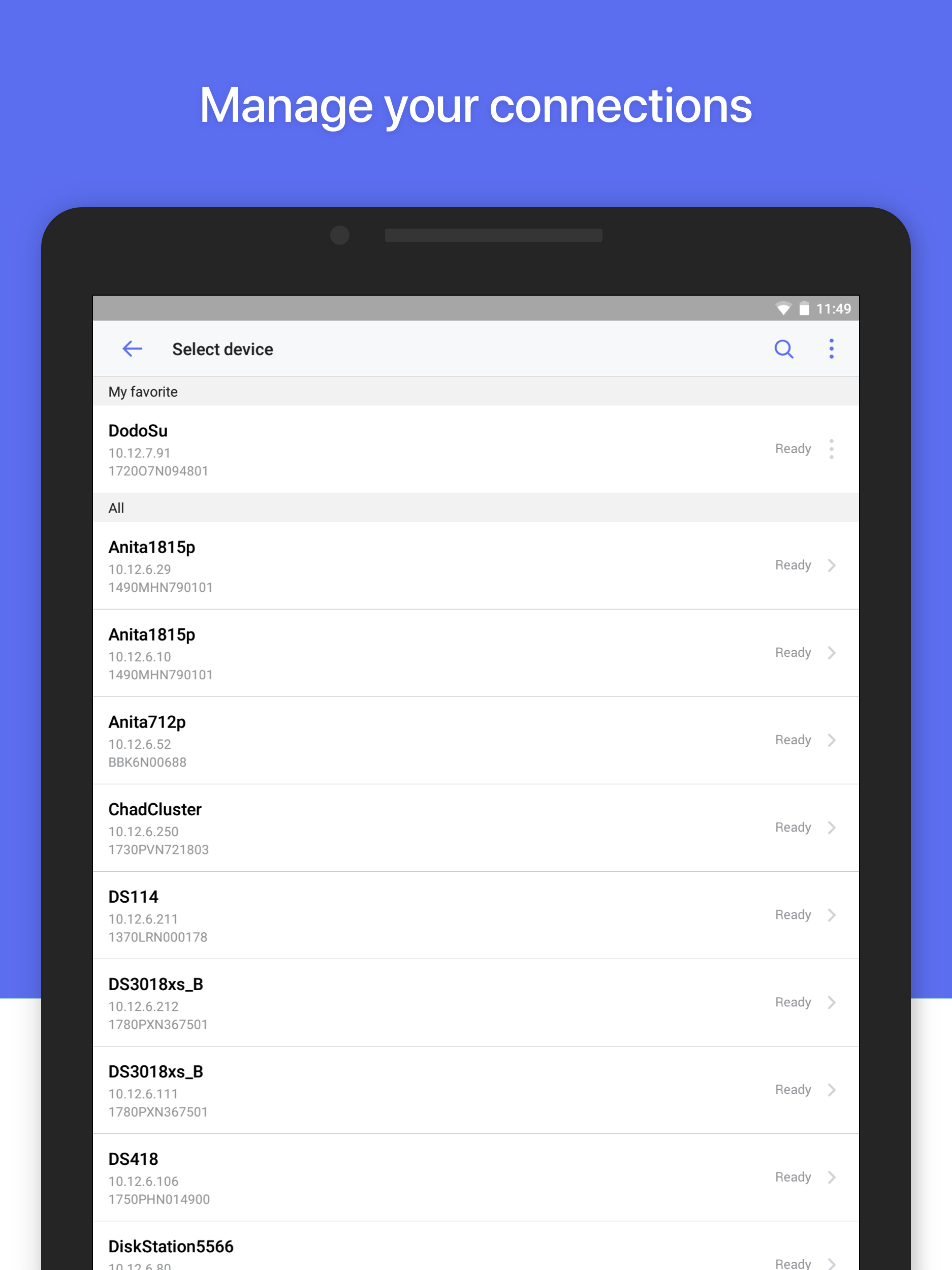
Synology Inc.からリリースされた『DS finder』はツールアプリだ。apkfab.com/jpから『DS finder』のファイルサイズ(APKサイズ):65.84 MB、スクリーンショット、詳細情報などを確認できる。apkfab.com/jpではSynology Inc.より配信したアプリを簡単に検索して見つけることができる。『DS finder』に似ているアプリや類似アプリは200個を見つける。現在、DS finder appのダウンロードも基本プレイも無料だ。『DS finder』のAndroid要件はAndroid 8.0+なので、ご注意ください。APKFabあるいはGooglePlayから『DS finder apk』の最新バージョンを高速、安全にダウンロードできる。APKFab.com/jpでは全てのAPK/XAPKファイルがオリジナルなものなので、高速、安全にダウンロードできる。
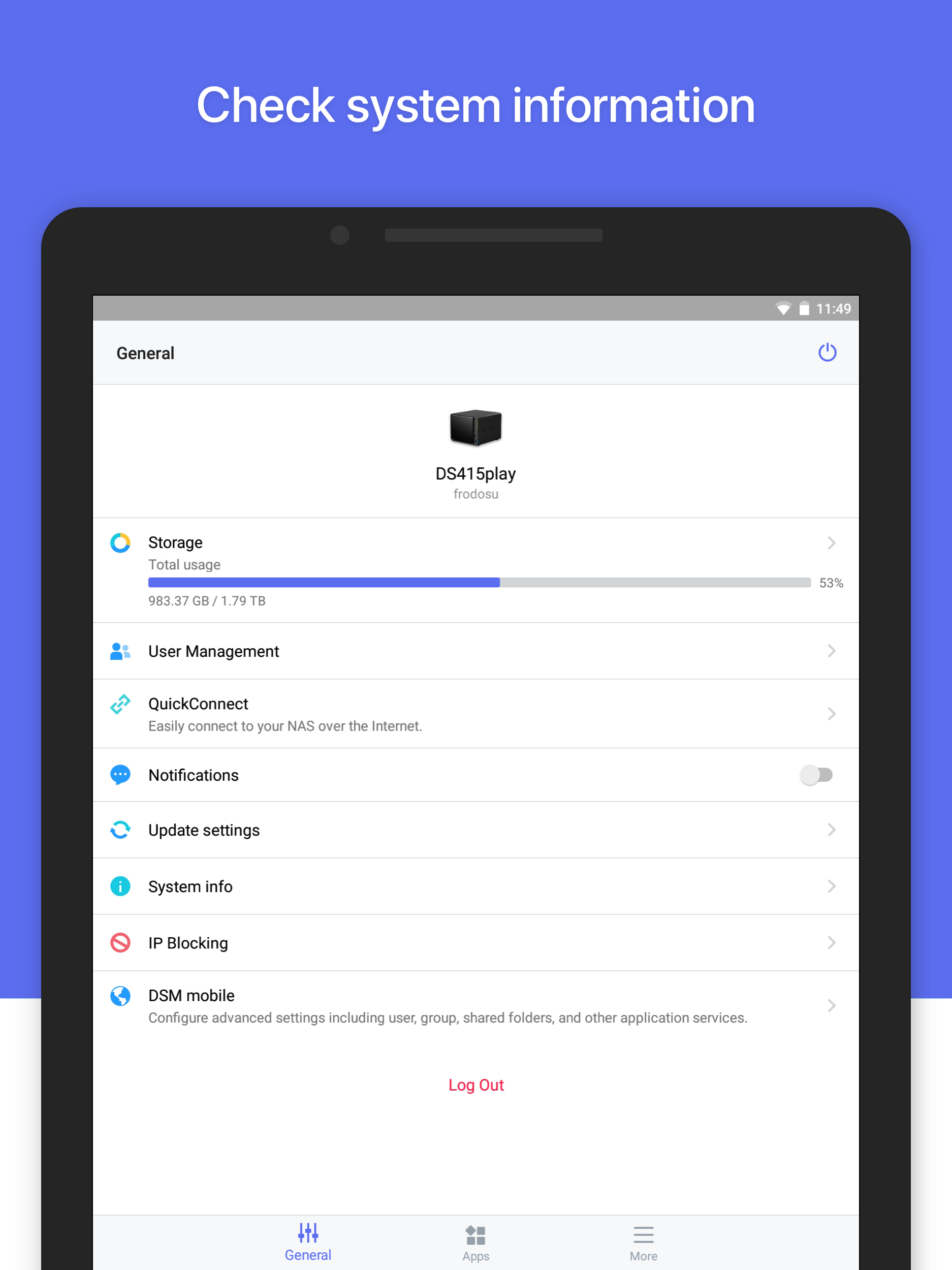
*このアプリを実行するには、Synology NAS を所有している必要があります* DS finder を使用すると、Synology NAS をセットアップおよび管理し、NAS 関連の通知を送信して、Synology アプリの世界への扉を開くことができます。もちろん、これらの機能はすべて携帯電話から直接アクセスできるので、DS finder を使用した複雑なセットアップや管理に別れを告げる必要はありません。 1. DSファインダーはほとんどのモデルでサポートされています(ラックマウントモデル、FSおよびXSシリーズのデスクトップモデル、EDS14を除く)。 アプリに関するすべての詳細な機能については、当社の Web サイトをご覧ください。 https://www.synology.com/dsm/7.0/software_spec/dsm#affiliate_utility__ds_finder
DS finder 2.5.5 アップデート
Fixed Issues 1. Fixed an issue where users might not be able to sign in via QuickConnect on Android 15. 2. Minor bug fixes.
Important Notes 1. For 25-series models, users need to choose between automatically installing important versions or all the latest versions at the scheduled time. Fixed Issues 1. Fixed an issue where the drive status displayed in DSM and the app might be inconsistent. 2. Minor bug fixes. Limitations 1. For 25-series models, updating to this version is recommended to ensure smooth first-time OS installation via the app.
What's New 1. Supports setting the time zone for Synology NAS during first-time installation. Fixed Issues 1. Fixed an issue where the first-time installation didn't resume after the app was reopened during the process. 2. Fixed an issue where the app might display incorrect drive details. 3. Fixed an issue where login to the app might fail due to insufficient mobile phone memory. 4. Fixed an issue where users were not directed to the Notifications page after tapping push notifications.
What's New 1. Supports displaying device connection statuses and hostnames. 2. Adjusted the interface on the General page. 3. Improved error message display and information. Fixed Issues 1. Fixed the storage status inconsistency between the application and DSM. 2. Fixed the incorrect unread message counts for push notifications. 3. Fixed the issue preventing the login page from displaying. 4. Fixed abnormal UI display in DSM 7.2 from mobile to desktop mode. 5. Minor bug fixed.