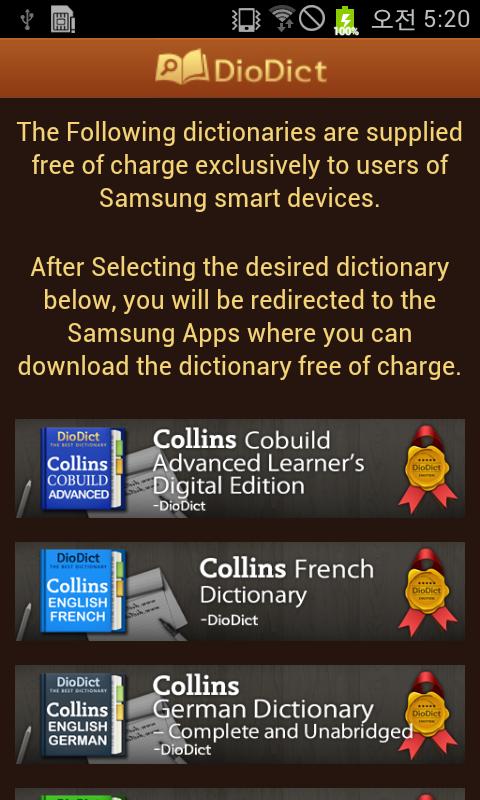
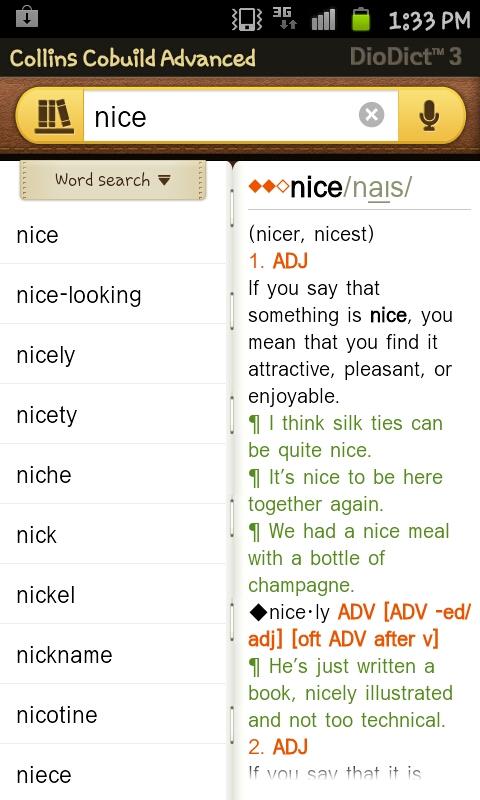
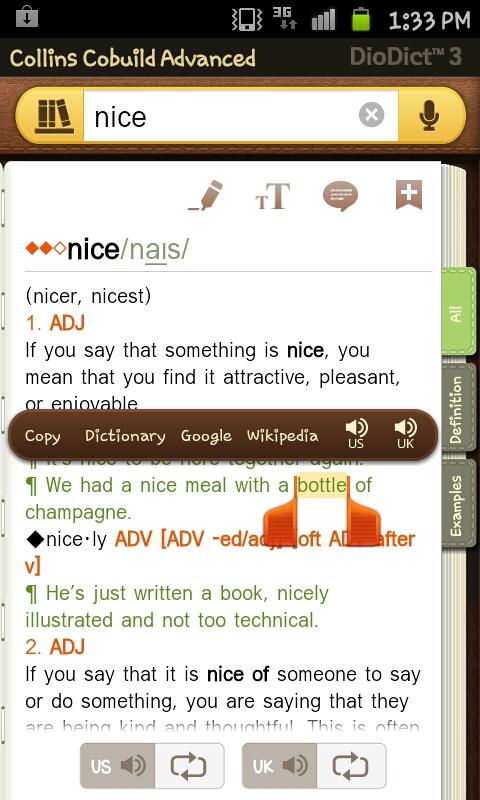
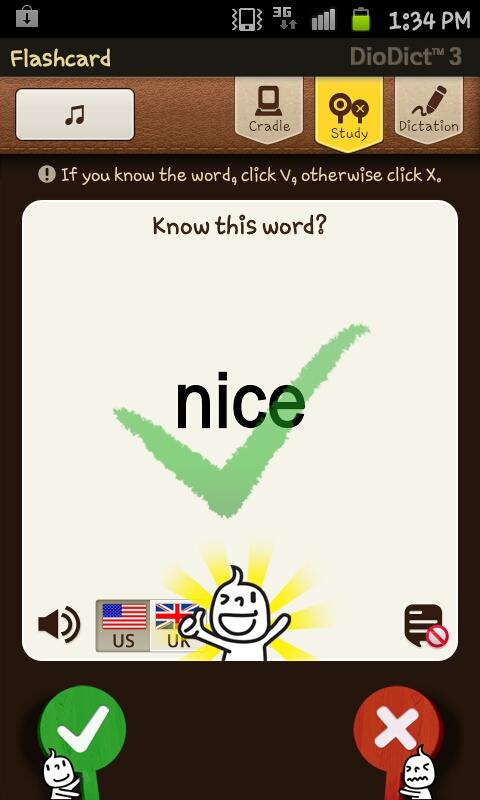
Samsung provides the following premium quality dictionaries free of charge to all users of Samsung smart devices. No need to buy the app on the online app store, simply download the dictionary for free, compliments of Samsung. After selecting the desired dictionary below, you will be redirected to the Samsung Apps where you can download the dictionary free of charge. Collins Italian-English Dictionary Collins French-English Dictionary Collins Spanish-English Dictionary Collins German-English Dictionary Collins Portuguese-English Dictionary Collins Greek-English Dictionary Collins Polish-English Dictionary Collins Cobuild English Dictionary Abbyy Lingvo Russian-English Dictionary Abbyy Lingvo Ukrainian-English Dictionary Norstedts Swedish-English Dictionary Vega Norwegian-English Dictionary Gyldendal Danish-English Dictionary Van Dale Dutch-English Dictionary Gummerus Finnish-English Dictionary Berlitz Turkish-English Dictionary Librairie du Liban Arabic-English Dictionary Gramedia Indonesian-English Dictionary Oxford Malay-English Dictionary Lac Viet Vietnamese-English Dictionary Dr Wit Thai-English Dictionary Star Learner's Hindi-English Dictionary Star Learner's Urdu-English Dictionary Star Learner's Tagalog-English Dictionary Star Learner's Farsi-English Dictionary An Gúm Irish-English Dictionary Our complimentary dictionaries are all compiled by leading publishers with many years of experience in dictionary-making. Their dedicated team of lexicographers makes use of a vast array of language data to compile up-to-date dictionaries with a wealth of examples and grammatical information. The word definitions are written specifically to enable language users to know how and when to best use a particular word. ★Dictionary Search Features • Search for any headword in the dictionary at the touch of a button • wildcard search: enter “?” in place of a letter when you are unsure of the spelling (e.g., “man?ver” retrieves the word “maneuver”). • search for words inside a definition by simply clicking on the word of interest and selecting "Hyper Text". ★Vocab Revision • history menu lists all your recent word searches. • save words and expressions to any number of flashcard folders. ■ Homepage: http://www.selvasai.com