Clido Video Makerの詳細
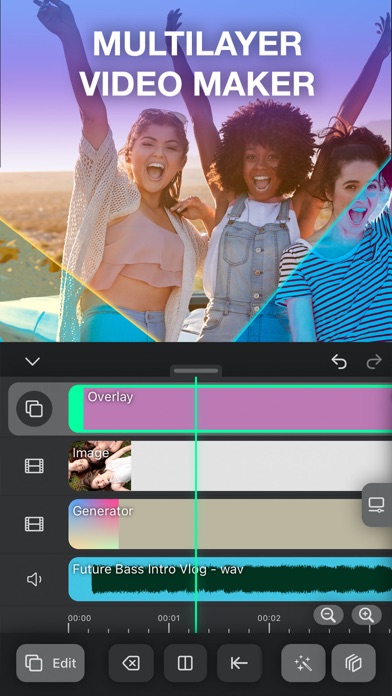
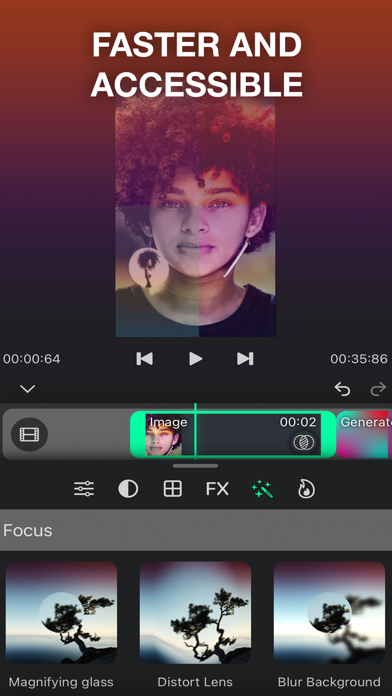
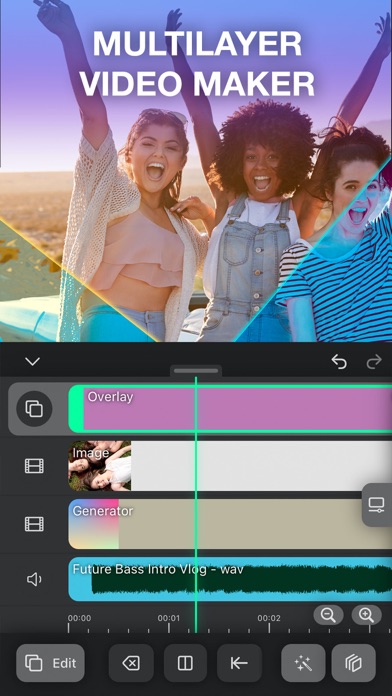
John's Appsからリリースされた『Clido Video Maker』は動画プレーヤー&エディタアプリだ。apkfab.com/jpから『Clido Video Maker』のファイルサイズ(APKサイズ):35.95 MB、スクリーンショット、詳細情報などを確認できる。apkfab.com/jpではJohn's Appsより配信したアプリを簡単に検索して見つけることができる。現在、Clido Video Maker & Editor appのダウンロードも基本プレイも無料だ。『Clido Video Maker』のAndroid要件はAndroid 5.0+なので、ご注意ください。APKFabあるいはGooglePlayから『Clido Video Maker & Editor apk』の最新バージョンを高速、安全にダウンロードできる。APKFab.com/jpでは全てのAPK/XAPKファイルがオリジナルなものなので、高速、安全にダウンロードできる。
If you’re looking for a professional video editing system then Lightworks is one of the best on the internet. This software is jammed full of useful utilities and features that more meet the needs of any user.
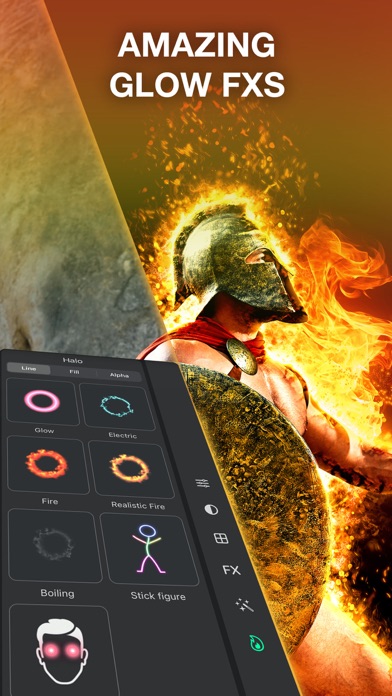
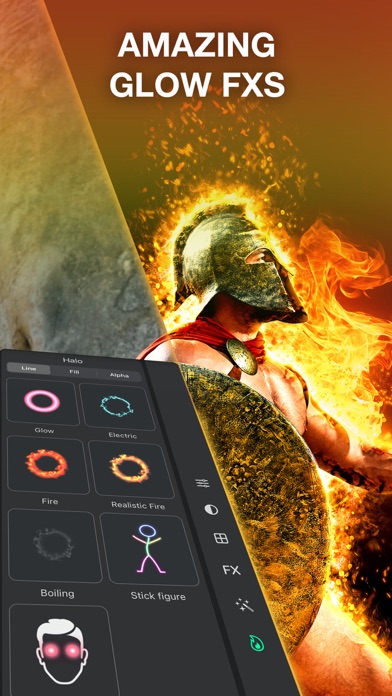
Add music and dazzling special effects to your Clideo Video Maker pro, Musical.ly, Instagram and Youtube videos. It just takes one click to add beautifully crafted effects to any video.
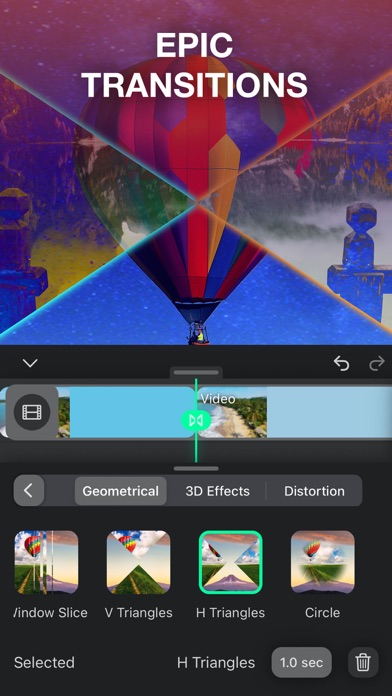
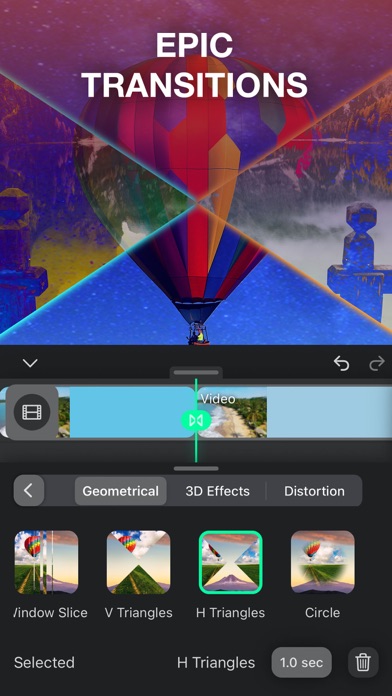
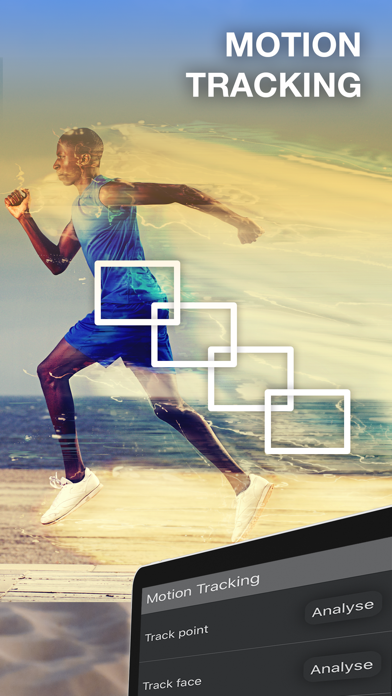
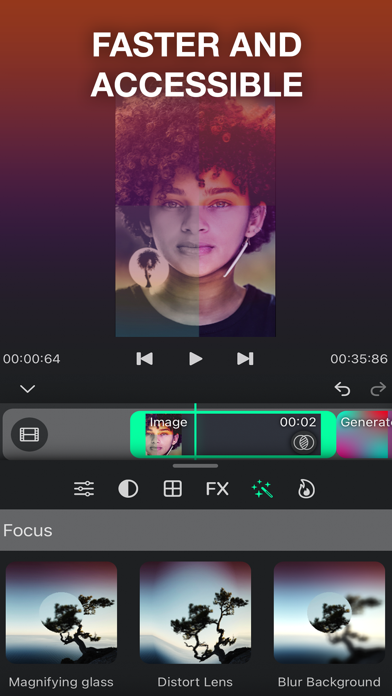
Clideo Video Maker pro Powerful FREE HD Video Editor and Video Maker with professional features. Supports all key standard HD videos including MP4, AVI, H261, H264, FLV, MKV, M4V, 3GP, MOV, MPEG, VOB, RMVB, TS, M2TS, WMV, ASF and many more. Add music, transition effects, text, emoji and filters, blur background and etc!
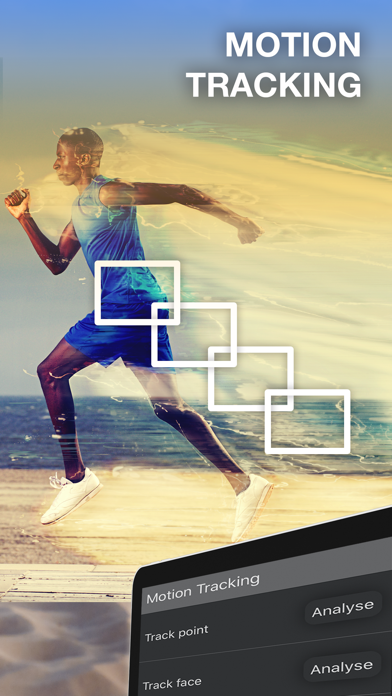
Professional video editing features, record your precious moments of your daily life. Top movie maker and HD pro video editor with music, helps you create video with ease, edit video for YouTube, Instagram, TikTok, Whatsapp, Facebook, Twitter, etc.
Clideo Video Maker pro is also a photo editor. Edit pictures and selfie, make collage and add text and stickers. Make stories for Instagram. Clideo Video Maker pro is the Pro Video Editor and Free Video Maker app, with all video editing features: cut video, trim video, crop video, merge video, edit video with music, add stickers to video, add text to video, and so on. Download Clideo Video Maker pro to edit video with music & effects!
How to make a video in Clideo Video Maker pro
Step 1:
Upload files
Step 2:
Make a video
Step 3:
Save the result
Why use simple pictures as a YouTube or Facebook Cover? Get creative! Make a video using your favorite moments captured as clips and photos, and add a special song.
With the tool, you can not only merge files but also crop, add a crossfade effect, select the necessary resolution and format of an output video.
続きを読む