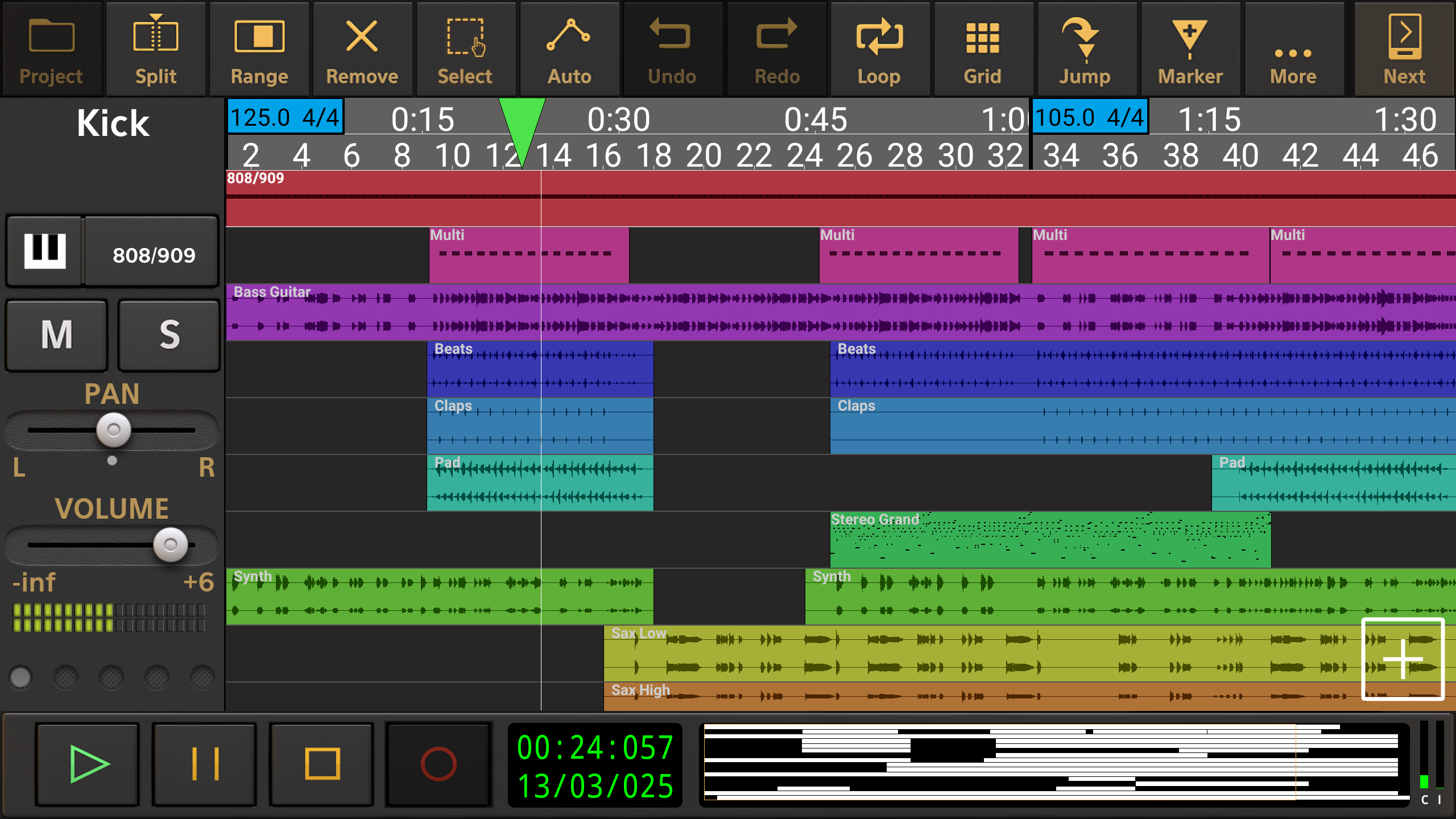
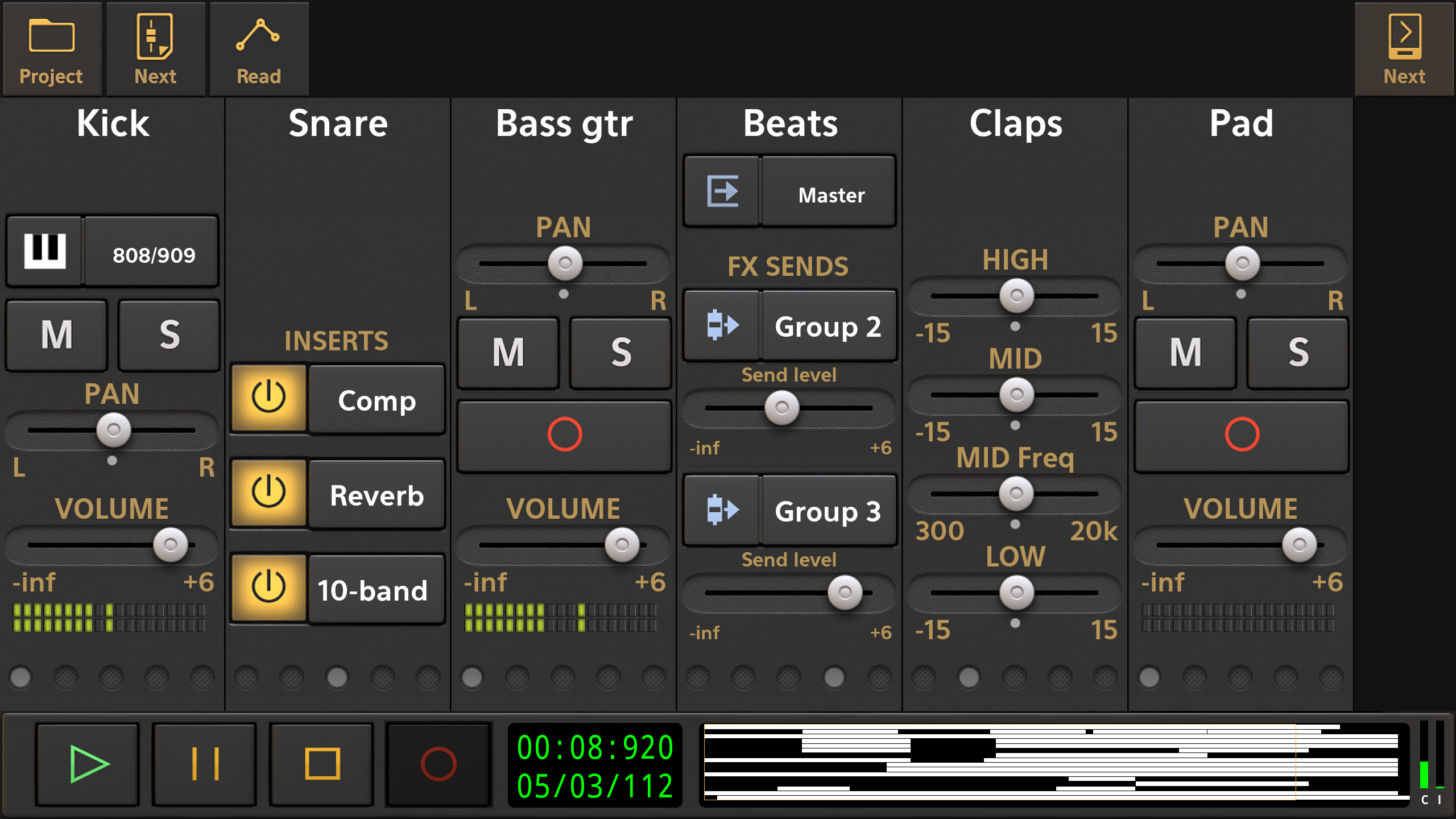
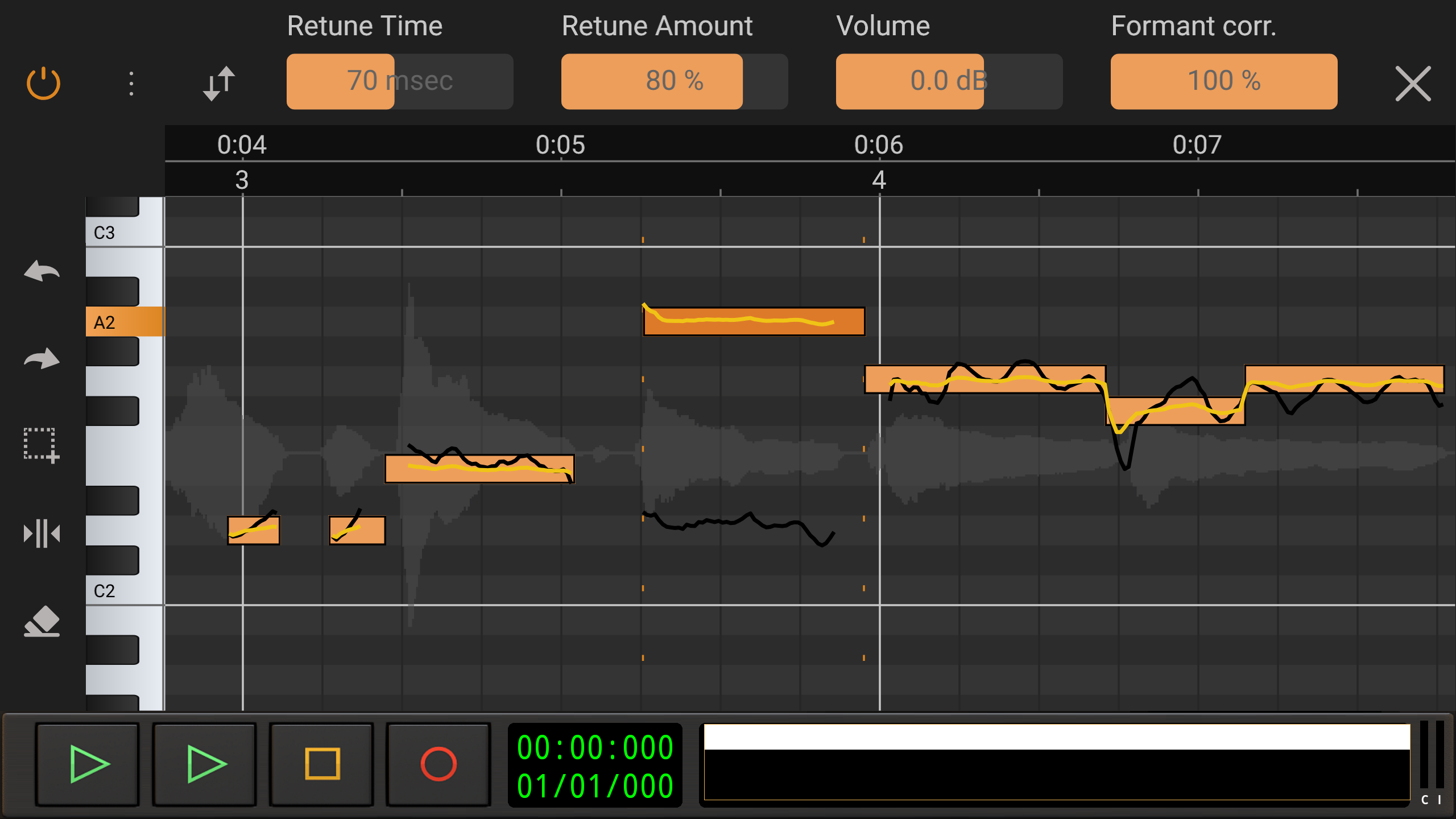
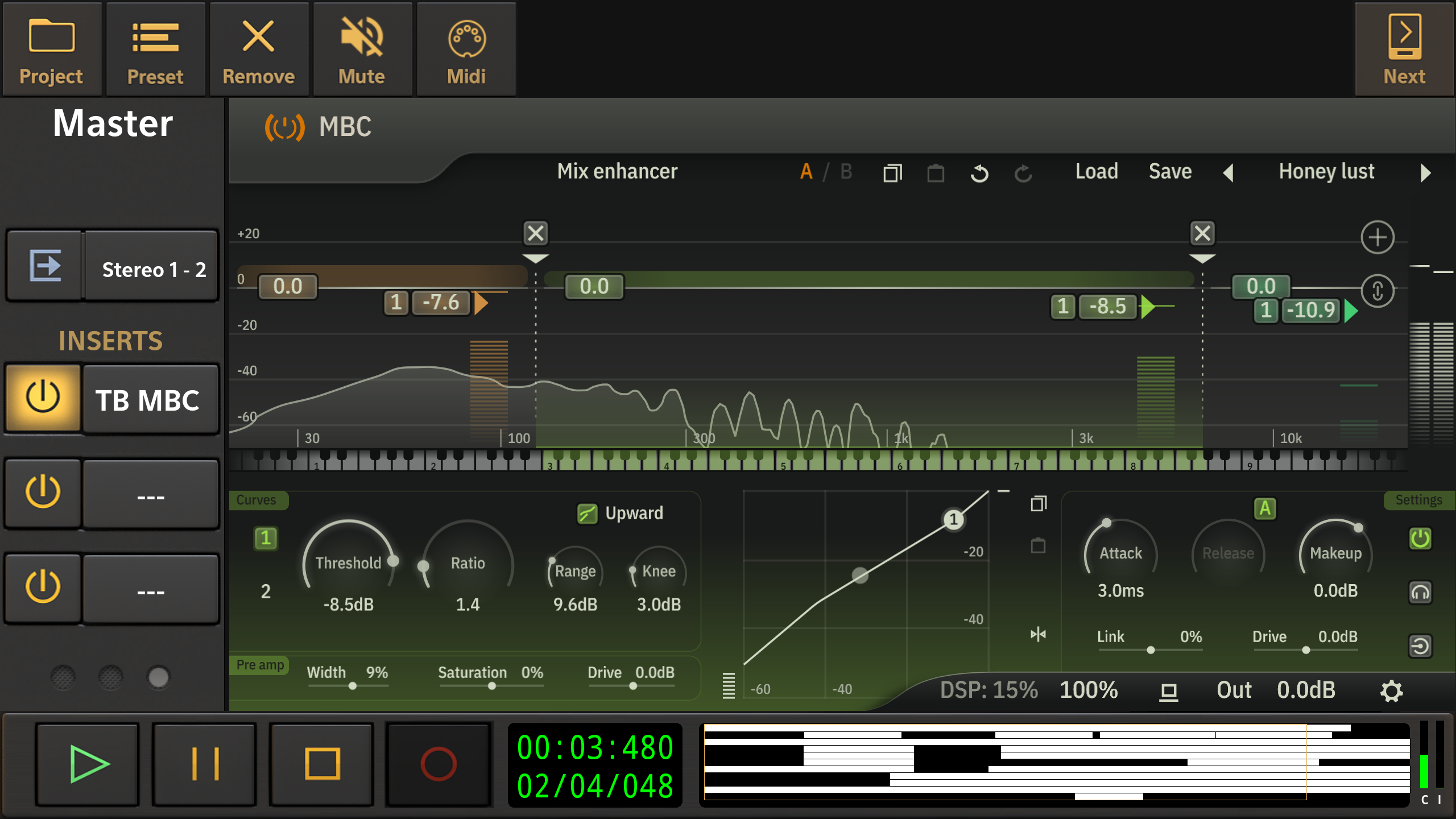
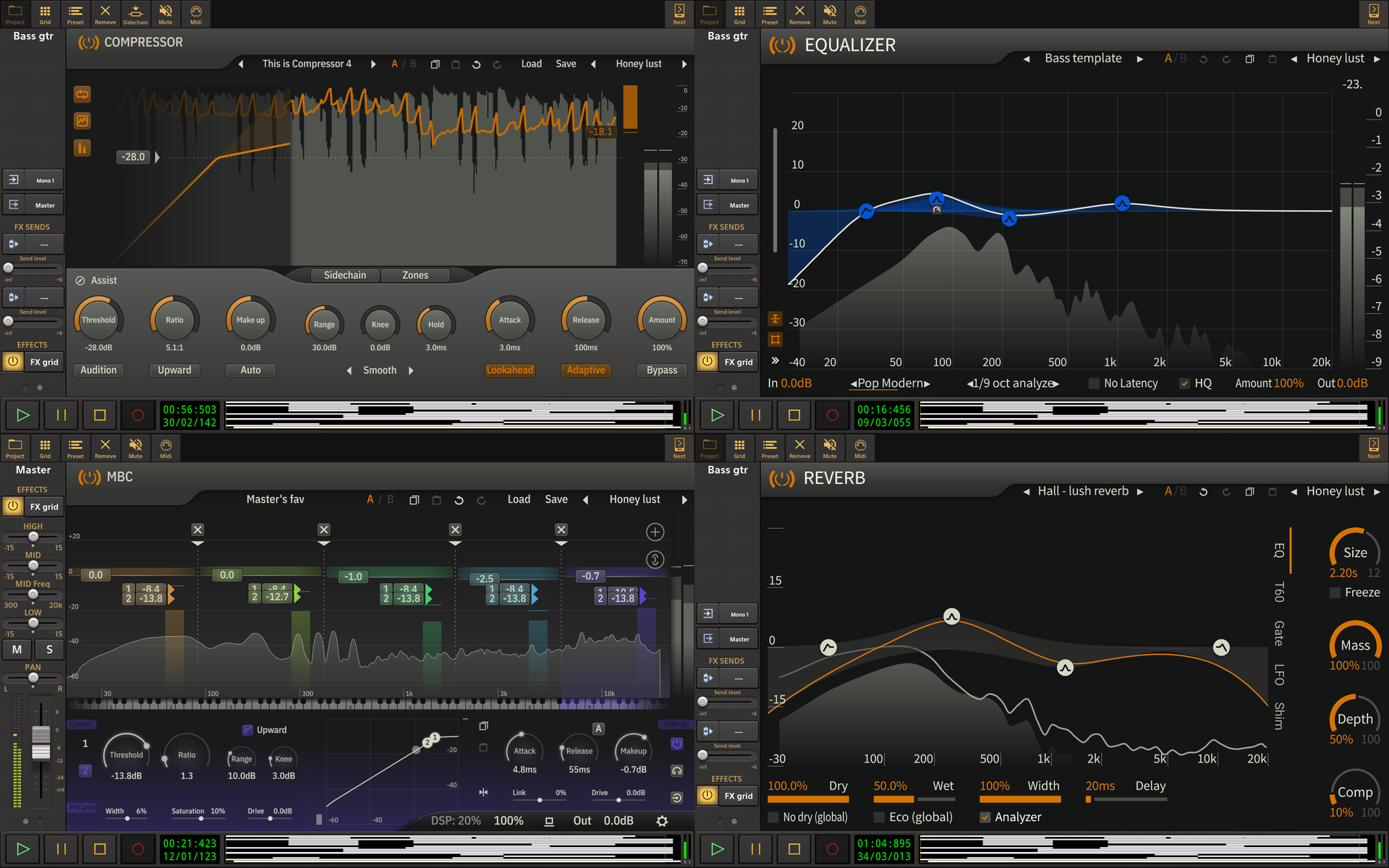
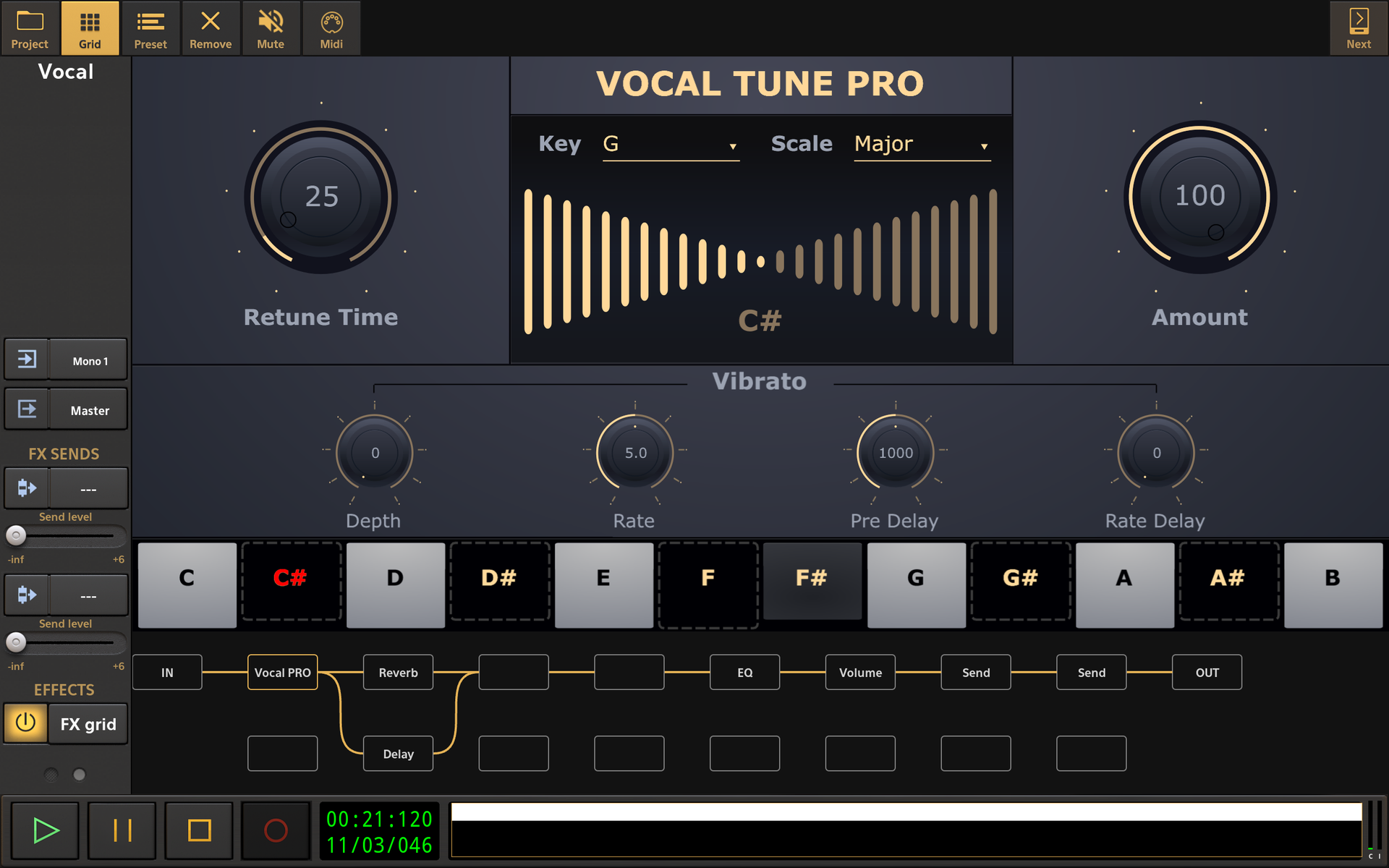
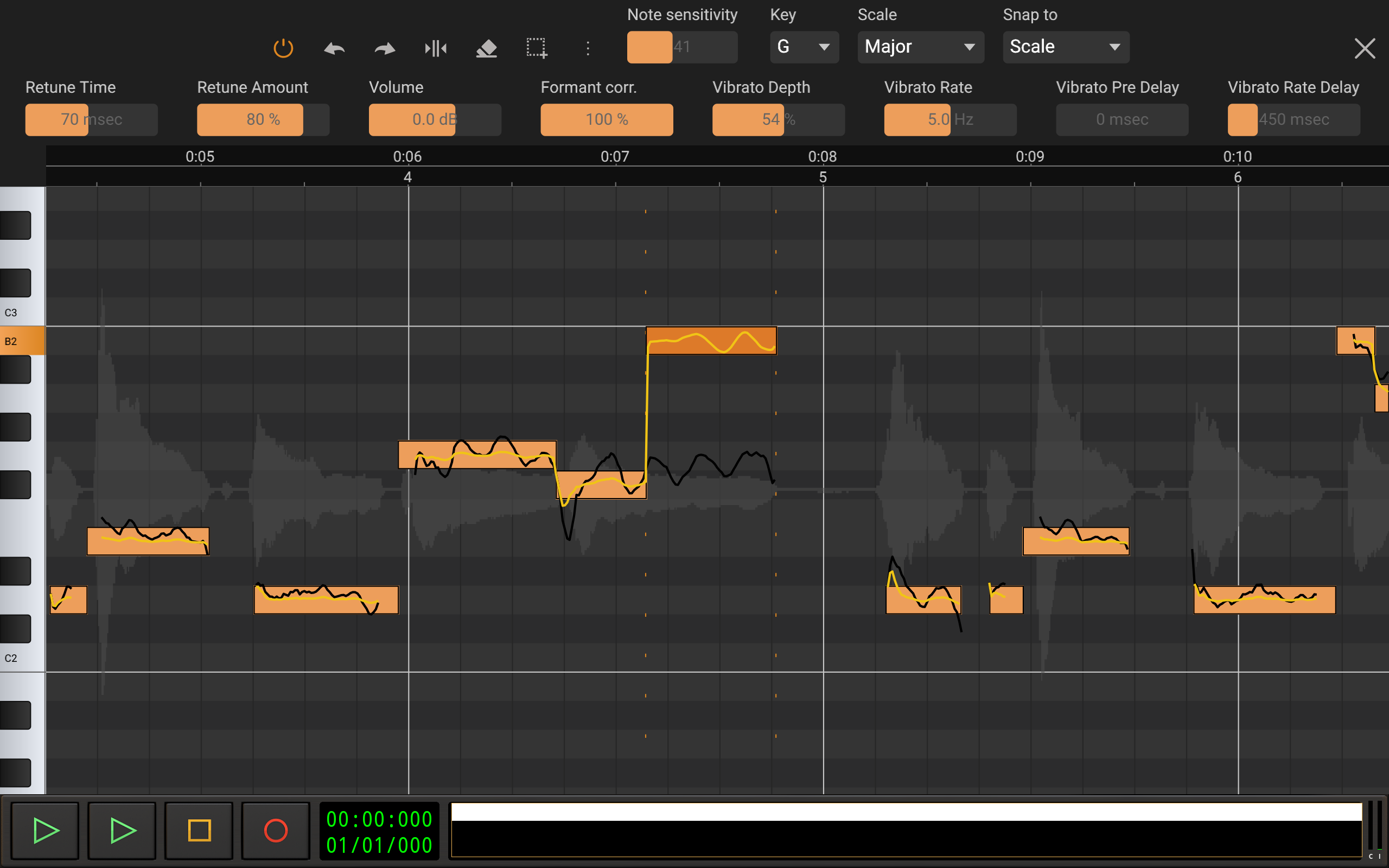
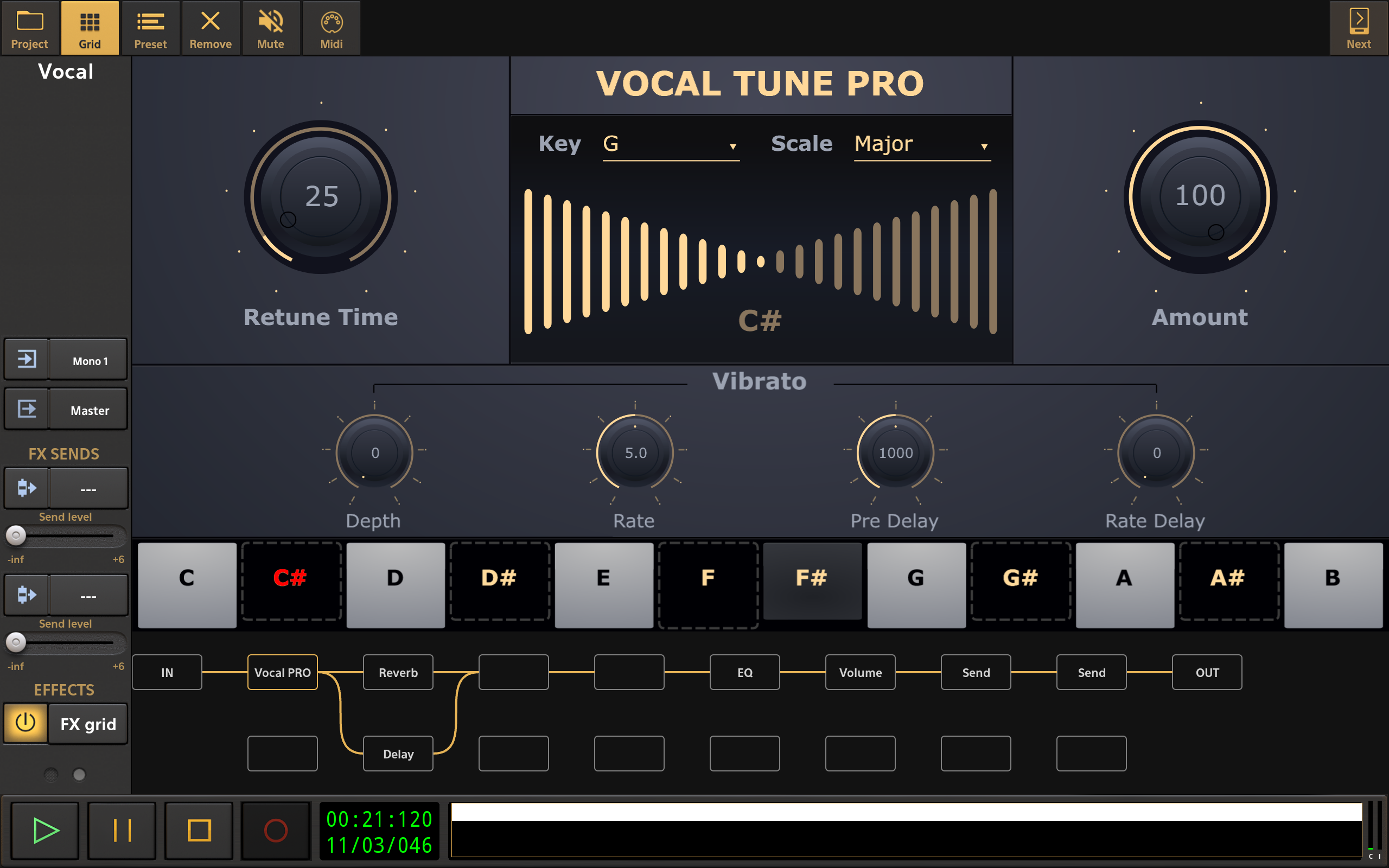
eXtream Software Developmentからリリースされた『Audio Evolution Mobile TRIAL』は音楽&オーディオアプリだ。apkfab.com/jpから『Audio Evolution Mobile TRIAL』のファイルサイズ(APKサイズ):67.01 MB、関連ムービー、pv、スクリーンショット、詳細情報などを確認できる。apkfab.com/jpではeXtream Software Developmentより配信したアプリを簡単に検索して見つけることができる。『Audio Evolution Mobile TRIAL』に似ているアプリや類似アプリは200個を見つける。楽曲認識というのタッグは『Audio Evolution Mobile TRIAL』を含む。現在、Audio Evolution Mobile TRIAL appのダウンロードも基本プレイも無料だ。『Audio Evolution Mobile TRIAL』のAndroid要件はAndroid 10.0+なので、ご注意ください。APKFabあるいはGooglePlayから『Audio Evolution Mobile TRIAL apk』の最新バージョンを高速、安全にダウンロードできる。APKFab.com/jpでは全てのAPK/XAPKファイルがオリジナルなものなので、高速、安全にダウンロードできる。
* Added an option to set the cross-fade time for scenes (long-press on the scene for the pop-up menu). Note that this currently only applies to volume. * Improved speed of listing the Portal Import data. * Live Performance projects could not be imported by Portal Import. Solved. * Solved a crash when selecting another track as input and arming the track with a USB audio interface connected.
* Added a 'Scenes' button to the Live Performance mode. A scene contains mixer channel, effect and instrument parameter states. Switching between scenes is very fast and allows to arm and un-arm groups of tracks, which is quicker than loading projects. * Added an option 'Let notes finish after un-arming' to the Live Performance settings. This will keep on playing held notes until release. * Scan for BT MIDI devices will now also find aggregate devices with MIDI functionality. and more..
* Added an option 'Load songs on selection' to the Live Performance settings * Added a new parameter 'Leslie mode 2' to Evolution B3 where the first third is off, then slow, then fast which is easier to use with an expression pedal. * Added a MIDI 'Panic' button to Live Performance mode. * Added support for Valeton devices. * Solved recording problem for the ToneX Plug. * Added 'MIDI remote control' to the ADSR control pop-up menu in Live Performance mode. and more...