Native Clipboard Manager

7.8 467

v4.8.1 por DHM47

Descargar APK de Native Clipboard Manager Descargar APK de Native Clipboard Manager

Sobre Native Clipboard

🏆 #9 on Android Police's Picks For The 20 Best Android Apps Of 2015
🏆 #7 on PhoneArena's Best Android Apps Of 2015
"The double-tap action is impressively fast for an app like this." -Android Police
"Native Clipboard Is a Clipboard Manager That Stays Out of the Way" -Lifehacker
Native clipboard provides easy and seamless access to anything you copied by simply double clicking the desired text field. Then choosing a clip will automatically paste it.
The clips can be :
• Swiped away to delete them.
• Long clicked to view the whole text.
• Pinned to prevent deleting (Using the 3-dot menu).
How to use
•Accessibility - Double tapping edit fields (other option available under Advanced)
•Xposed - Long pressing the Paste button OR from contextual action bar which appears when you select some text
Floating layout
The clipboard can be moved to show the keyboard, for example adding a space or a new line.
Add and Edit
Adding new clips or editing existing ones.(long click on clip, then either double tap or open the 3-dot menu)
Themable
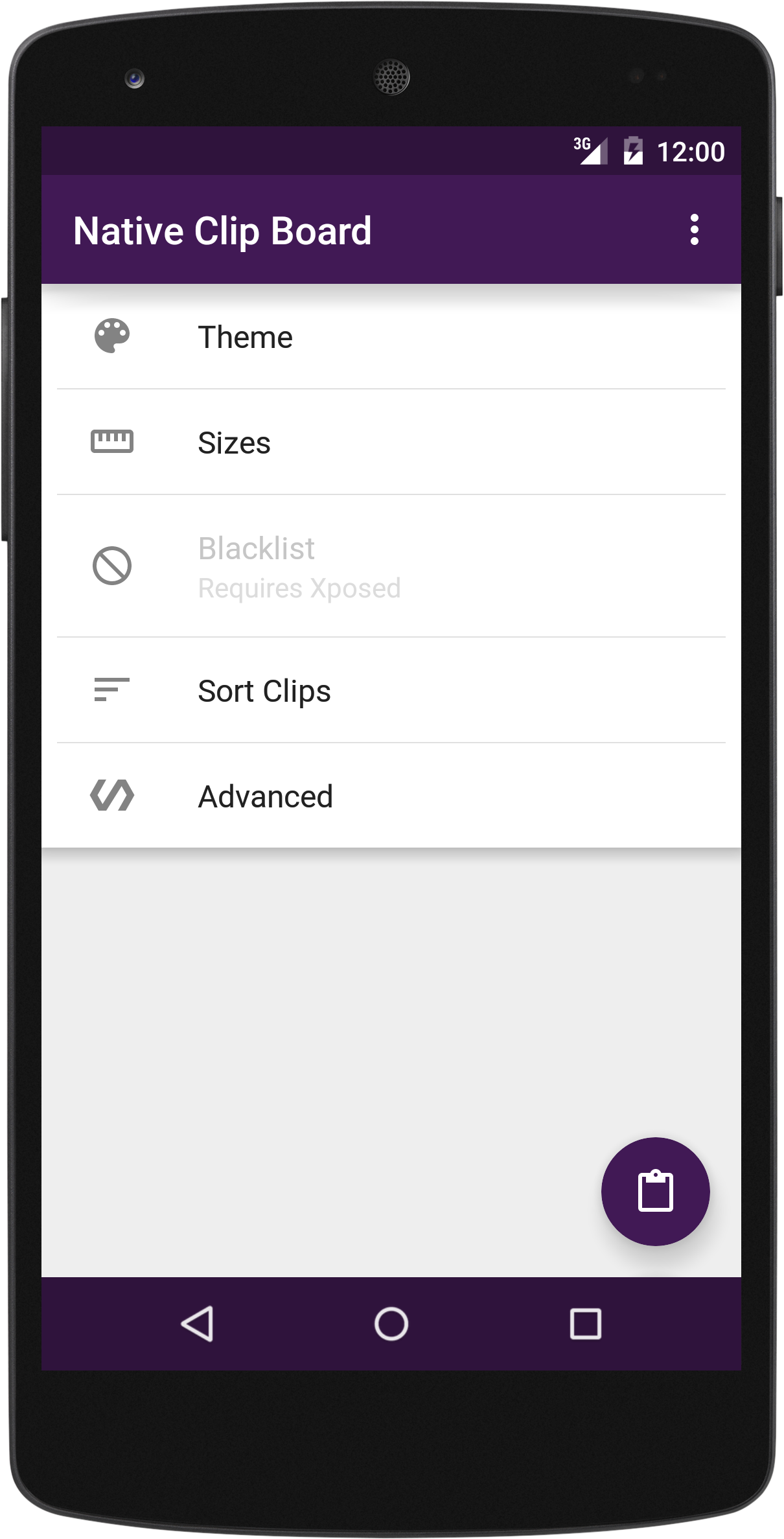
The colors of the clipboard can be easily changed though the app. Or choose one of the predefined themes
Sizes & limits
• The height of the clipboard can be changed (set it to match the keyboard for a better look).
• The limit of how many clips can be stored can also be changed (default is 25).
• The text size in the clipboard can also be changed.
• The number columns in the clipboard can be changed.
Sorting
•Sort by the time (newest first)
•Sort by state (pinned first/last)
Material Design
The app follows the guidelines as close as possible.
-Snackbar for Undo, and floating labels for the text fields will be added soon.
Browser support
Access the clipboard in Chrome using the floating circle. (only 5.0+)
Xposed
• The app will work on 4.0+ (ICS+)
• Blacklisting : Choose the apps that will not be monitored for copied text (ex. Password managers).
• Browser support (Chrome,Firefox and System built-in based browsers)
• Can edit and add clips
•This app is Open Source
https://github.com/DHM47/Native-Clip-Board
For a detailed comparison see (http://forum.xda-developers.com/showpost.php?p=62089779&postcount=2)
Accessibility |vs| Xposed module
•Works on:- 4.3+ || 4.0+
•Xposed:- No || Yes
•Usage:- Double tap || Long Click paste/Selection menu
•Browsers:- No || Yes
•Blacklist:- No || Yes
•Clipboard:- Bottom || Top/Bottom
•Keyboard:- Stays Open || Closes
•Move Cursor:- Yes || No
•Speed:- Faster ||
•Compatibility:- Wider ||
Permissions:
-Run at start up: Used for xposed users with incompatible built-in Clipboard managers.
-Draw over other apps: To show the clipboard.

Actualización de Native Clipboard 4.8.1

4.8:
-Added Keyboard for use in Chrome and other incompatible apps (+ basic settings).
-Clips with titles will now show both title(in Bold) and text on the main screen.
-Backup location folder chooser can now create new folders.
-Night mode switch option in overflow (three dot) menu.
-Added "Auto Detect Keyboard" button in clipboard size (height) setting.
-Bug fixes
-Added Indonesian translation
4.8.1:
-Fix 4.8 bugs
-Updated Indonesian, Brazilian, and Turkish translations
Más información
Características de Native Clipboard
Versiones antiguas Más
Native Clipboard Manager
Native Clipboard Manager 4.8.1 APK
April 15, 2017 2.69 MB

Requires Android: Android 4.0.3+

Screen DPI: nodpi

SHA1: f8fe295f8126e4cf077d2fe40c75a8256cf8e39c

Size: 2.69 MB

What's New:

4.8:
-Added Keyboard for use in Chrome and other incompatible apps (+ basic settings).
-Clips with titles will now show both title(in Bold) and text on the main screen.
-Backup location folder chooser can now create new folders.
-Night mode switch option in overflow (three dot) menu.
-Added "Auto Detect Keyboard" button in clipboard size (height) setting.
-Bug fixes
-Added Indonesian translation
4.8.1:
-Fix 4.8 bugs
-Updated Indonesian, Brazilian, and Turkish translations
Native Clipboard Manager
Native Clipboard Manager 4.8 APK
April 10, 2017 2.68 MB

Requires Android: Android 4.0.3+

Screen DPI: nodpi

SHA1: 9ade4eeff53f009b4bc406420c5ca5fad6d31a41

Size: 2.68 MB

What's New:

-Added Keyboard for use in Chrome and other incompatible apps (+ basic settings).
-Clips with titles will now show both title(in Bold) and text on the main screen.
-Backup location folder chooser can now create new folders.
-Night mode switch option in overflow (three dot) menu.
-Added "Auto Detect Keyboard" button in clipboard size (height) setting.
-Bug fixes
-Added Indonesian translation
Native Clipboard Manager
Native Clipboard Manager 4.7.2 APK
August 9, 2016 2.41 MB

Requires Android: Android 4.0.3+

Screen DPI: nodpi

SHA1: 9e547eac04aaf69dad78ed22cc88528a848e8dcf

Size: 2.41 MB

What's New:

Changes in 4.7
-New Icon (thanks to Michael Cook)
-Xiaomi and MIUI disable "Key monitor" option under Advanced
-Keyboard option (Under advanced)
-Now you can change the backup location
-Auto Day/Night theme
-Bug fixes
-Translation:
--Added Vietnamese and Swedish.
Changes in 4.7.1
-Fixed: Crash at app launch
-Fixed: clipboard height setting not working
Changes in 4.7.2
-Fixed a few crashes since 4.7.1
-Updated French and Brazilian translations
Native Clipboard Manager
Native Clipboard Manager 4.6.4 APK
June 11, 2016 2.03 MB

Requires Android: Android 4.0.3+

Screen DPI: nodpi

SHA1: 020411ef88e184d6ff1876c9c746e20f21c50023

Size: 2.03 MB

What's New:

-Added: Backup & Restore to device storage.(Requires new permissions).
-Added: Search in the clipboard.
-Added: App Introduction.
-Added:Smart clipboard position switch under Advanced
-Improved:Clipboard with Xposed is now draggable (pull top bar)
-Improved: Clipboard Size setting.
-Improved: History size 0 and Infinity options
-Fixed: Hint text being added to end of pasted text on Samsung devices
-Fixed: random FC
-Translation:
--Added Greek,Korean
--Update Arabic,German,French,Chinese,Spanish
Más información

Nombre de paquete:

com.dhm47.nativeclipboard

Fecha de actualización:

Última versión:

4.8.1

Pedir actualización:

Enviar la última versión

Requisitos:

Android 4.0.3+