Bluetooth Camera - 블루투스 카메라
7.3
v1.1 por oneseom
7.3
v1.1 por oneseom
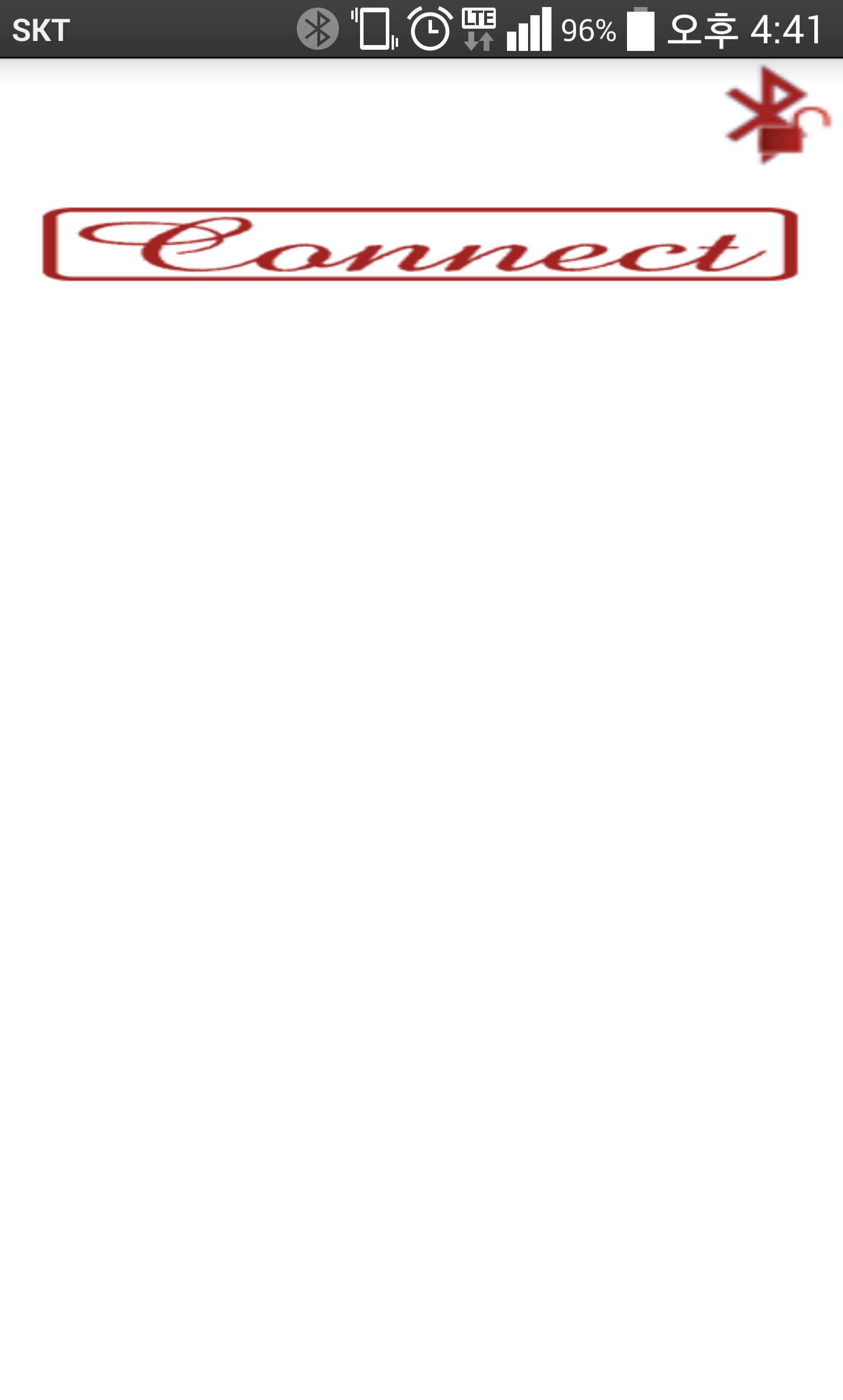
1. Run the app.
( 앱 실행 )
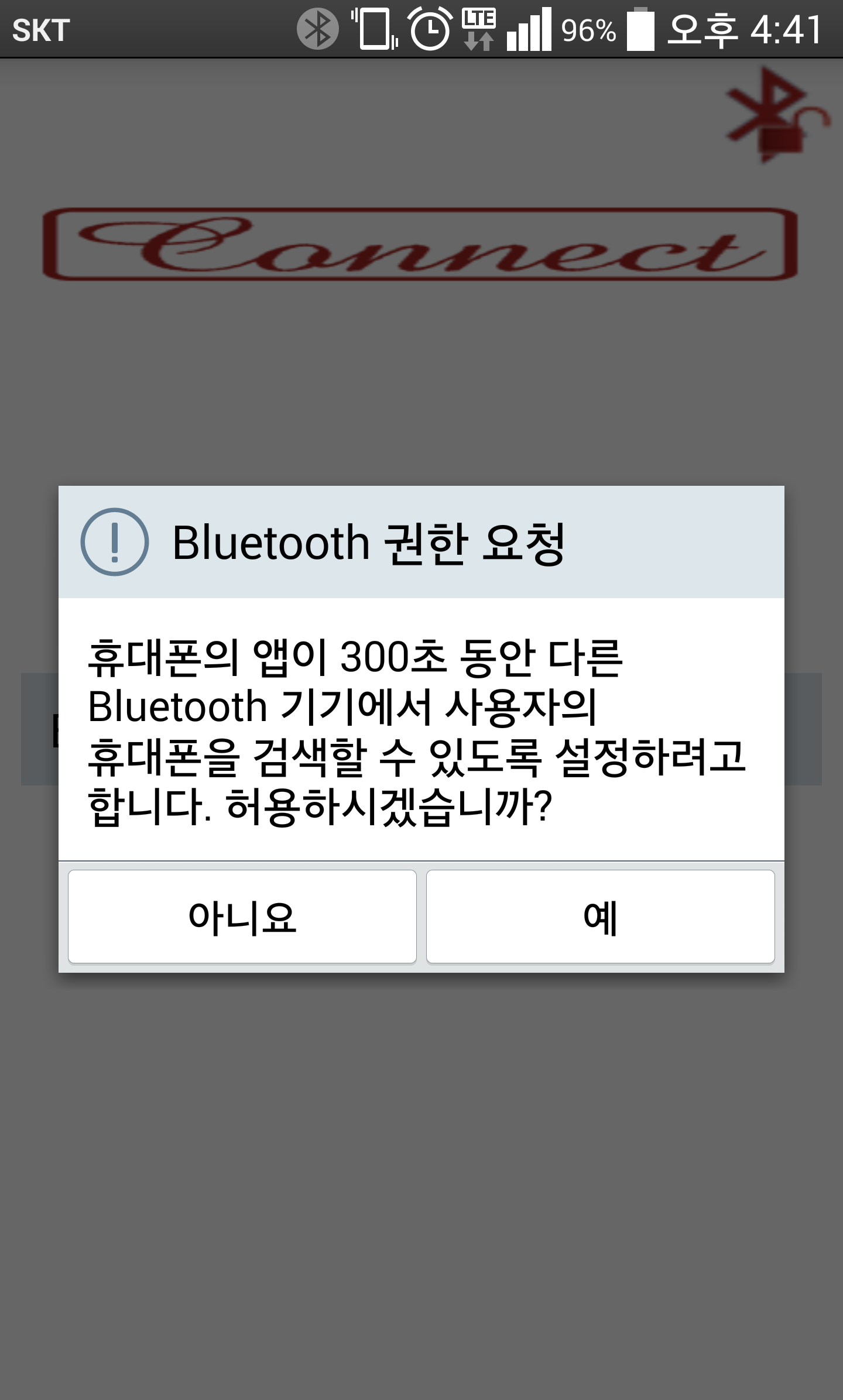
2. Click the button on the top right Bluetooth permission request.
( 우측 상단의 Bluetooth 권한 요청 버튼 클릭 )
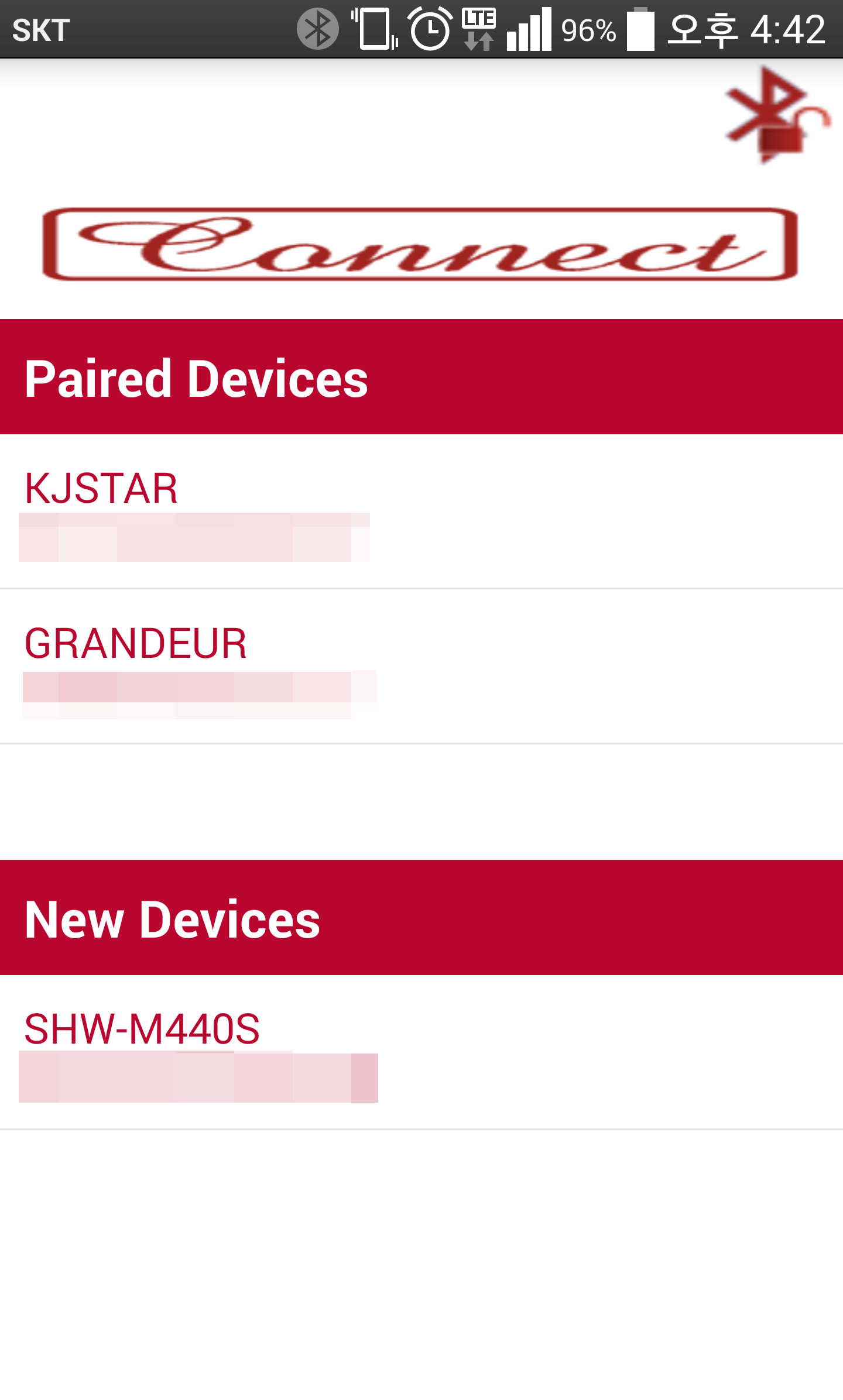
3. Click "Connect" button to connect with other devices.
( "Connect" 버튼 클릭으로 다른 기기와 연결 )
4. Select a remote controller or a camera.
( 리모트 컨트롤러 또는 카메라 선택 )
5. Using the remote camera.
( 원격 카메라 사용 )
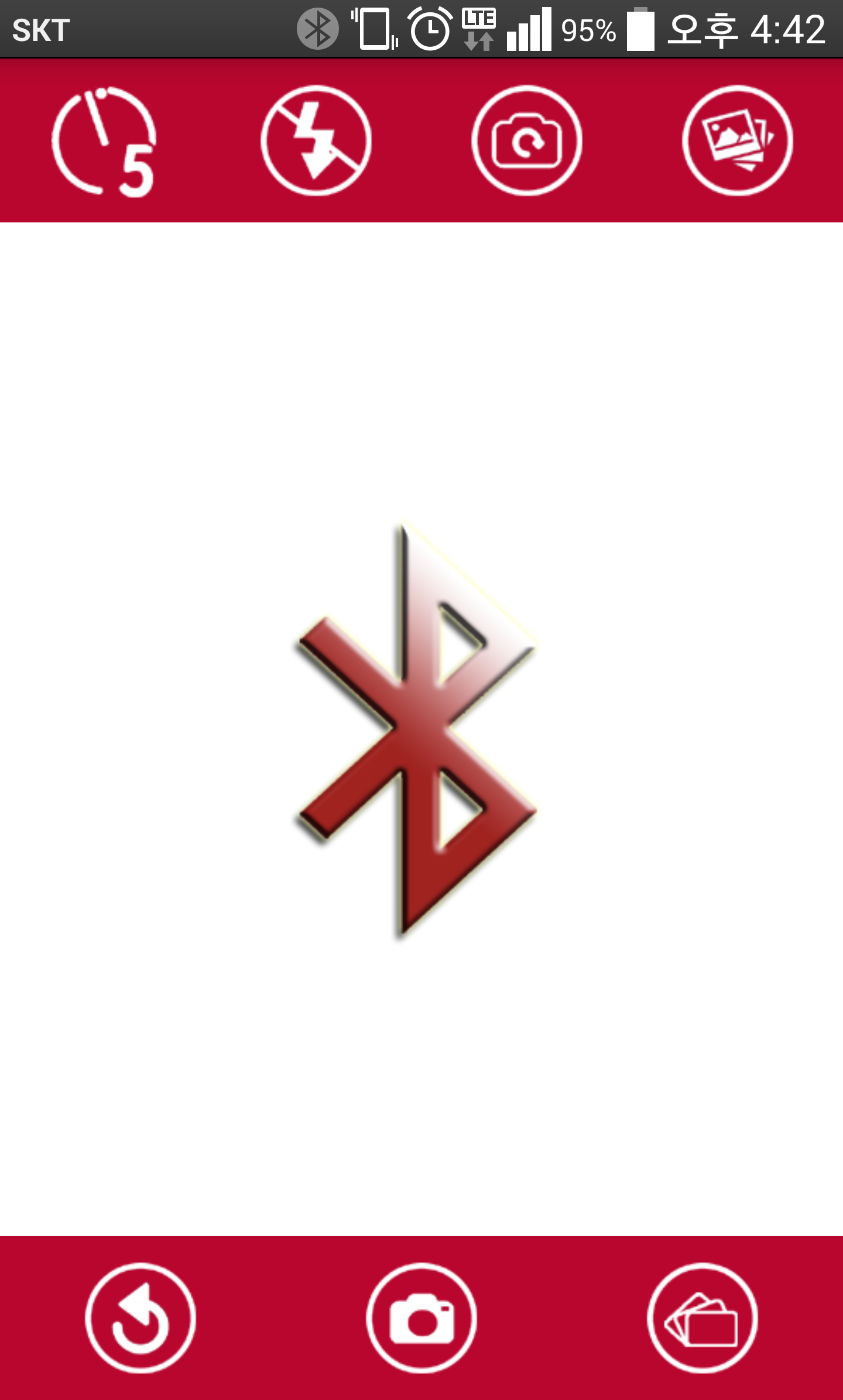
"Camera Features"
1. 5 seconds timer
2. Flash on/off when the rear camera
3. Switch FRONT/BACK
4. GALLERY
5. Re-shoots
6. Taking Pictures
7. Continuous Shooting
Searches related to Bluetooth, Camera, Remote Control, Remote Shutter,
블루투스, 카메라, 블루투스 카메라, 원격 카메라, Etc.
Release Date : 2015.03.29
Release Country : Republic of Korea.
1st Update : 2015.04.07 Picture size and orientation changes.
Nombre de paquete:
Categoría:
Fecha de actualización:
2015-04-07
Última versión:
1.1
Pedir actualización:
Requisitos:
Android 2.2+
Denunciar:

Google Fotos
El hogar de tus recuerdos. Rememora, comparte y organiza tus fotos.
8.9 3M+

Editor de video - InShot
Potente editor de videos y fotos con musica; app para cortar videos profesional
9.6 2M+

Photo Grid: Collage de Fotos & Editor de Fotos
App ganadora de Android Excellence 2018 seleccionada por Google Play : Collage
9.4 752K+


